

From my experience with REGAL, I found it excels at simplifying the machine learning lifecycle through automation, making it accessible to both data scientists and business users. The platform’s focus on collaboration and model explainability adds valuable transparency and team efficiency. However, the lack of publicly available pricing and limited integration details may require direct engagement with the company for enterprise use. Overall, if you need an automated, end-to-end machine learning platform with strong management and explainability features, REGAL delivers a solid solution.
REGAL AI Platform for Automated Machine Learning and Model Management
REGAL is an AI platform that automates building, managing, and deploying machine learning models with features for collaboration and explainability.
- Best for
- Automated Machine Learning
- Key capability
- AutoML Pipeline
Your actions
Save REGAL, follow its updates and vote on it — everything stays in your account.
Sign in or create a free account

What is REGAL?
REGAL is an AI-powered platform designed to automate the end-to-end machine learning lifecycle. It simplifies building, training, deploying, and managing machine learning models, enabling data scientists and business users to accelerate AI adoption without deep technical expertise. REGAL focuses on automating complex tasks such as feature engineering, model selection, hyperparameter tuning, and deployment, while providing tools for collaboration and model explainability.
Key features of REGAL
REGAL offers automated machine learning workflows, model management dashboards, data preparation tools, collaboration features, and explainability modules. Its web-based platform streamlines AI development from raw data to production-ready models, supporting teams in delivering scalable and interpretable AI solutions.
AutoML Pipeline
Automates data preprocessing, feature engineering, model selection, and hyperparameter tuning.
Model Management Dashboard
Centralized interface to track, version, and manage multiple machine learning models.
Collaboration Tools
Supports team workflows with shared projects, version control, and role-based access.
Explainability and Transparency
Provides tools to interpret model decisions and generate explainability reports.
Deployment and Monitoring
Enables seamless deployment of models with real-time monitoring and alerting.
Pros and cons of REGAL
Pros
- Automates complex machine learning tasks to save time
- User-friendly interface suitable for non-experts
- Supports collaboration among data science teams
- Includes model explainability for transparency
- Centralized model management and deployment
Cons
- Pricing details are not publicly available
- Limited information on supported integrations
- Primarily web-based with no mobile apps
Key use cases for REGAL
Automated Machine Learning
Enables users to build, train, and optimize machine learning models automatically without extensive coding.
Model Management
Provides tools to manage, monitor, and deploy machine learning models efficiently in production environments.
Data Preparation
Offers capabilities to clean, transform, and prepare datasets for machine learning workflows.
Collaboration for Data Science Teams
Facilitates team collaboration with shared workspaces and version control for models and datasets.
Model Explainability
Includes features to interpret and explain model predictions to improve transparency and trust.
How REGAL works
- 1
Upload Data
Users upload datasets to the REGAL platform through a simple web interface.
- 2
Automated Model Building
REGAL automatically preprocesses data, engineers features, selects algorithms, and tunes hyperparameters.
- 3
Model Evaluation and Explainability
Users review model performance metrics and interpretability reports to understand predictions.
- 4
Deploy and Monitor
Models can be deployed directly from the platform with ongoing monitoring and management.
Who is using REGAL
Data scientists seeking automation
Business analysts interested in AI
Enterprises deploying machine learning models
Data science teams requiring collaboration
Organizations needing model explainability
REGAL pricing
Contact for Pricing
Custom pricing
Pricing tailored to enterprise needs; contact REGAL for details.
Plans and prices are as published by the vendor and can change. Check the official site before you buy. Open the pricing page (opens in a new tab)
Frequently asked questions about REGAL
REGAL supports a variety of models including classification, regression, and time series forecasting models.
No, REGAL is designed to automate machine learning workflows, making it accessible to users with limited coding experience.
Yes, REGAL supports integration with common data storage solutions and formats for seamless data ingestion.
Yes, the platform includes tools to interpret and explain model predictions to enhance transparency.
This tool is designed to help users accomplish its core tasks more efficiently. It is typically used by individuals or teams looking to improve productivity and workflow.
Yes, it can help with that use case depending on how you configure it and what features are available. You’ll get the best results with clear inputs and a defined goal.
Yes, it can help with that use case depending on how you configure it and what features are available. You’ll get the best results with clear inputs and a defined goal.
It depends on your specific needs and how you plan to use the tool. The official website and documentation are the best sources for the latest details.
Sign in to review this tool.
Sign In to ReviewNo reviews yet
Be the first to share how this tool worked for you.
Ask about pricing, limits, or how it compares — or answer someone else.
Sign In to AskNo questions yet
Have a question about using or paying for this tool? Be the first to ask.
Featured on TiorAI



More AI Data & Analytics Tools tools
Other tools in the same category, for when this one is not quite the fit.

Free Trial
Ask On Data
Ask On Data is an open source, chat based ETL tool that turns plain English instructions into data pipelines for data migration, cleaning and analysis.

Free
Data Science Jobs
Data Science Jobs is a specialized job board offering free access to data science, machine learning, and analytics job listings worldwide.

Custom Pricing
Credit Report Analytics API
Digitap AI's Credit Report Analytics API automates extraction and analysis of credit report data, providing real-time risk scores and fraud detection to support financial decision-making.

Custom Pricing
clickworker
Clickworker is a crowdsourcing platform that connects businesses with a global network of freelancers to complete microtasks such as data annotation, content creation, and surveys, enabling scalable and flexible project execution.
Custom Pricing
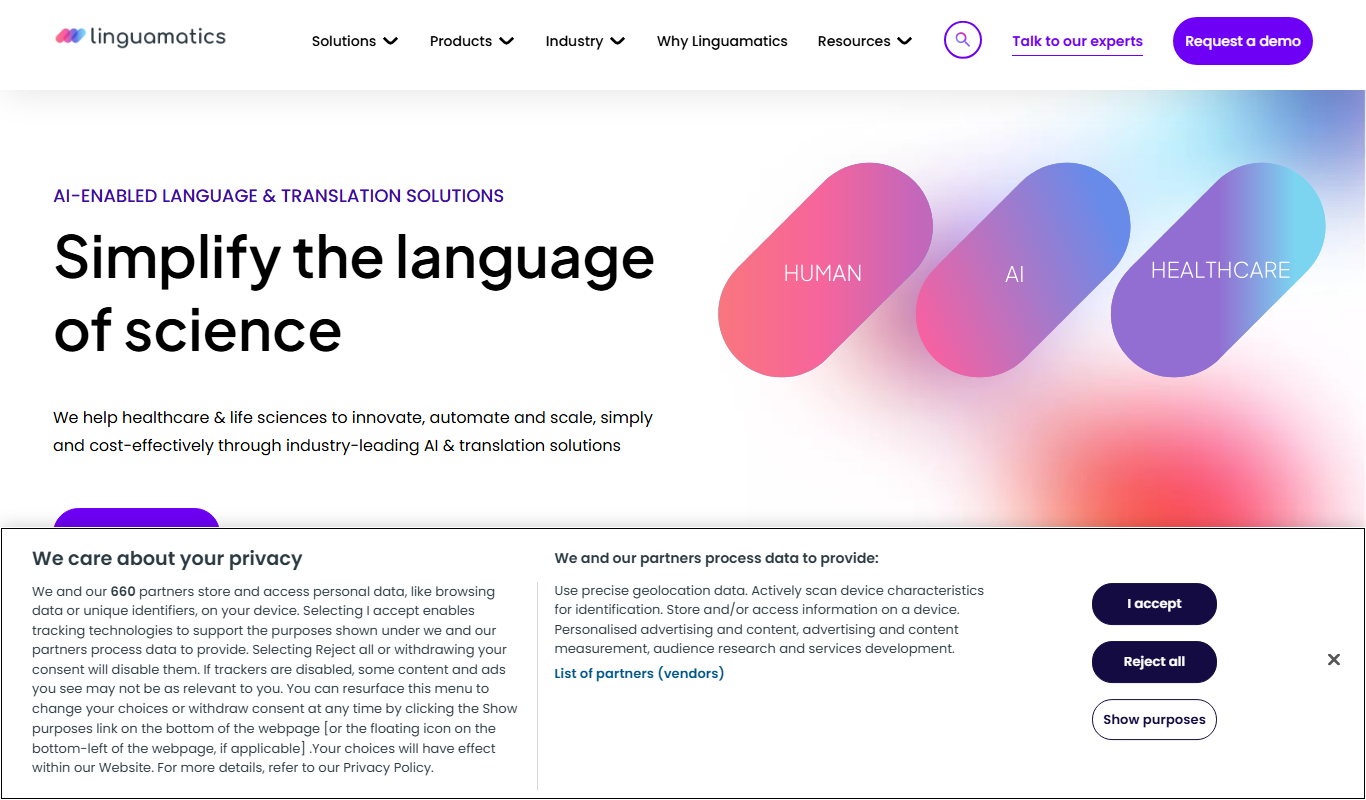
Linguamatics
Linguamatics is an NLP platform designed to extract structured data from unstructured healthcare and biomedical text, supporting drug discovery, clinical research, and regulatory compliance.
Free Trial
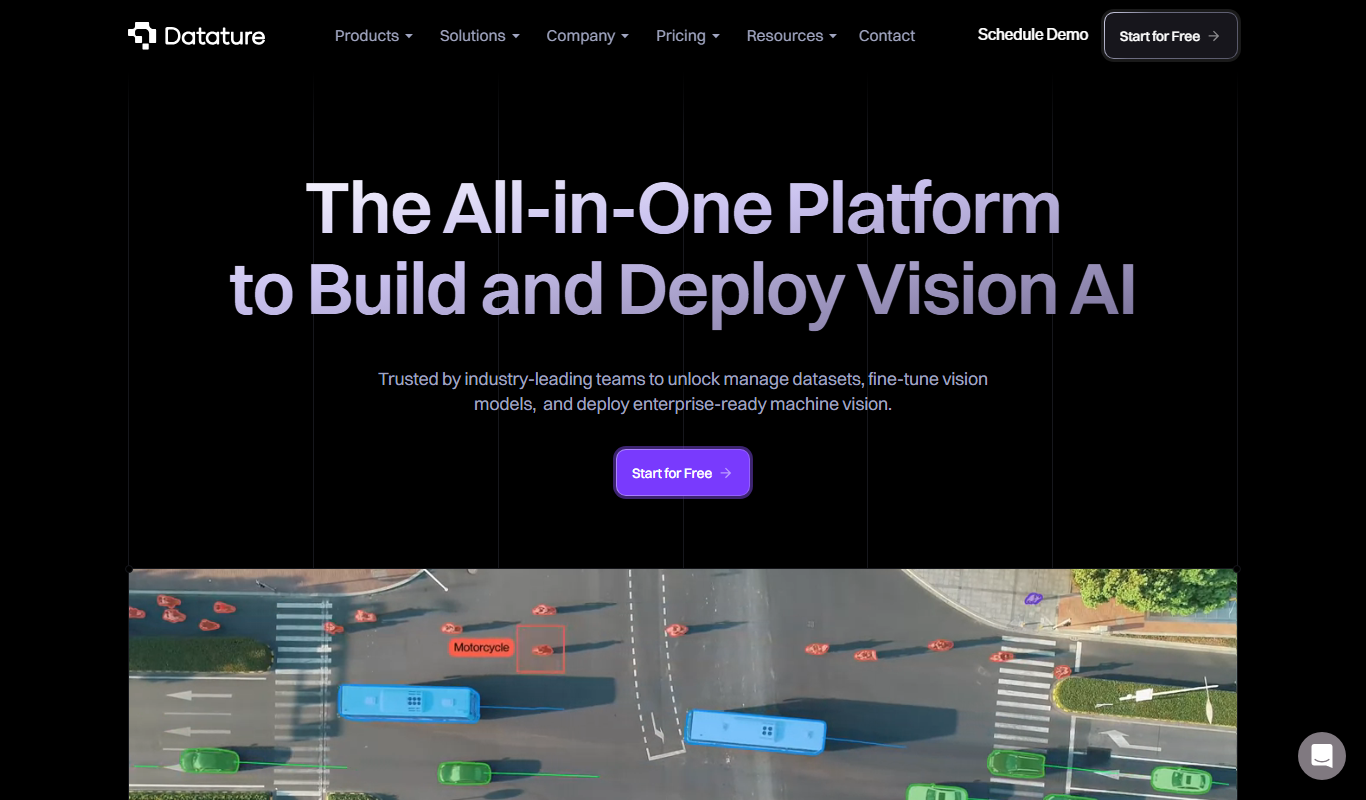
Datature
Datature is a comprehensive AI platform designed to streamline computer vision projects by providing tools for data annotation, model training, deployment, and team collaboration.
Custom Pricing
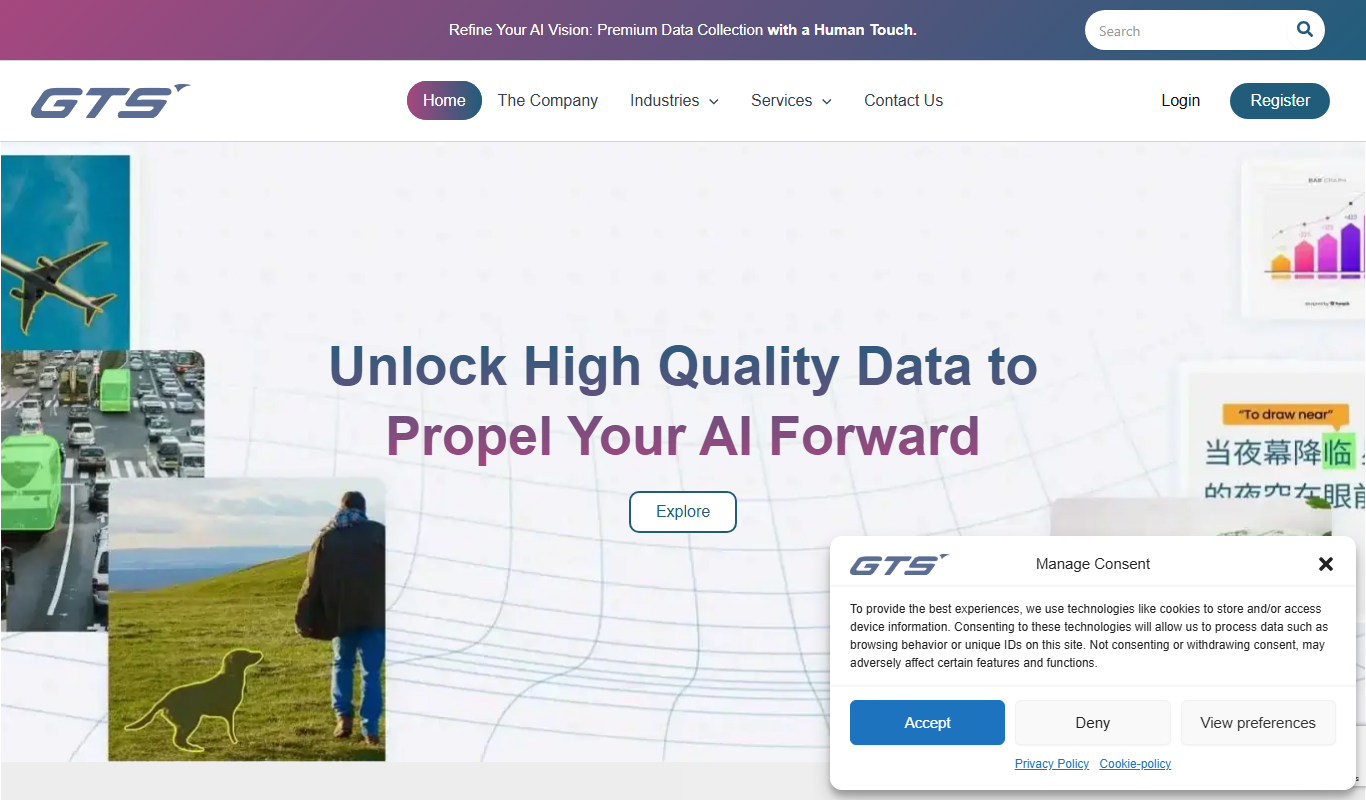
AI Data Collection Company
AI Data Collection Company by GTS AI provides specialized data annotation and collection services for AI and machine learning projects, supporting multiple data types with expert human annotators and quality assurance.

Custom Pricing
Scale
Scale AI is a data labeling platform that combines human expertise and machine learning to provide accurate annotated datasets for training AI models across various industries.