

Datature AI Platform for End-to-End Computer Vision Model Development
Datature is a comprehensive AI platform designed to streamline computer vision projects by providing tools for data annotation, model training, deployment, and team collaboration.
- Best for
- Data Annotation and Labeling
- Key capability
- Customizable Annotation Tools
Save Datature, follow its updates and vote on it — everything stays in your account.
Sign in or create a free account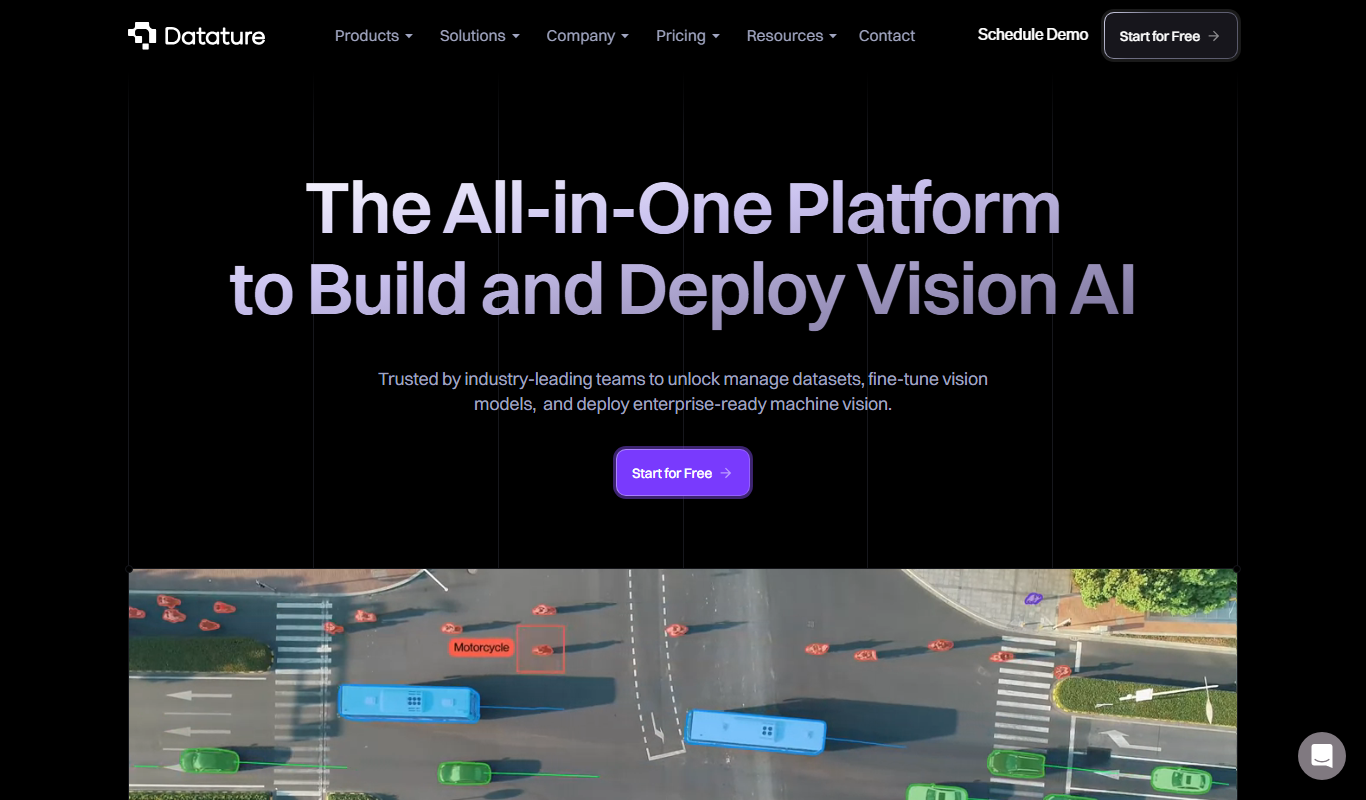
What is Datature?
Datature is an end-to-end AI platform designed specifically for computer vision projects. It streamlines the entire workflow from data annotation, model training, to deployment and monitoring. The platform offers an intuitive interface and automation tools that help teams accelerate the development of accurate and scalable computer vision models.
Key features of Datature
Datature’s main features include advanced data labeling tools, integrated model training pipelines, deployment capabilities, and collaborative project management. It supports various computer vision tasks such as object detection, classification, and segmentation, making it a comprehensive solution for AI teams.
Customizable Annotation Tools
Supports bounding boxes, polygons, keypoints, and semantic segmentation for diverse labeling needs.
Automated Model Training Pipelines
Simplifies training workflows with automation, reducing manual setup and accelerating experimentation.
Model Deployment & Monitoring
Enables seamless deployment with real-time monitoring to ensure model accuracy and reliability in production.
Collaboration and Access Control
Facilitates team collaboration with role-based access and project management features.
Pros and cons of Datature
Pros
- Comprehensive end-to-end computer vision workflow
- User-friendly annotation and labeling tools
- Integrated model training and deployment
- Strong collaboration features for teams
Cons
- Pricing details are not publicly listed, requiring contact for quotes
- Limited language support (English only)
Key use cases for Datature
Data Annotation and Labeling
Facilitates efficient image and video annotation with customizable labeling tools to prepare datasets for computer vision models.
Model Training and Experimentation
Enables users to train, validate, and optimize computer vision models using integrated pipelines and automated workflows.
Model Deployment and Monitoring
Supports deployment of trained models into production environments with monitoring tools to track performance and accuracy.
Collaboration for AI Teams
Provides collaborative features for data scientists, engineers, and annotators to work together seamlessly on AI projects.
How Datature works
- 1
Upload and Annotate Data
Users upload images or videos and use the platform’s annotation tools to label data accurately.
- 2
Train and Validate Models
Leverage built-in pipelines to train computer vision models and validate their performance with real-time metrics.
- 3
Deploy Models
Deploy trained models to production environments directly from the platform with monitoring capabilities.
- 4
Collaborate and Iterate
Team members collaborate on datasets, annotations, and model improvements to refine AI solutions continuously.
Who is using Datature
Datature pricing
Free
$0
Permanent free plan with 300 images.
Developer and Enterprise
Contact Sales
Developer and Enterprise plans are priced through Contact Sales.
Plans and prices are as published by the vendor and can change. Check the official site before you buy. Open the pricing page (opens in a new tab)
Frequently asked questions about Datature
Yes, Datature supports annotation for both images and videos to accommodate various computer vision datasets.
Yes, Datature allows you to deploy models to your preferred production environment with monitoring tools.
Yes, Datature has a permanent Free plan, and a 14-day trial is available under the Production Pilot.
Datature supports object detection, classification, segmentation, and keypoint detection tasks.
This tool is designed to help users accomplish its core tasks more efficiently. It is typically used by individuals or teams looking to improve productivity and workflow.
Data handling and security practices vary by provider. Review the official privacy policy to understand how your data is stored and used.
Some tools offer a free plan or trial with limited features. Availability can vary, so confirm on the official website.
Conclusion
Uploading images or videos starts the Datature workflow, followed by labeling with bounding boxes, polygons, keypoints or semantic segmentation. Built-in pipelines then train computer vision models and validate them with real-time metrics, and trained models can be deployed to production environments with monitoring. Supported tasks include object detection, classification, segmentation and keypoint detection.
The platform is designed for AI development teams, machine learning engineers and data scientists working on computer vision, with role-based access for shared projects. Pricing starts with a permanent Free plan covering 300 images, while the Developer and Enterprise plans are handled through Contact Sales. A 14-day trial also exists, offered under the Production Pilot.
Sources
Sign in to review this tool.
Sign In to ReviewNo reviews yet
Be the first to share how this tool worked for you.
Ask about pricing, limits, or how it compares — or answer someone else.
Sign In to AskNo questions yet
Have a question about using or paying for this tool? Be the first to ask.
Featured on TiorAI



More AI Data & Analytics Tools tools
Other tools in the same category, for when this one is not quite the fit.

Ask On Data
Ask On Data is an open source, chat based ETL tool that turns plain English instructions into data pipelines for data migration, cleaning and analysis.

Data Science Jobs
Data Science Jobs is a specialized job board offering free access to data science, machine learning, and analytics job listings worldwide.

Credit Report Analytics API
Digitap AI's Credit Report Analytics API automates extraction and analysis of credit report data, providing real-time risk scores and fraud detection to support financial decision-making.

clickworker
Clickworker is a crowdsourcing platform that connects businesses with a global network of freelancers to complete microtasks such as data annotation, content creation, and surveys, enabling scalable and flexible project execution.
Linguamatics
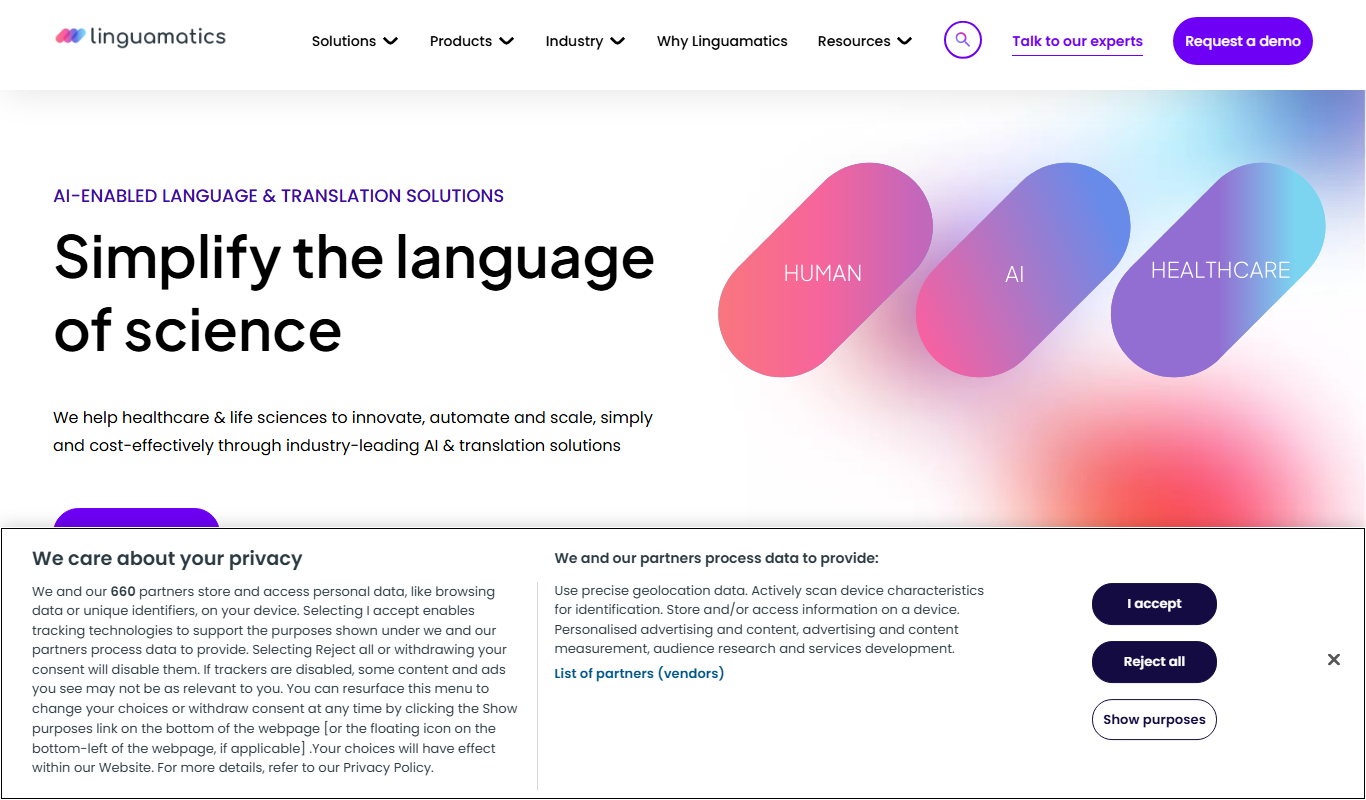
Linguamatics is an NLP platform designed to extract structured data from unstructured healthcare and biomedical text, supporting drug discovery, clinical research, and regulatory compliance.
AI Data Collection Company
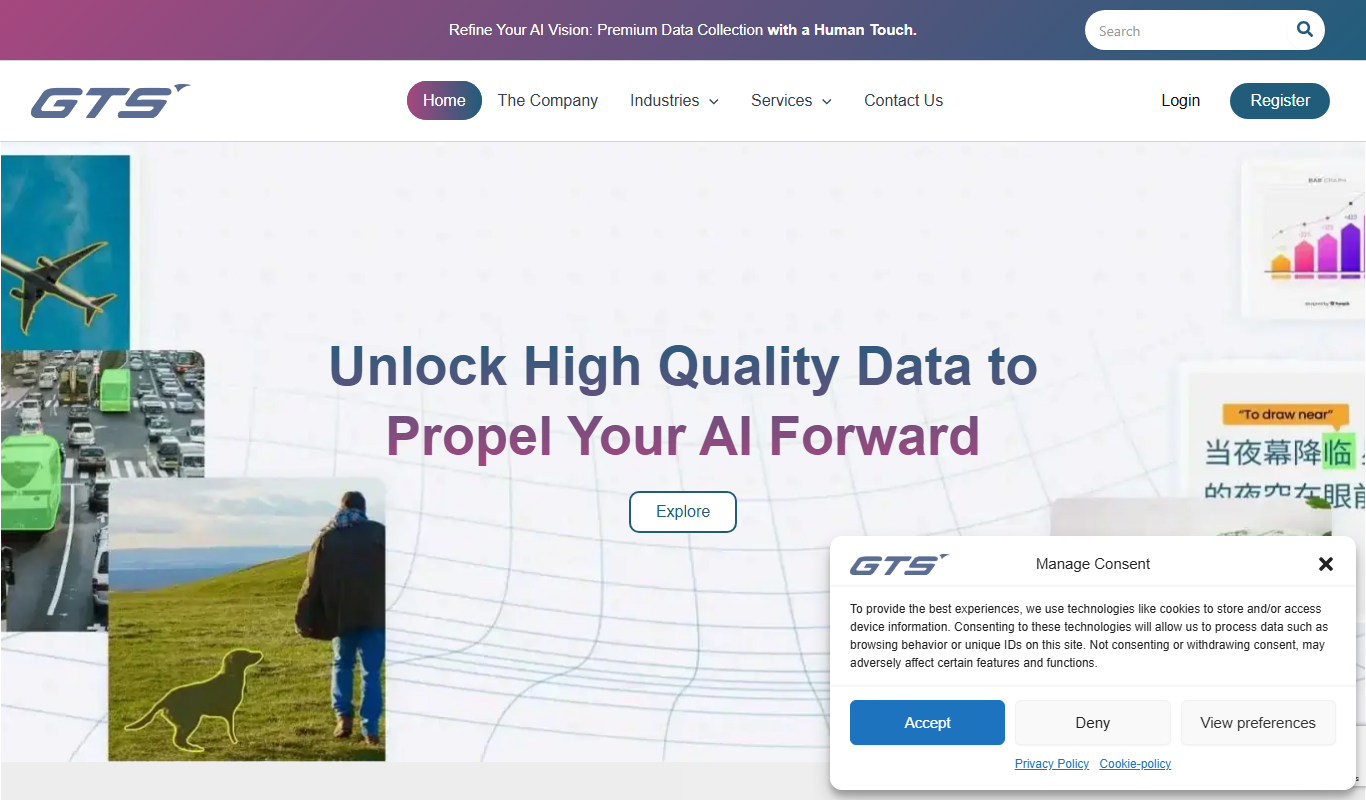
AI Data Collection Company by GTS AI provides specialized data annotation and collection services for AI and machine learning projects, supporting multiple data types with expert human annotators and quality assurance.

Scale
Scale AI is a data labeling platform that combines human expertise and machine learning to provide accurate annotated datasets for training AI models across various industries.

infiniteanalytics.com
Infinite Analytics is an AI-powered data analytics platform that provides predictive modeling, customer segmentation, and anomaly detection to help businesses make data-driven decisions.