

From my experience with Clickworker, I found it excels at providing a scalable and flexible workforce for microtask projects, especially in data annotation and content creation. The platform’s multilingual support and quality assurance processes make it reliable for AI training data and market research tasks. However, the pricing can be somewhat opaque without direct consultation, and the lack of mobile apps limits on-the-go management. Overall, if you need to outsource large volumes of small tasks efficiently with quality controls, Clickworker is a solid choice.
Clickworker Platform for Crowdsourced Microtasks and Data Services
Clickworker is a crowdsourcing platform that connects businesses with a global network of freelancers to complete microtasks such as data annotation, content creation, and surveys, enabling scalable and flexible project execution.
- Best for
- Data Annotation and Labeling
- Key capability
- Large Global Crowd

Do you recommend this tool?
What is clickworker?
Clickworker is a crowdsourcing platform that connects businesses with a global network of freelance workers who perform microtasks such as data annotation, content creation, and surveys. It helps companies scale data-related projects by distributing work to a large, diverse crowd, improving speed and flexibility.
Key features of clickworker
The platform offers task management, quality assurance mechanisms, multilingual support, and a large pool of vetted workers. It supports various task types including text, image, audio, and survey tasks, making it versatile for AI training data and content generation needs.
Large Global Crowd
Access to hundreds of thousands of freelancers worldwide for scalable task completion.
Multilingual Support
Tasks can be completed in multiple languages to support global projects.
Quality Control Processes
Built-in validation and review steps to maintain high data quality.
Flexible Task Types
Supports a variety of microtasks including text, image, audio, and survey tasks.
Secure Data Handling
Ensures confidentiality and secure processing of client data.
Pros and cons of clickworker
Pros
- Access to a large, diverse workforce
- Supports multiple languages
- Flexible task types for various needs
- Robust quality assurance processes
- No subscription fees, pay per task
Cons
- Pricing can vary and may be unclear upfront
- Limited platform integrations
- Primarily web-based with no mobile app
Key use cases for clickworker
Data Annotation and Labeling
Clickworker enables companies to outsource data annotation tasks such as image tagging, text categorization, and audio transcription to a distributed workforce.
Content Creation and Writing
Businesses can use Clickworker to generate product descriptions, SEO texts, and other written content through a network of freelance writers.
Surveys and Market Research
Clickworker provides access to a global crowd for conducting surveys, collecting feedback, and performing market research tasks.
Data Validation and Quality Assurance
The platform supports quality checks and validation tasks to ensure data accuracy and consistency for AI and machine learning projects.
Microtask Automation Support
Clickworker breaks down large projects into microtasks that can be completed quickly by many workers, accelerating project timelines.
How clickworker works
- 1
Create an Account
Sign up on the Clickworker platform to access the client dashboard.
- 2
Define Your Project
Specify the type of microtasks you need completed, such as data labeling or content writing.
- 3
Upload Tasks
Submit your data or task instructions to the platform for distribution.
- 4
Crowd Completes Tasks
Clickworker’s crowd of freelancers completes the microtasks according to your specifications.
- 5
Quality Assurance
The platform applies quality checks and validation to ensure task accuracy.
- 6
Download Results
Receive the completed and verified data or content ready for your use.
Who is using clickworker
AI and machine learning teams
Market research firms
E-commerce companies
Content marketing agencies
Data scientists and analysts
clickworker pricing
Pay-as-you-go
Varies
Pricing depends on task complexity and volume; no fixed subscription fees.
Plans and prices are as published by the vendor and can change. Check the official site before you buy. Open the pricing page (opens in a new tab)
Frequently asked questions about clickworker
Businesses and organizations needing scalable microtask solutions for data or content projects.
Through multiple quality assurance steps including worker vetting, task validation, and review processes.
Tasks include data annotation, content writing, surveys, data validation, and more.
Yes, it is widely used to generate and label training data for machine learning models.
This tool is designed to help users accomplish its core tasks more efficiently. It is typically used by individuals or teams looking to improve productivity and workflow.
It depends on your specific needs and how you plan to use the tool. The official website and documentation are the best sources for the latest details.
Yes, it can help with that use case depending on how you configure it and what features are available. You’ll get the best results with clear inputs and a defined goal.
Data handling and security practices vary by provider. Review the official privacy policy to understand how your data is stored and used.
Sign in to review this tool.
Sign In to ReviewNo reviews yet
Be the first to share how this tool worked for you.
Ask about pricing, limits, or how it compares — or answer someone else.
Sign In to AskNo questions yet
Have a question about using or paying for this tool? Be the first to ask.
Featured on TiorAI



Alternative Tools
Explore similar AI tools that might fit your needs
Custom Pricing
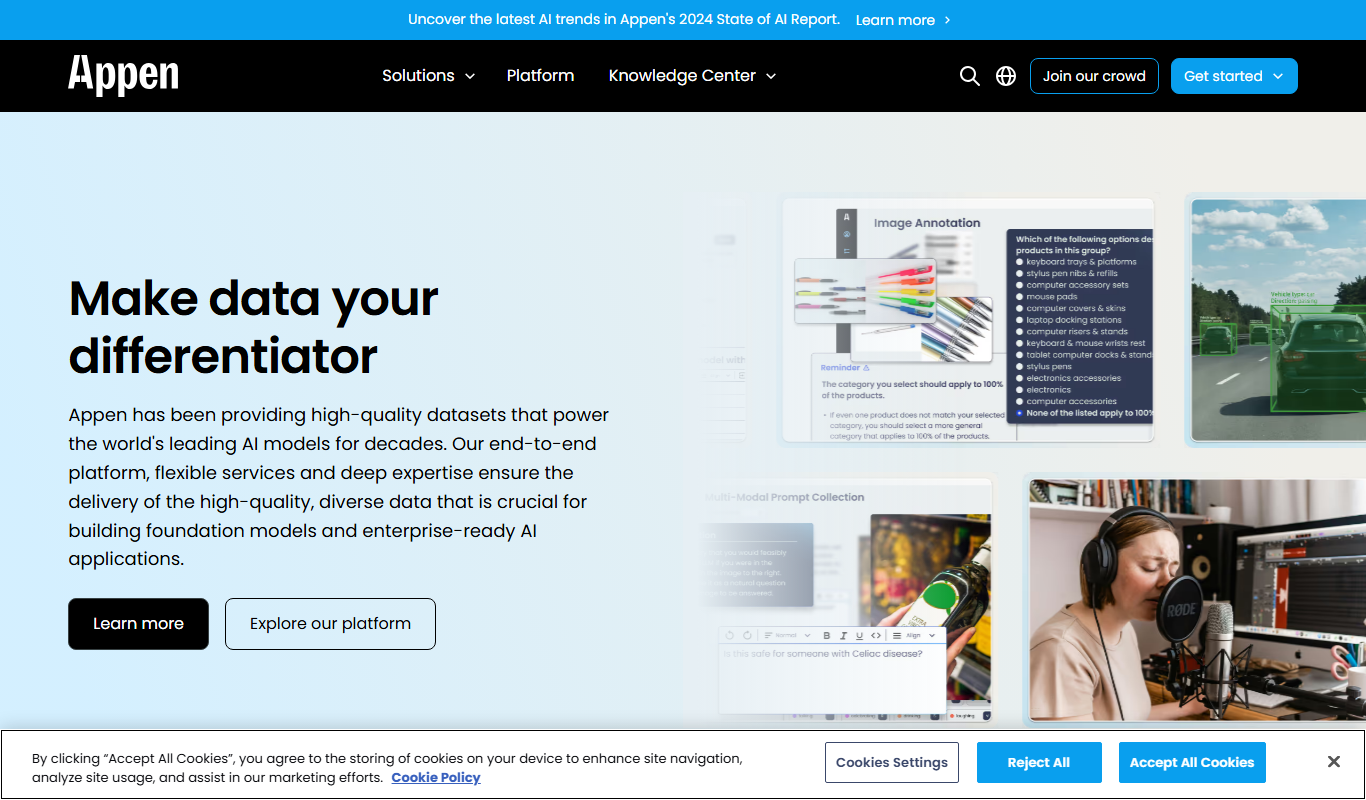
Appen
Appen is a platform offering scalable data annotation and collection services through a global crowd workforce to support AI and machine learning model training.
Custom Pricing
Figure Eight
Figure Eight is a data annotation platform that uses crowdsourced human intelligence to label data for training AI and machine learning models, supporting text, image, audio, and video annotation.
More AI Content Creation Tools tools
Other tools in the same category, for when this one is not quite the fit.

Freemium
Swifty
Swifty is an AI writing assistant that helps users create and edit English content quickly with AI-generated suggestions and grammar corrections.
Freemium
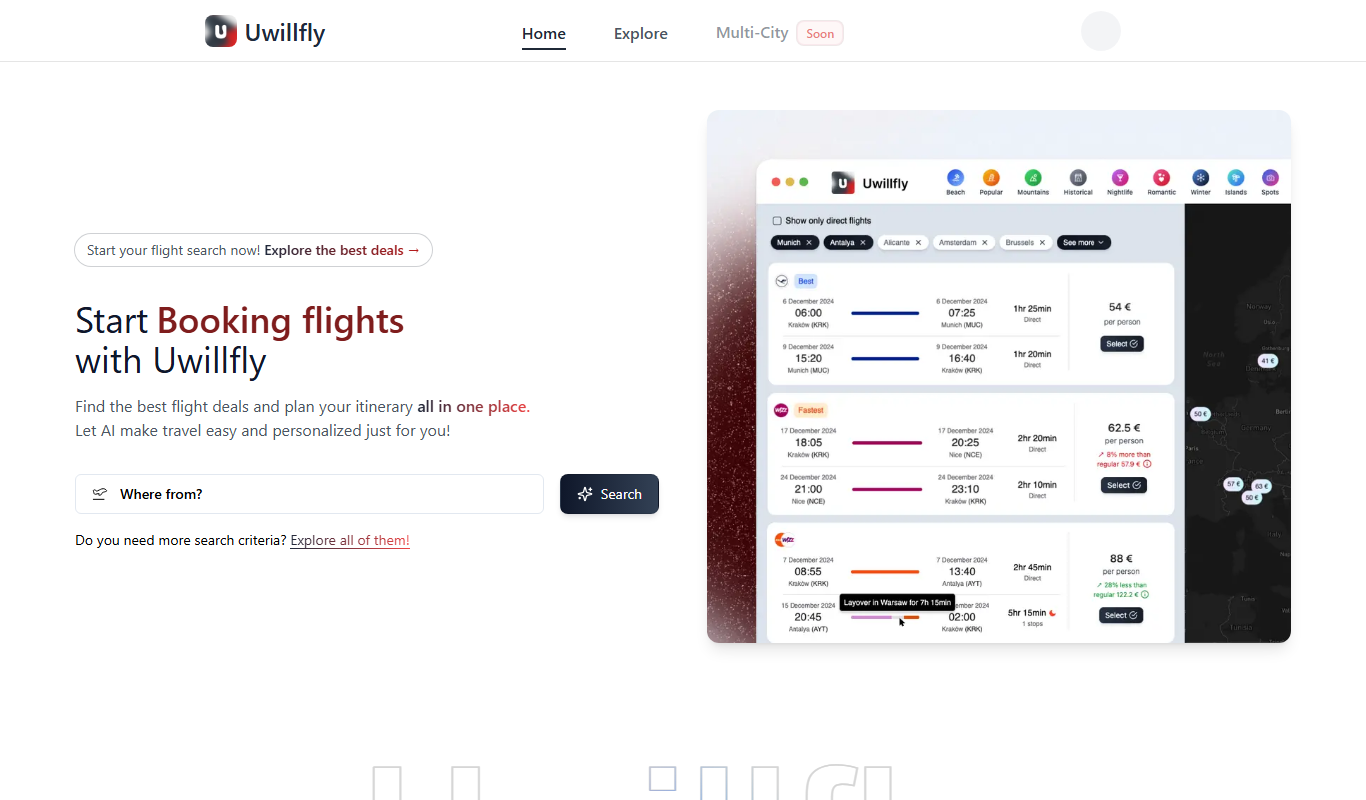
Uwillfly
Uwillfly is an AI-powered writing assistant that generates SEO-optimized articles, marketing copy, and content in English and Chinese to help marketers and writers create content faster.

Freemium
Smart Pineapple
Smart Pineapple is an AI-powered writing assistant designed to generate SEO-friendly content, including blog posts and marketing copy, through an easy-to-use web platform.

Freemium
Explra
Explra is an AI-powered writing assistant designed to help marketers and content creators generate SEO-friendly content quickly and efficiently.
Freemium
Ai & Stuff
Ai & Stuff is a web platform providing multiple AI-powered tools for generating text and images, automating content tasks, and assisting creative workflows.

Free
AI Listify
AI Listify is an AI-driven tool that generates structured lists for content marketing, SEO, and idea organization, helping users create engaging and readable lists quickly.

Freemium
iSamurai
iSamurai is an AI-powered writing assistant that generates SEO-friendly content including blog posts and marketing copy to help businesses and creators save time and improve content quality.
Free
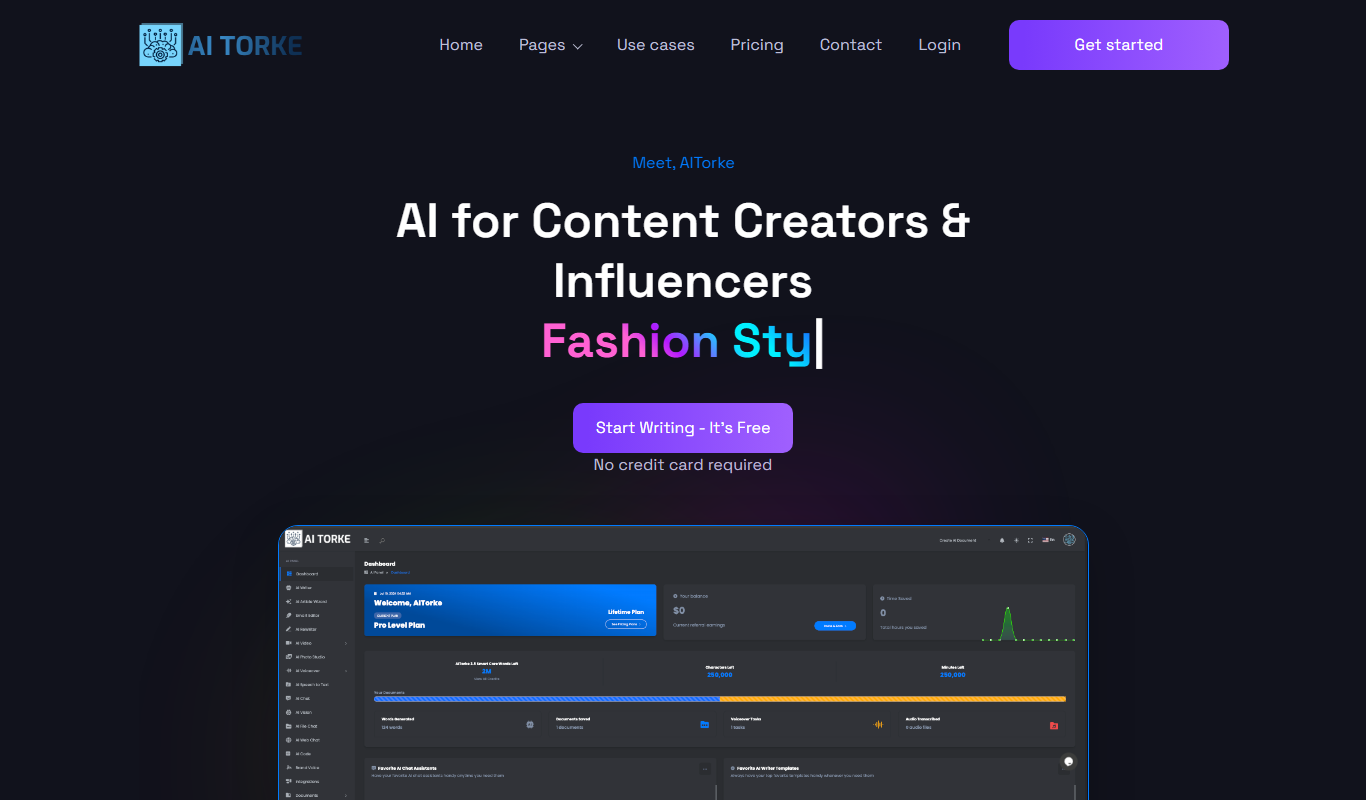
AITorke
AITorke is an AI writing assistant that helps users generate, optimize, and edit content with SEO tools and AI-powered suggestions.