

From my experience with Ask On Data, I found it excels at making complex data accessible to non-technical users through natural language queries. The platform’s ability to translate everyday questions into actionable insights without requiring SQL knowledge is a significant advantage for business teams. After spending time with the tool, I can say it’s particularly well-suited for small to medium businesses and marketing teams looking to democratize data access. However, the platform currently supports only English and is primarily web-based, which may limit some users. Overall, if you want quick, visual answers from your data without technical barriers, Ask On Data delivers solid results.
Ask On Data AI Platform for Natural Language Data Queries and Insights
Ask On Data is an AI-powered platform that enables users to ask questions about their data in natural language and receive instant visual insights without needing technical skills.
- Best for
- Natural Language Data Queries
- Key capability
- Natural Language Query Interface


Do you recommend this tool?
What is Ask On Data?
Ask On Data is an AI-powered platform that enables users to interact with their data using natural language queries. Instead of writing complex SQL or using traditional BI tools, users simply type questions in plain English and receive instant, actionable insights. The platform translates these queries into data operations, providing visualizations and reports that help businesses make informed decisions quickly.
Key features of Ask On Data
Ask On Data offers natural language processing to interpret user questions, seamless integration with multiple data sources, automatic generation of visual reports, and a user-friendly web interface designed for business users without technical backgrounds.
Natural Language Query Interface
Allows users to ask data questions in everyday language, eliminating the need for SQL.
Multi-Source Data Integration
Supports connections to various databases and data warehouses for comprehensive analysis.
Automated Data Visualization
Generates charts and graphs automatically based on query results for easier interpretation.
User-Friendly Web Platform
Designed for business users with intuitive navigation and minimal setup.
Real-Time Data Access
Provides up-to-date insights by querying live data sources.
Pros and cons of Ask On Data
Pros
- No technical skills required to query data
- Supports multiple data source integrations
- Automatic and clear data visualizations
- User-friendly interface for business users
- Quick insights with natural language processing
Cons
- Limited languages supported (English only)
- Pricing details not fully transparent without contact
- Primarily web-based, no mobile app available
Key use cases for Ask On Data
Natural Language Data Queries
Users can ask questions about their data in plain English without needing SQL or technical skills.
Business Intelligence Reporting
Generate reports and dashboards automatically based on user queries to support decision-making.
Data Visualization
Visualize query results with charts and graphs to better understand trends and patterns.
Data Exploration for Non-Technical Users
Empowers business users to explore datasets and gain insights without relying on data analysts.
Integration with Data Sources
Connects to various databases and data warehouses to provide real-time answers.
How Ask On Data works
- 1
Connect Data Sources
Link your databases or data warehouses to the Ask On Data platform securely.
- 2
Ask Questions in Natural Language
Type your data questions in plain English without needing technical query languages.
- 3
Receive Instant Insights
The platform processes your query and returns visualized data insights and reports.
- 4
Refine and Explore
Interact further by refining questions or exploring related data points.
Who is using Ask On Data
Business analysts
Marketing teams
Small and medium businesses
Data-driven decision makers
Non-technical business users
Ask On Data pricing
Free Trial
$0 for 14 days
Access core features with limited queries to evaluate the platform.
Professional
$49/month
Full access to natural language queries, integrations, and visualizations with usage limits.
Enterprise
Custom pricing
Tailored solutions with advanced features, dedicated support, and higher usage limits.
Plans and prices are as published by the vendor and can change. Check the official site before you buy. Open the pricing page (opens in a new tab)
Frequently asked questions about Ask On Data
No, the platform is designed for users to ask questions in natural language without any SQL knowledge.
Ask On Data supports popular databases and data warehouses such as MySQL, PostgreSQL, Snowflake, and others.
Yes, the platform uses secure connections and follows industry best practices to protect your data.
Yes, the platform automatically generates charts and graphs based on your query results.
Data handling and security practices vary by provider. Review the official privacy policy to understand how your data is stored and used.
Data handling and security practices vary by provider. Review the official privacy policy to understand how your data is stored and used.
Data handling and security practices vary by provider. Review the official privacy policy to understand how your data is stored and used.
Sign in to review this tool.
Sign In to ReviewNo reviews yet
Be the first to share how this tool worked for you.
Ask about pricing, limits, or how it compares — or answer someone else.
Sign In to AskNo questions yet
Have a question about using or paying for this tool? Be the first to ask.
Featured on TiorAI



Alternative Tools
Explore similar AI tools that might fit your needs
Contact Sales
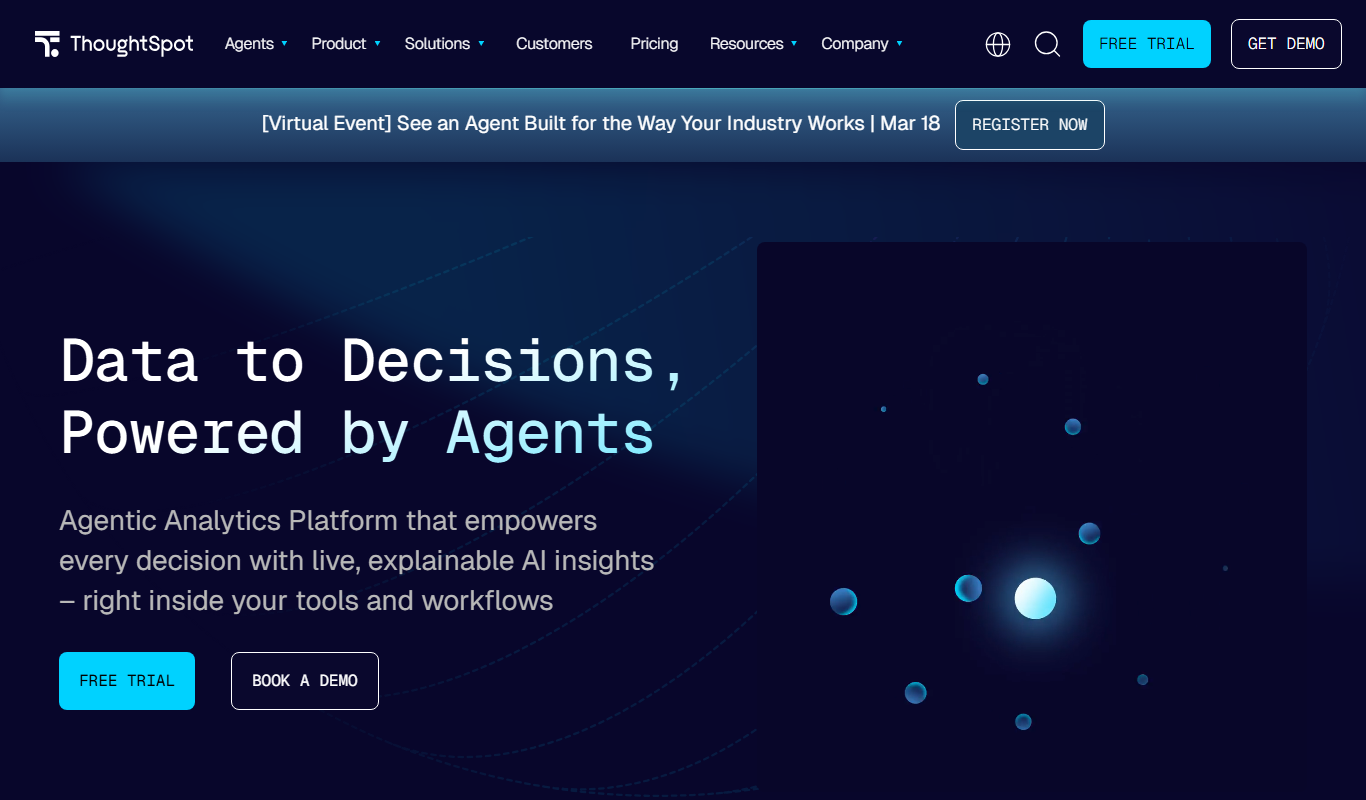
ThoughtSpot
ThoughtSpot is an AI-powered analytics platform that allows users to perform natural language searches on data to generate instant business insights and interactive dashboards without needing technical skills.
More AI Ai Tools tools
Other tools in the same category, for when this one is not quite the fit.

Free
Pogo Travel
Pogo Travel is an AI-driven platform that generates personalized travel itineraries based on your preferences, travel dates, and interests, offering collaborative planning and offline access.

Freemium
PlaninGo
PlaninGo is an AI travel planning tool that generates personalized trip itineraries and guides based on your preferences, helping you plan efficient and enjoyable trips.

Free
Travelwiz
Travelwiz is an AI-powered travel planning tool that creates personalized trip itineraries and offers tailored travel recommendations based on user preferences.

Free
Momo
Momo is an AI-powered assistant that automates workflows, manages tasks, and enhances team collaboration by integrating with popular productivity tools.

Free
Nextrip
Nextrip AI is an online travel planning tool that uses artificial intelligence to generate personalized trip itineraries based on your preferences, travel dates, and destinations.

Freemium
TravelBot AI Travel Assistant
TravelBot AI Travel Assistant is a web-based platform that uses artificial intelligence to help users create personalized travel itineraries, book flights and hotels, and receive tailored travel recommendations based on preferences and budget.

Freemium
AIreelity
AIreelity is an AI-driven video creation platform that transforms text scripts into engaging marketing videos with customizable templates and AI voiceovers.

Free
AIJOURNEY
AIJOURNEY is an AI-driven career development tool that provides personalized career path recommendations, identifies skill gaps, and offers curated learning resources to help users advance professionally.