

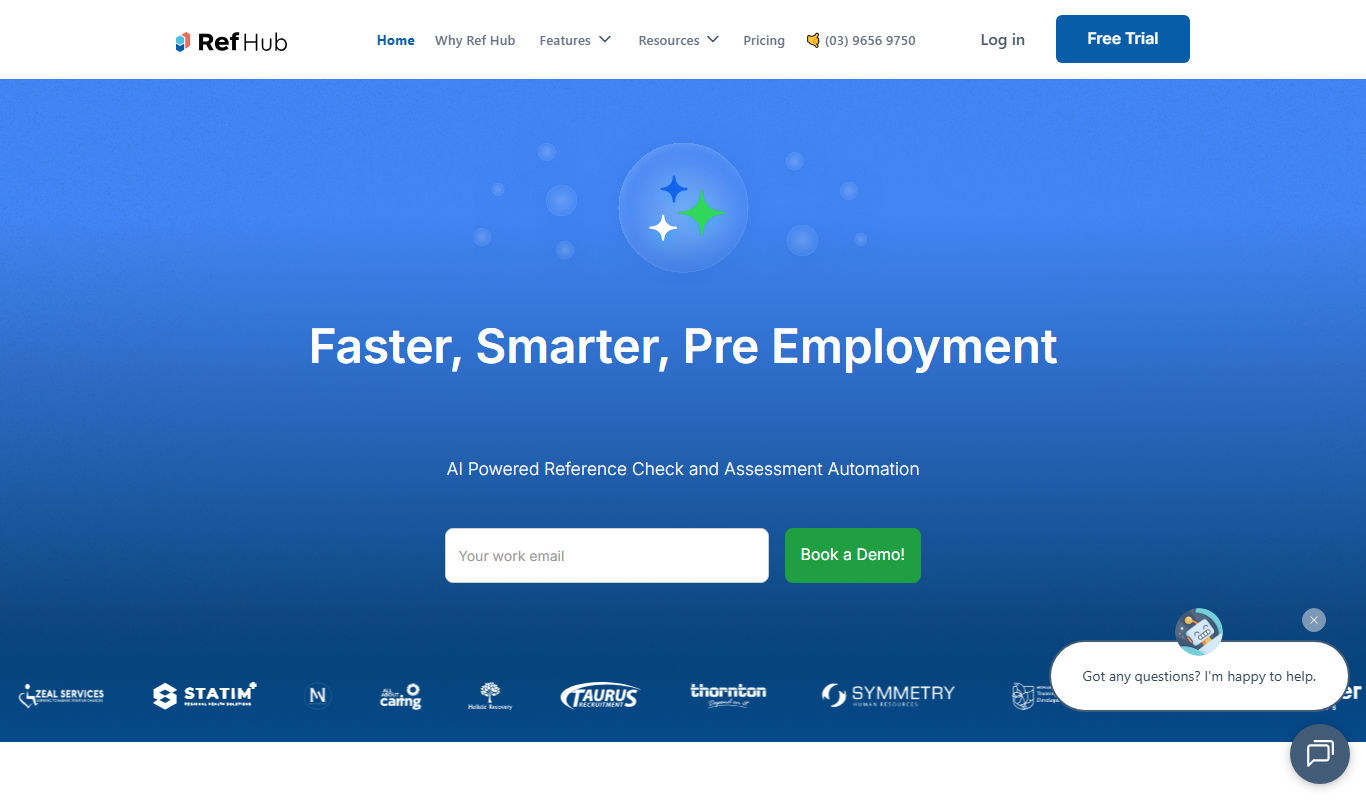
From my experience with Ref Hub, I found it excels at simplifying the often tedious task of managing academic references with a clean, easy-to-use interface. It is particularly well-suited for university students and researchers who need reliable citation generation and collaborative features. However, since it is primarily web-based with limited mobile support, users who prefer mobile apps might find it less convenient. Overall, for those focused on Australian academic standards and looking for straightforward reference management, Ref Hub delivers solid, practical functionality.
Ref Hub Australia - Comprehensive Reference Management and Citation Tool
Ref Hub is a web-based Australian reference management tool designed to help students and researchers organize bibliographic data and generate citations efficiently.
- Best for
- Academic Research
- Key capability
- Multiple Citation Styles
Do you recommend this tool?
What is Ref Hub?
Ref Hub is an Australian web-based reference management tool designed to help students, researchers, and academics organize their bibliographic data and generate citations effortlessly. It streamlines the process of managing references, ensuring accuracy and saving time during academic writing.
Key features of Ref Hub
Ref Hub offers features such as easy import of references, citation style formatting, collaborative library sharing, and a user-friendly interface tailored for academic workflows.
Multiple Citation Styles
Supports popular citation formats like APA, MLA, Chicago, and more.
Reference Import
Import references from academic databases and export files.
Collaborative Sharing
Share reference libraries with colleagues for joint research.
User-Friendly Interface
Clean and intuitive design focused on academic users.
Pros and cons of Ref Hub
Pros
- Simple and clean user interface tailored for academic users
- Supports multiple citation styles for diverse academic needs
- Collaboration features for group research projects
Cons
- Limited mobile app support; primarily web-based
- Pricing plans may be restrictive for heavy users
Key use cases for Ref Hub
Academic Research
Organize and manage references efficiently for academic papers and theses.
Citation Generation
Automatically generate citations and bibliographies in multiple styles.
Collaborative Projects
Share reference libraries with peers for group research projects.
Literature Review
Keep track of sources and notes during literature review processes.
How Ref Hub works
- 1
Create an Account
Sign up on the Ref Hub website to start managing your references.
- 2
Import References
Add references manually or import them from databases and files.
- 3
Organize Libraries
Group references into folders or projects for better management.
- 4
Generate Citations
Select citation styles and generate bibliographies for your documents.
Who is using Ref Hub
University students
Academic researchers
Educators and lecturers
Research institutions
Graduate students
Ref Hub pricing
Free
$0/month
Basic reference management with limited storage and features.
Premium
$9.99/month
Expanded storage, advanced features, and priority support.
Plans and prices are as published by the vendor and can change. Check the official site before you buy. Open the pricing page (opens in a new tab)
Frequently asked questions about Ref Hub
Yes, Ref Hub supports importing references from various databases and compatible file formats.
Yes, you can share your reference libraries with other users for group work.
Ref Hub supports multiple citation styles including APA, MLA, Chicago, Harvard, and more.
It depends on your specific needs and how you plan to use the tool. The official website and documentation are the best sources for the latest details.
Some tools offer a free plan or trial with limited features. Availability can vary, so confirm on the official website.
Yes, it can help with that use case depending on how you configure it and what features are available. You’ll get the best results with clear inputs and a defined goal.
Sign in to review this tool.
Sign In to ReviewNo reviews yet
Be the first to share how this tool worked for you.
Ask about pricing, limits, or how it compares — or answer someone else.
Sign In to AskNo questions yet
Have a question about using or paying for this tool? Be the first to ask.
Featured on TiorAI



Alternative Tools
Explore similar AI tools that might fit your needs

Free
Zotero
Zotero is a free, open-source reference management tool that helps researchers collect, organize, cite, and share research materials with browser integration and citation style support.

Free
Mendeley
Mendeley is a reference management software and academic social network that helps researchers organize PDFs, generate citations, and collaborate with peers.

Paid
EndNote
EndNote is a reference management software that helps researchers collect, organize, and cite sources efficiently in academic writing.
More Academic Tools tools
Other tools in the same category, for when this one is not quite the fit.
Freemium
Scholarbot AI
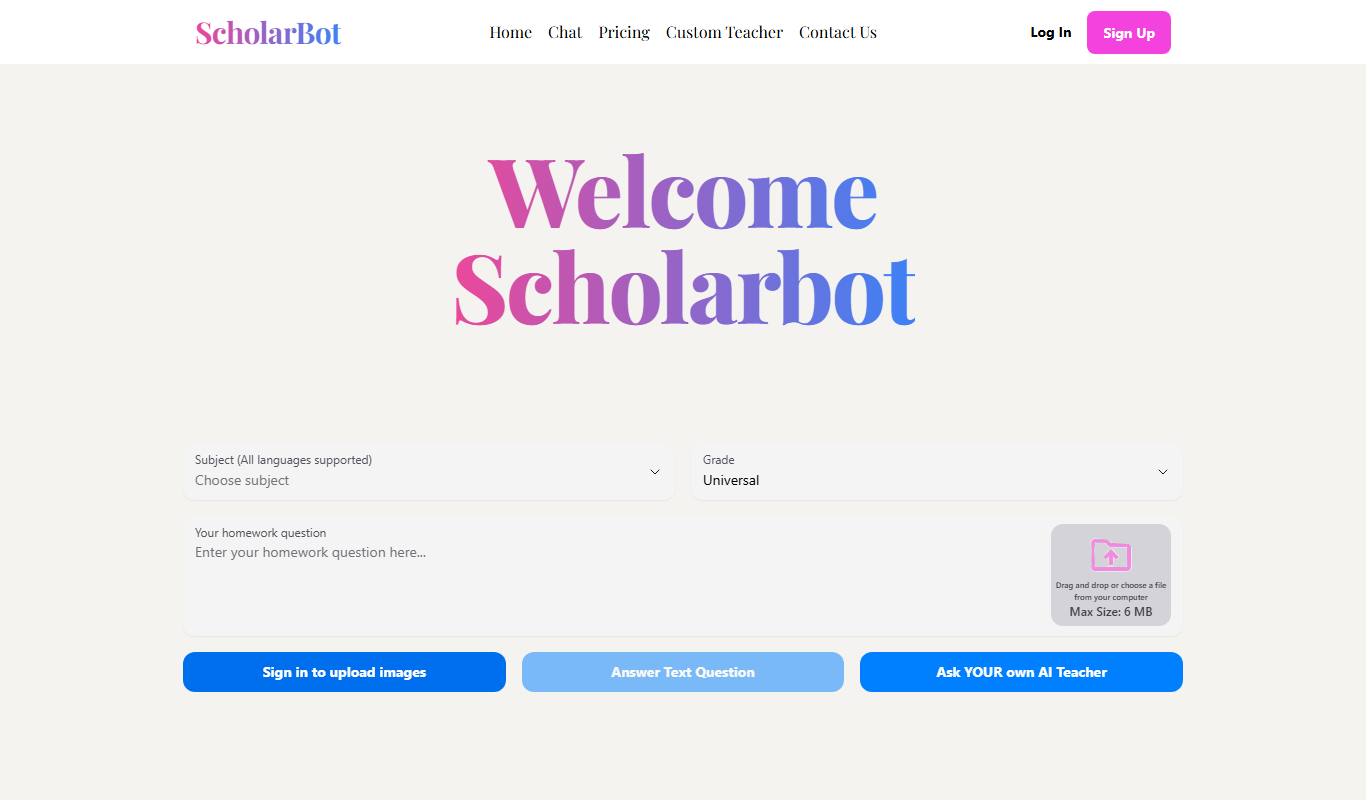
Scholarbot AI is an AI-driven research assistant that automates literature reviews, summarizes academic papers, and extracts citations to streamline scholarly research.

Free
PaperLens
PaperLens is an AI research assistant that summarizes academic papers, extracts key insights, and allows interactive Q&A to help researchers and students understand complex research quickly.
Free
Quetext
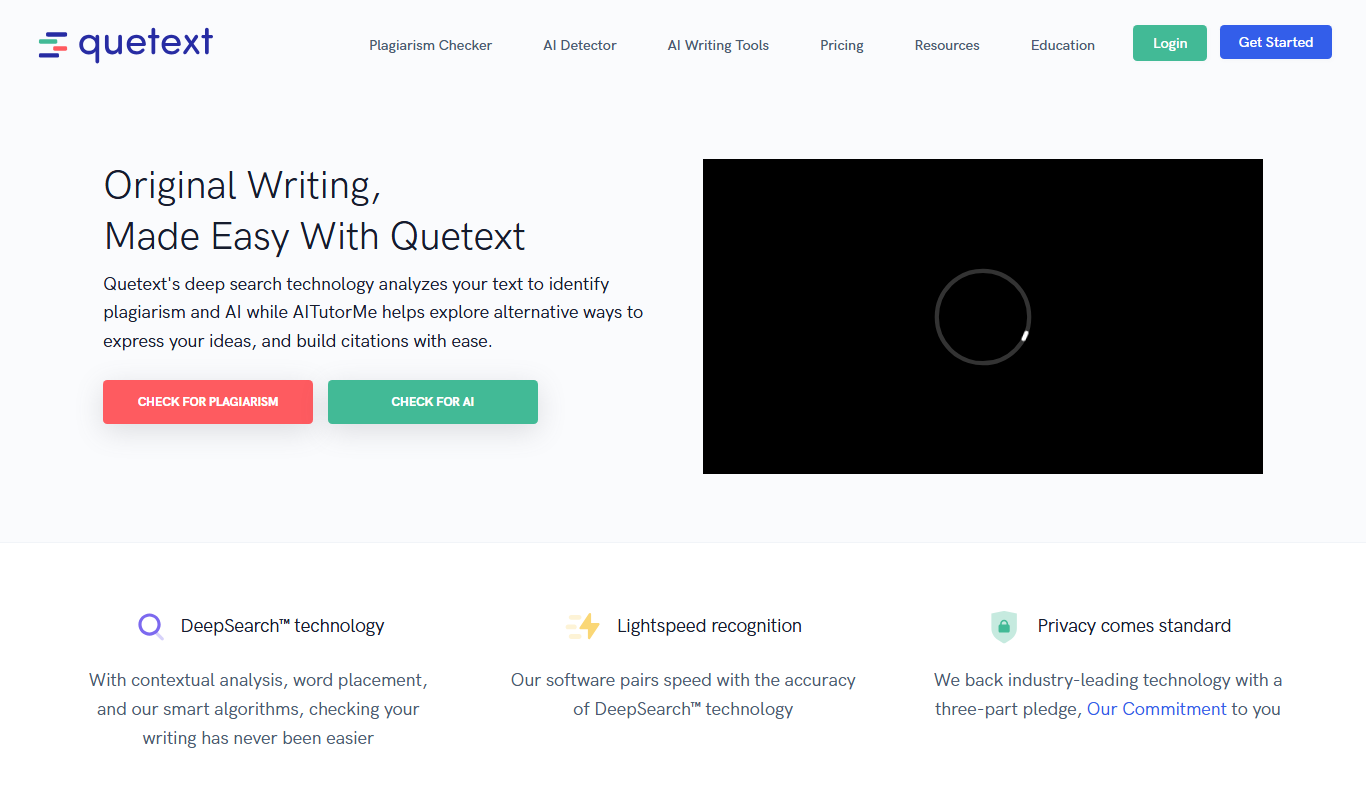
Quetext is an online plagiarism detection and citation tool that scans text against billions of sources to identify potential plagiarism and helps users generate proper citations.
Free
Citation Generator AI
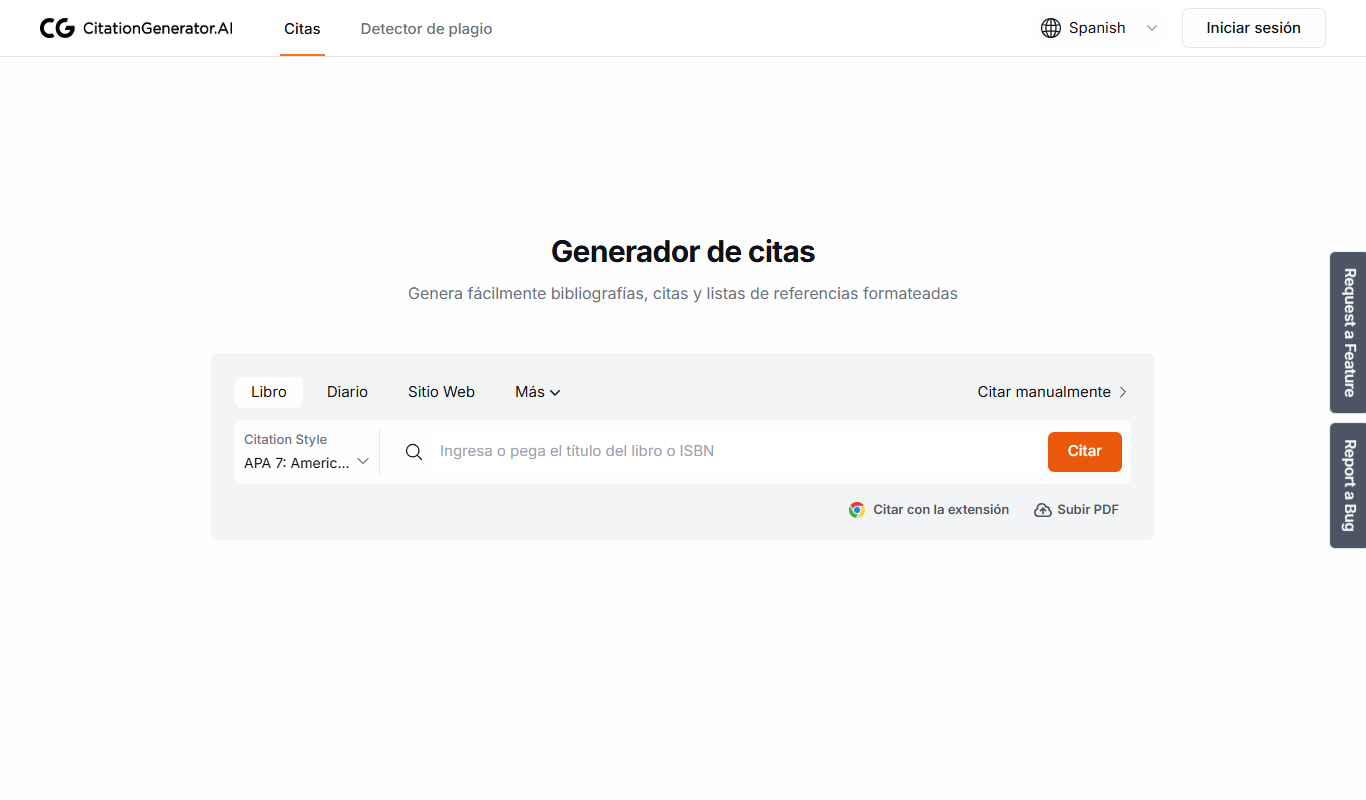
Citation Generator AI is a free web-based tool that helps students and researchers generate properly formatted citations in multiple academic styles quickly and easily without registration.

Freemium
Plag
Plag.lv is an online plagiarism detection tool that scans submitted texts against a large database to identify copied content, supporting multiple languages and offering detailed similarity reports.

Free Trial
ResearchPal
ResearchPal is an AI-driven research assistant that streamlines academic and professional research by providing literature search, paper summarization, and citation management tools through a web platform.
Freemium
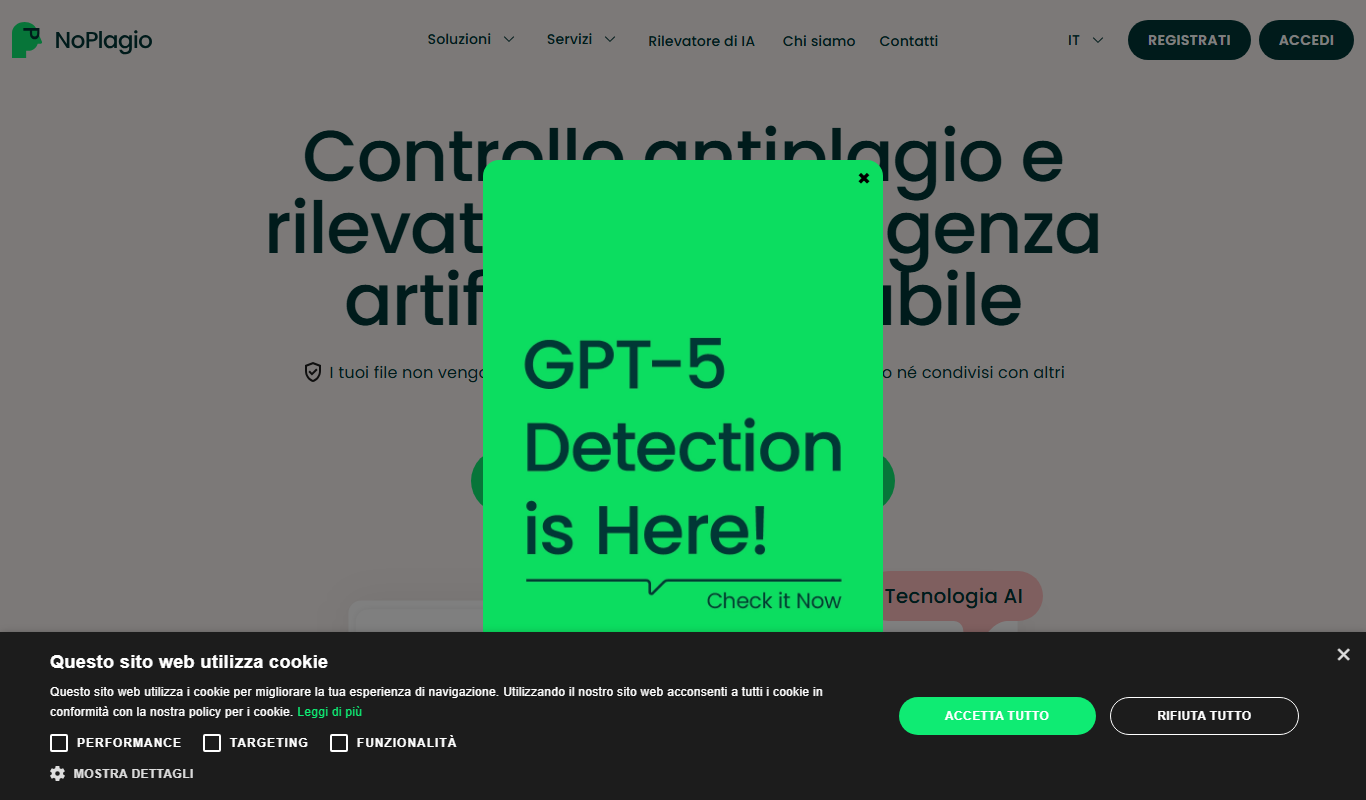
NoPlagio
NoPlagio is an online plagiarism detection tool that scans documents for copied content in English and Italian, providing detailed similarity reports to help maintain academic and professional integrity.
Free
Plag
Plag is an online plagiarism checker that scans text against internet sources and databases to detect copied content and ensure originality.