

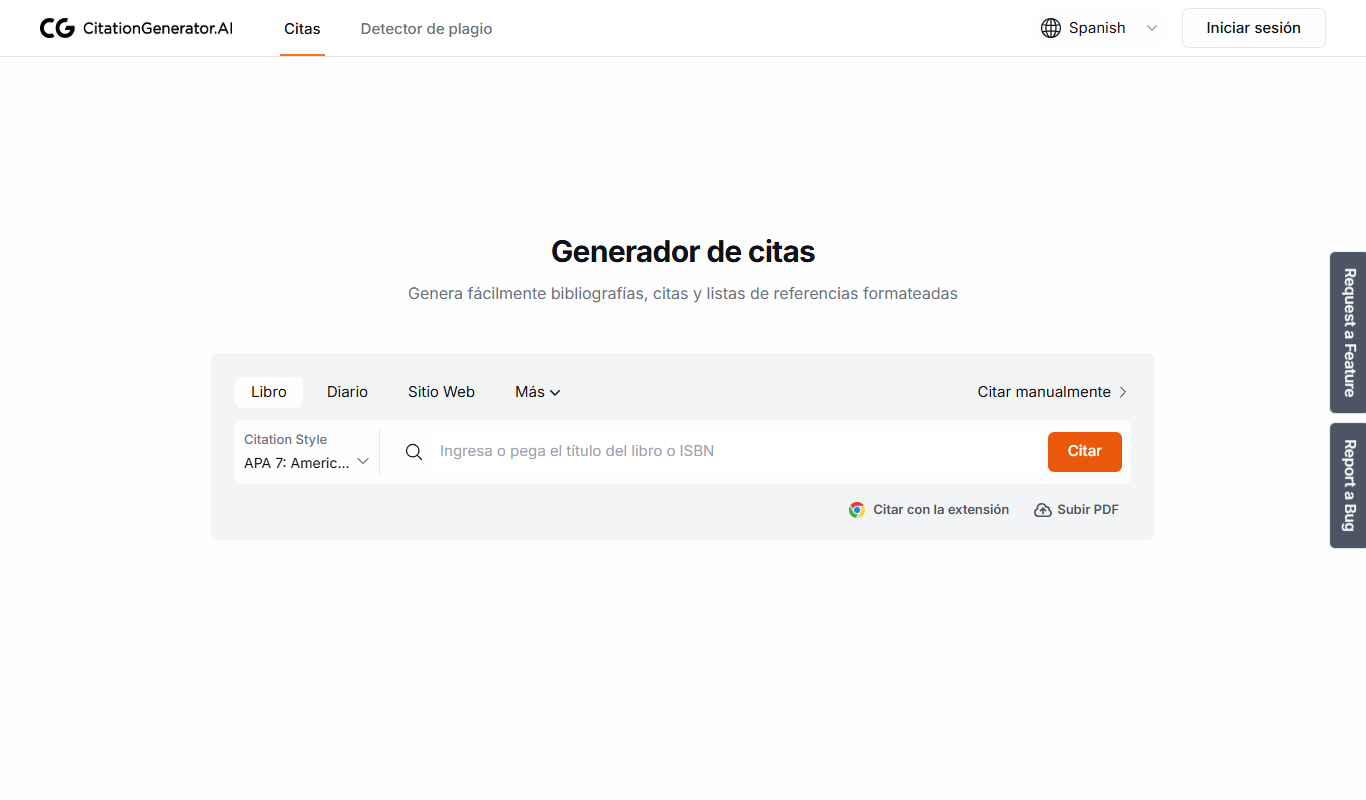
From my experience with Citation Generator AI, I found it excels at providing a straightforward, no-frills way to generate accurate academic citations quickly. The tool’s simplicity and free access make it ideal for students and researchers who need to format references without fuss or cost. However, it lacks advanced features like reference management or integration with writing software, which might be a limitation for heavy academic users. Overall, if your primary need is fast and reliable citation creation in popular styles, this tool delivers solid, easy-to-use results.
Citation Generator AI - Free Online Citation Maker for Academic References
Citation Generator AI is a free web-based tool that helps students and researchers generate properly formatted citations in multiple academic styles quickly and easily without registration.
- Best for
- Academic Writing
- Key capability
- Multiple Citation Styles
Do you recommend this tool?
What is Citation Generator AI?
Citation Generator AI is a free online tool designed to help users create accurate citations and bibliographies in various academic styles such as APA, MLA, Chicago, and more. It simplifies the process of referencing sources by generating properly formatted citations automatically, supporting students, researchers, and writers in maintaining academic integrity.
Key features of Citation Generator AI
The tool offers an easy-to-use interface for generating citations by entering source details or URLs. It supports multiple citation styles, allows exporting citations, and provides guidance on formatting. Being web-based, it requires no installation and is accessible from any device with internet access.
Multiple Citation Styles
Supports popular academic formats including APA, MLA, Chicago, Harvard, and more.
User-Friendly Interface
Simple input forms and clear instructions make citation creation straightforward.
Free to Use
No cost or registration required to generate citations.
Multilingual Support
Available in English and Spanish to accommodate diverse users.
Pros and cons of Citation Generator AI
Pros
- Completely free with no hidden costs
- Supports multiple widely used citation styles
- Easy and quick citation generation
- No registration or software installation required
Cons
- Limited to citation generation only, no advanced reference management
- No offline or desktop application available
Key use cases for Citation Generator AI
Academic Writing
Generate accurate citations for essays, research papers, and theses in multiple formats.
Research Projects
Create bibliographies and reference lists quickly to support research documentation.
Student Assignments
Help students properly cite sources to avoid plagiarism and improve academic integrity.
Content Creation
Assist writers and bloggers in citing sources correctly to enhance credibility.
How Citation Generator AI works
- 1
Select Citation Style
Choose the preferred citation format such as APA, MLA, or Chicago.
- 2
Enter Source Information
Input details like author, title, publication date, or provide a URL.
- 3
Generate Citation
The tool automatically formats the citation according to the selected style.
- 4
Copy or Export
Copy the citation to clipboard or export it for use in documents.
Who is using Citation Generator AI
Students
Researchers
Academic writers
Content creators
Educators
Citation Generator AI pricing
Free
$0
Unlimited access to citation generation features without any fees.
Plans and prices are as published by the vendor and can change. Check the official site before you buy. Open the pricing page (opens in a new tab)
Frequently asked questions about Citation Generator AI
Yes, the tool is completely free and does not require any payment or subscription.
It supports APA, MLA, Chicago, Harvard, and several other common academic citation formats.
No account or registration is necessary to use the citation generator.
Yes, since it is web-based, it works on any device with internet access including smartphones and tablets.
It depends on your specific needs and how you plan to use the tool. The official website and documentation are the best sources for the latest details.
Yes, it can help with that use case depending on how you configure it and what features are available. You’ll get the best results with clear inputs and a defined goal.
Sign in to review this tool.
Sign In to ReviewNo reviews yet
Be the first to share how this tool worked for you.
Ask about pricing, limits, or how it compares — or answer someone else.
Sign In to AskNo questions yet
Have a question about using or paying for this tool? Be the first to ask.
Featured on TiorAI



Alternative Tools
Explore similar AI tools that might fit your needs

Free
EasyBib
EasyBib is an online tool that helps students and researchers generate citations and bibliographies in multiple academic formats, with added plagiarism and grammar checking features.

Free
Zotero
Zotero is a free, open-source reference management tool that helps researchers collect, organize, cite, and share research materials with browser integration and citation style support.

Free
Mendeley
Mendeley is a reference management software and academic social network that helps researchers organize PDFs, generate citations, and collaborate with peers.
More Academic Tools tools
Other tools in the same category, for when this one is not quite the fit.
Freemium
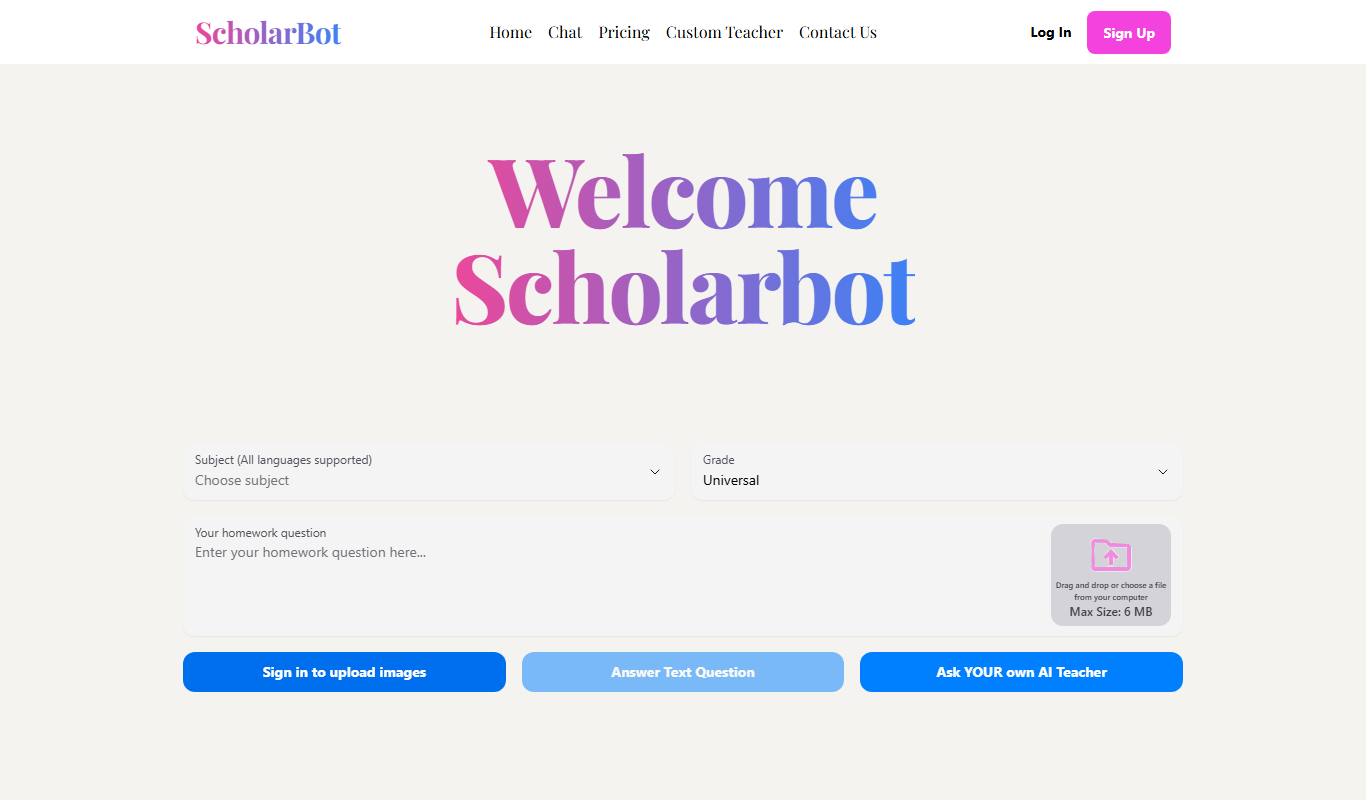
Scholarbot AI
Scholarbot AI is an AI-driven research assistant that automates literature reviews, summarizes academic papers, and extracts citations to streamline scholarly research.

Free
PaperLens
PaperLens is an AI research assistant that summarizes academic papers, extracts key insights, and allows interactive Q&A to help researchers and students understand complex research quickly.
Free
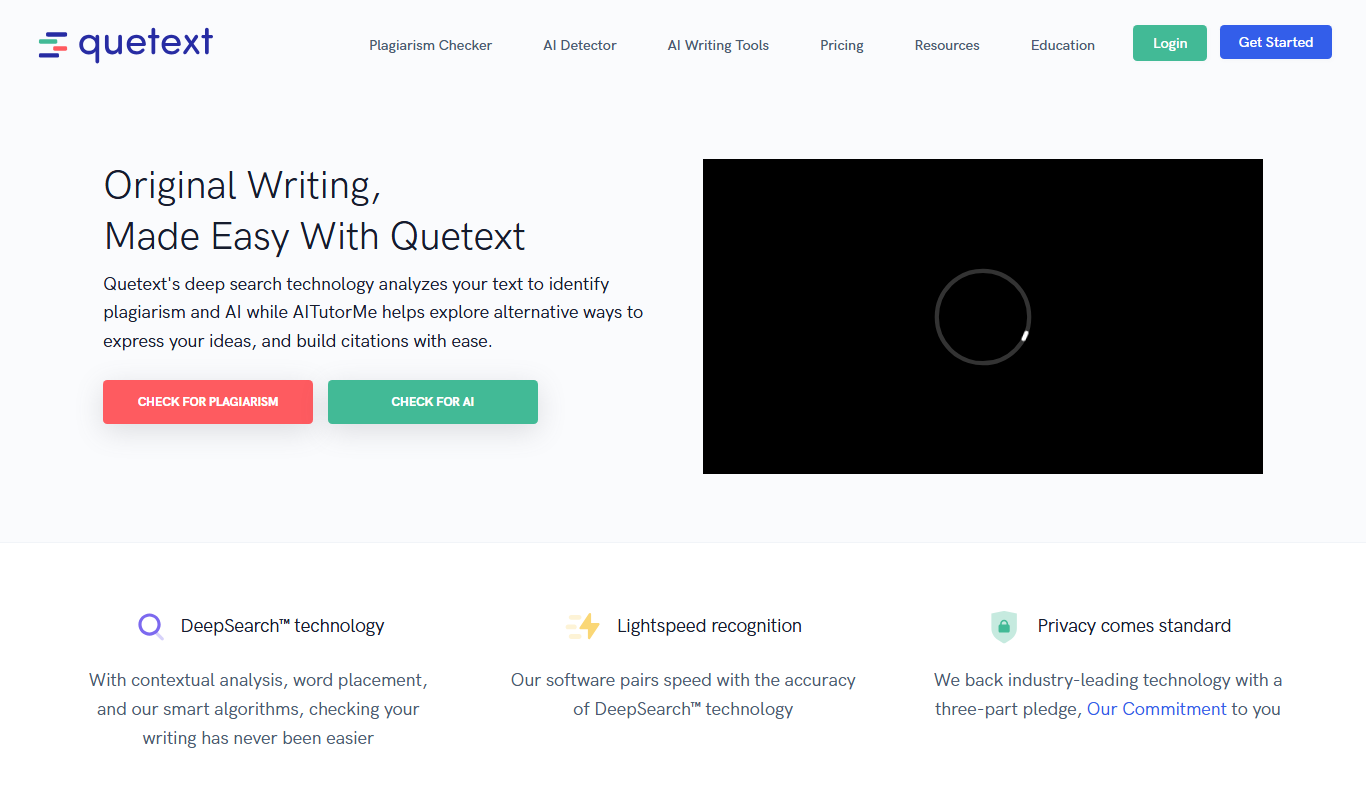
Quetext
Quetext is an online plagiarism detection and citation tool that scans text against billions of sources to identify potential plagiarism and helps users generate proper citations.

Freemium
Plag
Plag.lv is an online plagiarism detection tool that scans submitted texts against a large database to identify copied content, supporting multiple languages and offering detailed similarity reports.

Free Trial
ResearchPal
ResearchPal is an AI-driven research assistant that streamlines academic and professional research by providing literature search, paper summarization, and citation management tools through a web platform.
Freemium
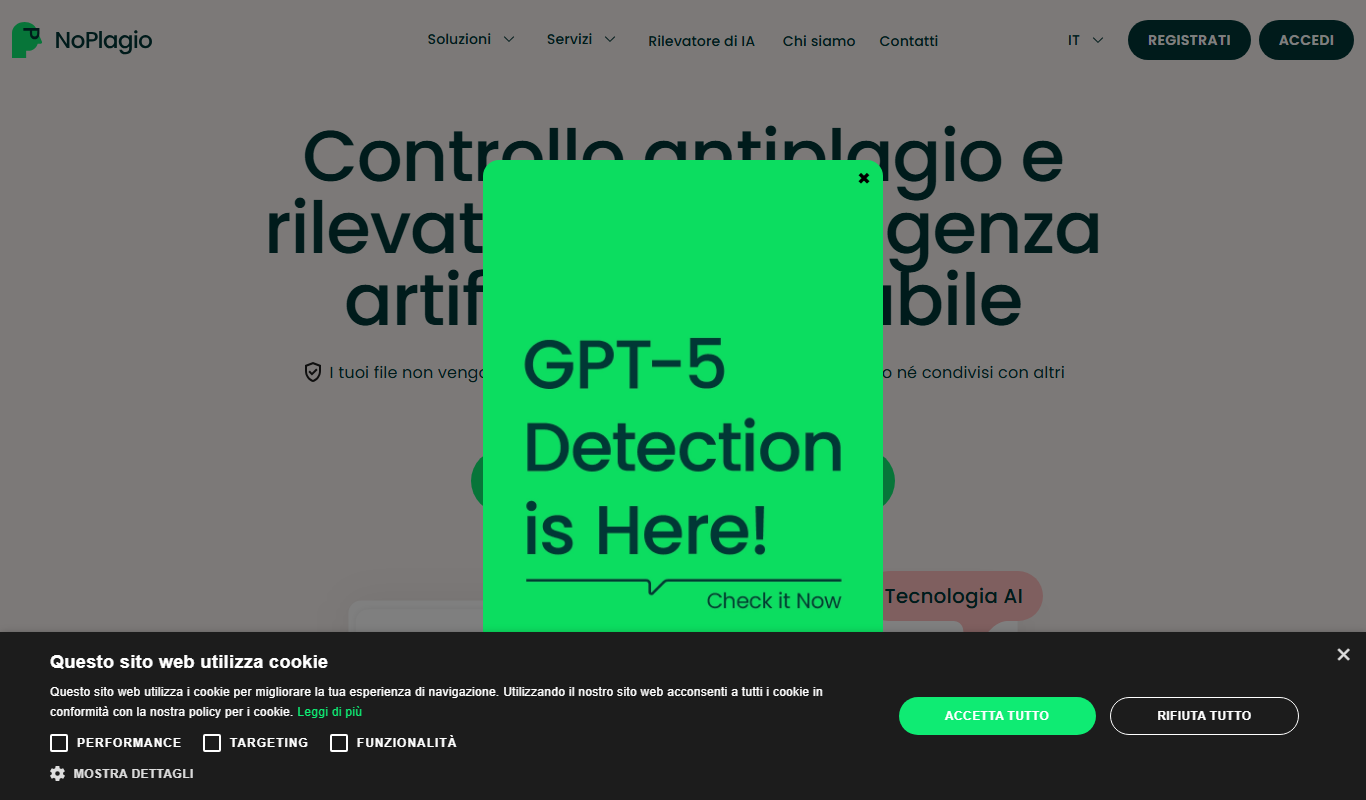
NoPlagio
NoPlagio is an online plagiarism detection tool that scans documents for copied content in English and Italian, providing detailed similarity reports to help maintain academic and professional integrity.
Free
Plag
Plag is an online plagiarism checker that scans text against internet sources and databases to detect copied content and ensure originality.
Freemium
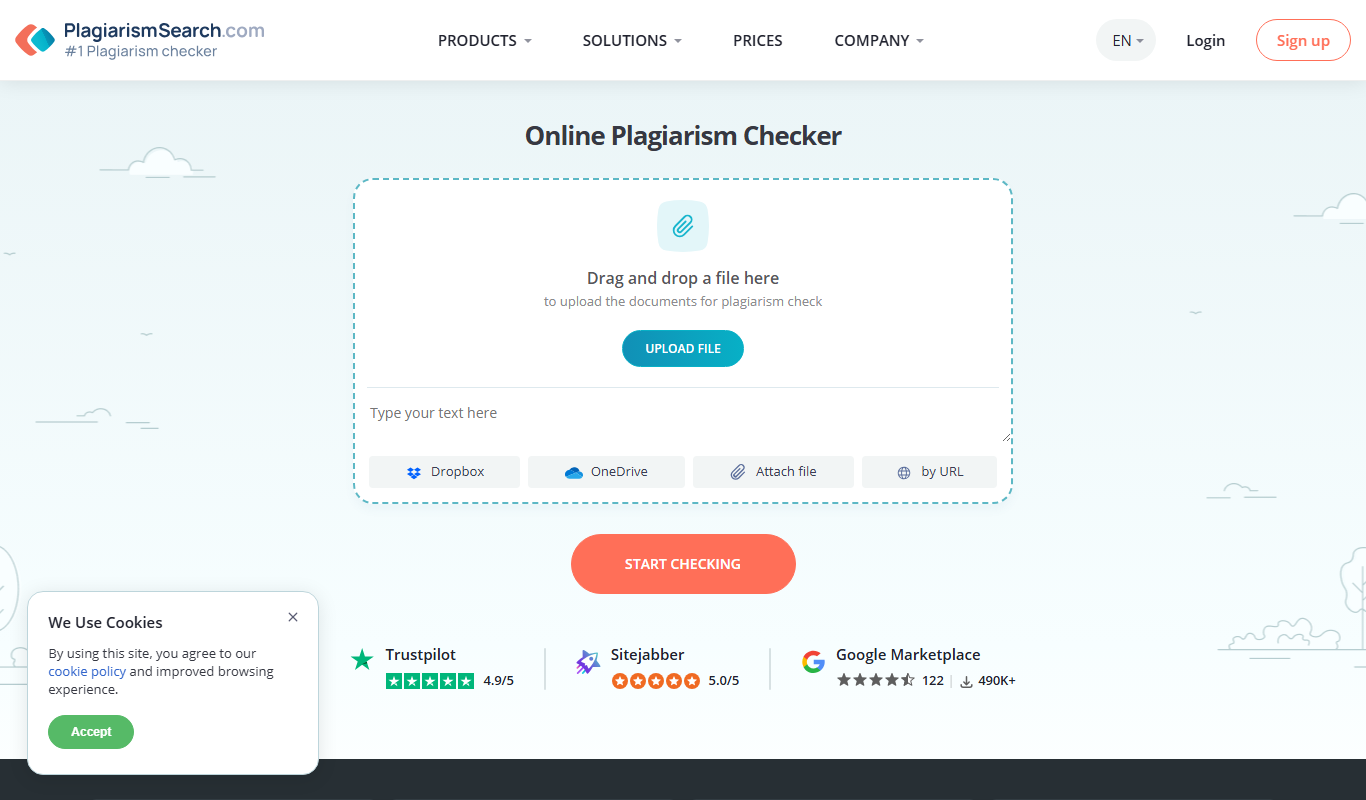
Plagiarismsearch.com
PlagiarismSearch.com is an online plagiarism detection tool that scans documents against extensive databases to identify copied content, supporting multiple languages and offering detailed similarity reports.