

From my experience with Qustodio, I found it excels at providing a user-friendly and comprehensive parental control solution that covers multiple devices and platforms. The ability to customize screen time limits and filter content effectively helps parents create a safer digital environment for their children. However, some advanced features require a paid subscription, and social media monitoring is somewhat limited compared to competitors. Overall, if you need reliable family safety tools with detailed activity reports and location tracking, Qustodio delivers solid and practical results.
Qustodio Parental Control Software for Family Safety and Screen Time Management
Qustodio is a parental control software that helps parents manage screen time, filter internet content, block apps, and track their children's location across multiple devices.
- Best for
- Screen Time Management
- Key capability
- Screen Time Controls

Do you recommend this tool?
What is Qustodio?
Qustodio is a comprehensive parental control software designed to help families manage and monitor their children’s digital activities. It offers tools for screen time management, internet filtering, app control, and real-time location tracking to ensure a safer online environment for kids. The platform supports multiple devices and provides parents with detailed insights and controls to promote healthy digital habits.
Key features of Qustodio
Qustodio’s main features include customizable screen time limits, robust internet filtering, app and game blocking, real-time location tracking, and detailed activity reports. These features work together to give parents peace of mind and children a safer, more balanced digital experience.
Screen Time Controls
Set daily limits and schedules to manage how long children use their devices.
Internet Filtering
Automatically block inappropriate websites and content categories.
App Management
Allow or block specific apps and games on children’s devices.
Real-Time Location Tracking
Track your child’s location and receive alerts for safe zones.
Detailed Activity Reports
Get insights into device usage, websites visited, and app activity.
Pros and cons of Qustodio
Pros
- Comprehensive multi-device support
- Easy-to-use parental dashboard
- Robust content filtering options
- Real-time location tracking
- Detailed activity reports
Cons
- Premium features require subscription
- Limited social media monitoring
- Some features may impact device performance
Key use cases for Qustodio
Screen Time Management
Parents can set daily screen time limits and schedules to help children balance device usage.
Internet Filtering and Monitoring
Blocks inappropriate content and monitors online activity to protect children from harmful websites.
Location Tracking
Allows parents to track their child’s location in real-time for added safety.
App and Game Control
Enables parents to block or allow specific apps and games on their child’s devices.
Activity Reporting
Provides detailed reports on device usage, websites visited, and app activity.
How Qustodio works
- 1
Create an Account
Sign up on Qustodio’s website to start managing your family’s devices.
- 2
Install on Devices
Download and install Qustodio on your child’s and your own devices.
- 3
Configure Settings
Set screen time limits, filter content, and choose which apps to allow or block.
- 4
Monitor Activity
Use the dashboard to view reports, track location, and adjust controls as needed.
Who is using Qustodio
Parents and guardians
Family safety advocates
Schools and educators
Childcare providers
Technology-aware families
Qustodio pricing
Free
$0/month
Basic monitoring for one child with limited features.
Small Plan
$54.95/year
Covers up to 5 devices with full parental controls.
Medium Plan
$96.95/year
Covers up to 10 devices with advanced features.
Large Plan
$137.95/year
Covers up to 15 devices with premium support.
Plans and prices are as published by the vendor and can change. Check the official site before you buy. Open the pricing page (opens in a new tab)
Frequently asked questions about Qustodio
Qustodio provides monitoring for some social media platforms but does not capture private messages.
Qustodio supports Windows, Mac, iOS, Android, and Kindle devices.
Yes, Qustodio allows customized settings for each child’s profile.
Yes, it can run discreetly on children’s devices without visible icons.
It depends on your specific needs and how you plan to use the tool. The official website and documentation are the best sources for the latest details.
Some tools offer a free plan or trial with limited features. Availability can vary, so confirm on the official website.
Yes, it can help with that use case depending on how you configure it and what features are available. You’ll get the best results with clear inputs and a defined goal.
Yes, it can help with that use case depending on how you configure it and what features are available. You’ll get the best results with clear inputs and a defined goal.
Sign in to review this tool.
Sign In to ReviewNo reviews yet
Be the first to share how this tool worked for you.
Ask about pricing, limits, or how it compares — or answer someone else.
Sign In to AskNo questions yet
Have a question about using or paying for this tool? Be the first to ask.
Featured on TiorAI



Alternative Tools
Explore similar AI tools that might fit your needs
Subscription
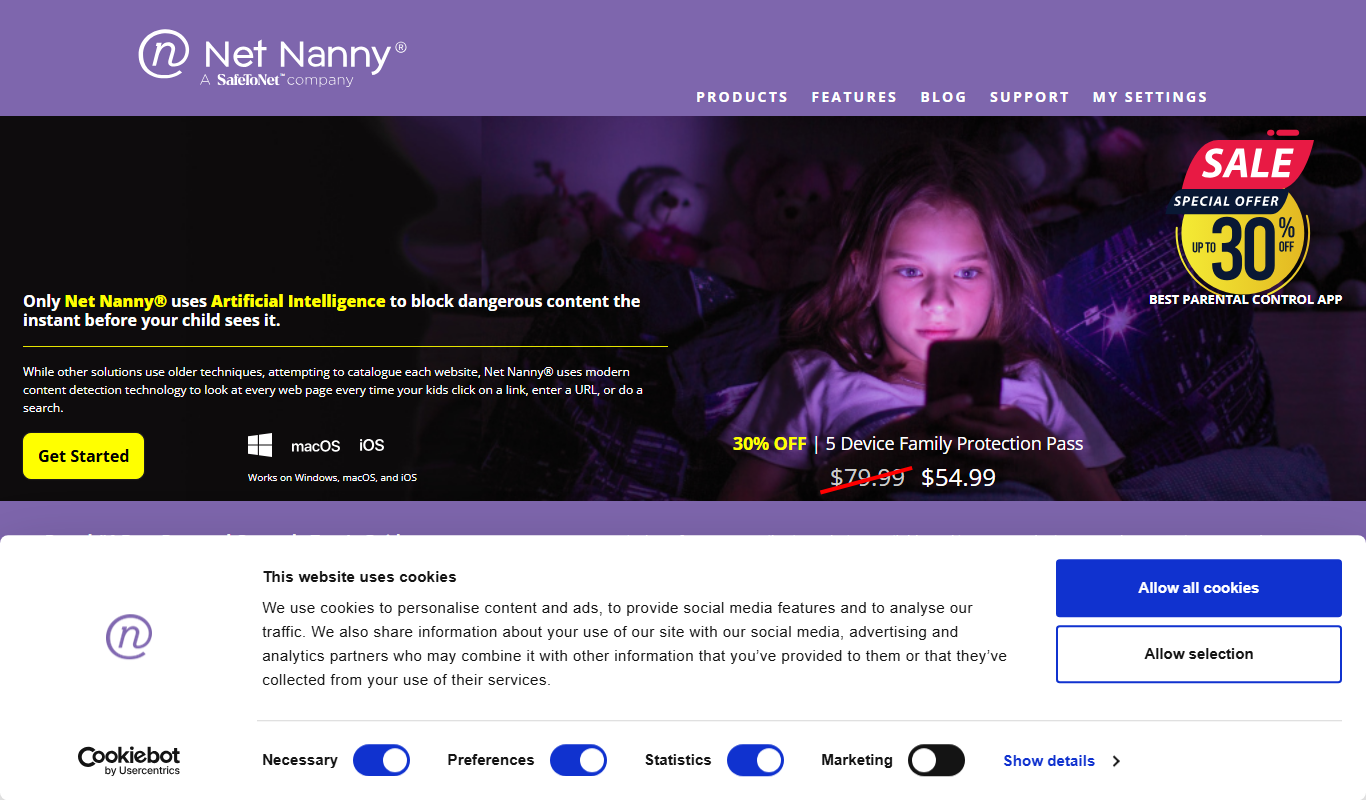
Net Nanny
Net Nanny is a parental control software that provides real-time internet filtering, screen time management, social media monitoring, and location tracking to help parents protect their children online.
More AI Parenting tools
Other tools in the same category, for when this one is not quite the fit.
Freemium
Toca Boca
Toca Boca offers a suite of safe, creative mobile apps for children that encourage open-ended play and learning without ads or in-app purchases.

Free
Articulation Station
Articulation Station is a mobile app by Little Bee Speech that helps children practice and improve their speech articulation through interactive exercises and audio modeling.

Subscription
Accountable2You
Accountable2You is a parental control and accountability software that helps families and individuals monitor device usage, receive alerts on risky content, and manage screen time across multiple platforms.

One-time purchase
SneakPeek Early Gender DNA Test
SneakPeek Early Gender DNA Test is an at-home prenatal DNA test that accurately predicts your baby's gender from 8 weeks into pregnancy using a simple blood sample.

Free
MyTherapy
MyTherapy is a free medication reminder and health tracking app designed to help people manage chronic illnesses by providing timely medication alerts, symptom tracking, and health report generation.

Free
Medisafe
Medisafe is a medication management app that provides personalized reminders, drug interaction warnings, and health tracking to help users take medications safely and on time.
Free
AsthmaMD
AsthmaMD is a mobile and web app designed to help individuals with asthma track symptoms, manage medications, and create personalized asthma action plans to improve respiratory health.

Free
TeacherKit
TeacherKit is a classroom management software that helps teachers organize student data, track attendance, manage grades, and monitor behavior through web and mobile apps.