

From my experience with Portable North Pole, I found it excels at creating magical and personalized Christmas video messages that truly engage children. The platform’s ease of use and multi-language support make it accessible for families worldwide. After spending time with the service, I can say it’s particularly well-suited for parents and gift givers looking to add a unique touch to holiday celebrations. However, there is a trade-off: premium videos can become costly if you want to create multiple personalized messages. Overall, if you want to delight kids with a memorable Santa experience, Portable North Pole delivers solid, heartwarming results.
Personalized Christmas Video Messages with Portable North Pole for Kids
Portable North Pole is an online platform that creates personalized video messages from Santa Claus, allowing users to customize videos with children's names, interests, and languages for a magical holiday experience.
- Best for
- Personalized Holiday Greetings
- Key capability
- Personalized Video Creation
Your actions

Do you recommend this tool?
What is Portable North Pole?
Portable North Pole (PNP) is an online platform that allows users to create personalized video messages from Santa Claus. The tool uses user-provided details such as the child’s name, interests, and other personal information to generate a customized video greeting that appears to be directly from Santa. This service is designed to add a magical and interactive element to holiday celebrations, making the experience memorable for children and families.
Key features of Portable North Pole
PNP offers a user-friendly interface to create personalized Santa videos with customizable scripts, voiceovers, and visuals. It supports multiple languages and allows sharing via email or social media. The platform offers free basic videos and premium options with enhanced features and longer videos.
Personalized Video Creation
Generate unique Santa Claus videos tailored to each child's details.
Multi-language Support
Videos available in several languages to reach a global audience.
Free and Premium Options
Basic videos are free; premium versions include longer videos and additional customization.
Easy Sharing
Share videos instantly via email or social media platforms.
Mobile-Friendly Interface
Optimized for use on mobile devices and desktop browsers.
Pros and cons of Portable North Pole
Pros
- Highly engaging and magical experience for children
- Simple and intuitive video creation process
- Multiple language options for global reach
- Free basic videos available
- Mobile-friendly platform
Cons
- Premium videos can be relatively expensive for multiple recipients
- Limited features outside the holiday season
- No dedicated mobile app, only mobile web
Key use cases for Portable North Pole
Personalized Holiday Greetings
Create customized video messages from Santa Claus to delight children during the holiday season.
Family Entertainment
Engage children and family members with interactive and magical Christmas-themed videos.
Gift Enhancements
Add a unique personalized video message to gifts to make holiday presents more memorable.
Event and Party Fun
Use personalized Santa videos as entertainment during holiday parties and events.
How Portable North Pole works
- 1
Enter Recipient Details
Provide the child’s name, age, interests, and other personalized information.
- 2
Customize the Video
Select video themes, add custom messages, and choose language preferences.
- 3
Generate and Preview
The platform creates a personalized video message from Santa for review.
- 4
Share the Video
Send the video via email, social media, or download it for offline use.
Who is using Portable North Pole
Parents and guardians
Family members
Holiday event organizers
Children's entertainers
Gift givers looking for unique presents
Portable North Pole pricing
Free
$0
Access to basic personalized video messages with limited customization.
Premium
Starting at $9.99 per video
Includes longer videos, additional personalization options, and HD quality.
Subscription
Varies
Offers multiple videos and features for frequent users during the holiday season.
Plans and prices are as published by the vendor and can change. Check the official site before you buy. Open the pricing page (opens in a new tab)
Frequently asked questions about Portable North Pole
Yes, you can create separate personalized videos for each child with their unique details.
Portable North Pole primarily operates during the holiday season but may offer limited services year-round.
Videos can be created in English, Spanish, French, German, Italian, and Portuguese.
Yes, videos can be shared directly via social media platforms or emailed.
It depends on your specific needs and how you plan to use the tool. The official website and documentation are the best sources for the latest details.
Some tools offer a free plan or trial with limited features. Availability can vary, so confirm on the official website.
Yes, it can help with that use case depending on how you configure it and what features are available. You’ll get the best results with clear inputs and a defined goal.
It depends on your specific needs and how you plan to use the tool. The official website and documentation are the best sources for the latest details.
Sign in to review this tool.
Sign In to ReviewNo reviews yet
Be the first to share how this tool worked for you.
Ask about pricing, limits, or how it compares — or answer someone else.
Sign In to AskNo questions yet
Have a question about using or paying for this tool? Be the first to ask.
Featured on TiorAI



Alternative Tools
Explore similar AI tools that might fit your needs
Free
ElfYourself
ElfYourself is a free online tool that lets users create personalized holiday videos by uploading photos and mapping faces onto animated dancing elves, which can then be shared on social media or downloaded.
More AI Voice Generator tools
Other tools in the same category, for when this one is not quite the fit.

Free
Modulate AI
Modulate AI is a real-time voice modulation tool that uses AI to transform and disguise voices for gaming, streaming, and privacy purposes.
Free
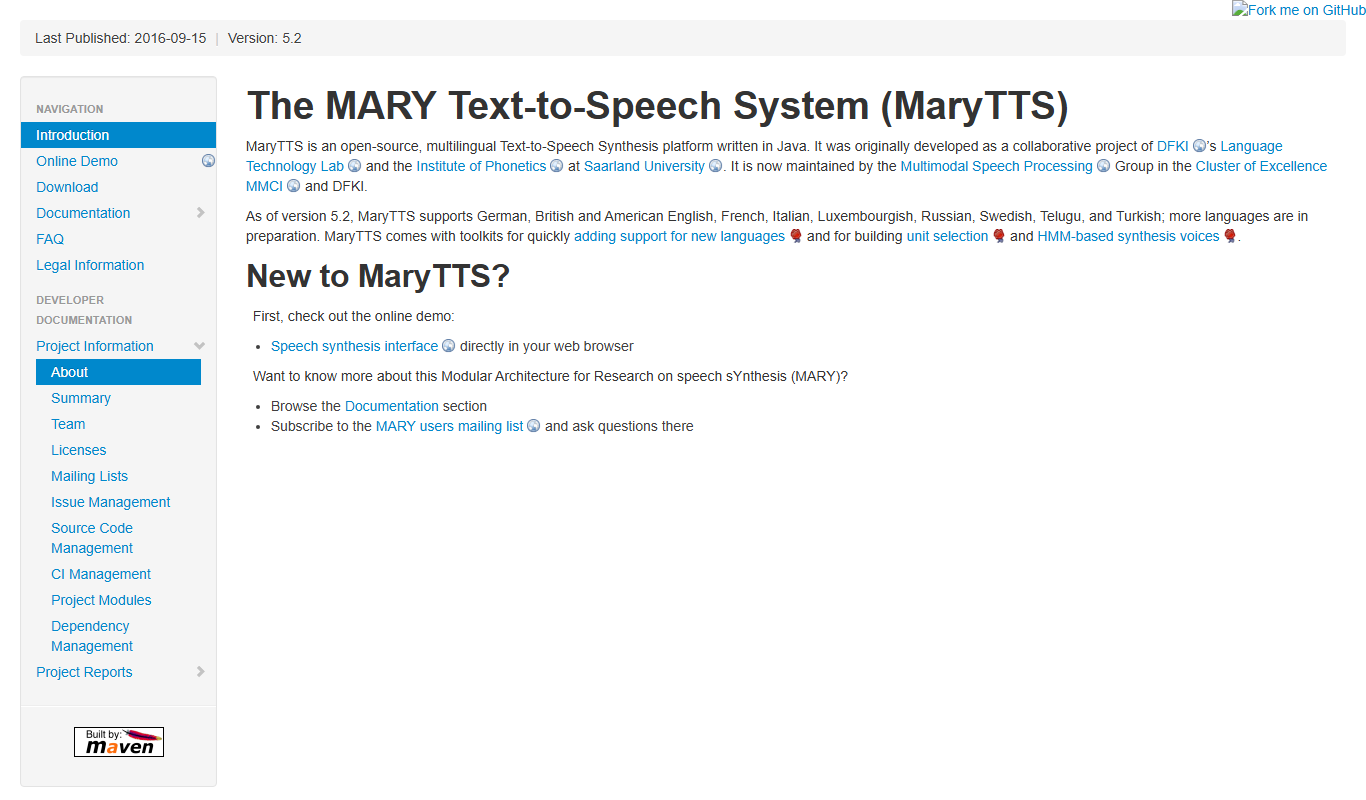
MaryTTS
MaryTTS is an open source text-to-speech system developed by DFKI that converts text into natural-sounding speech with multilingual support and customizable voices.

Free Trial
Promethean AI
Promethean AI is an AI virtual teaching assistant that supports educators by providing interactive voice-based classroom assistance, content generation, and student engagement analytics.
Pay As You Go
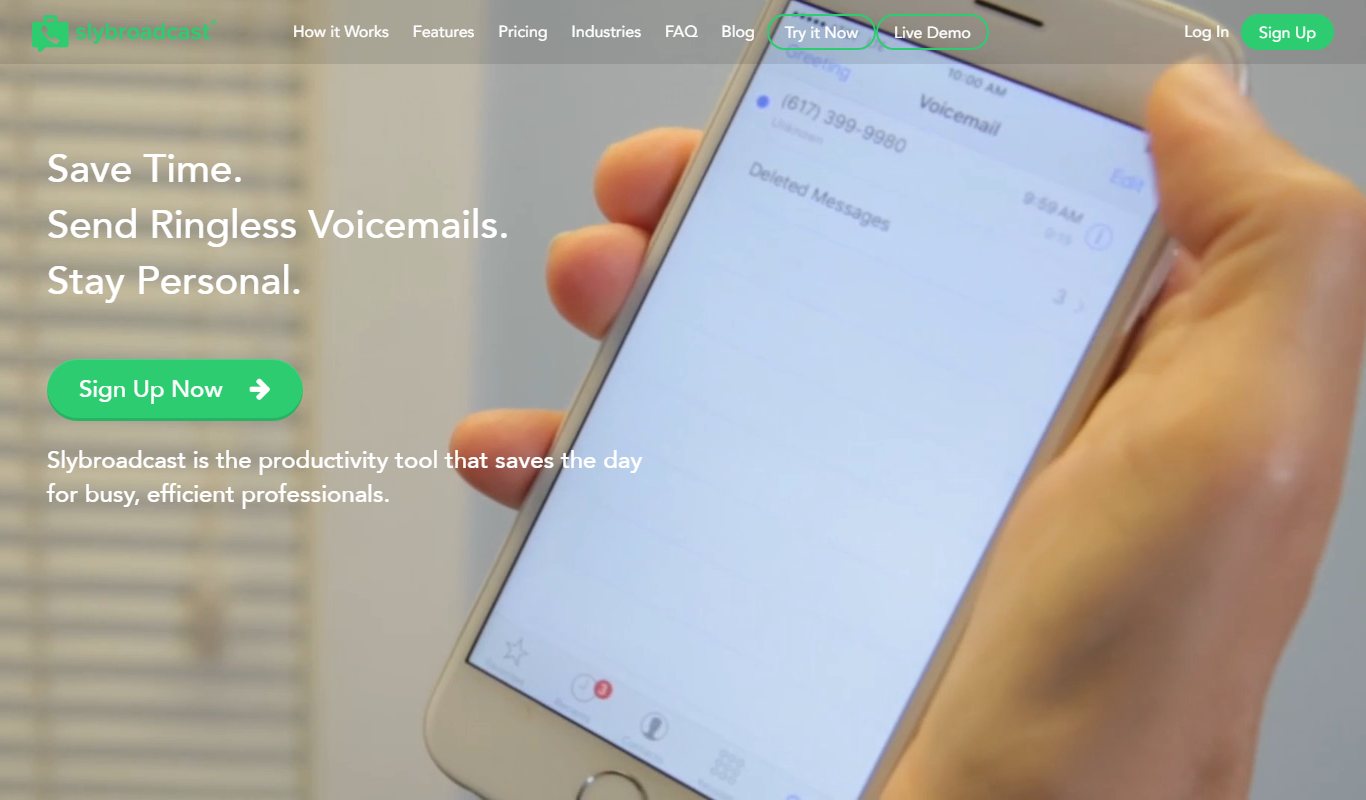
Slybroadcast
Slybroadcast is a ringless voicemail marketing platform that enables businesses to send pre-recorded voice messages directly to voicemail inboxes without ringing phones, facilitating automated outreach and customer engagement.

Free
Call from Santa
Call from Santa is a web-based service that lets parents send personalized phone calls from Santa Claus to their children, including custom messages and scheduling.
Subscription
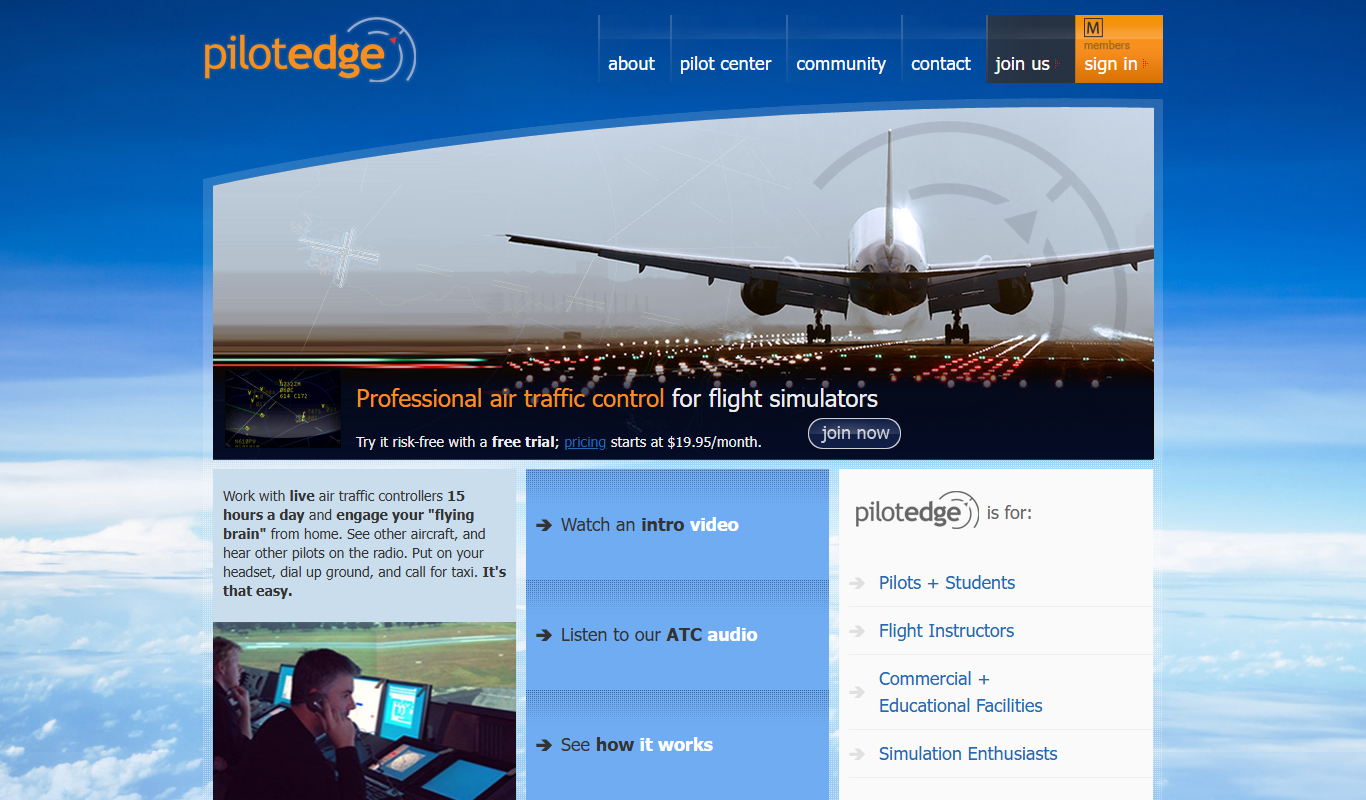
PilotEdge
PilotEdge is a subscription-based online flight simulation network providing live air traffic control and multiplayer features for realistic virtual flying.

Free
ELSASpeak
ELSASpeak is an AI-powered English pronunciation coach that provides real-time feedback to help users improve their accent and fluency through personalized lessons and speech recognition technology.

Freemium
Voice.ai
Voice.ai is an AI-based software that enables users to clone voices and change their voice in real time with high-quality, low-latency audio transformation.