
From my experience with PicTush, I found it excels at quickly turning simple text prompts into visually appealing images without requiring any design skills. The platform’s straightforward interface makes it accessible for content creators and marketers looking to enhance their projects with custom visuals. However, the tool offers limited customization compared to professional graphic design software, and higher usage requires a subscription. Overall, if you need an easy-to-use AI image generator for creative or marketing purposes, PicTush delivers solid and fast results.
PicTush AI Image Generator for Creative Visual Content and Art
PicTush is an AI-based platform that generates digital images from text prompts, enabling users to create unique artwork quickly and easily.
What is PicTush?
PicTush is an AI-powered image generation platform that transforms text prompts into unique digital artwork. It leverages advanced machine learning models to create creative visuals, enabling users to produce custom images without needing graphic design skills.
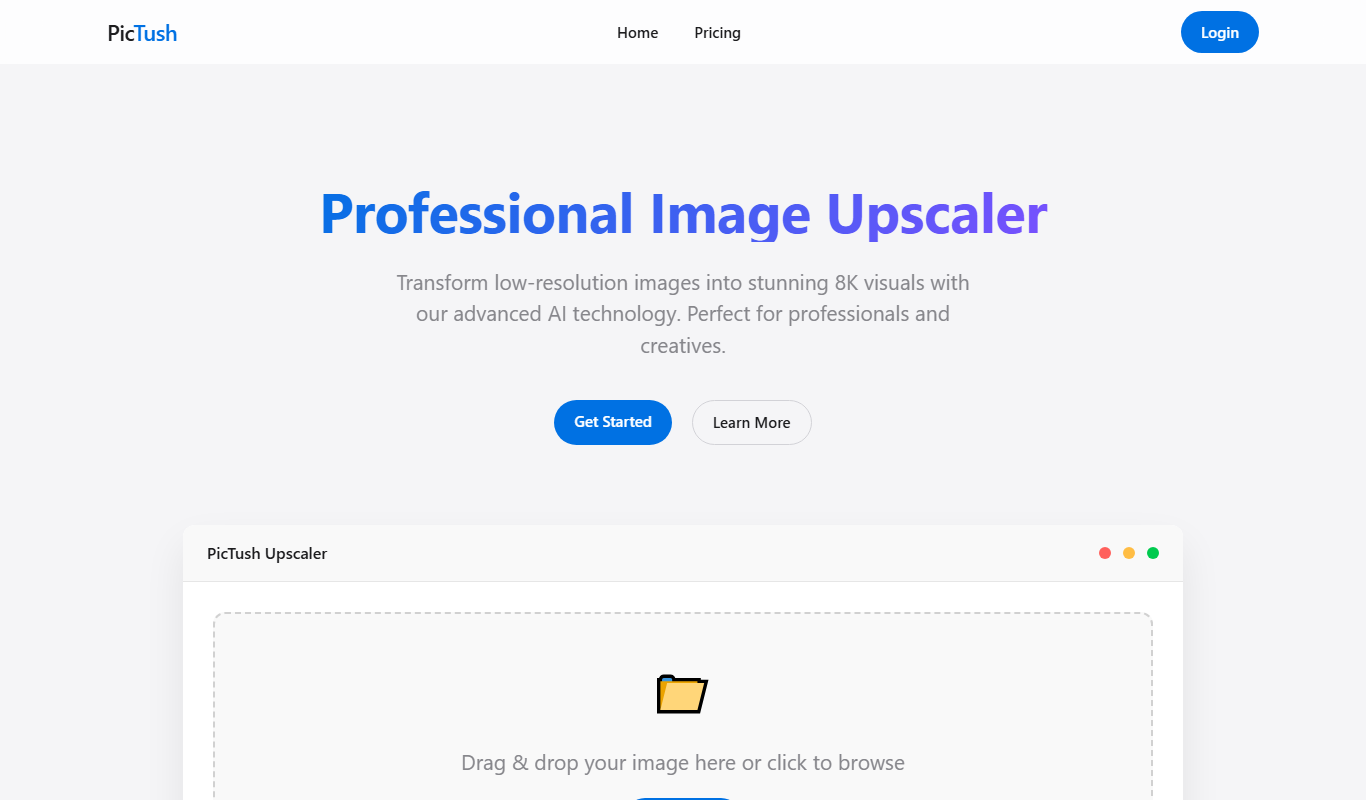
Key Features of PicTush
Text-to-Image AI
Converts user text prompts into high-quality digital images using AI.
Multiple Artistic Styles
Offers various styles and effects to customize the look and feel of generated images.
User-Friendly Interface
Simple web-based platform requiring no technical or design expertise.
Fast Image Generation
Quickly produces images, enabling rapid iteration and creative exploration.
Pros and Cons of PicTush
Pros
- Easy to use with no design skills required
- Generates diverse artistic styles
- Fast image creation process
- Free tier available for casual users
Cons
- Limited customization options compared to professional design software
- Subscription needed for higher usage and premium features
Key Use Cases for PicTush
Creative Art Generation
Generate unique digital artwork from text prompts for personal or professional projects.
Marketing Visuals
Create eye-catching images to enhance marketing campaigns and social media posts.
Content Creation
Produce custom visuals to complement blog posts, articles, and other content formats.
Design Inspiration
Use AI-generated images as a starting point for graphic design and creative brainstorming.
How PicTush Works
-
1
Enter Text Prompt
Users type a descriptive phrase or sentence describing the desired image.
-
2
Select Style or Settings
Choose from available artistic styles or customize parameters to influence the image output.
-
3
Generate Image
The AI processes the input and creates a unique image based on the prompt.
-
4
Download or Share
Users can download the generated image or share it directly for their projects.
Who's Using PicTush
Content creators
Social media marketers
Small business owners
Graphic design beginners
Digital artists
PicTush Pricing
Free
$0/month
Limited daily image generations with basic features.
Premium
$9.99/month
Increased generation limits, access to premium styles, and faster processing.
Frequently Asked Questions About PicTush
Yes, images generated can be used commercially, but users should review the terms of service for specific licensing details.
No, PicTush is designed for users without graphic design experience, making image creation accessible to everyone.
Images can be downloaded in common formats such as PNG and JPEG.
It depends on your specific needs and how you plan to use the tool. The official website and documentation are the best sources for the latest details.
Some tools offer a free plan or trial with limited features. Availability can vary, so confirm on the official website.
Yes, it can help with that use case depending on how you configure it and what features are available. You’ll get the best results with clear inputs and a defined goal.
Share your review
Reviews are limited to one per logged-in user and are published after moderation.
You need an account to review this tool.
0.0
★
★
★
★
★
0 reviews
5 star
0
4 star
0
3 star
0
2 star
0
1 star
0
No reviews yet
Be the first to share how this tool worked for you.
Questions from the community
Read questions and answers about this tool, or ask your own.
No questions yet
Start the conversation by asking the first question about this tool.
Is this tool helpful?

Free
Tattoos.AI
Tattoos.AI is an AI-driven platform that generates custom tattoo designs based on user input, providing unique and personalized tattoo art quickly and easily.

Freemium
shutu.cn
Shutu.cn is a Chinese AI image generation platform that creates high-quality images from text prompts, supporting creative and commercial visual content needs.

Custom Pricing
Wavo
Wavo is an audio branding platform that helps brands create custom sound logos, license original music, and develop bespoke sound design to build distinctive sonic identities.

Free Trial
neural frames
Neural Frames is an AI-powered platform that generates unique and stylized videos from user inputs, ideal for creative content and marketing.
Free
Gulf Picasso
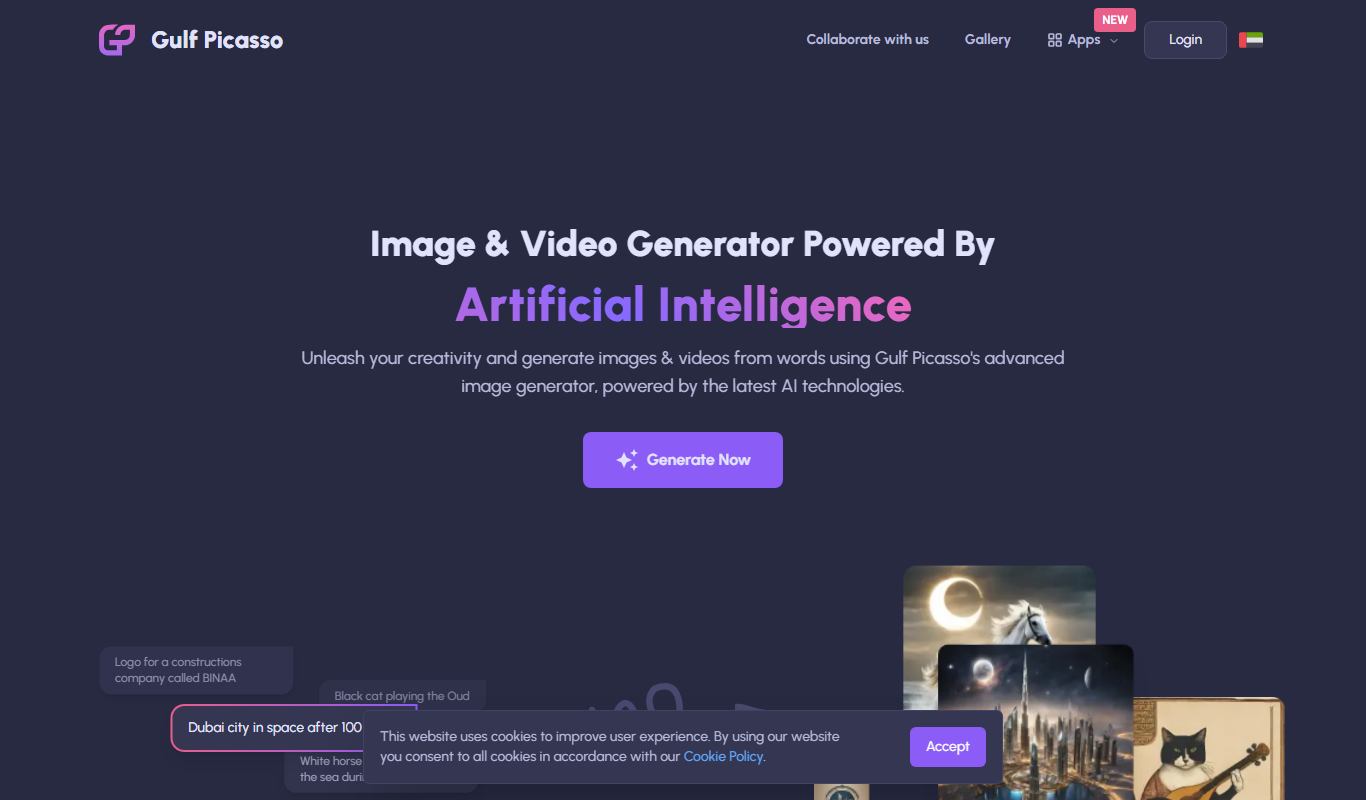
Gulf Picasso is an AI art generation platform from the UAE that allows users to create unique digital artworks using AI algorithms with support for English and Arabic languages.
Free Trial
Bulk Image Generation
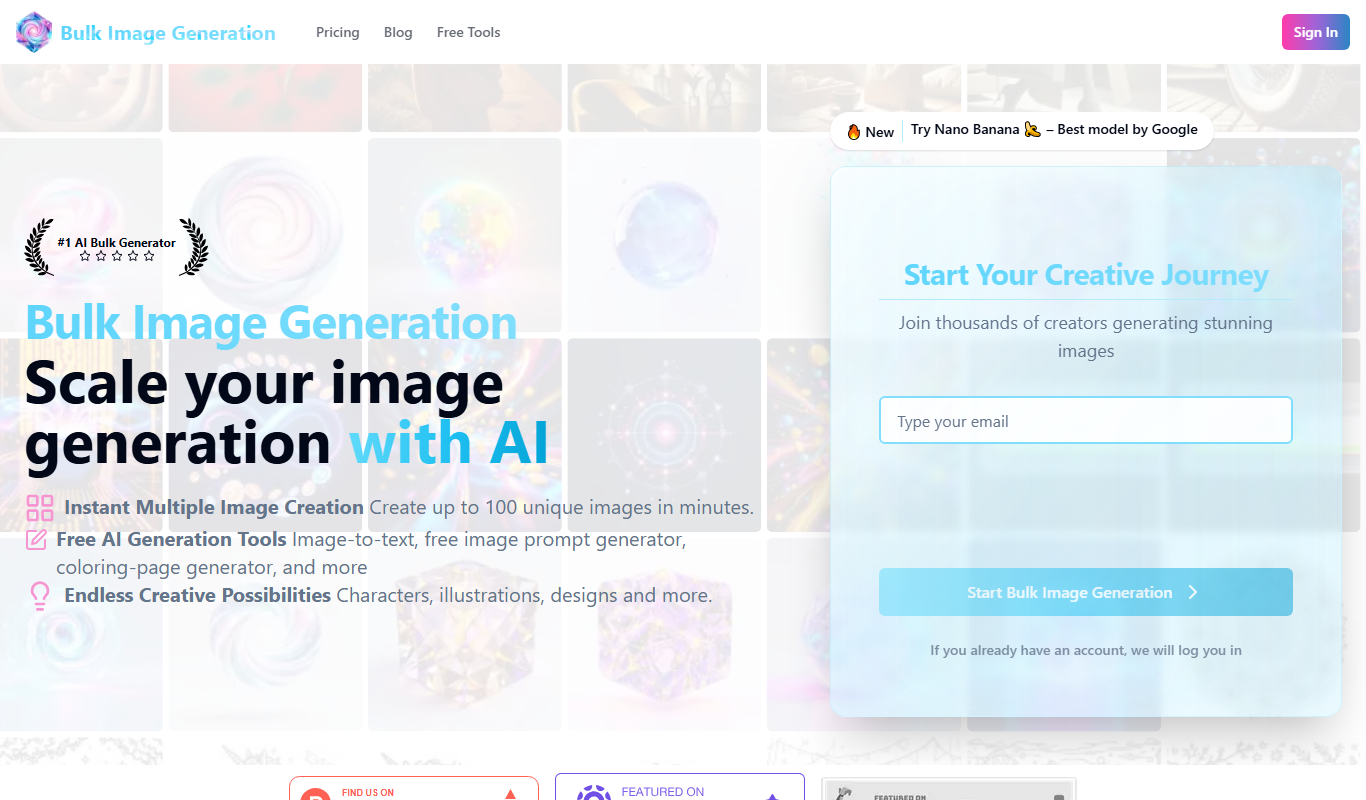
Bulk Image Generation is an AI tool that allows users to create large batches of images from text prompts quickly, with options for customization and API integration.
Freemium
SketchImage.AI
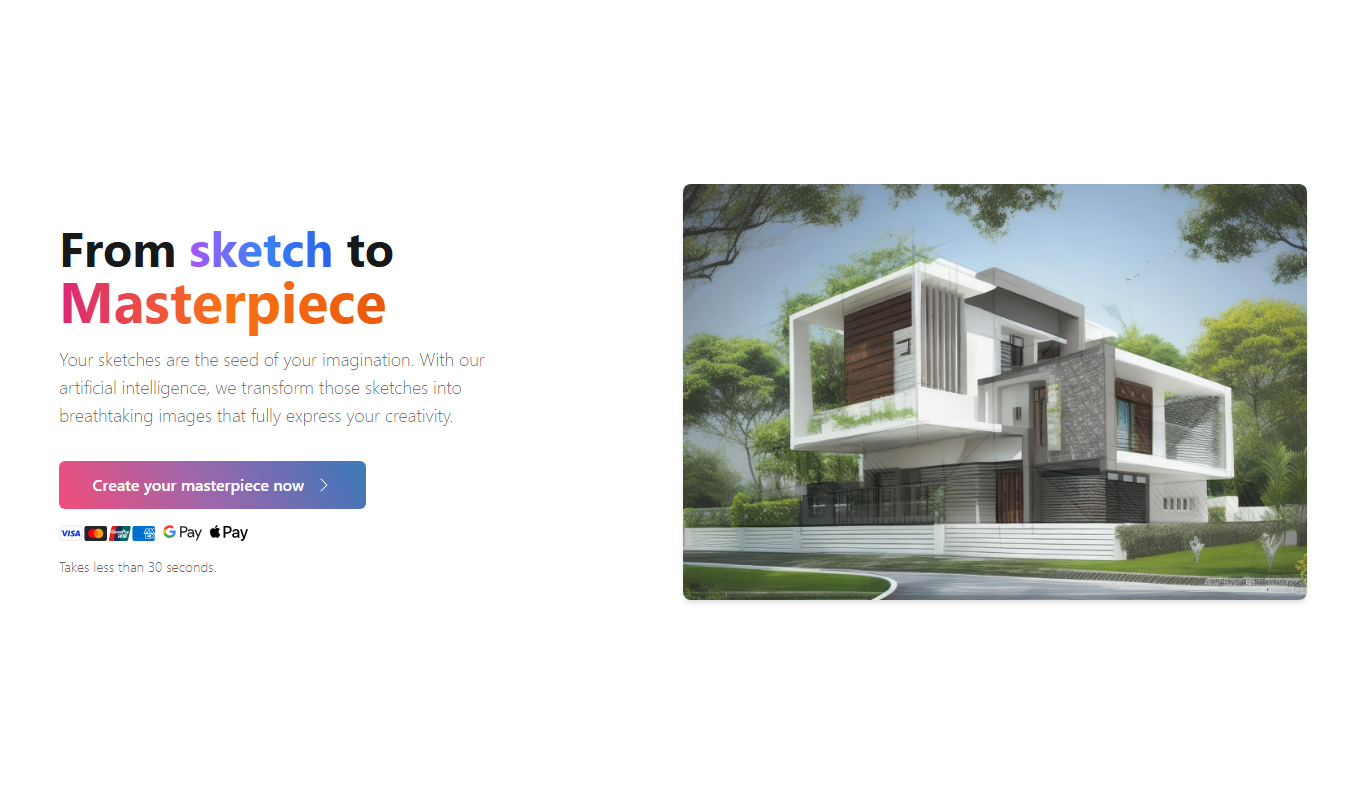
SketchImage.AI is an AI tool that transforms hand-drawn or digital sketches into detailed images using machine learning, offering multiple artistic styles and fast generation.
Free
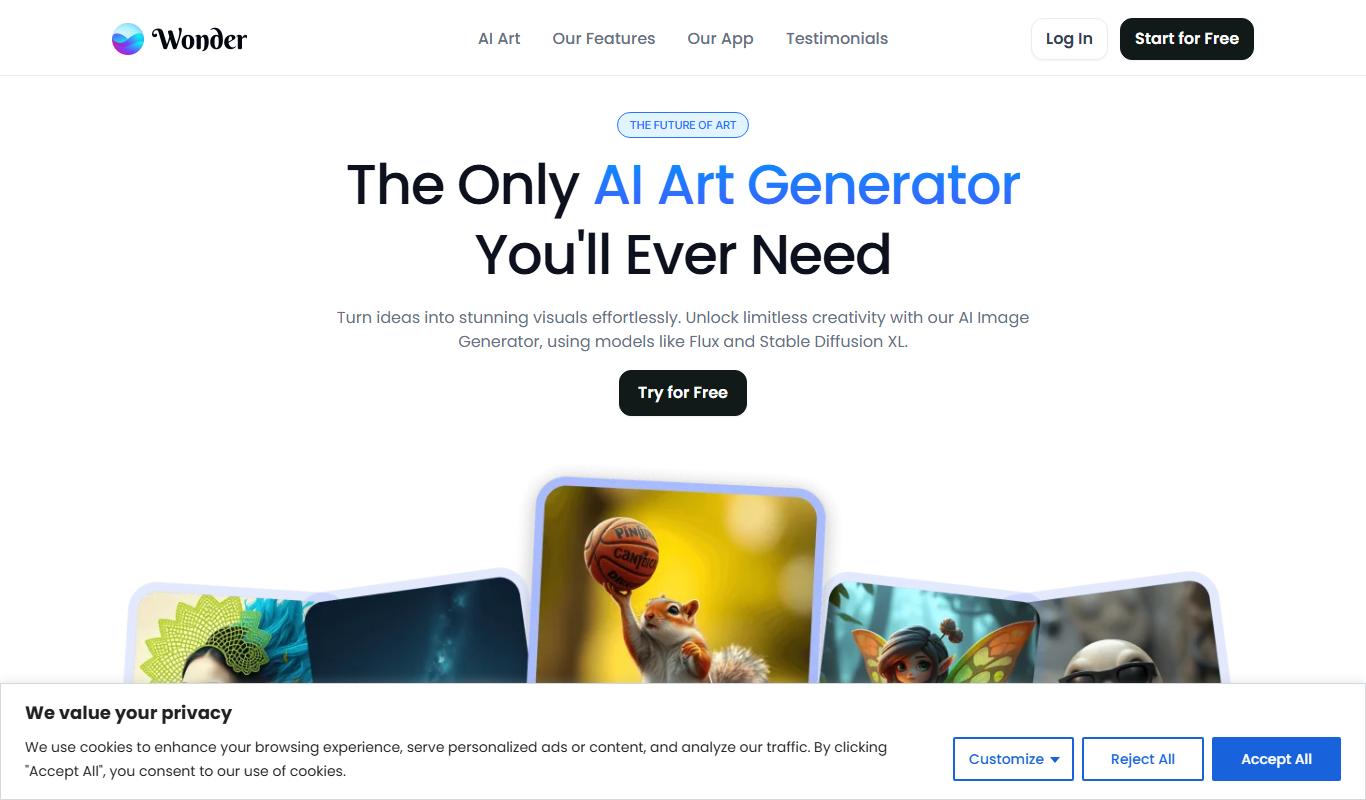
Wonder AI
Wonder AI is an AI-powered web tool that converts text prompts into unique digital images using advanced machine learning models.