

PDFCandy Online PDF Converter and Editor Tools for PDF Management
PDFCandy is an online and desktop PDF tool suite that allows users to convert, edit, compress, and secure PDF files easily with support for multiple formats and OCR capabilities.
- Best for
- PDF Conversion
- Key capability
- Multiple PDF Conversions
Save PDFCandy, follow its updates and vote on it — everything stays in your account.
Sign in or create a free account
What is PDFCandy?
PDFCandy is a versatile online platform offering a comprehensive suite of PDF tools designed to simplify PDF file management. It enables users to convert, edit, compress, merge, split, and secure PDF documents through an easy-to-use web interface and desktop applications. Suitable for both casual users and professionals, PDFCandy supports multiple languages and provides a freemium pricing model with additional features available via subscription.
Key features of PDFCandy
PDFCandy provides a wide range of PDF utilities including format conversion, editing capabilities like merging and splitting, file compression, OCR text extraction, and security features such as password protection and watermarking. Its user-friendly interface and multi-platform availability make it accessible for diverse PDF handling needs.
Multiple PDF Conversions
Convert PDFs to Word, Excel, JPG, PNG, and vice versa with high accuracy.
PDF Editing Tools
Merge, split, rotate, reorder, and delete pages within PDF documents.
File Compression
Compress PDFs to reduce file size while maintaining quality.
OCR Text Recognition
Extract editable text from scanned PDFs and images.
Security Features
Add or remove passwords, encrypt files, and apply watermarks.
Multi-language Support
Interface and tools available in several major languages.
Pros and cons of PDFCandy
Pros
- Wide variety of PDF tools in one platform
- User-friendly interface with no technical skills required
- Supports offline desktop app for convenience
- Multi-language support broadens accessibility
- Affordable premium plan with unlimited usage
Cons
- Free plan has page and hourly restrictions, no batch processing and limited file size
- Some advanced features require premium subscription
- No mobile app currently available
Key use cases for PDFCandy
PDF Conversion
Convert PDFs to and from various formats including Word, Excel, JPG, and more for easy editing and sharing.
PDF Editing
Edit PDF files by merging, splitting, rotating, compressing, and adding or removing pages without needing advanced software.
Document Management
Manage and organize PDF documents efficiently with tools for watermarking, unlocking, protecting, and rearranging pages.
File Compression
Reduce PDF file sizes to optimize storage and facilitate faster sharing without significant loss of quality.
OCR and Text Extraction
Extract text from scanned PDFs and images using Optical Character Recognition for editable content.
How PDFCandy works
- 1
Access the Platform
Visit the PDFCandy website or download the desktop app to start using the tools.
- 2
Select a Tool
Choose from various PDF tools such as convert, merge, split, compress, or edit.
- 3
Upload Your File
Upload the PDF or other supported file formats you want to process.
- 4
Customize Settings
Adjust options like output format, compression level, or page selection as needed.
- 5
Process and Download
Run the tool to process your file and download the resulting document.
Who is using PDFCandy
PDFCandy pricing
Free
$0/month
Forever free plan for Web and Desktop with no account needed and no ads, with page and hourly restrictions, no batch processing and limited file size.
Web Monthly
$6 per month
Access to PDF Candy Web with no hourly limits, file size up to 500 MB per task and high priority processing.
Desktop + Web Yearly
$4 per month, billed yearly
Access to PDF Candy Web and PDF Candy Desktop with no hourly limits, file size up to 500 MB per task, high priority processing, and Video Candy and Image Candy web.
Desktop + Web Lifetime
$99 one-time payment
Access to PDF Candy Web and PDF Candy Desktop for a single payment.
Plans and prices are as published by the vendor and can change. Check the official site before you buy. Open the pricing page (opens in a new tab)
Frequently asked questions about PDFCandy
Yes, PDF Candy has a forever free plan that gives access to most features without signup, with limited usage options.
Yes, PDFCandy provides a desktop application for offline PDF editing and conversion.
PDFCandy supports PDF, Word, Excel, JPG, PNG, and several other common document and image formats.
Yes, PDFCandy includes Optical Character Recognition to extract text from scanned documents.
Yes, it can help with that use case depending on how you configure it and what features are available. You’ll get the best results with clear inputs and a defined goal.
Yes, it can help with that use case depending on how you configure it and what features are available. You’ll get the best results with clear inputs and a defined goal.
Conclusion
There are two ways in: PDF Candy Web runs the tools in a browser with nothing to install, while PDF Candy Desktop is a downloadable Windows suite of 35 tools that works entirely offline. A typical job means choosing a tool such as convert, merge, split or compress and uploading the file. Options like output format or page selection can be adjusted before the tool runs and the resulting document is downloaded. OCR extracts editable text from scanned PDFs and images, and security tools add or remove passwords and apply watermarks.
Uploaded files and processed output are kept for no longer than 2 hours. A forever free plan needs no account and shows no ads, but it restricts pages, hourly use and file size and offers no batch processing. Paid plans are Web Monthly, Desktop + Web Yearly and a Desktop + Web Lifetime license paid once.
Sources
Sign in to review this tool.
Sign In to ReviewNo reviews yet
Be the first to share how this tool worked for you.
Ask about pricing, limits, or how it compares — or answer someone else.
Sign In to AskNo questions yet
Have a question about using or paying for this tool? Be the first to ask.
Featured on TiorAI



Alternative Tools
Explore similar AI tools that might fit your needs

Smallpdf
Smallpdf is an online platform providing a suite of PDF tools including editing, converting, compressing, and e-signing documents accessible via web and mobile apps.

ILovePDF
ILovePDF is an online platform providing a full suite of PDF tools including editing, converting, merging, splitting, compressing, and securing PDFs accessible via web and desktop apps.
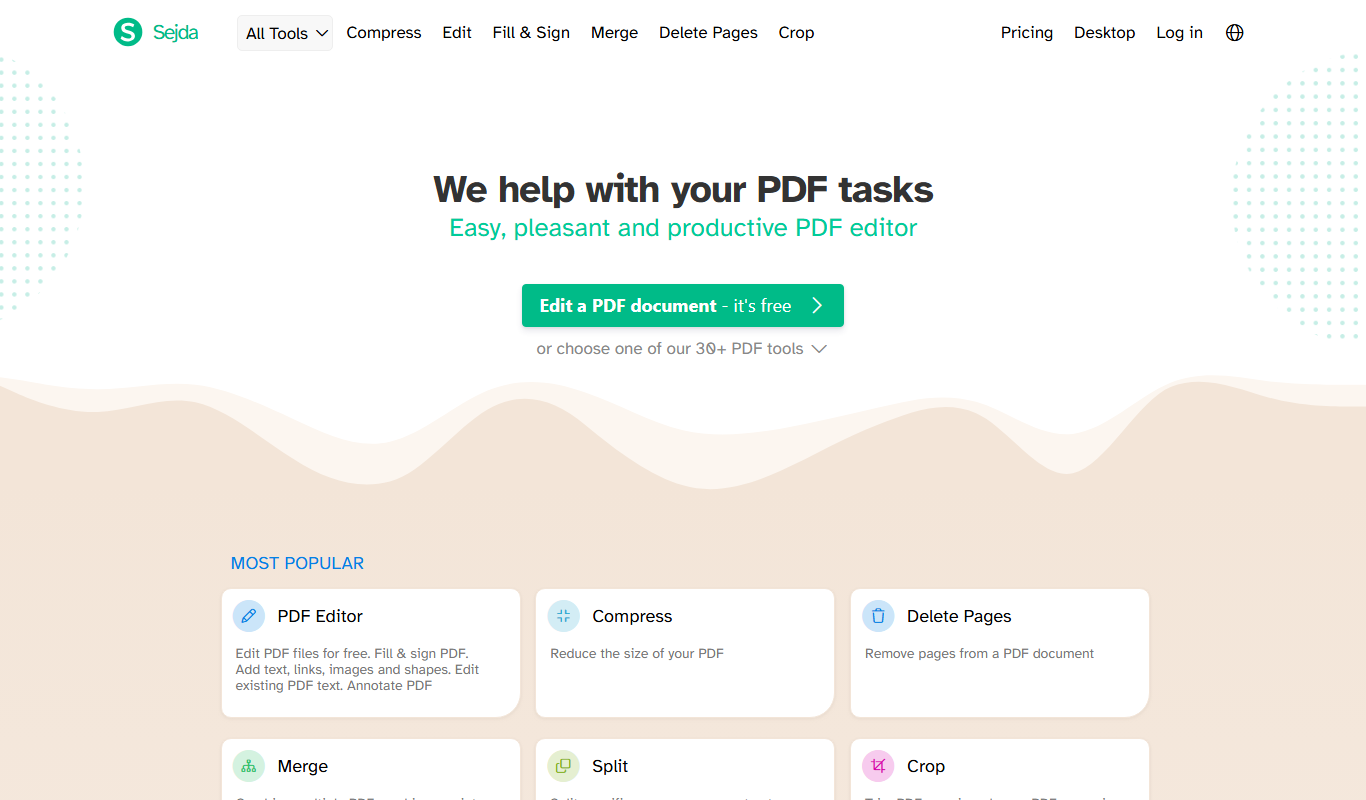
Sejda PDF Editor
Sejda PDF Editor is an online and desktop tool that allows users to edit, convert, merge, split, fill forms, and sign PDF documents easily with strong privacy protections.
More AI Content Generator tools
Other tools in the same category, for when this one is not quite the fit.

Sumizeit
Sumizeit is an AI-powered platform that generates concise summaries of nonfiction books to help users quickly understand key concepts without reading the full text.

Keyword Tool
Keyword Tool is an online platform that generates keyword suggestions and long-tail phrases from multiple search engines to help improve SEO and content marketing strategies.

TasteDive
TasteDive is a free online recommendation engine that suggests movies, TV shows, music, books, and more based on your favorites.

MovieLens
MovieLens is a free web-based movie recommendation system that uses collaborative filtering algorithms to provide personalized film suggestions based on user ratings.

Tiled
Tiled is a no-code interactive content platform that helps marketers, sales teams, and educators create engaging digital experiences with analytics and integrations.

Remove Line Breaks Tool
Remove Line Breaks Tool is a free online utility that removes unwanted line breaks from text, helping you create clean, continuous paragraphs quickly and easily.

Keybr
Keybr is a free web-based typing tutor that uses adaptive algorithms to help users learn touch typing by focusing on their weak keys and tracking progress.

Paraphrase Online
Paraphrase Online is a free web-based AI tool that helps users rewrite and rephrase English text instantly without registration.