

Sejda PDF Editor - Online PDF Editing and Document Management Tool
Sejda PDF Editor is an online and desktop tool that allows users to edit, convert, merge, split, fill forms, and sign PDF documents easily with strong privacy protections.
- Best for
- PDF Editing
- Key capability
- Text and Image Editing
Save Sejda PDF Editor, follow its updates and vote on it — everything stays in your account.
Sign in or create a free account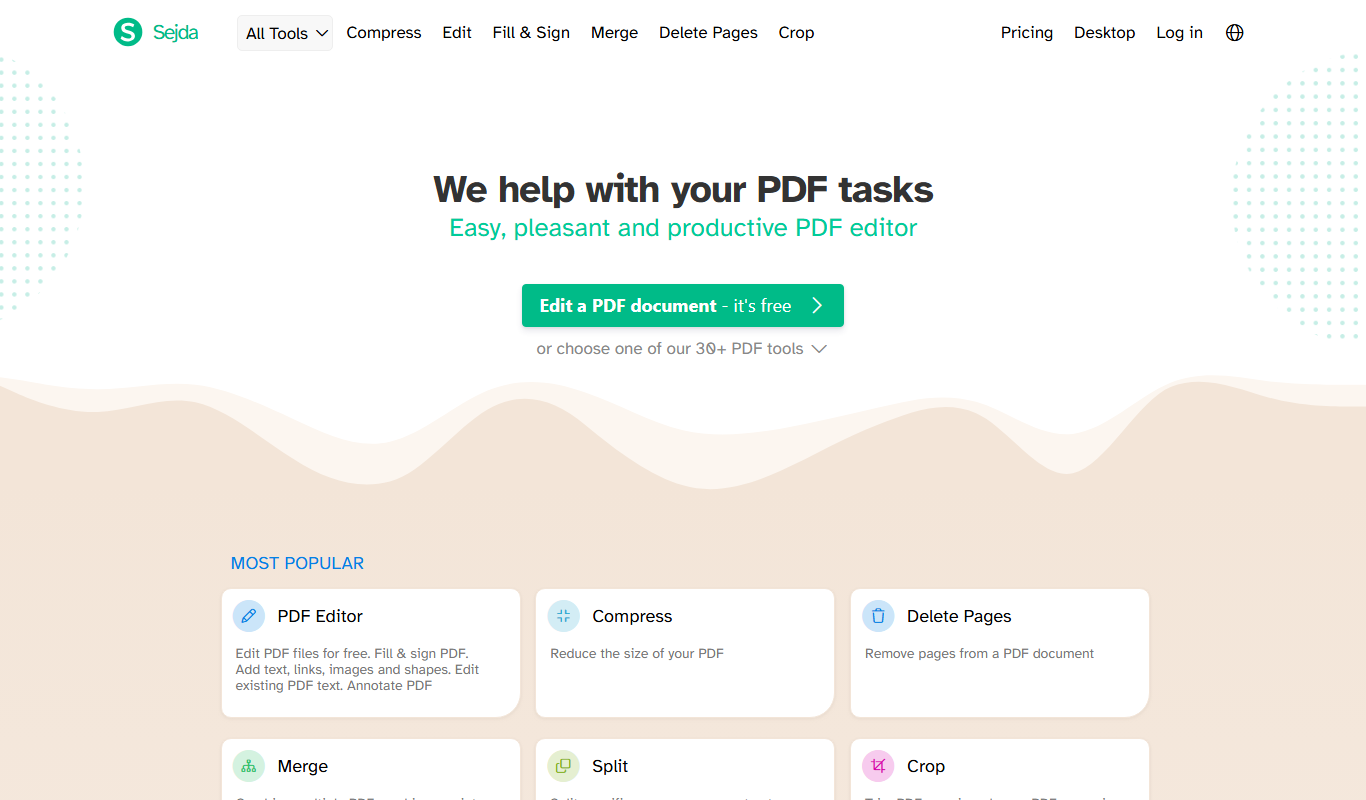
What is Sejda PDF Editor?
Sejda PDF Editor is an online and desktop PDF editing software designed to simplify working with PDF documents. It offers a user-friendly interface that allows users to edit text, add images, fill forms, sign documents, and manage pages without needing advanced technical skills or expensive software. Sejda supports a wide range of PDF manipulation tasks, making it suitable for both personal and professional use.
Key features of Sejda PDF Editor
Sejda provides comprehensive PDF editing capabilities including text editing, image insertion, page rearrangement, PDF merging and splitting, form filling, and electronic signatures. It supports multiple languages and offers both free and subscription-based plans, accessible via web browsers or desktop applications.
Text and Image Editing
Modify existing text, add new text, and insert or replace images within PDFs.
PDF Conversion
Convert PDFs to editable Word, Excel, PowerPoint formats and convert other formats back to PDF.
Page Management Tools
Merge multiple PDFs, split large PDFs, rotate, reorder, or delete pages.
Form Filling and Signing
Fill interactive PDF forms and add legally binding electronic signatures.
Privacy and Security
Files are automatically deleted from servers after 2 hours to ensure privacy.
Pros and cons of Sejda PDF Editor
Pros
- User-friendly interface suitable for beginners
- Supports both online and desktop usage
- Comprehensive PDF editing and management features
- Strong privacy policy with automatic file deletion
- Affordable subscription plans
Cons
- Free plan has task and file size limitations
- Advanced features require paid subscription
- Desktop app requires installation and system resources
Key use cases for Sejda PDF Editor
PDF Editing
Edit text, images, and links directly within PDF documents without needing to convert files.
PDF Conversion
Convert PDFs to Word, Excel, PowerPoint, and other formats, and vice versa.
Document Merging and Splitting
Combine multiple PDFs into one or split a PDF into separate files easily.
Form Filling and Signing
Fill out PDF forms and add electronic signatures securely.
Page Management
Rearrange, rotate, delete, or extract pages within PDF documents.
How Sejda PDF Editor works
- 1
Upload PDF
Start by uploading your PDF file to the Sejda web platform or open it in the desktop app.
- 2
Edit Document
Use the intuitive tools to edit text, add images, fill forms, or rearrange pages.
- 3
Apply Changes
Review your edits and apply changes to the document.
- 4
Download or Save
Download the edited PDF or save it directly to cloud storage services.
Who is using Sejda PDF Editor
Sejda PDF Editor pricing
Free
$0/month
Limited to 3 tasks per hour, 200 pages or 50 MB file size limit.
Web Monthly
$7/month
Recurring plan with access to Sejda Web and no access to Sejda Desktop.
Desktop+Web Annual
$63/year
Annual recurring plan with access to Sejda Web and a year of access to Sejda Desktop.
Web Week Pass
$5 for 7 days
One-time payment for 7 days of access to Sejda Web, with no access to Sejda Desktop.
Plans and prices are as published by the vendor and can change. Check the official site before you buy. Open the pricing page (opens in a new tab)
Frequently asked questions about Sejda PDF Editor
Yes, Sejda offers a free plan with limitations on the number of tasks and file size.
Yes, Sejda provides a fully functional web-based PDF editor accessible via browser.
Sejda automatically deletes uploaded files from their servers after 2 hours to protect your privacy.
Yes, you can add legally binding electronic signatures to your PDF documents.
Some tools offer a free plan or trial with limited features. Availability can vary, so confirm on the official website.
Yes, it can help with that use case depending on how you configure it and what features are available. You’ll get the best results with clear inputs and a defined goal.
It depends on your specific needs and how you plan to use the tool. The official website and documentation are the best sources for the latest details.
Conclusion
A PDF is uploaded to the Sejda web platform or opened in the desktop app, where text can be edited, images added, forms filled and pages rearranged. Page tools merge, split, rotate, reorder or delete pages. Conversion turns PDFs into editable Word, Excel and PowerPoint formats and converts other formats back to PDF. Legally binding electronic signatures can be added too. Uploaded files are automatically deleted from the servers after 2 hours.
It is aimed at freelancers and remote workers, students and educators, and legal and administrative professionals. The free plan limits the number of tasks and file size, while paid access comes as a Web Week Pass at $5 for 7 days, Web Monthly at $7 per month or Desktop+Web Annual at $63 per year.
Sources
Sign in to review this tool.
Sign In to ReviewNo reviews yet
Be the first to share how this tool worked for you.
Ask about pricing, limits, or how it compares — or answer someone else.
Sign In to AskNo questions yet
Have a question about using or paying for this tool? Be the first to ask.
Featured on TiorAI



Alternative Tools
Explore similar AI tools that might fit your needs

Smallpdf
Smallpdf is an online platform providing a suite of PDF tools including editing, converting, compressing, and e-signing documents accessible via web and mobile apps.
PDFescape
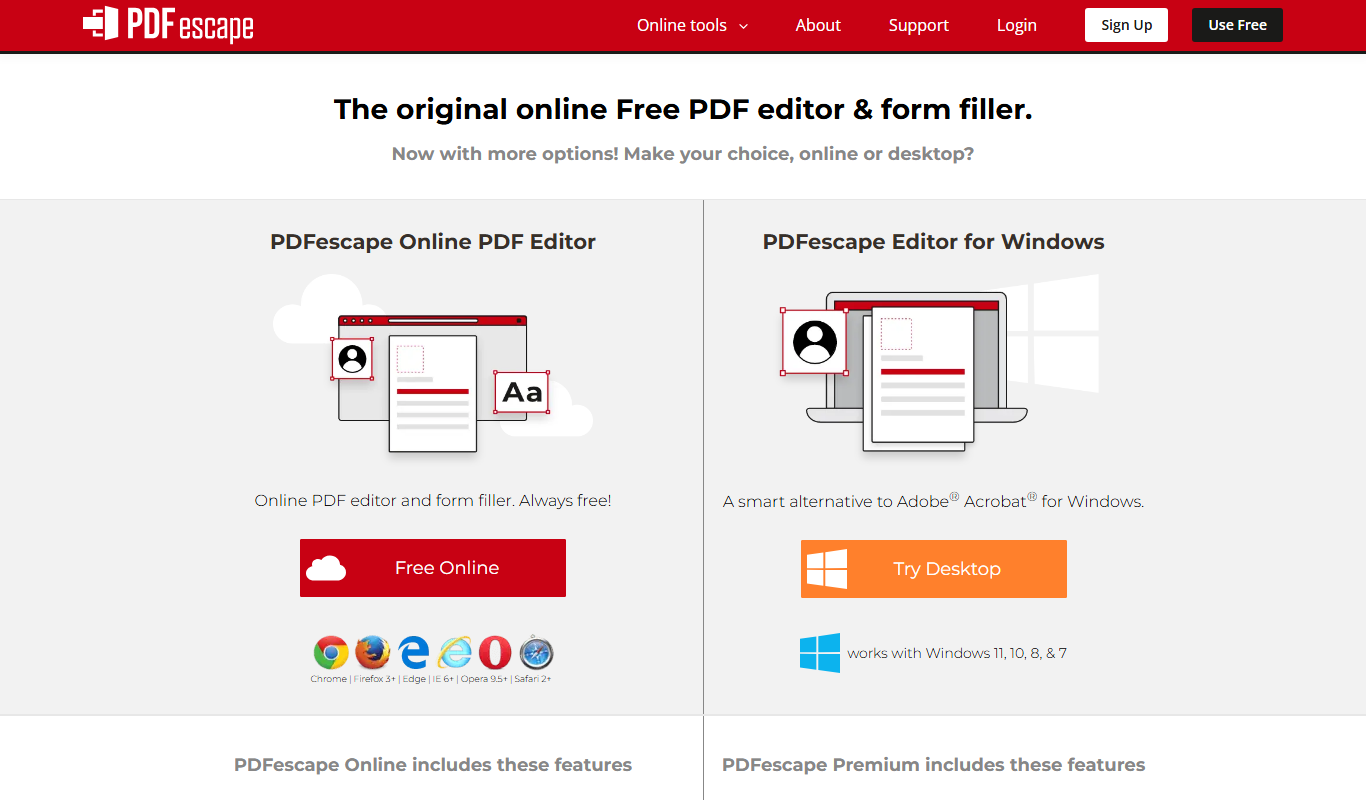
PDFescape is a web-based PDF editor and form filler that allows users to edit, annotate, and fill PDF documents online or via desktop app with free and paid plans.
More Business Management tools
Other tools in the same category, for when this one is not quite the fit.

PokerTracker
PokerTracker is a poker tracking software that helps online players analyze hand histories, track sessions, and use a real-time HUD to improve their poker strategy.
Perkbox
Perkbox is an employee benefits and engagement platform that provides companies with tools to offer perks, recognition, and wellbeing resources to improve employee satisfaction and retention.

BenefitHub
BenefitHub is an employee benefits platform that centralizes benefits management, rewards, and wellness programs to improve workforce engagement and simplify HR administration.
Brick Owl
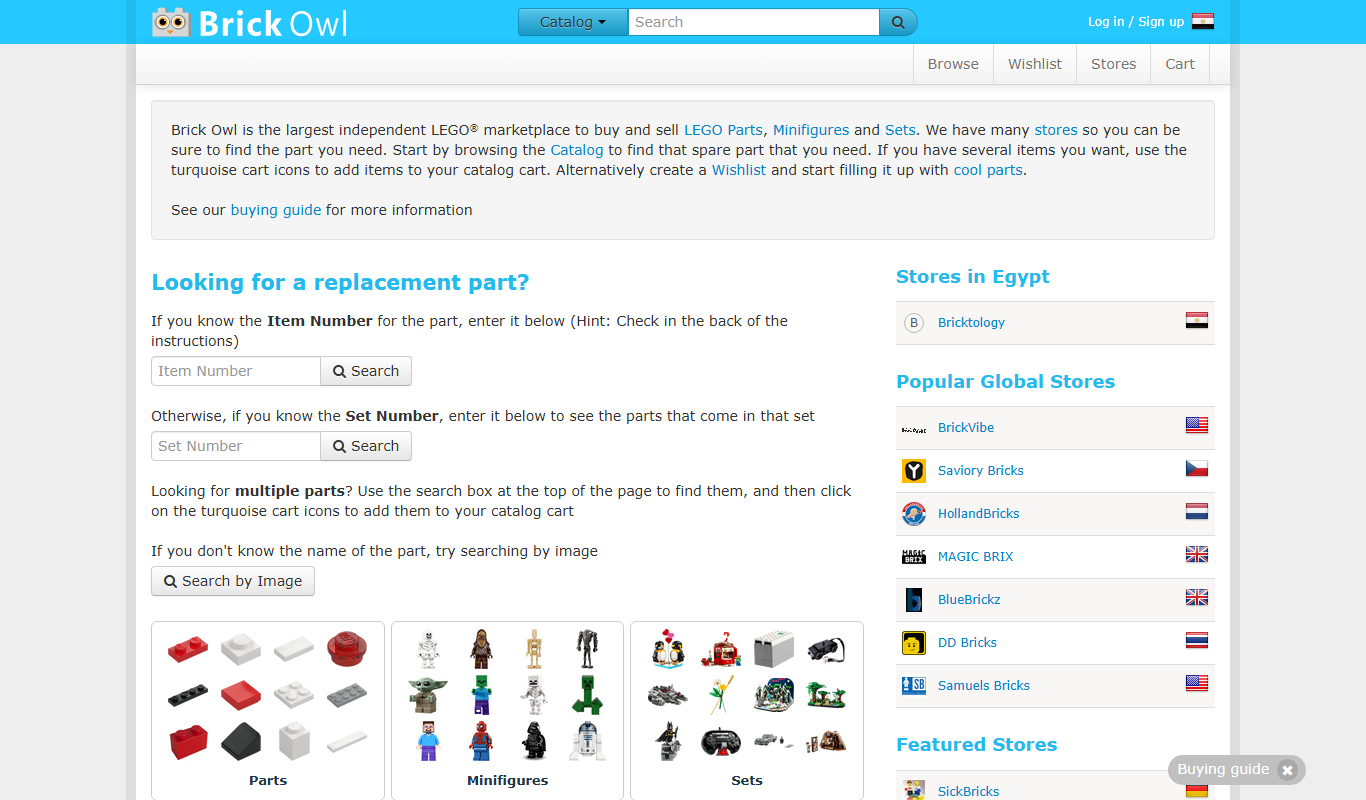
Brick Owl is an online marketplace where LEGO enthusiasts can buy and sell LEGO sets, bricks, and custom parts securely with global shipping options.
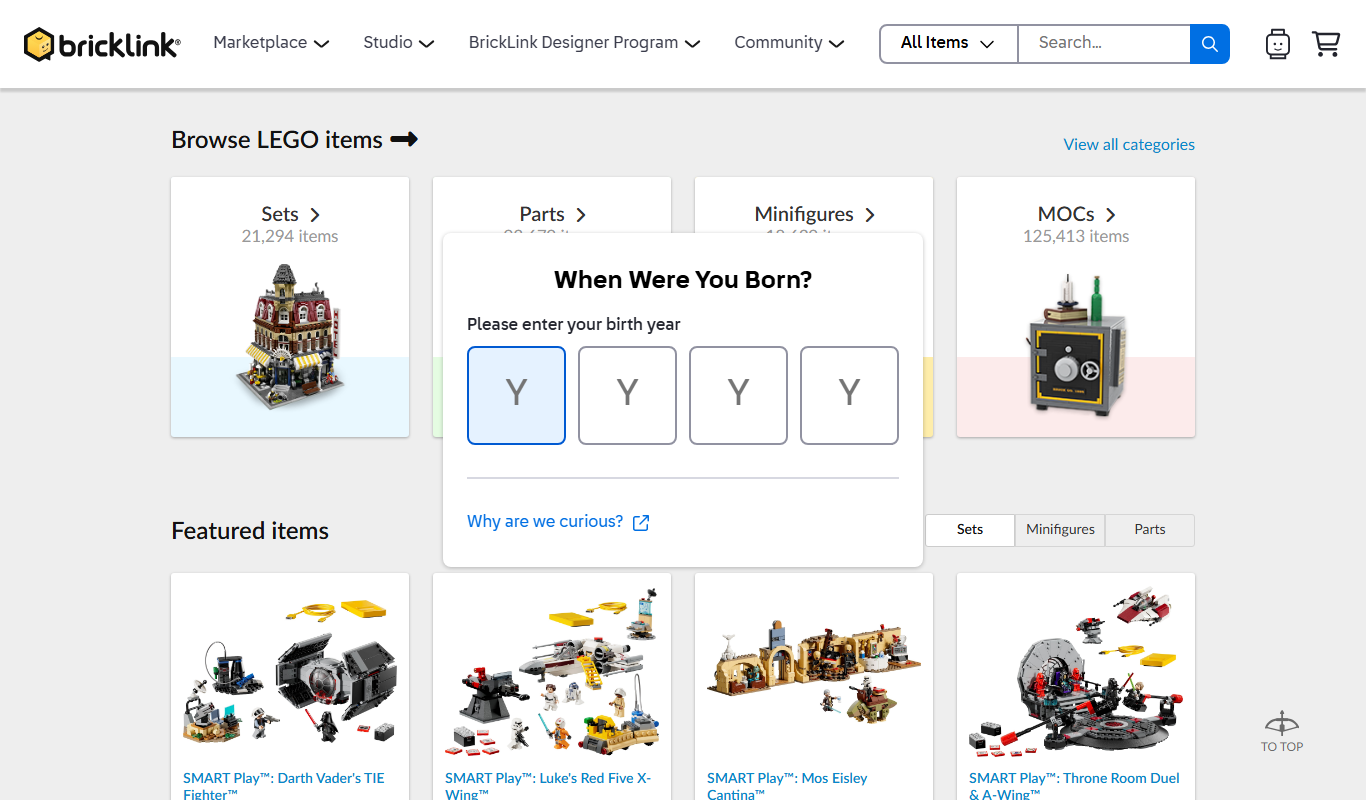
BrickLink
BrickLink is an online marketplace owned by LEGO Group where users can buy and sell LEGO parts, sets, and custom creations worldwide.
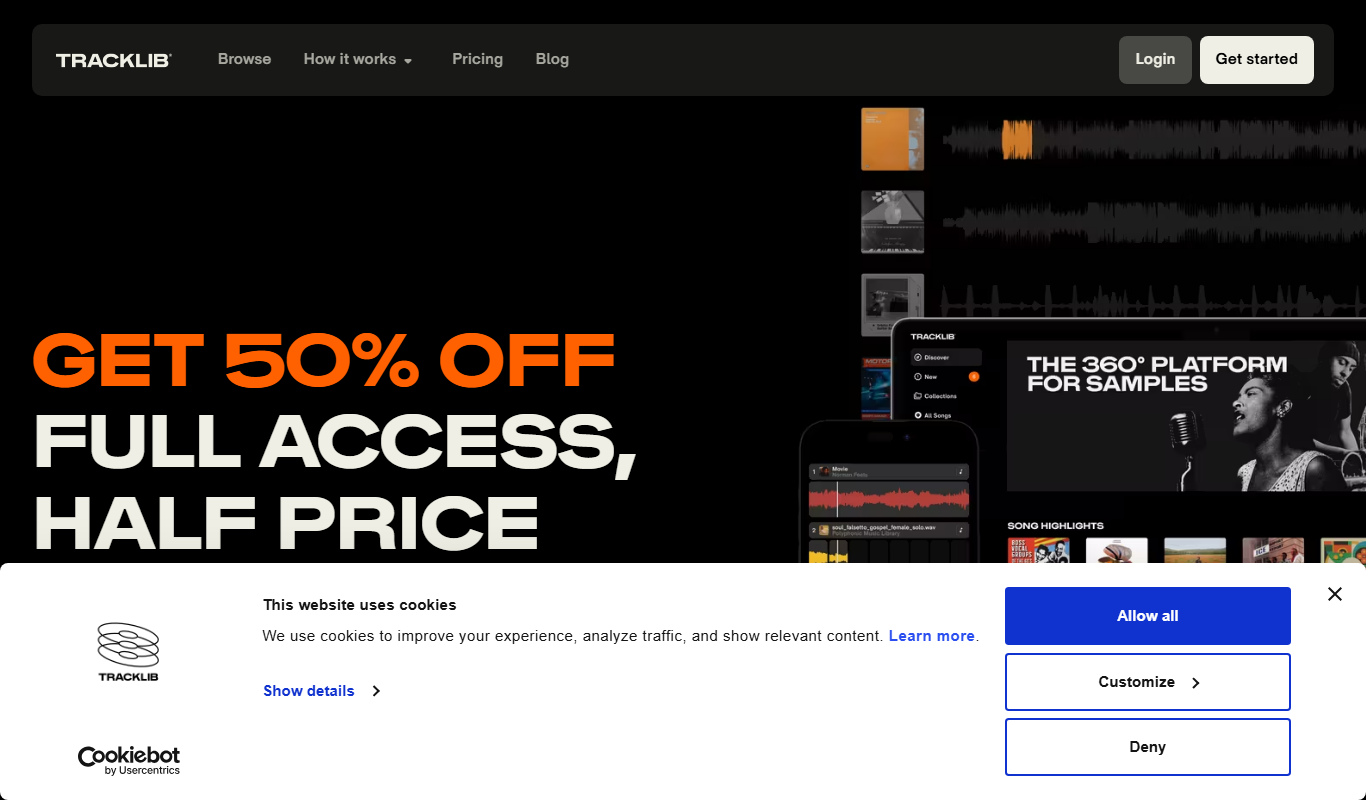
Tracklib
Tracklib is a music sampling platform that allows producers and artists to legally sample, clear, and license original music tracks for use in new productions.

Airbit
Airbit is an online marketplace where music producers can sell beats and artists can buy licensed instrumentals with instant delivery and licensing management.

RELEX Solutions
RELEX Solutions is an AI-powered supply chain management platform that helps retailers and wholesalers optimize demand forecasting, inventory, and workforce planning to improve efficiency and reduce costs.