

From my experience with Papers GPT, I found it excels at quickly distilling complex academic papers into clear, concise summaries that save valuable research time. The straightforward web interface makes it accessible without a steep learning curve, ideal for graduate students and researchers juggling multiple papers. However, its limitation to English-language papers and lack of advanced customization means it may not fully replace manual review for nuanced understanding. Overall, if you need a free, AI-powered assistant to speed up your literature review process, Papers GPT delivers practical and reliable support.
Papers GPT AI Research Assistant for Academic Paper Summaries and Insights
Papers GPT is a free web-based AI tool that summarizes academic papers and extracts key insights using GPT technology, designed to help researchers quickly understand complex scientific texts.
- Best for
- Academic Paper Summarization
- Key capability
- AI-Powered Summarization

Do you recommend this tool?
What is Papers GPT?
Papers GPT is a web-based AI research assistant designed to help academics, students, and researchers quickly understand and analyze scientific papers. Leveraging OpenAI’s GPT technology, it generates clear, concise summaries and extracts key insights from complex academic texts, streamlining the research process.
Key features of Papers GPT
The tool offers automatic summarization of research papers, extraction of key findings, and an intuitive interface to upload or link papers for instant AI analysis. It supports efficient literature review and enhances research productivity by reducing reading time.
AI-Powered Summarization
Generates clear and concise summaries of lengthy academic papers.
Insight Extraction
Identifies and highlights important findings and contributions within papers.
User-Friendly Interface
Simple web interface for uploading or linking papers and viewing results.
Free to Use
Accessible without cost, making it easy for students and researchers to adopt.
Pros and cons of Papers GPT
Pros
- Quickly summarizes complex academic papers
- Easy to use with simple upload or link options
- Free access with no subscription required
Cons
- Limited to English language papers
- No mobile app or offline access
- Lacks advanced customization for summaries
Key use cases for Papers GPT
Academic Paper Summarization
Automatically generate concise summaries of research papers to quickly grasp key points.
Research Insight Extraction
Extract important insights and findings from complex academic texts to aid understanding.
Literature Review Assistance
Help researchers compile and synthesize information from multiple papers efficiently.
Time-saving Research Tool
Reduce time spent reading lengthy papers by providing AI-generated overviews.
How Papers GPT works
- 1
Upload or Link Paper
Users provide the academic paper by uploading a PDF or entering a URL.
- 2
AI Processing
Papers GPT uses GPT-based AI to analyze the content and extract summaries and insights.
- 3
Review Output
Users receive a concise summary and key points to understand the paper quickly.
Who is using Papers GPT
Academic researchers
Graduate students
University professors
Scientific writers
Research assistants
Papers GPT pricing
Free
$0/month
Full access to Papers GPT features without subscription fees.
Plans and prices are as published by the vendor and can change. Check the official site before you buy. Open the pricing page (opens in a new tab)
Frequently asked questions about Papers GPT
It supports scientific and academic papers in PDF format or accessible via URL.
Currently, Papers GPT is free with no explicitly stated usage limits.
At this time, it primarily supports English-language papers.
It depends on your specific needs and how you plan to use the tool. The official website and documentation are the best sources for the latest details.
Some tools offer a free plan or trial with limited features. Availability can vary, so confirm on the official website.
Yes, it can help with that use case depending on how you configure it and what features are available. You’ll get the best results with clear inputs and a defined goal.
Sign in to review this tool.
Sign In to ReviewNo reviews yet
Be the first to share how this tool worked for you.
Ask about pricing, limits, or how it compares — or answer someone else.
Sign In to AskNo questions yet
Have a question about using or paying for this tool? Be the first to ask.
Featured on TiorAI



Alternative Tools
Explore similar AI tools that might fit your needs

Subscription
Paperpile
Paperpile is a cloud-based reference management tool designed for researchers and academics to organize references, annotate PDFs, and generate citations within Google Docs.
More Academic Tools tools
Other tools in the same category, for when this one is not quite the fit.
Freemium
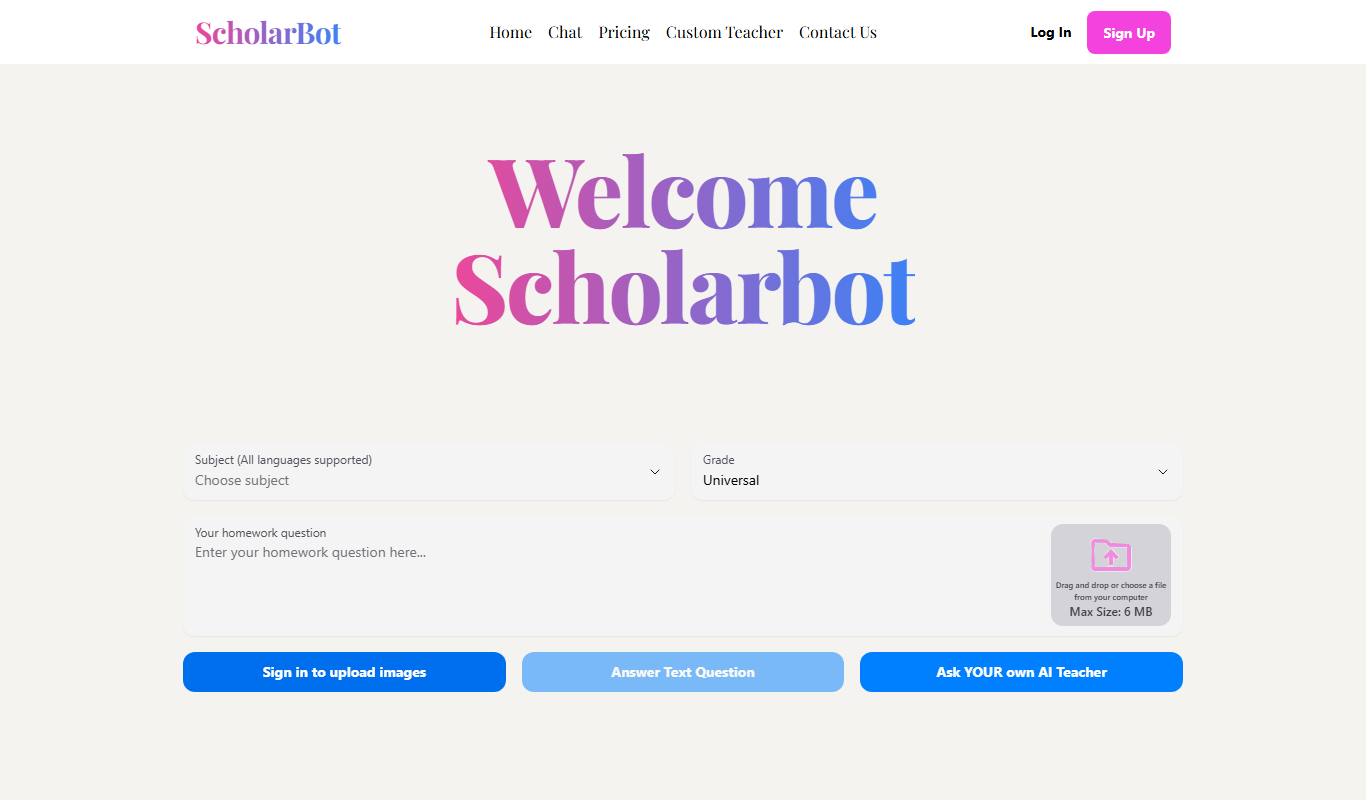
Scholarbot AI
Scholarbot AI is an AI-driven research assistant that automates literature reviews, summarizes academic papers, and extracts citations to streamline scholarly research.

Free
PaperLens
PaperLens is an AI research assistant that summarizes academic papers, extracts key insights, and allows interactive Q&A to help researchers and students understand complex research quickly.
Free
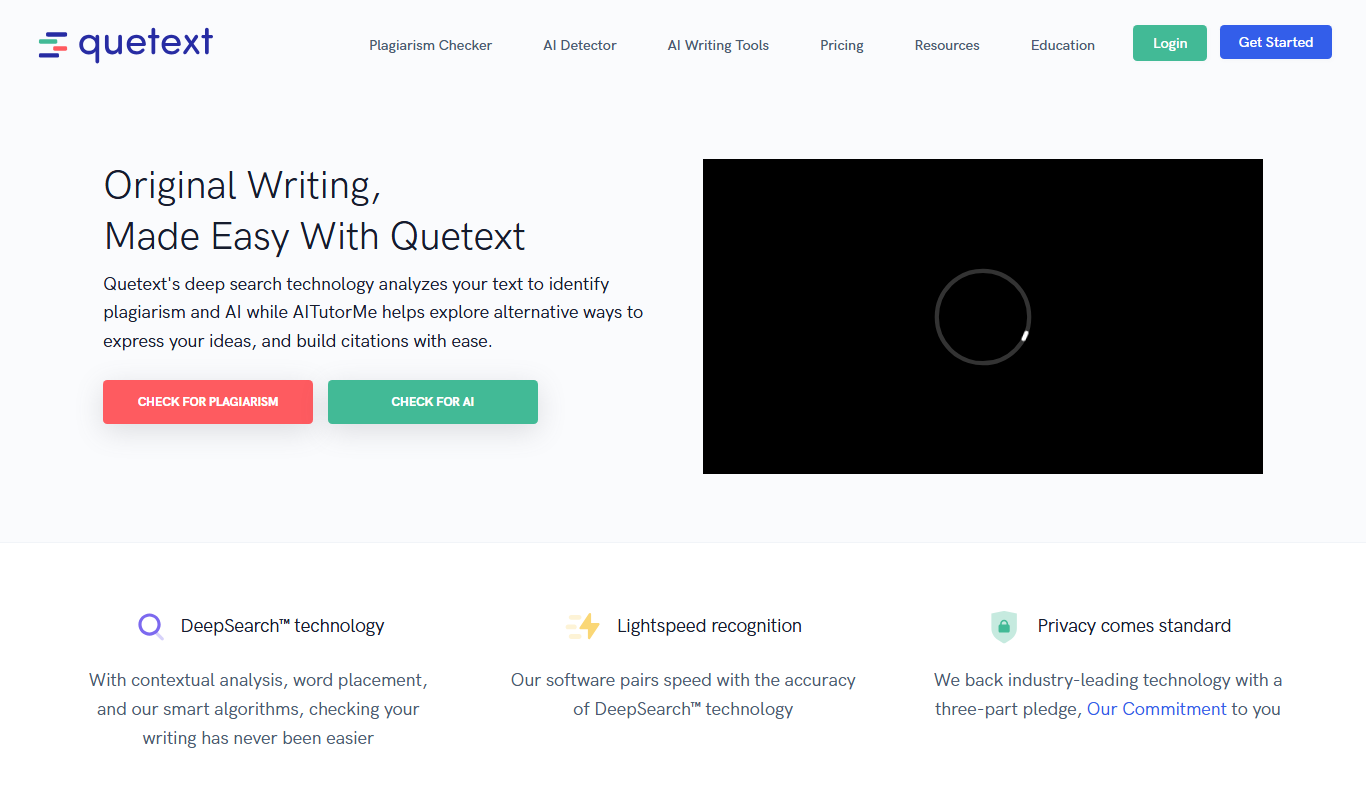
Quetext
Quetext is an online plagiarism detection and citation tool that scans text against billions of sources to identify potential plagiarism and helps users generate proper citations.
Free
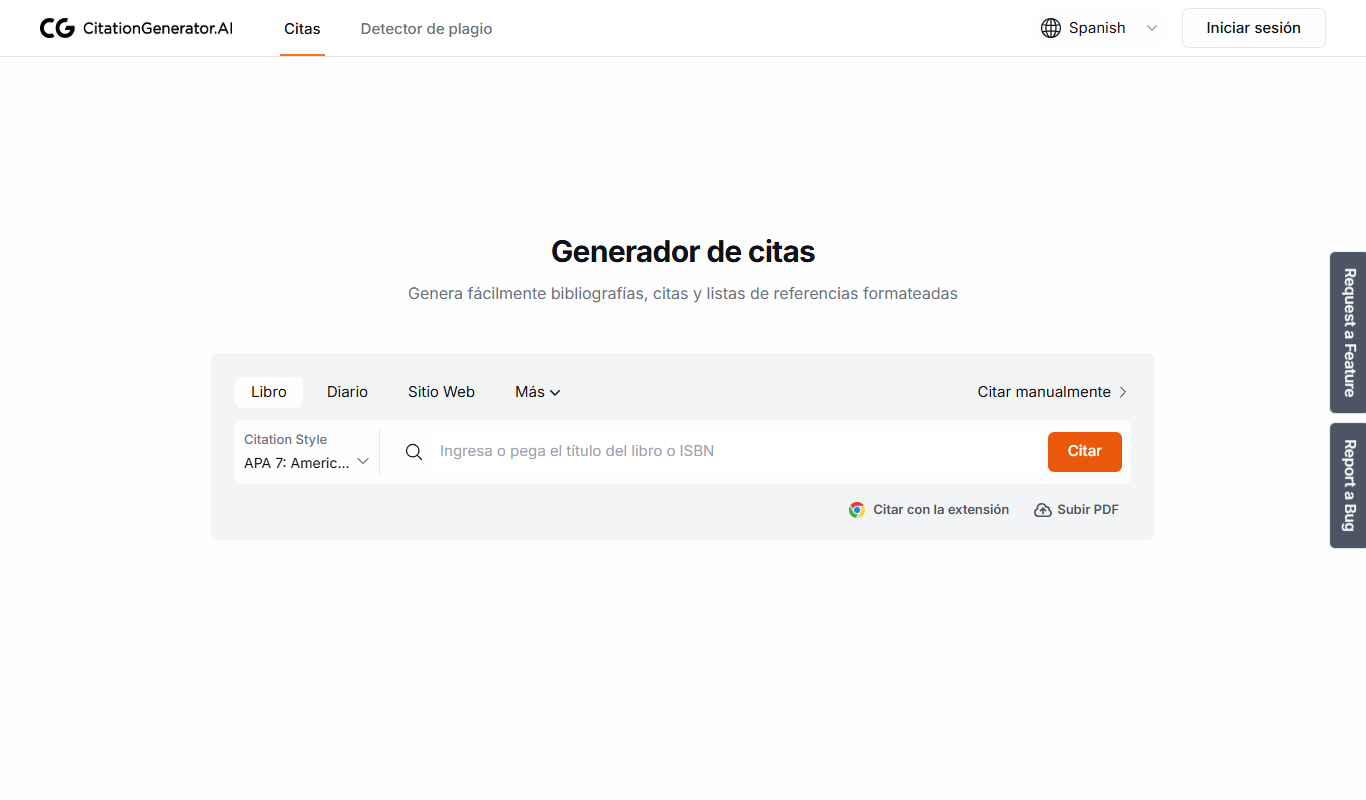
Citation Generator AI
Citation Generator AI is a free web-based tool that helps students and researchers generate properly formatted citations in multiple academic styles quickly and easily without registration.

Freemium
Plag
Plag.lv is an online plagiarism detection tool that scans submitted texts against a large database to identify copied content, supporting multiple languages and offering detailed similarity reports.

Free Trial
ResearchPal
ResearchPal is an AI-driven research assistant that streamlines academic and professional research by providing literature search, paper summarization, and citation management tools through a web platform.
Freemium
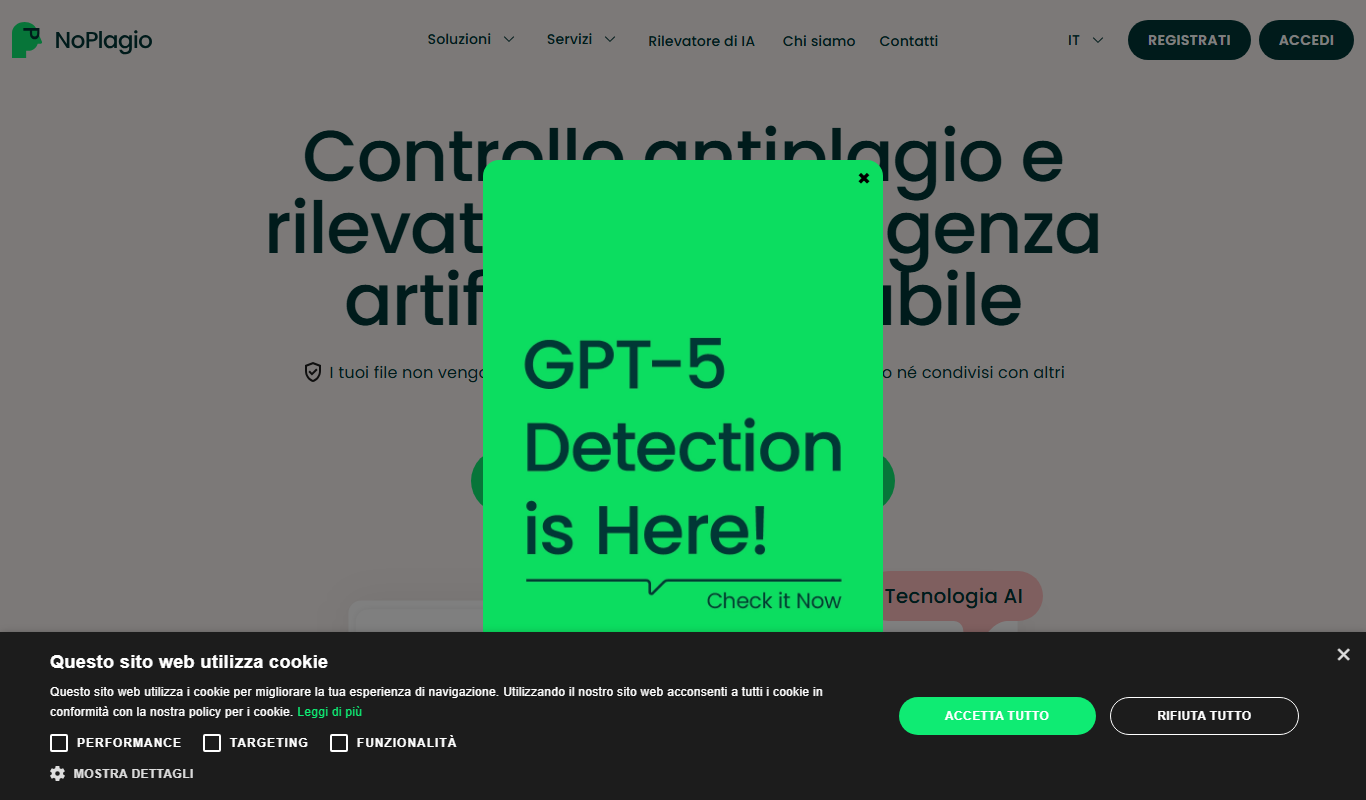
NoPlagio
NoPlagio is an online plagiarism detection tool that scans documents for copied content in English and Italian, providing detailed similarity reports to help maintain academic and professional integrity.
Free
Plag
Plag is an online plagiarism checker that scans text against internet sources and databases to detect copied content and ensure originality.