

From my experience with PalyPDF, it stands out as a straightforward and completely free online PDF editor and converter that requires no registration or software installation. Its ease of use makes it ideal for quick edits, conversions, and basic PDF management tasks, especially for students, freelancers, and small businesses. However, it lacks advanced features like OCR and detailed security disclosures, so it may not suit users with sensitive documents or complex workflows. Overall, for everyday PDF editing and conversion needs, PalyPDF delivers a reliable and accessible solution.
PalyPDF Online PDF Editor and Converter Tool for Easy Document Management
PalyPDF is a free online platform that allows users to edit, convert, merge, split, compress, and secure PDF documents directly in their browser without software installation.
- Best for
- Edit PDF Documents
- Key capability
- Online PDF Editor


Do you recommend this tool?
What is PalyPDF?
PalyPDF is a free, web-based PDF editor and converter designed to simplify document management. It offers a suite of tools to edit, convert, merge, split, compress, and secure PDF files without requiring software installation. Users can handle PDF tasks directly in their browser, making it accessible and convenient for individuals and businesses alike.
Key features of PalyPDF
PalyPDF provides a comprehensive set of PDF tools including editing text and images, converting between PDF and popular file formats, merging and splitting documents, compressing file sizes, and applying security features such as password protection. Its user-friendly interface supports quick and efficient PDF workflows online.
Online PDF Editor
Edit text, images, and pages within PDFs directly in the browser without software.
File Conversion
Convert PDFs to Word, Excel, PPT, JPG, and vice versa with high accuracy.
Merge and Split PDFs
Combine multiple PDFs into one or extract pages to create new documents.
PDF Compression
Reduce file size for easier sharing while maintaining document quality.
Security Features
Add or remove passwords and permissions to protect your PDF files.
Pros and cons of PalyPDF
Pros
- Completely free with no registration required
- Wide range of PDF editing and conversion tools
- Easy-to-use web interface accessible from any device
Cons
- No desktop or mobile app versions available
- Limited information on data privacy and security
- No advanced OCR or batch processing features
Key use cases for PalyPDF
Edit PDF Documents
Modify text, images, and layout directly within PDF files using an intuitive online editor.
Convert Files to and from PDF
Easily convert PDFs to Word, Excel, PowerPoint, and image formats, and vice versa.
Merge and Split PDFs
Combine multiple PDF files into one or split a single PDF into separate documents.
Compress PDF Files
Reduce PDF file size for easier sharing and storage without significant quality loss.
Secure PDF Documents
Add password protection or remove restrictions to control access and editing rights.
How PalyPDF works
- 1
Upload Your PDF
Select or drag and drop your PDF file onto the platform to begin editing or converting.
- 2
Choose Desired Tool
Pick from editing, converting, merging, splitting, compressing, or securing options based on your needs.
- 3
Make Changes or Convert
Edit content, adjust settings, or convert files as required using the intuitive interface.
- 4
Download the Result
Save the modified or converted PDF back to your device quickly and securely.
Who is using PalyPDF
Students and educators
Small business owners
Freelancers and remote workers
Anyone needing quick PDF edits or conversions
PalyPDF pricing
Free
$0
Access all PDF editing and conversion features without cost or registration.
Plans and prices are as published by the vendor and can change. Check the official site before you buy. Open the pricing page (opens in a new tab)
Frequently asked questions about PalyPDF
Yes, PalyPDF offers all its PDF editing and conversion tools completely free without requiring an account.
No, PalyPDF is a fully web-based platform that works directly in your browser.
You can convert PDFs to Word, Excel, PowerPoint, JPG, and convert those formats back to PDF.
PalyPDF processes files online but does not publicly disclose detailed security policies; users should avoid uploading sensitive documents.
Some tools offer a free plan or trial with limited features. Availability can vary, so confirm on the official website.
Yes, it can help with that use case depending on how you configure it and what features are available. You’ll get the best results with clear inputs and a defined goal.
It depends on your specific needs and how you plan to use the tool. The official website and documentation are the best sources for the latest details.
Sign in to review this tool.
Sign In to ReviewNo reviews yet
Be the first to share how this tool worked for you.
Ask about pricing, limits, or how it compares — or answer someone else.
Sign In to AskNo questions yet
Have a question about using or paying for this tool? Be the first to ask.
Featured on TiorAI



Alternative Tools
Explore similar AI tools that might fit your needs

Free
Smallpdf
Smallpdf is an online platform providing a suite of PDF tools including editing, converting, compressing, and e-signing documents accessible via web and mobile apps.

Free
ILovePDF
ILovePDF is an online platform providing a full suite of PDF tools including editing, converting, merging, splitting, compressing, and securing PDFs accessible via web and desktop apps.
Free
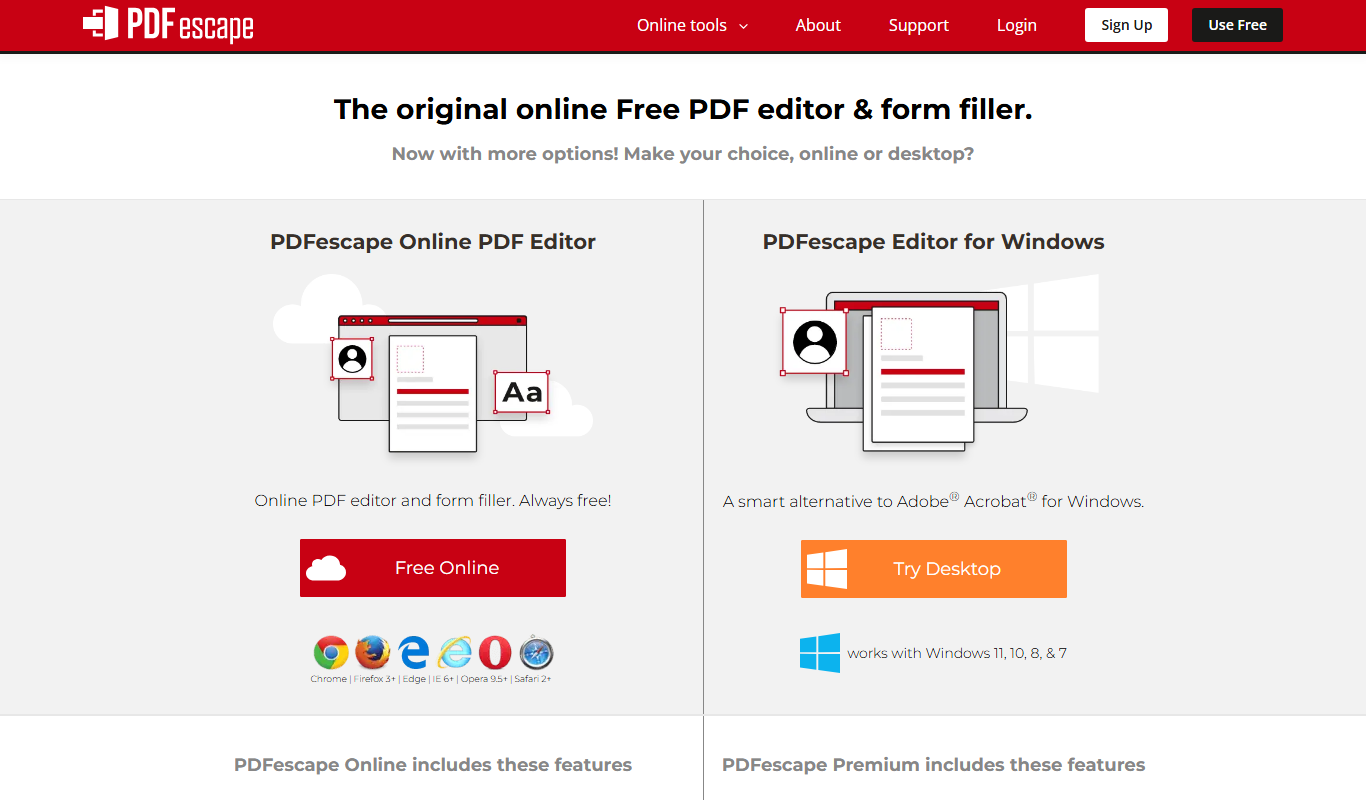
PDFescape
PDFescape is a web-based PDF editor and form filler that allows users to edit, annotate, and fill PDF documents online or via desktop app with free and paid plans.
More Document Management tools
Other tools in the same category, for when this one is not quite the fit.

Free Trial
Able2Extract
Able2Extract is a PDF converter and editor software that enables accurate conversion of PDFs to editable formats, direct PDF editing, batch processing, and secure form filling, available on Windows, Mac, and Linux.
Free Trial
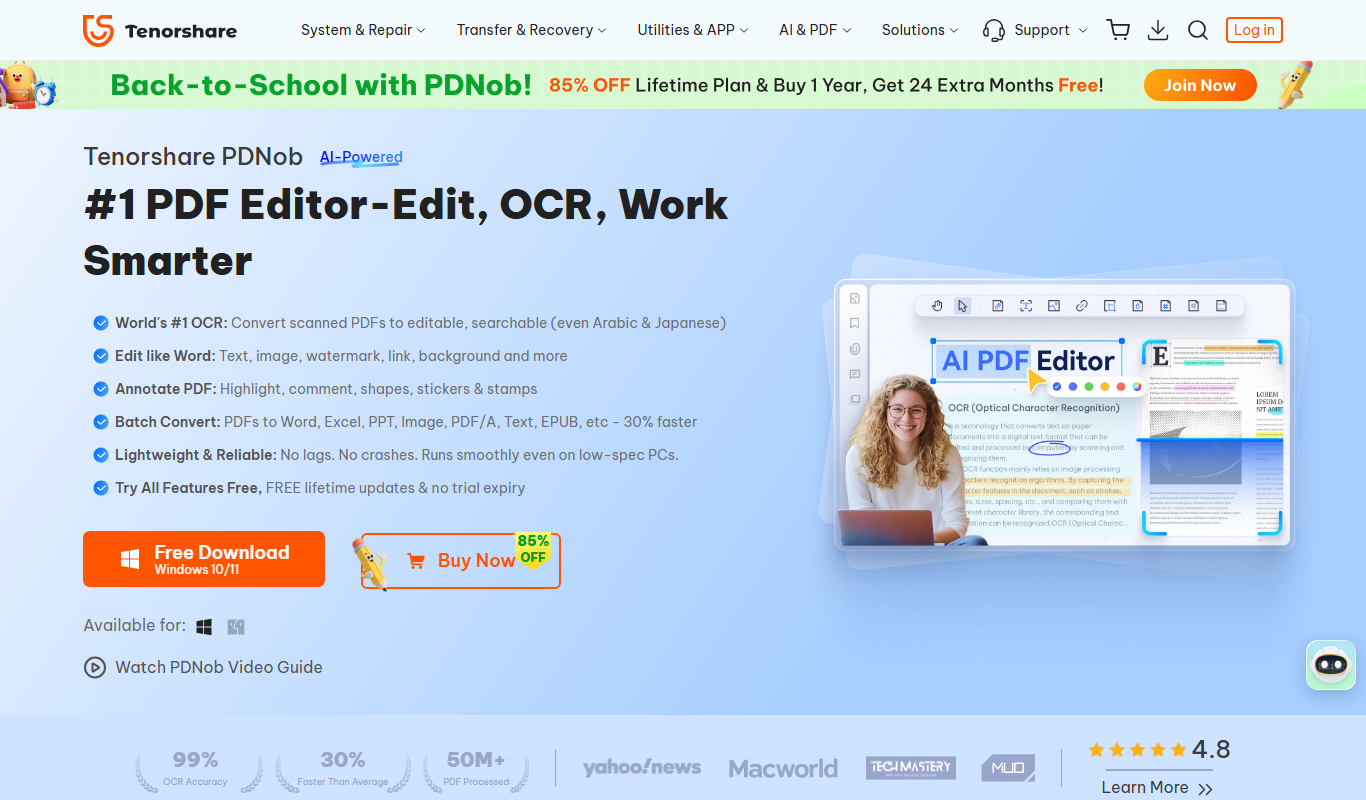
PDNob PDF Editor
PDNob PDF Editor is a desktop PDF editing software by Tenorshare that offers text and image editing, PDF conversion, annotation, form filling, signing, and OCR capabilities for Windows and Mac users.

Free
AI PDF Summarizer by PDF Guru
AI PDF Summarizer by PDF Guru is a web-based tool that uses artificial intelligence to create concise summaries of PDF documents, helping users quickly understand key points without reading the entire file.

Free Trial
Sign AI
Sign AI is a web-based electronic signature platform that allows users to securely sign and manage digital documents with legally binding signatures and audit trails.

Enterprise
Scrive
Scrive is a cloud-based electronic signature solution that enables legally binding digital document signing compliant with European regulations, offering API integrations and customizable workflows.
Enterprise
Scrive
Scrive is a cloud-based electronic signature platform that enables businesses to securely send, sign, and manage legally binding digital documents with compliance to eIDAS and other regulations.

Free Trial
TrustDoc
TrustDoc is a secure web-based document management platform designed for legal and business users to store, share, and sign documents with encryption and compliance features.

Freemium
Pizi – AI Assistant for Multiple PDFs
Pizi is an AI-powered web assistant that enables users to upload multiple PDFs and ask natural language questions to quickly extract relevant information from the documents.