

From my experience with Scrive, I found it excels at providing a secure and legally compliant electronic signature solution tailored for European markets. The platform’s strong API capabilities and multi-language support make it a solid choice for businesses needing seamless integration and international reach. However, the lack of transparent pricing and limited offline functionality may require potential users to engage with sales for detailed information. Overall, if you need a reliable e-signature tool with robust compliance and workflow automation, Scrive delivers dependable results.
Scrive Electronic Signature Software for Secure Digital Agreements
Scrive is a cloud-based electronic signature platform that enables businesses to securely send, sign, and manage legally binding digital documents with compliance to eIDAS and other regulations.
- Best for
- Contract Signing
- Key capability
- Legally Binding E-Signatures

Do you recommend this tool?
What is Scrive?
Scrive is a cloud-based electronic signature platform designed to simplify and secure the signing of digital documents. It enables businesses to send, sign, and manage contracts and agreements electronically, ensuring legal compliance and improving workflow efficiency. Scrive supports multiple languages and integrates with various business systems via API.
Key features of Scrive
Scrive offers legally binding e-signatures, document workflow automation, compliance with international regulations, API integrations, and multi-language support to streamline digital agreement processes.
Legally Binding E-Signatures
Supports advanced and qualified electronic signatures compliant with eIDAS.
API Integration
Allows seamless integration with CRM, ERP, and other business systems.
Multi-Language Support
Supports several Nordic and European languages for global business use.
Audit Trail and Compliance
Provides a detailed audit trail for each signed document to ensure legal validity.
Mobile-Friendly Interface
Enables signing and document management on mobile devices through responsive design.
Pros and cons of Scrive
Pros
- Strong compliance with European e-signature laws
- Robust API for seamless integrations
- Multi-language support for international use
- Detailed audit trails for legal security
- User-friendly and mobile-optimized interface
Cons
- Pricing is not transparent and requires contacting sales
- Limited offline signing capabilities
- Primarily focused on Nordic and European markets
Key use cases for Scrive
Contract Signing
Facilitates legally binding electronic signatures on contracts and agreements.
Document Workflow Automation
Automates the process of sending, signing, and storing documents digitally.
Compliance and Security
Ensures compliance with eIDAS and other electronic signature regulations.
Sales and Customer Onboarding
Speeds up sales cycles by enabling quick and secure contract execution.
HR and Internal Approvals
Streamlines internal document approvals and HR processes with digital signatures.
How Scrive works
- 1
Upload Document
Users upload the document that requires signatures to the Scrive platform.
- 2
Set Signers and Workflow
Define the signing order and specify signers with their contact information.
- 3
Send for Signature
The document is sent to recipients via email or integrated systems for signing.
- 4
Sign Electronically
Recipients sign the document securely using electronic signatures compliant with legal standards.
- 5
Store and Manage
Signed documents are stored securely and can be managed or exported as needed.
Who is using Scrive
Legal departments
Sales teams
HR professionals
Small to large enterprises
Financial services companies
Scrive pricing
Standard
Custom pricing
Basic electronic signature features suitable for small to medium businesses.
Enterprise
Custom pricing
Advanced features including API access, integrations, and dedicated support.
Plans and prices are as published by the vendor and can change. Check the official site before you buy. Open the pricing page (opens in a new tab)
Frequently asked questions about Scrive
Yes, Scrive supports advanced and qualified electronic signatures that comply with eIDAS.
Yes, Scrive offers API integrations to connect with popular CRM and ERP systems.
Yes, documents signed through Scrive are legally binding and include an audit trail.
Yes, Scrive’s platform is mobile-friendly and allows signing on smartphones and tablets.
Data handling and security practices vary by provider. Review the official privacy policy to understand how your data is stored and used.
Integration support depends on the tool and its available connectors or API. Check the official documentation or integrations page to confirm what is supported.
It depends on your specific needs and how you plan to use the tool. The official website and documentation are the best sources for the latest details.
Sign in to review this tool.
Sign In to ReviewNo reviews yet
Be the first to share how this tool worked for you.
Ask about pricing, limits, or how it compares — or answer someone else.
Sign In to AskNo questions yet
Have a question about using or paying for this tool? Be the first to ask.
Featured on TiorAI



Alternative Tools
Explore similar AI tools that might fit your needs

Free Trial
DocuSign
DocuSign is a cloud-based electronic signature platform that enables secure, legally binding digital signing and management of documents, streamlining workflows and ensuring compliance.

Free
HelloSign
HelloSign is an electronic signature software that allows users to securely sign, send, and manage legally binding digital documents online with compliance to major e-signature laws.
More AI Reply & Response Tools tools
Other tools in the same category, for when this one is not quite the fit.
Free Trial
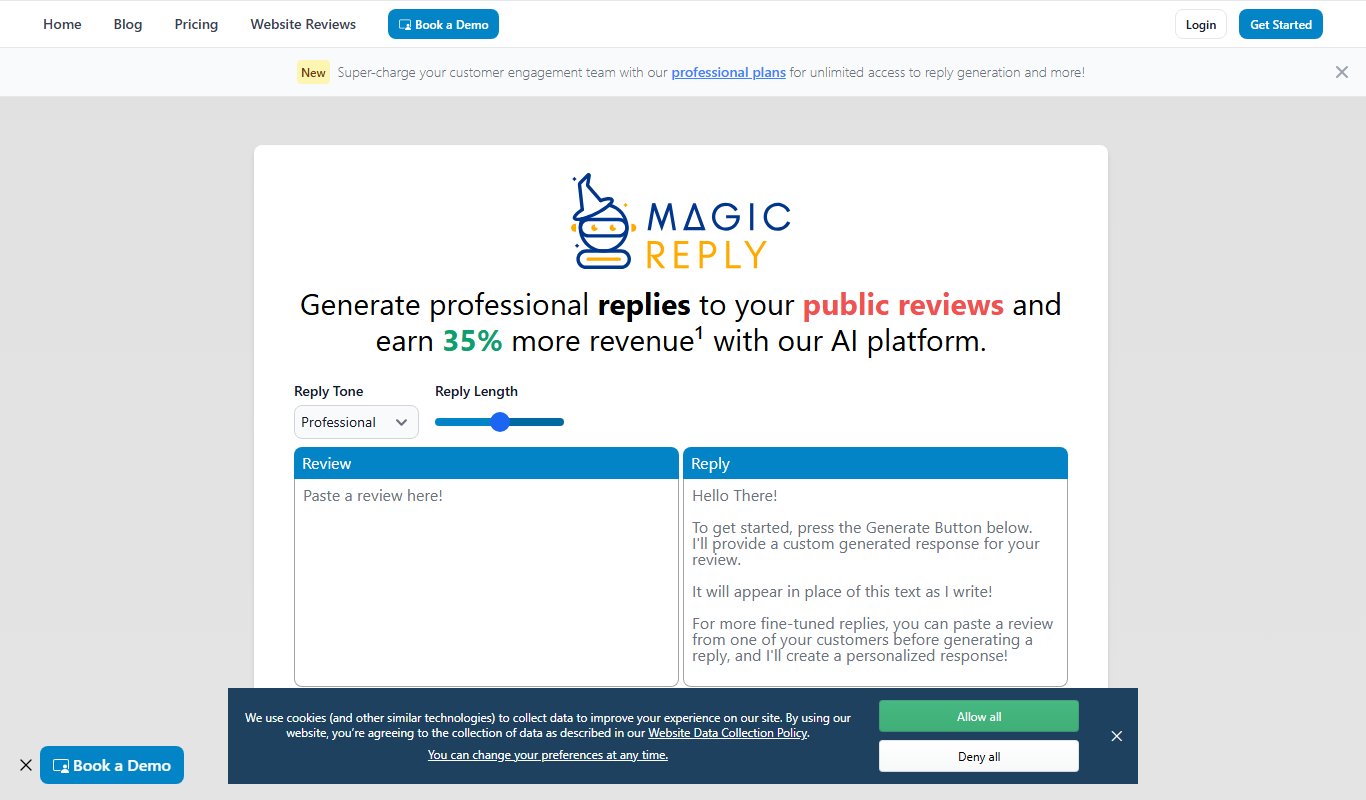
MagicReply AI
MagicReply AI is an AI-driven email reply generator that helps users create fast, relevant, and professional email responses by analyzing the context of incoming emails.
Free Trial
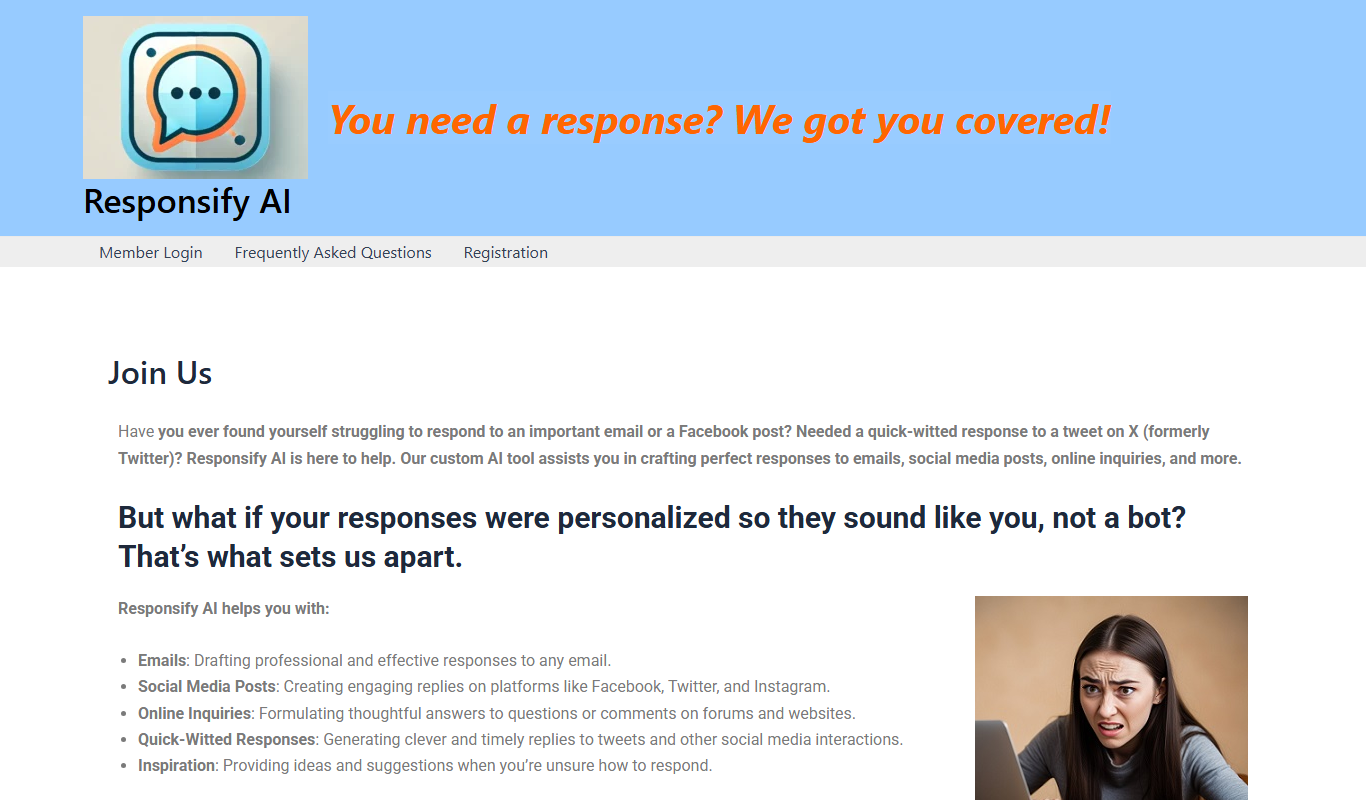
Responsify AI –
Responsify AI is an AI-driven platform that automates customer support through intelligent chatbots, enabling businesses to engage customers 24/7, qualify leads, and integrate with existing tools.
Freemium
Swift Reply
Swift Reply is an AI email assistant that integrates with your email client via a Chrome extension to generate smart, context-aware replies, helping you respond faster and manage emails more efficiently.

Freemium
Otron
Otron is an AI-driven platform that automates marketing content creation and campaign workflows, helping businesses generate SEO-friendly and personalized content efficiently.
Freemium
SocialAI
SocialAI is an AI-driven platform that automates social media content creation and scheduling, helping businesses maintain consistent engagement across platforms.

Free Trial
LinkedIn Comment Booster
LinkedIn Comment Booster is an AI-driven tool that helps users generate relevant and personalized comments on LinkedIn posts to increase engagement and grow their professional network.

Free
ReplyShort
ReplyShort is an AI tool that generates short, professional email replies quickly to save users time and improve communication efficiency.