

From my experience with ReplyShort, it excels at generating quick and concise email replies that save valuable time in daily communication. The tool’s simplicity and customization options make it particularly well-suited for busy professionals and customer support teams who need to maintain professionalism without lengthy writing. However, the lack of direct integration with email clients means an extra copy-paste step, which might interrupt workflow slightly. Overall, if you want to speed up your email responses with clear, AI-generated text, ReplyShort delivers effective and practical results.
ReplyShort AI Email Reply Generator for Fast, Concise Responses
ReplyShort is an AI tool that generates short, professional email replies quickly to save users time and improve communication efficiency.
- Best for
- Quick Email Replies
- Key capability
- AI-Powered Reply Generation

Do you recommend this tool?
What is ReplyShort?
ReplyShort is an AI-powered email reply generator designed to help users craft concise and effective responses quickly. By leveraging artificial intelligence, it reduces the time spent composing emails, ensuring replies are clear, professional, and to the point.
Key features of ReplyShort
ReplyShort offers features such as AI-generated short email replies, customization options for tone and length, and a user-friendly web interface that integrates seamlessly into daily email workflows.
AI-Powered Reply Generation
Automatically creates short, clear email responses based on the original message.
Tone and Length Customization
Allows users to tailor replies to be more formal, casual, or brief.
User-Friendly Web Interface
Simple and intuitive platform accessible from any web browser.
Time-Saving Automation
Reduces the time needed to compose replies, boosting productivity.
Pros and cons of ReplyShort
Pros
- Saves time by generating quick email replies
- Easy to use with a clean web interface
- Customizable tone and length for replies
Cons
- Limited to English language support
- No direct integration with email clients
- Free plan has usage limits
Key use cases for ReplyShort
Quick Email Replies
Generate short, clear, and professional email responses instantly to save time.
Customer Support
Assist support teams by providing concise replies that maintain professionalism and clarity.
Sales Outreach
Craft brief follow-up emails that engage prospects without overwhelming them.
Internal Communication
Help employees respond quickly to internal emails, improving overall communication efficiency.
How ReplyShort works
- 1
Input Email Content
Paste or type the email you need to reply to into the ReplyShort interface.
- 2
Generate Reply
The AI analyzes the email and creates a concise, relevant response.
- 3
Customize and Edit
Adjust the tone or length of the reply if needed before sending.
- 4
Copy and Send
Copy the generated reply and paste it into your email client to send.
Who is using ReplyShort
Busy professionals
Customer support teams
Sales representatives
Small business owners
Remote workers
ReplyShort pricing
Free
$0/month
Basic access with limited daily reply generations.
Pro
$9.99/month
Unlimited replies, priority support, and advanced customization options.
Plans and prices are as published by the vendor and can change. Check the official site before you buy. Open the pricing page (opens in a new tab)
Frequently asked questions about ReplyShort
Yes, ReplyShort offers a free plan with limited daily usage, and a Pro plan for unlimited access.
Yes, you can adjust the tone to be formal, casual, or concise according to your preference.
Currently, ReplyShort is a web-based tool and does not have direct integrations but allows easy copy-pasting.
ReplyShort currently supports English language only.
It depends on your specific needs and how you plan to use the tool. The official website and documentation are the best sources for the latest details.
Yes, it can help with that use case depending on how you configure it and what features are available. You’ll get the best results with clear inputs and a defined goal.
Sign in to review this tool.
Sign In to ReviewNo reviews yet
Be the first to share how this tool worked for you.
Ask about pricing, limits, or how it compares — or answer someone else.
Sign In to AskNo questions yet
Have a question about using or paying for this tool? Be the first to ask.
Featured on TiorAI



Alternative Tools
Explore similar AI tools that might fit your needs

Subscription
ShortlyAI
ShortlyAI is an AI writing assistant that helps users generate blog posts, creative writing, and marketing copy quickly by continuing text based on user prompts.
More AI Reply & Response Tools tools
Other tools in the same category, for when this one is not quite the fit.
Free Trial
MagicReply AI
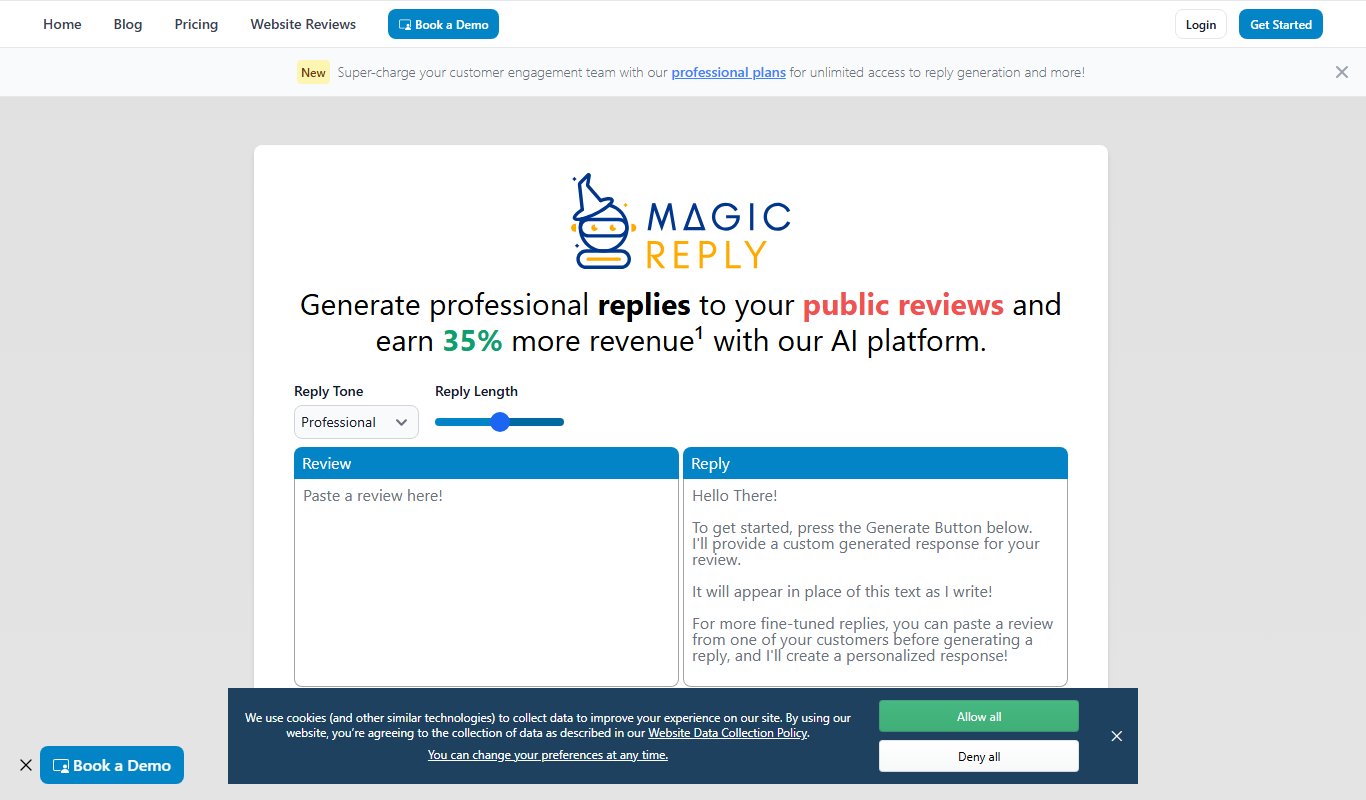
MagicReply AI is an AI-driven email reply generator that helps users create fast, relevant, and professional email responses by analyzing the context of incoming emails.
Free Trial
Responsify AI –
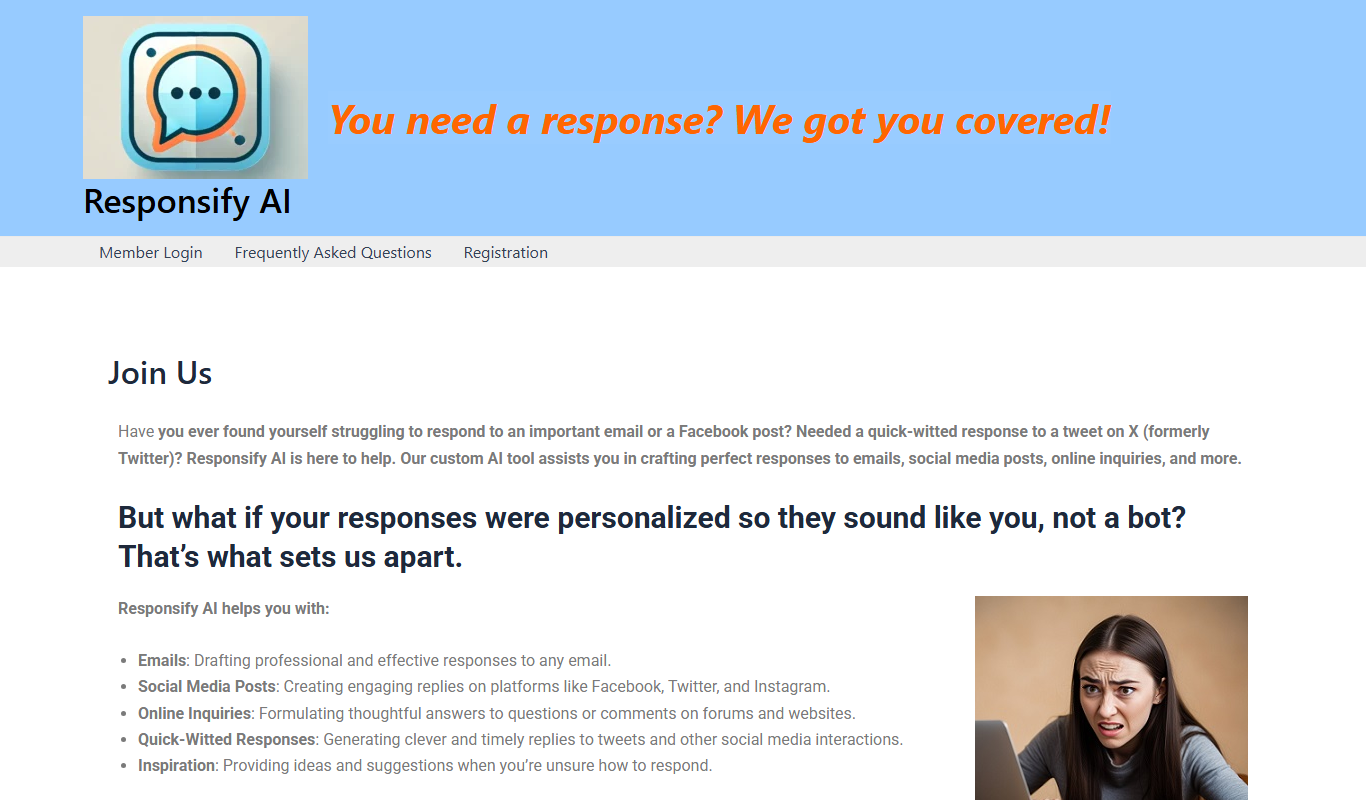
Responsify AI is an AI-driven platform that automates customer support through intelligent chatbots, enabling businesses to engage customers 24/7, qualify leads, and integrate with existing tools.

Enterprise
Scrive
Scrive is a cloud-based electronic signature platform that enables businesses to securely send, sign, and manage legally binding digital documents with compliance to eIDAS and other regulations.
Freemium
Swift Reply
Swift Reply is an AI email assistant that integrates with your email client via a Chrome extension to generate smart, context-aware replies, helping you respond faster and manage emails more efficiently.

Freemium
Otron
Otron is an AI-driven platform that automates marketing content creation and campaign workflows, helping businesses generate SEO-friendly and personalized content efficiently.
Freemium
SocialAI
SocialAI is an AI-driven platform that automates social media content creation and scheduling, helping businesses maintain consistent engagement across platforms.

Free Trial
LinkedIn Comment Booster
LinkedIn Comment Booster is an AI-driven tool that helps users generate relevant and personalized comments on LinkedIn posts to increase engagement and grow their professional network.