

From my experience with Sign AI, I found it excels at providing a straightforward and secure way to electronically sign documents without the complexity of larger platforms. The interface is intuitive, making it easy for users new to e-signatures to get started quickly. It’s particularly well-suited for small businesses and professionals who need reliable, legally compliant signatures without unnecessary features. However, the lack of a dedicated mobile app and limited third-party integrations may be a drawback for users seeking more extensive workflow automation. Overall, if you need a simple, secure electronic signature solution, Sign AI delivers solid results.
Sign AI Electronic Signature Platform for Secure Digital Document Signing
Sign AI is a web-based electronic signature platform that allows users to securely sign and manage digital documents with legally binding signatures and audit trails.
- Best for
- Contract Signing
- Key capability
- Legally Binding Signatures
Your actions
Save Sign AI, follow its updates and vote on it — everything stays in your account.
Sign in or create a free account

What is Sign AI?
Sign AI is a web-based electronic signature platform designed to simplify and secure the process of signing digital documents. It enables users to upload, send, and sign contracts and forms electronically, eliminating the need for paper-based signatures. The platform ensures legal compliance and provides an audit trail for signed documents.
Key features of Sign AI
Sign AI offers features such as secure digital signatures, document templates, audit trails, real-time status tracking, and user authentication to provide a seamless and compliant signing experience.
Legally Binding Signatures
Ensures all signatures meet legal standards for enforceability.
Audit Trail
Provides detailed logs of signing events for compliance and verification.
Template Management
Allows users to create reusable document templates to speed up workflows.
Real-Time Status Tracking
Enables users to see who has signed and who is pending signature.
Secure Authentication
Supports user verification methods to protect document integrity.
Pros and cons of Sign AI
Pros
- Easy to use with intuitive interface
- Secure and legally compliant signatures
- Real-time tracking of document status
- Reusable templates save time
- Responsive customer support
Cons
- No dedicated mobile app, only web access
- Limited integrations with third-party apps
Key use cases for Sign AI
Contract Signing
Facilitates legally binding electronic signatures on contracts to speed up agreement processes.
HR Document Management
Streamlines signing and managing employee documents such as offer letters and NDAs.
Sales Agreements
Enables quick signing of sales proposals and agreements to accelerate deal closures.
Legal Compliance
Ensures documents are signed securely and comply with electronic signature laws.
Remote Collaboration
Allows teams and clients to sign documents remotely without physical presence.
How Sign AI works
- 1
Upload Document
Users upload the document that requires signatures to the Sign AI platform.
- 2
Add Signers
Specify the recipients who need to sign the document and assign signature fields.
- 3
Send for Signature
Send the document to signers via email with signing instructions.
- 4
Sign Document
Recipients electronically sign the document securely from any device.
- 5
Track and Store
Monitor signing progress and securely store completed documents with audit trails.
Who is using Sign AI
Small to medium businesses
Legal professionals
Human resources teams
Sales teams
Freelancers and consultants
Sign AI pricing
Free Trial
$0 for 14 days
Access to core features to evaluate the platform.
Professional
$15/month
Includes unlimited documents, templates, and basic support.
Business
$40/month
Adds advanced features like team management and priority support.
Plans and prices are as published by the vendor and can change. Check the official site before you buy. Open the pricing page (opens in a new tab)
Frequently asked questions about Sign AI
Yes, Sign AI complies with electronic signature laws such as ESIGN and eIDAS to ensure signatures are legally valid.
Yes, Sign AI is accessible via web browsers on mobile devices for signing on the go.
Yes, every signed document includes a detailed audit trail recording signing events.
Sign AI offers a free trial period but does not have a permanent free tier.
Data handling and security practices vary by provider. Review the official privacy policy to understand how your data is stored and used.
Yes, it can help with that use case depending on how you configure it and what features are available. You’ll get the best results with clear inputs and a defined goal.
Yes, it can help with that use case depending on how you configure it and what features are available. You’ll get the best results with clear inputs and a defined goal.
Sign in to review this tool.
Sign In to ReviewNo reviews yet
Be the first to share how this tool worked for you.
Ask about pricing, limits, or how it compares — or answer someone else.
Sign In to AskNo questions yet
Have a question about using or paying for this tool? Be the first to ask.
Featured on TiorAI



Alternative Tools
Explore similar AI tools that might fit your needs

Free Trial
DocuSign
DocuSign is a cloud-based electronic signature platform that enables secure, legally binding digital signing and management of documents, streamlining workflows and ensuring compliance.
More AI Automation & Workflow Tools tools
Other tools in the same category, for when this one is not quite the fit.

Free Trial
RADAAR
RADAAR is a social media management tool that helps businesses schedule posts, collaborate with teams, manage messages, and analyze social media performance from one platform.

Free Trial
Webs-Automation Job Application Bots
AI Jobs Automation is a web-based tool that automates filling and submitting job applications across multiple portals, helping job seekers save time and increase efficiency.

Custom Pricing
ocrolus.com
Ocrolus is an AI-driven platform that automates the extraction and validation of data from financial documents like bank statements and pay stubs, combining OCR technology with human review to ensure accuracy and compliance.

Freemium
DocumentPro
DocumentPro is an AI-driven document automation platform that extracts and processes data from documents to streamline business workflows.
Free Trial
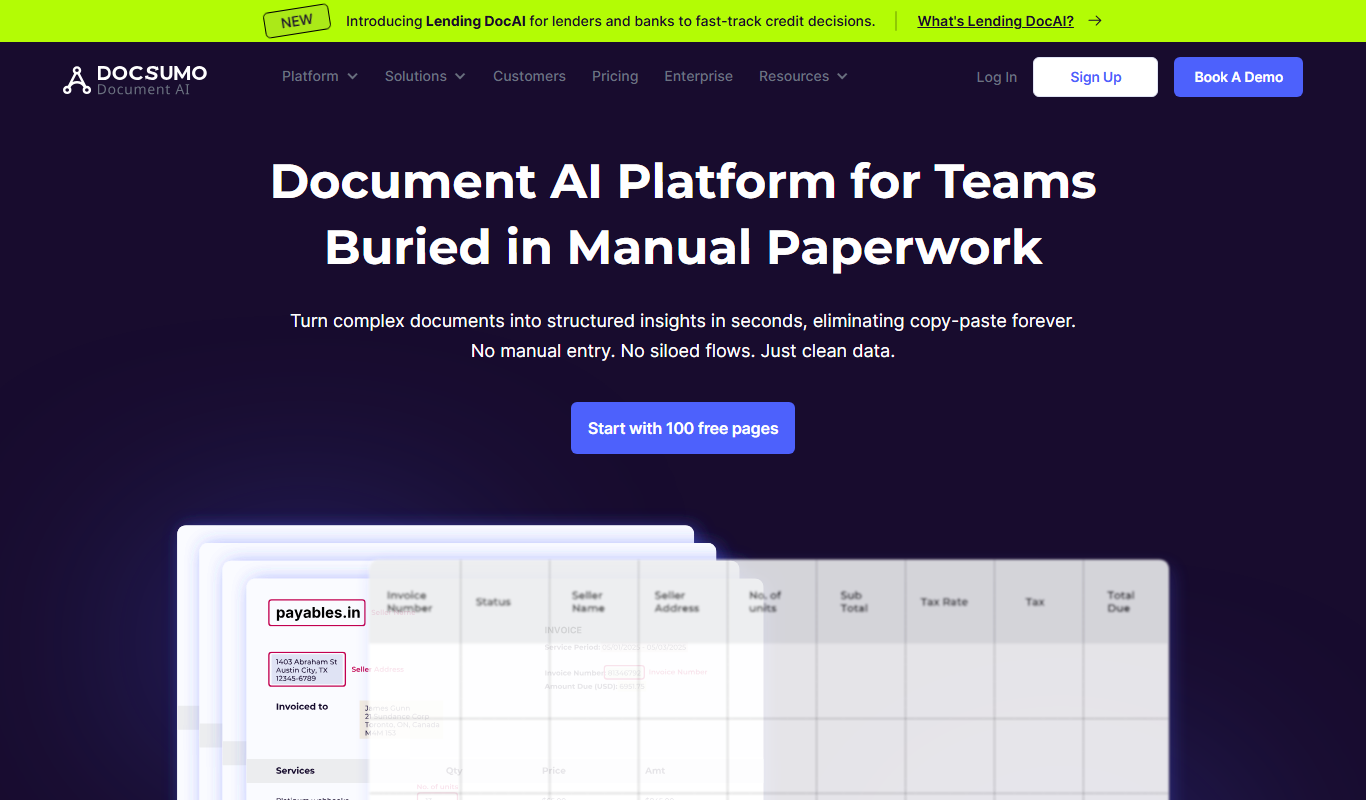
Docsumo
Docsumo is an AI-driven document processing platform that automates extraction of data from scanned documents, PDFs, and images using OCR and machine learning, helping businesses digitize workflows and reduce manual data entry.

Free Trial
Quiksbot
Quiksbot is an AI-powered no-code chatbot platform designed to automate customer support and lead generation on websites.

Free Trial
CryptoMatic Bot
CryptoMatic Bot is a web-based automated cryptocurrency trading platform that allows users to create, customize, and deploy trading bots with backtesting and multi-exchange support.
Enterprise Licensing
Pega Systems
Pega Systems is an enterprise software platform specializing in business process management, customer relationship management, and intelligent automation with AI-powered decisioning and low-code development.