

PageFly Shopify Page Builder for Custom Landing Pages & Store Design
PageFly is a no-code Shopify page builder that allows merchants to create custom, mobile-responsive landing pages and store pages using a drag-and-drop editor without coding.
- Best for
- Custom Shopify Store Pages
- Key capability
- Drag-and-Drop Editor
Save PageFly, follow its updates and vote on it — everything stays in your account.
Sign in or create a free account
What is PageFly?
PageFly is a no-code Shopify page builder that enables ecommerce merchants to design and customize their online store pages using a drag-and-drop interface. It allows users to create landing pages, product pages, collection pages, and homepages without needing technical skills or coding knowledge. The tool focuses on improving store design flexibility and conversion optimization.
Key features of PageFly
PageFly offers a visual drag-and-drop editor, mobile-responsive design controls, a wide range of customizable elements, integration with Shopify apps, and pre-built templates to speed up page creation. It supports SEO-friendly page structures and provides analytics to track page performance.
Drag-and-Drop Editor
Intuitive visual editor that requires no coding skills.
Mobile Responsive Design
Tools to customize how pages appear on mobile, tablet, and desktop.
Pre-built Templates
A library of professionally designed templates to jumpstart page creation.
Shopify Integration
Seamless compatibility with Shopify themes and apps.
SEO Optimization
Features that help improve page SEO, including meta tags and fast loading.
Pros and cons of PageFly
Pros
- User-friendly drag-and-drop interface
- Strong mobile responsiveness controls
- Wide variety of customizable templates
- Seamless Shopify integration
- Good free plan for beginners
Cons
- Limited advanced customization without coding
- Pricing can increase for higher usage tiers
- Some features require paid plans
Key use cases for PageFly
Custom Shopify Store Pages
Create fully customized product pages, homepages, and landing pages without coding.
Marketing Campaign Landing Pages
Design high-converting landing pages tailored for promotions and marketing campaigns.
Mobile-Responsive Ecommerce Design
Build mobile-friendly pages that adapt seamlessly to different devices for better user experience.
A/B Testing Page Variants
Test different page designs to optimize conversion rates and user engagement.
Integrate with Shopify Ecosystem
Use PageFly’s compatibility with Shopify apps and themes to enhance store functionality.
How PageFly works
- 1
Install PageFly App
Add PageFly to your Shopify store from the Shopify App Store.
- 2
Choose a Template or Start from Scratch
Select from pre-designed templates or create a custom page layout.
- 3
Drag and Drop Elements
Use the visual editor to add, arrange, and customize page elements like text, images, buttons, and videos.
- 4
Optimize for Mobile
Adjust your page design to ensure it looks great on all devices.
- 5
Publish and Integrate
Publish the page directly to your Shopify store and integrate with other apps if needed.
Who is using PageFly
PageFly pricing
Free
$0/month
Basic features with limited page views and elements.
Builder
From $24
Launch pages that convert with the drag and drop editor, 5 pages or sections, 320+ templates and 80 AI credits per month.
Optimize
From $39
20 pages or sections, 140 AI credits per month, sales funnel, AI Page Checkup, AI Translator and A/B testing.
Accelerate
$99
Full CRO suite with unlimited pages or sections, 320+ templates and 400 AI credits per month.
Power
$199
AI runs CRO on autopilot, with unlimited pages or sections, 320+ templates and 800 AI credits per month.
Enterprise
Up to $999
Enterprise-level AI credits, priority engineering and co-founder review of the store. Aimed at Shopify Plus and multi-store brands.
Plans and prices are as published by the vendor and can change. Check the official site before you buy. Open the pricing page (opens in a new tab)
Frequently asked questions about PageFly
Yes, PageFly works with most Shopify themes and allows you to customize pages independently.
No, PageFly is designed as a no-code tool with a drag-and-drop interface.
Yes, PageFly provides tools to ensure your pages are responsive and look great on all devices.
Yes, there is a free plan with basic features and limited usage.
It depends on your specific needs and how you plan to use the tool. The official website and documentation are the best sources for the latest details.
Some tools offer a free plan or trial with limited features. Availability can vary, so confirm on the official website.
Yes, it can help with that use case depending on how you configure it and what features are available. You’ll get the best results with clear inputs and a defined goal.
Pricing depends on the plan and included features. For the most accurate and up-to-date details, check the official pricing page.
Conclusion
Merchants add PageFly to a Shopify store from the Shopify App Store and use it to design product pages, collection pages, homepages and landing pages without coding. A page can begin from a pre-designed template or a custom layout, with text, images, buttons and videos arranged in a visual editor. Separate controls adjust how each page appears on mobile, tablet and desktop.
Shopify store owners, ecommerce marketers and dropshippers are the core audience, and it works with most Shopify themes. The page notes that advanced customization remains limited without coding. A free plan with basic features and limited usage is available. Paid tiers run from Builder at $24 and Optimize at $39 to Accelerate at $99 and Power at $199, and Enterprise plans reach $999.
Sources
Sign in to review this tool.
Sign In to ReviewNo reviews yet
Be the first to share how this tool worked for you.
Ask about pricing, limits, or how it compares — or answer someone else.
Sign In to AskNo questions yet
Have a question about using or paying for this tool? Be the first to ask.
Featured on TiorAI



Alternative Tools
Explore similar AI tools that might fit your needs
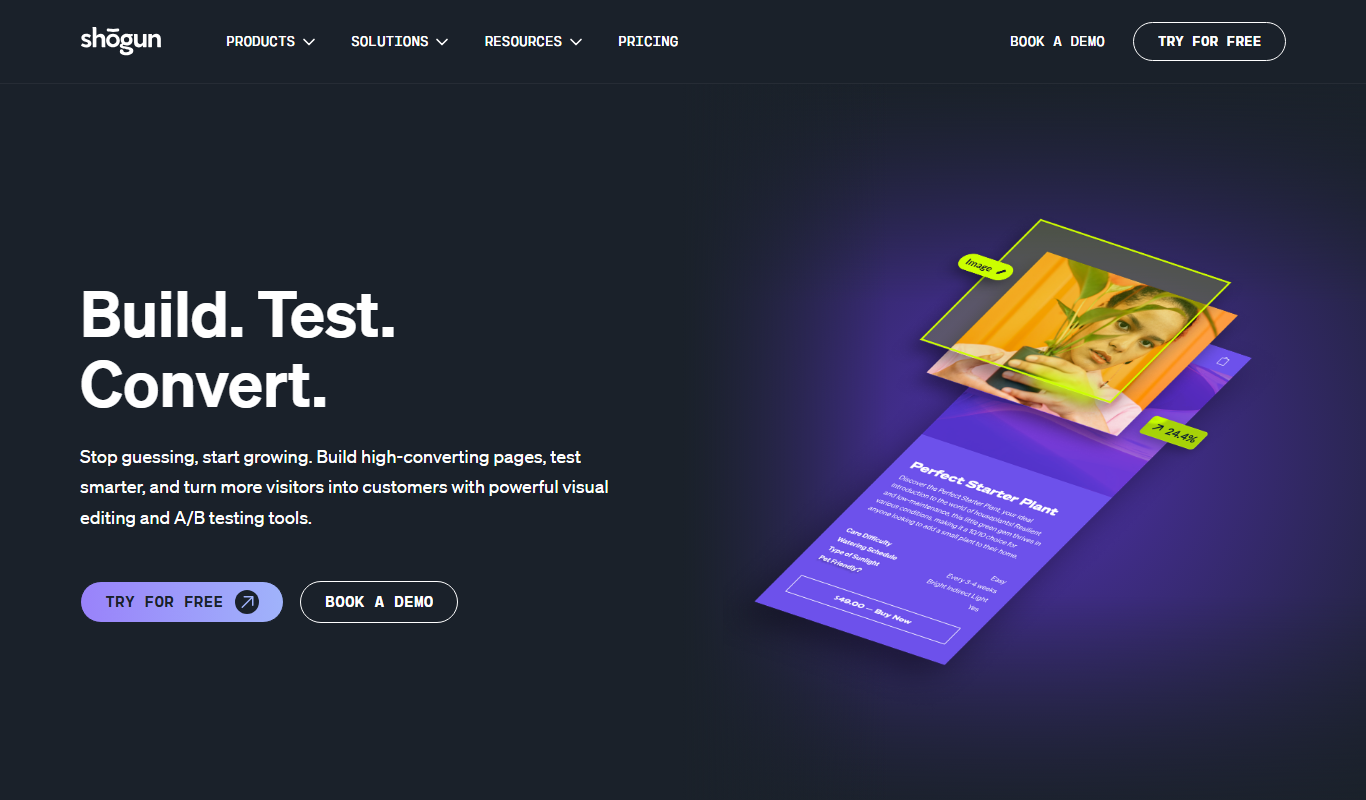
Shogun
Shogun is a no-code page builder platform that integrates with Shopify, allowing users to create custom e-commerce pages and landing pages using a drag-and-drop editor without coding.
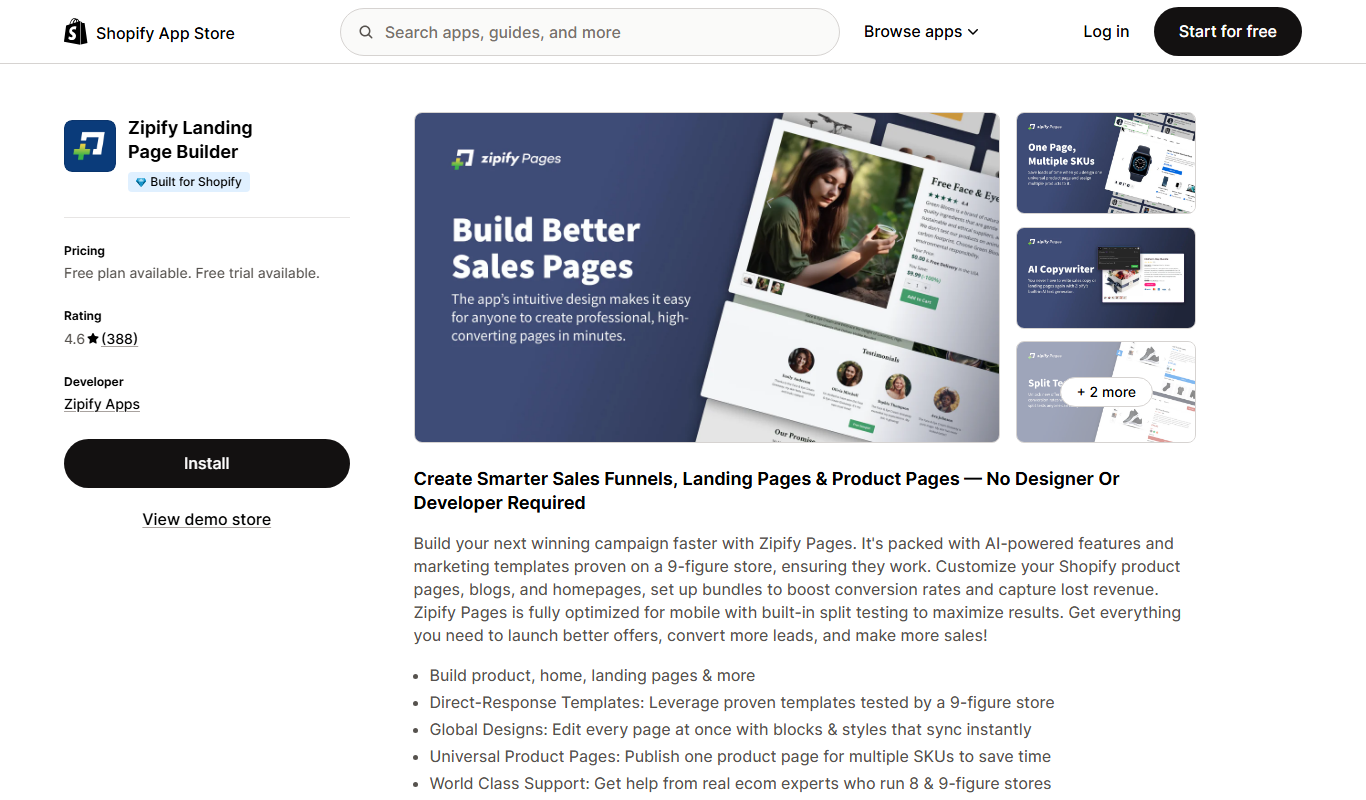
Zipify Pages
Zipify Pages is a no-code Shopify landing page builder focused on creating high-converting ecommerce funnels with upsells and A/B testing.
More Business Management tools
Other tools in the same category, for when this one is not quite the fit.

Influs
Influs is a talent operations workspace where creator agencies run their roster, campaigns, deliverables, approvals, payments and margin.

BIK
BIK is an agentic AI CRM and marketing automation platform for eCommerce brands, with 100+ AI commerce agents across retention, acquisition and support.

Digits — Accounting, reimagined.
Digits is AI-native accounting software with 24/7 automated bookkeeping, real-time financials, AI Bill Pay and invoicing for business owners and accountants.

Linkly AI
Linkly AI is a local document search engine for AI agents that indexes the files on your computer and lets any AI tool search and read them through MCP, a CLI or Skills.

BirdseyePost
BirdseyePost by Birdseye makes personalized direct mail simple: create targeted postcards, reach the right audience and track results with QR code scans.

Beacon
Beacon helps marketers create professional lead magnets in minutes without hiring a designer, plus opt-in forms and libraries of gated content.

Lens Protocol
Lens Protocol is a blockchain stack built for SocialFi, made up of Lens Chain, the Social Protocol and Storage Nodes, where one Lens account works across many apps.

Botkeeper
Botkeeper is an AI accounting solution purpose-built for accounting firms that automates the most manual and time-consuming bookkeeping work.