


Free
floraincognita.de
Flora Incognita is a free mobile app developed by Technische Universität Ilmenau that uses AI to identify wild plants from photos, providing detailed species information and offline functionality.
Every AI tool we track, with pricing, platform and category on each entry. Filter down to a shortlist, then open the ones worth a closer look.
Filter 8,929 AI tools by pricing, category, platform and language.
Flora Incognita is a free mobile app developed by Technische Universität Ilmenau that uses AI to identify wild plants from photos, providing detailed species information and offline functionality.

Body Shape Calculator is a free AI tool that analyzes a full-body photo to identify body shape, with no registration required.

LensLink passenger flow analysis counts people entering and leaving stores and offices in real time with an AI edge box and ordinary cameras.

Aspect is single-player social media where you are the only human: post, chat and engage with AI characters on iOS and Android.

MiniAI provides an SDK combining face recognition, liveness detection, and ID document verification to enable secure biometric authentication and identity verification across platforms.

Formix is an AI form-filling assistant and Chrome extension that fills out online forms and PDF documents from your own documents and prompts.

Fill A Form AI is an AI-driven tool that automates the process of filling online forms by recognizing fields and inputting your data quickly and securely.

StatementSheet is a bank statement converter that turns PDF bank statements into clean and structured XLS/CSV files in seconds.
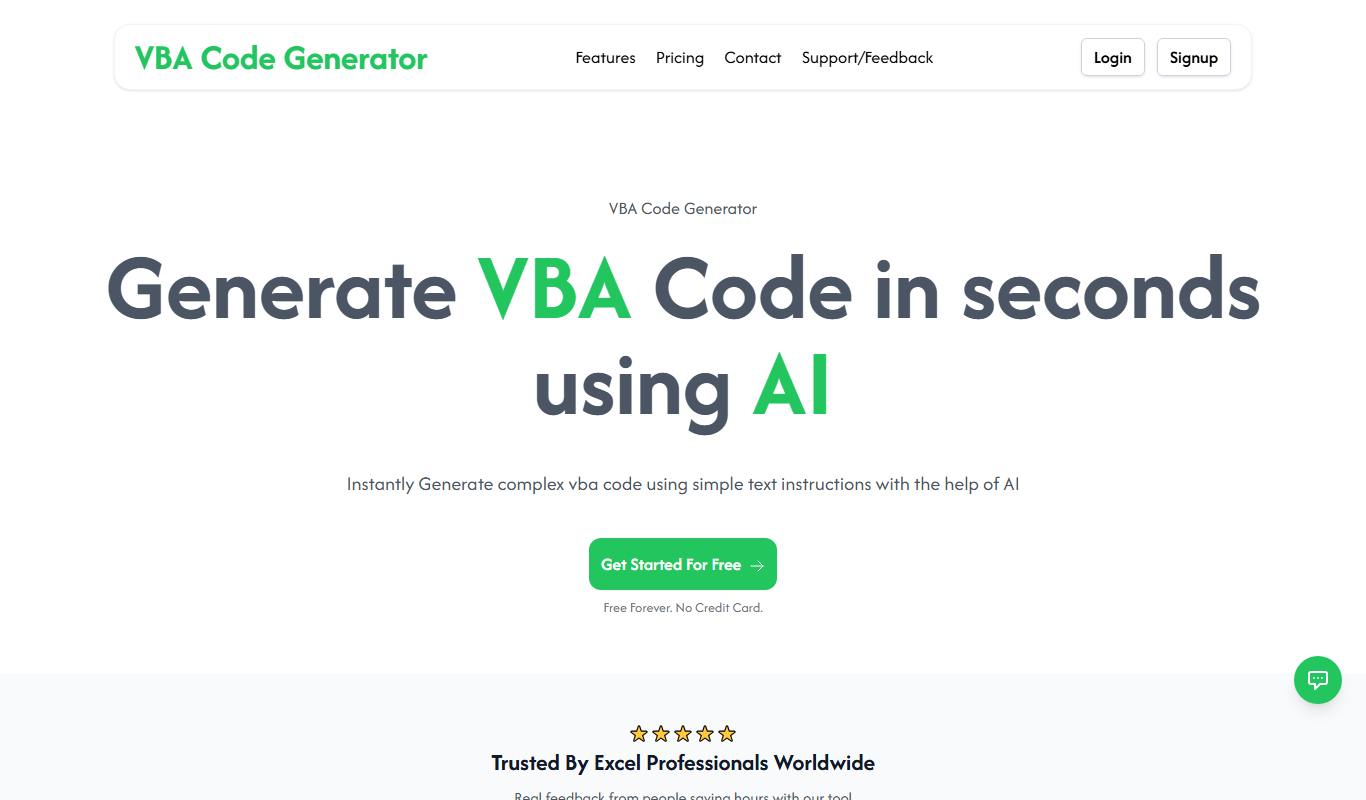
VBA Code Generator is a web-based tool that helps users create VBA scripts for Excel macros without needing programming skills, enabling automation of repetitive Excel tasks quickly.

Instafill is an online AI form filler that completes PDF and Word forms automatically from documents, emails and saved profiles.

Neos is a decentralized research network where researchers, scientists and AI collaborate on Research Interest Points, rewarded with the $NEOS token.
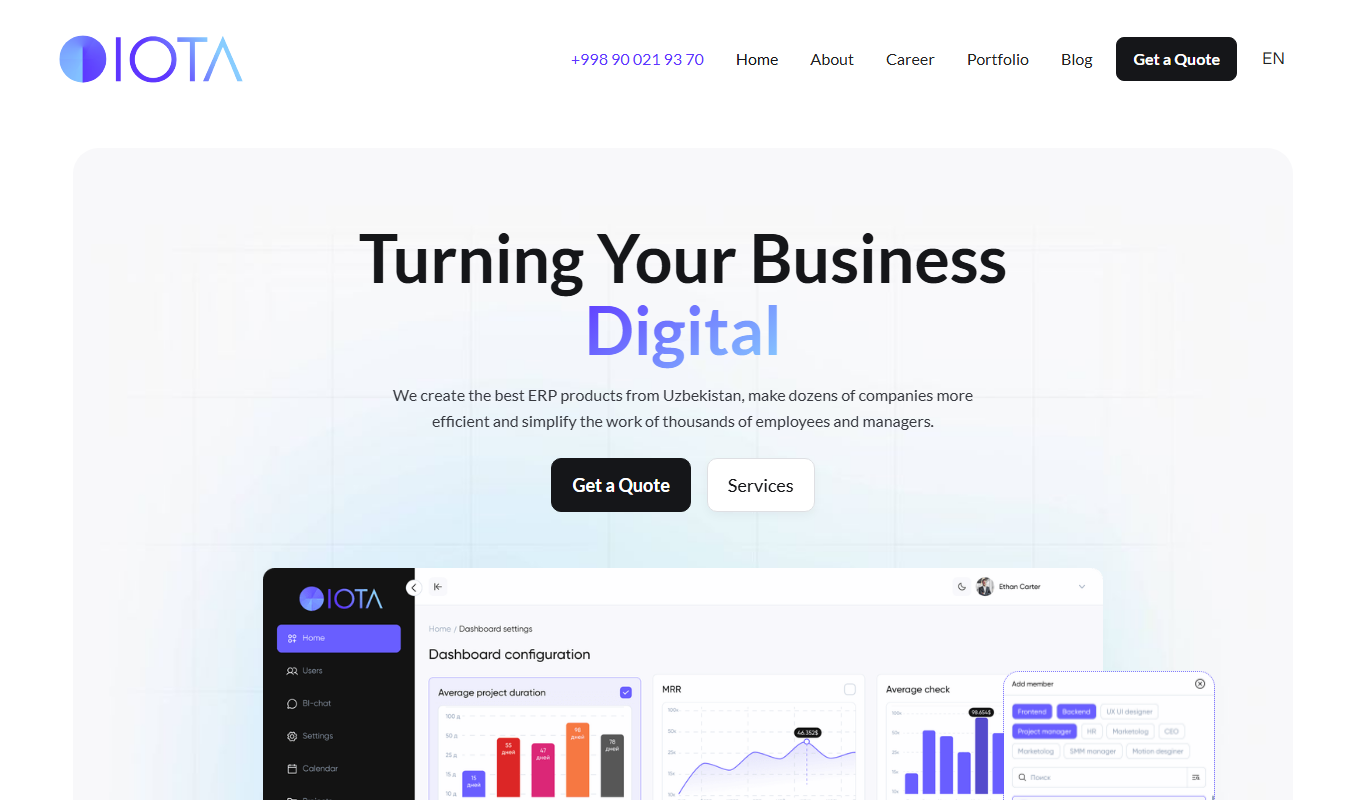
IOTA is a decentralized blockchain infrastructure with solutions for digital identity, sustainability, supply chains and decentralized finance, built on a DAG-based ledger.
Page 607 of 745
Ten tools per shortlist, ranked, for when a category is still too many results.
Still deciding
Pricing, supported platforms and what each one is actually good at, laid out in one table. 764 comparisons are written and ready.
Browse comparisonsComparable tools for the products people already use.
Every one of the 8,929 entries here carries the same fields: what the tool does, what it costs, which platforms it runs on, and which categories it belongs to. That is what makes filtering across the whole catalogue possible rather than decorative.
The catalogue is not the point on its own; competitors list the same tools. What is worth your time is what sits on top of it: comparisons that commit to a recommendation, alternative sets that are genuinely comparable, and entries that get corrected when a vendor changes its pricing.
Start from a category rather than the full list: the category index above jumps straight into the twelve largest ones. From there, use the pricing shortcuts to drop anything outside your budget, then open the three or four entries that look closest and compare them side by side.
Free means there is a usable tier at no cost with no time limit. Freemium means a free tier exists but the useful features sit behind a paid plan. Free trial means paid-only after a fixed evaluation window. Subscription means recurring billing with no free tier. Labels come from the vendor and are re-checked when a listing is updated.
Yes. Category, pricing, tech stack, language and platform stack together, and every combination has its own URL, so a filtered view can be bookmarked or shared. Active filters appear above the results and can be removed one at a time.
Around 8% of entries have no captured screenshot, usually because the tool sits behind a login or the site blocks automated capture. Those entries show the tool's initial instead. It is not a signal about the tool's quality.
Newest first, so the front of the directory reflects what has recently shipped. Switch the sort to Top Rated for the highest-scoring entries, or Most Popular to order by real visitor interest across views and outbound clicks.
An alternatives page answers "what else does this job?" and lists comparable tools for one product. A comparison page takes two named tools and works through pricing, capability and fit to reach a recommendation. Both are linked from every tool entry.