

From my experience exploring PeopleCountApp by LensLink AI, I found it excels at delivering accurate, real-time crowd counting with insightful visualizations like heatmaps. Its flexible API and scalable architecture make it a strong choice for businesses needing detailed foot traffic data, especially in retail and event management. However, the lack of publicly available pricing means potential users must contact the company for details, and optimal camera setup is crucial to achieve high accuracy. Overall, if you require dependable people counting and crowd analytics powered by AI, PeopleCountApp offers a robust solution worth considering.
PeopleCountApp by LensLink AI for Accurate Crowd Counting and Analytics
PeopleCountApp by LensLink AI is an AI-driven crowd counting solution that uses computer vision to provide accurate real-time people counting and analytics for various industries including retail, events, and public spaces.
- Best for
- Retail Foot Traffic Analysis
- Key capability
- Real-Time People Counting
Your actions
Save PeopleCountApp, follow its updates and vote on it — everything stays in your account.
Sign in or create a free account

What is PeopleCountApp?
PeopleCountApp by LensLink AI is an advanced AI-powered crowd counting and analytics solution that leverages computer vision technology to provide accurate real-time people counting and foot traffic insights. It is designed to help businesses and organizations optimize operations, improve safety, and gain actionable data from physical spaces.
Key features of PeopleCountApp
The tool offers real-time people counting, heatmap visualizations, crowd density monitoring, API integration for seamless data access, and customizable analytics dashboards tailored to various industries.
Real-Time People Counting
Accurately counts individuals in various environments with minimal latency.
Heatmaps and Density Maps
Visualizes crowd distribution and movement patterns for better spatial understanding.
API Access
Provides programmatic access to data for integration with third-party applications.
Customizable Dashboards
Allows users to tailor analytics views to specific operational needs.
Scalable Deployment
Supports multiple camera inputs and large-scale environments.
Pros and cons of PeopleCountApp
Pros
- High accuracy in diverse environments
- Real-time analytics with visual heatmaps
- Flexible API for integration
- Scalable for large deployments
Cons
- Pricing details not publicly available
- Requires proper camera setup for best results
Key use cases for PeopleCountApp
Retail Foot Traffic Analysis
Monitor and analyze customer flow in retail stores to optimize staffing and layout.
Event Crowd Management
Track crowd density and movement in real-time during events for safety and logistics.
Public Space Monitoring
Measure pedestrian traffic in public areas to support urban planning and security.
Transportation Hubs Analytics
Count passengers and manage flow in airports, train stations, and bus terminals.
How PeopleCountApp works
- 1
Setup Cameras
Install or connect existing cameras to the PeopleCountApp platform.
- 2
AI Processing
The AI analyzes video feeds using computer vision models to detect and count people accurately.
- 3
Data Visualization
Users access real-time dashboards and reports showing crowd metrics and trends.
- 4
Integrate Data
Use API endpoints to integrate people counting data into other business systems.
Who is using PeopleCountApp
Retail chains
Event organizers
Urban planners
Transportation authorities
Security firms
PeopleCountApp pricing
Contact for Pricing
Custom pricing
Pricing based on deployment scale and feature requirements.
Plans and prices are as published by the vendor and can change. Check the official site before you buy. Open the pricing page (opens in a new tab)
Frequently asked questions about PeopleCountApp
PeopleCountApp supports most standard IP cameras and can integrate with existing surveillance infrastructure.
The platform offers flexible deployment options including cloud-based processing and on-premises solutions.
Yes, the AI models are optimized to work in both indoor and outdoor settings with varying lighting conditions.
Accuracy varies by environment but typically exceeds 90% under optimal camera placement and conditions.
It depends on your specific needs and how you plan to use the tool. The official website and documentation are the best sources for the latest details.
Yes, it can help with that use case depending on how you configure it and what features are available. You’ll get the best results with clear inputs and a defined goal.
It depends on your specific needs and how you plan to use the tool. The official website and documentation are the best sources for the latest details.
Sign in to review this tool.
Sign In to ReviewNo reviews yet
Be the first to share how this tool worked for you.
Ask about pricing, limits, or how it compares — or answer someone else.
Sign In to AskNo questions yet
Have a question about using or paying for this tool? Be the first to ask.
Featured on TiorAI



More Computer Vision tools
Other tools in the same category, for when this one is not quite the fit.

Freemium
GreenEyes.AI – Image Recog. Tech as API
GreenEyes.AI is an image recognition API platform that provides high-accuracy object detection, customizable models, and scalable API access for various industries including retail, manufacturing, and security.
Free Trial
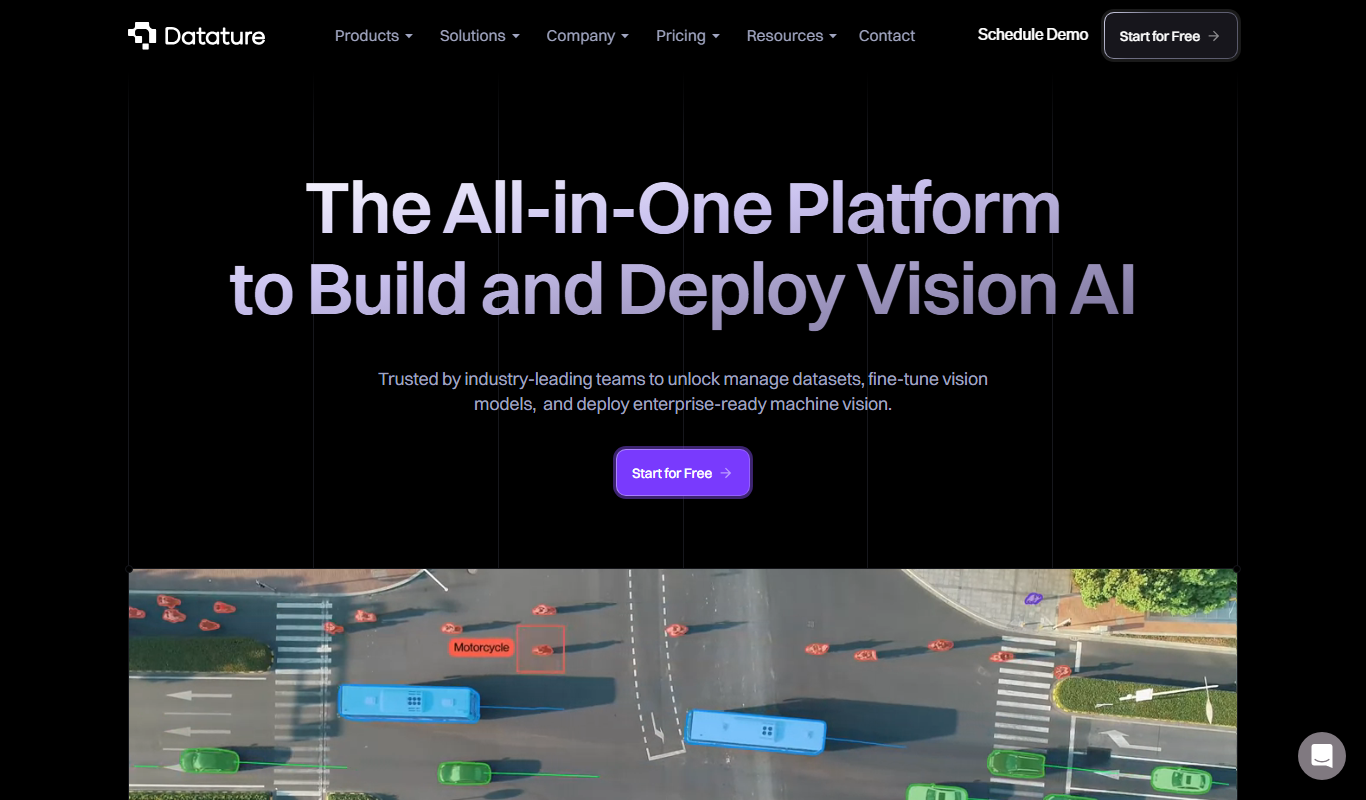
Datature
Datature is a comprehensive AI platform designed to streamline computer vision projects by providing tools for data annotation, model training, deployment, and team collaboration.

Custom Pricing
greyparrot.ai
Greyparrot AI is a computer vision platform that automates waste identification to enhance recycling efficiency and reduce contamination in waste management facilities.

Custom Pricing
Hyra
Hyra Vision is an AI-powered video analytics platform that provides real-time object detection, behavior analysis, and customizable alerts to enhance security and operational efficiency across industries.
Custom Pricing
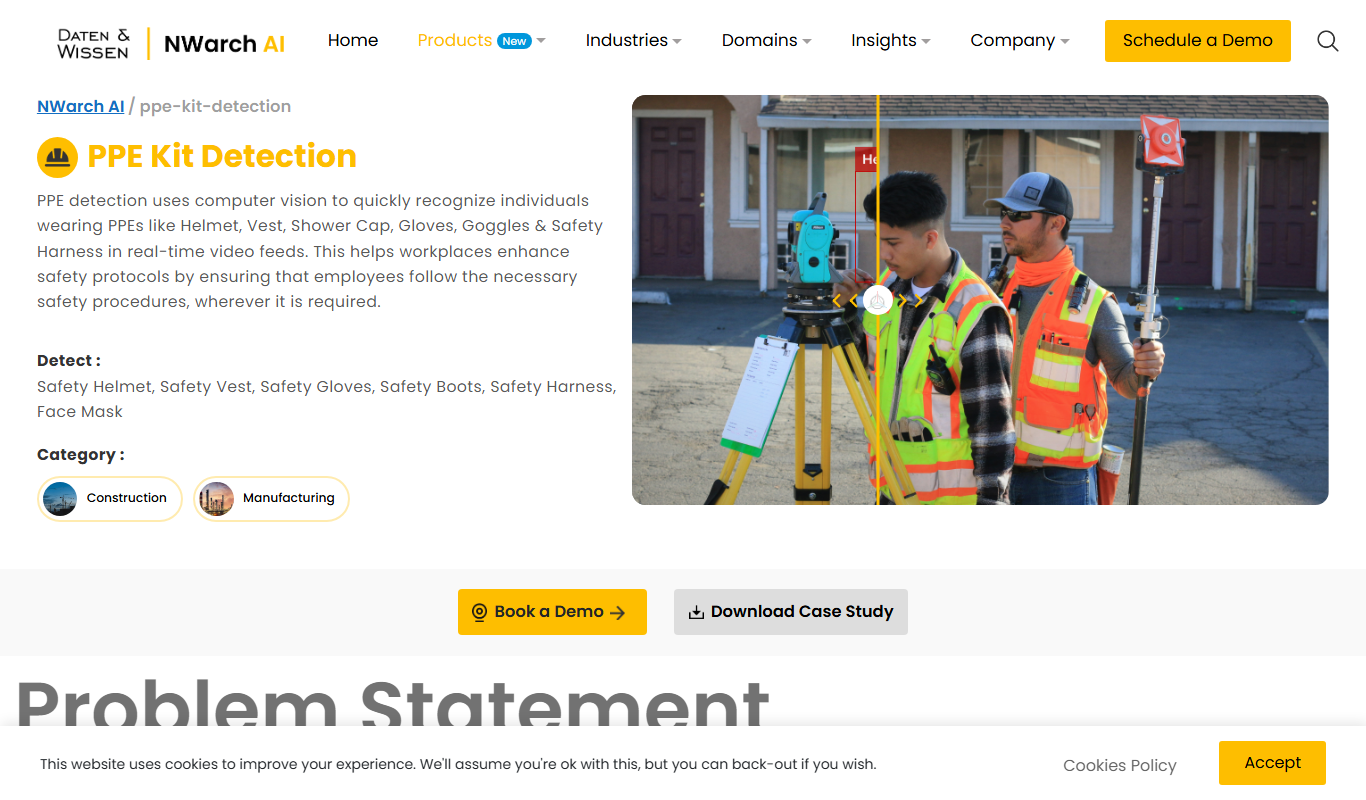
PPE Kit Detection Ag…
The PPE Kit Detection AI Tool by Datenwissen uses computer vision to detect if individuals are wearing required personal protective equipment in real-time, helping organizations enforce safety compliance efficiently.

Custom Pricing
Robovision.ai
Robovision.ai is an AI-driven computer vision platform that enables enterprises to build, deploy, and scale custom visual inspection and automation solutions, primarily for industrial applications.

Custom Pricing
visagetechnologies.com
Visage Technologies provides advanced facial recognition software with high-accuracy face detection, 3D tracking, and liveness detection for secure identity verification across multiple industries.

Contact for pricing
Averroes Ai Automated Visual Inspection
Averroes AI Automated Visual Inspection is an AI-driven platform that automates defect detection in manufacturing using computer vision, improving quality control accuracy and efficiency.