


Freemium
PayPal API
PayPal API is a developer toolkit that enables secure online payment processing, subscription management, and invoicing through RESTful APIs and SDKs.
Every AI tool we track, with pricing, platform and category on each entry. Filter down to a shortlist, then open the ones worth a closer look.
Filter 8,929 AI tools by pricing, category, platform and language.
PayPal API is a developer toolkit that enables secure online payment processing, subscription management, and invoicing through RESTful APIs and SDKs.
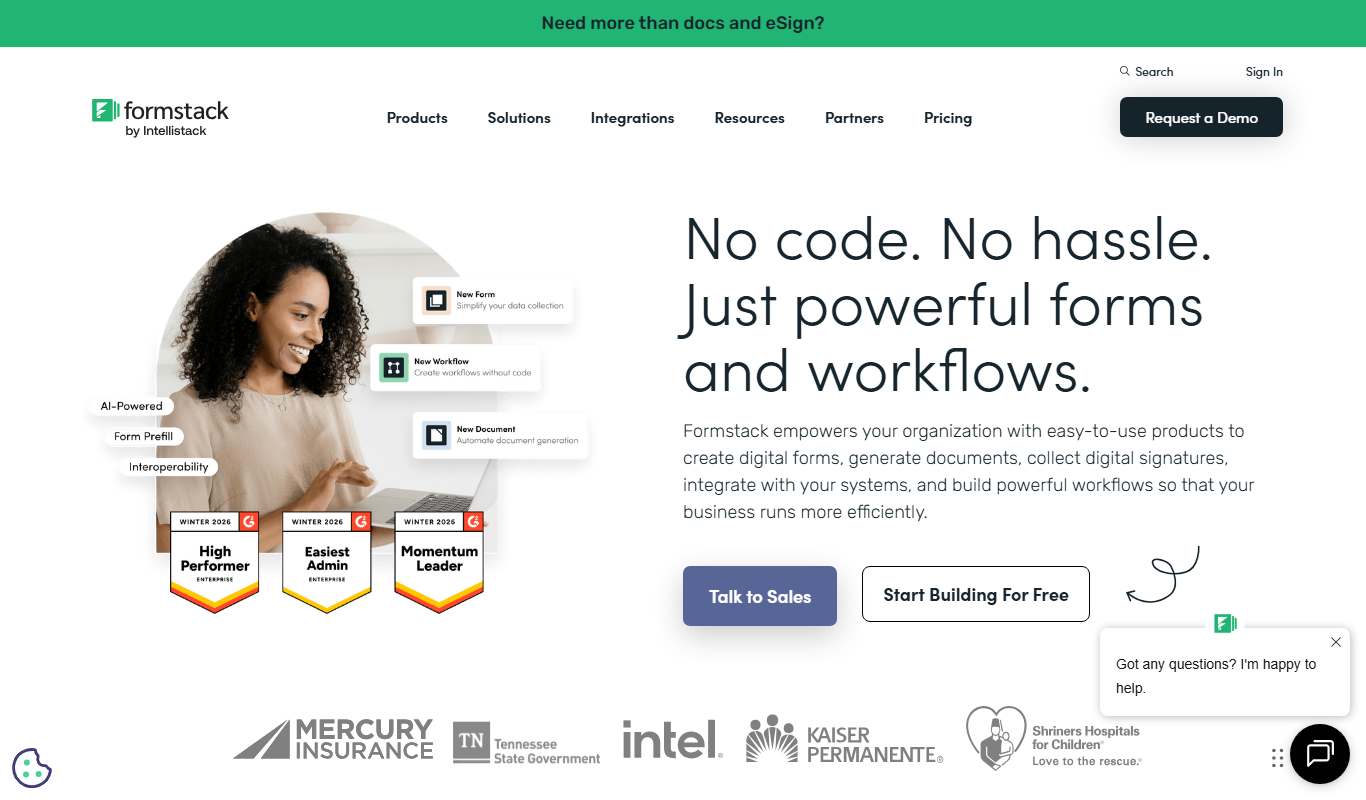
Formstack Documents is a no-code document automation platform that integrates with various apps to generate, customize, and distribute documents automatically, improving workflow efficiency.
Checkli is a web-based checklist maker that helps individuals and teams create, share, and manage checklists to improve productivity and collaboration.
CamScanner is a mobile app that allows users to scan documents using their smartphone camera, convert them into PDFs, extract text via OCR, and manage documents with cloud storage and sharing options.

Sheet2API is a no-code platform that converts Google Sheets and Excel Online spreadsheets into REST APIs.

MyStudyLife is a cross-platform student planner app designed to organize academic schedules, track homework, and manage exams with reminders and offline access.

Flowbase is a component library for Webflow, Figma and Framer, with templates sold through partners.

Finsweet offers custom code libraries and business tools that extend Webflow’s no-code platform, enabling advanced website functionality and client management without traditional coding.

DBeaver is a cross-platform database management tool that supports numerous database types, offering features like SQL editing, data visualization, and team collaboration.

Burp Suite is a comprehensive web security testing platform by PortSwigger that enables penetration testers and security researchers to identify and exploit vulnerabilities in web applications through both automated scanning and manual testing tools.

Visualping is a web-based tool that monitors webpages for changes and sends alerts to users, supporting visual and text-based detection with customizable frequency and notifications.

MobaXterm is a Windows-based terminal emulator that integrates SSH, X11 forwarding, and network tools to facilitate remote server management and Unix command execution.
Page 29 of 339
Ten tools per shortlist, ranked, for when a category is still too many results.
Still deciding
Pricing, supported platforms and what each one is actually good at, laid out in one table. 764 comparisons are written and ready.
Browse comparisonsComparable tools for the products people already use.
Every one of the 8,929 entries here carries the same fields: what the tool does, what it costs, which platforms it runs on, and which categories it belongs to. That is what makes filtering across the whole catalogue possible rather than decorative.
The catalogue is not the point on its own; competitors list the same tools. What is worth your time is what sits on top of it: comparisons that commit to a recommendation, alternative sets that are genuinely comparable, and entries that get corrected when a vendor changes its pricing.
Start from a category rather than the full list: the category index above jumps straight into the twelve largest ones. From there, use the pricing shortcuts to drop anything outside your budget, then open the three or four entries that look closest and compare them side by side.
Free means there is a usable tier at no cost with no time limit. Freemium means a free tier exists but the useful features sit behind a paid plan. Free trial means paid-only after a fixed evaluation window. Subscription means recurring billing with no free tier. Labels come from the vendor and are re-checked when a listing is updated.
Yes. Category, pricing, tech stack, language and platform stack together, and every combination has its own URL, so a filtered view can be bookmarked or shared. Active filters appear above the results and can be removed one at a time.
Around 8% of entries have no captured screenshot, usually because the tool sits behind a login or the site blocks automated capture. Those entries show the tool's initial instead. It is not a signal about the tool's quality.
Newest first, so the front of the directory reflects what has recently shipped. Switch the sort to Top Rated for the highest-scoring entries, or Most Popular to order by real visitor interest across views and outbound clicks.
An alternatives page answers "what else does this job?" and lists comparable tools for one product. A comparison page takes two named tools and works through pricing, capability and fit to reach a recommendation. Both are linked from every tool entry.