

MobaXterm Terminal Emulator with SSH, X11, and Network Tools for Developers
MobaXterm is a Windows-based terminal emulator that integrates SSH, X11 forwarding, and network tools to facilitate remote server management and Unix command execution.
- Best for
- Remote Server Management
- Key capability
- Multi-Tabbed Terminal
Save MobaXterm, follow its updates and vote on it — everything stays in your account.
Sign in or create a free account
What is MobaXterm?
MobaXterm is an advanced terminal emulator and remote computing tool for Windows that integrates a variety of network clients and Unix commands in a single portable executable. It provides an enhanced terminal experience with support for SSH, X11 forwarding, RDP, VNC, FTP, and more, making it a versatile solution for developers, system administrators, and IT professionals managing remote systems.
Key features of MobaXterm
MobaXterm combines a multi-tabbed terminal with an embedded X11 server, network tools, and Unix command utilities. Its key features include secure SSH connectivity, graphical application forwarding, session management, and a rich set of network utilities, all accessible through a user-friendly interface optimized for Windows users.
Multi-Tabbed Terminal
Manage multiple remote sessions simultaneously with an intuitive tabbed interface.
Embedded X11 Server
Run graphical Linux applications on Windows through integrated X11 forwarding support.
Portable Version
Use MobaXterm without installation by running the portable executable on any Windows machine.
Network Tools Suite
Access built-in tools like ping, traceroute, port scanner, and SSH gateway for comprehensive network diagnostics.
Unix Commands on Windows
Execute over 100 Unix/Linux commands locally via the embedded Cygwin environment.
Pros and cons of MobaXterm
Pros
- All-in-one terminal with multiple network protocols
- Integrated X11 server for graphical app forwarding
- Portable version available without installation
- User-friendly interface with session management
- Includes many Unix commands on Windows
Cons
- Available only on Windows OS
- Some advanced features require paid Professional edition
- Limited customization compared to native Linux terminals
Key use cases for MobaXterm
Remote Server Management
Connect securely to remote servers using SSH, Telnet, or RDP protocols for administration and maintenance.
Unix/Linux Command Execution
Run Unix commands locally on Windows through embedded Cygwin environment without installing a full Linux system.
X11 Forwarding
Display graphical Linux applications on Windows using the integrated X11 server.
Network Diagnostics
Utilize built-in network tools like ping, traceroute, and port scanner for troubleshooting and analysis.
Session Management
Organize multiple remote sessions with tabbed interface and save session configurations for quick access.
How MobaXterm works
- 1
Download and Install
Download MobaXterm from the official website and install it on your Windows machine or run the portable version.
- 2
Create a New Session
Open MobaXterm and create a new session by selecting the desired protocol such as SSH, Telnet, or RDP.
- 3
Configure Connection Settings
Enter the remote server’s address, authentication credentials, and any advanced options like X11 forwarding.
- 4
Connect and Manage
Connect to the remote server, run commands, transfer files, or launch graphical applications seamlessly.
Who is using MobaXterm
MobaXterm pricing
Home Edition
Free
Basic features with limited sessions and no commercial use allowed.
Professional Edition
$69 or EUR 49 per user, lifetime license with 12 months of updates
Full feature set including unlimited sessions, macros, and commercial use rights.
Plans and prices are as published by the vendor and can change. Check the official site before you buy. Open the pricing page (opens in a new tab)
Frequently asked questions about MobaXterm
Yes, the Home Edition is free for personal use with some feature limitations.
Yes, MobaXterm includes an embedded X11 server that allows you to forward and display graphical Linux applications.
Yes, it supports SFTP and SCP file transfers integrated within SSH sessions.
MobaXterm is designed specifically for Windows platforms.
This tool is designed to help users accomplish its core tasks more efficiently. It is typically used by individuals or teams looking to improve productivity and workflow.
Yes, it can help with that use case depending on how you configure it and what features are available. You’ll get the best results with clear inputs and a defined goal.
Some tools offer a free plan or trial with limited features. Availability can vary, so confirm on the official website.
Yes, it can help with that use case depending on how you configure it and what features are available. You’ll get the best results with clear inputs and a defined goal.
Conclusion
Everything in MobaXterm ships as a single portable executable for Windows that combines network clients and Unix commands with a tabbed terminal. A session starts by picking a protocol such as SSH, Telnet or RDP and entering the remote server’s address and credentials. An embedded X11 server displays graphical Linux applications on Windows, and an embedded Cygwin environment runs Unix commands locally. Built-in network tools such as ping, traceroute and a port scanner cover troubleshooting, and SFTP and SCP transfers run inside SSH sessions.
It targets system administrators, network engineers and developers who manage remote systems. It is available on Windows only. The free Home Edition is meant for personal use, while the Professional Edition costs $69 or EUR 49 per user as a lifetime license with 12 months of updates.
Sources
Sign in to review this tool.
Sign In to ReviewNo reviews yet
Be the first to share how this tool worked for you.
Ask about pricing, limits, or how it compares — or answer someone else.
Sign In to AskNo questions yet
Have a question about using or paying for this tool? Be the first to ask.
Featured on TiorAI



Alternative Tools
Explore similar AI tools that might fit your needs

PuTTY
PuTTY is a free, open-source SSH and Telnet client used to securely connect to remote servers and network devices via encrypted terminal sessions.

Termius
Termius is a modern SSH client and terminal emulator that provides secure remote server access across multiple platforms with encrypted credential storage, session management, and team collaboration features.
More Coding & Development tools
Other tools in the same category, for when this one is not quite the fit.

DirectoryStack
DirectoryStack is a Next.js and TypeScript boilerplate for launching directory websites, with modular listings, admin, AI generation and payment features, sold as a one-time purchase.

Digits — Accounting, reimagined.
Digits is AI-native accounting software with 24/7 automated bookkeeping, real-time financials, AI Bill Pay and invoicing for business owners and accountants.
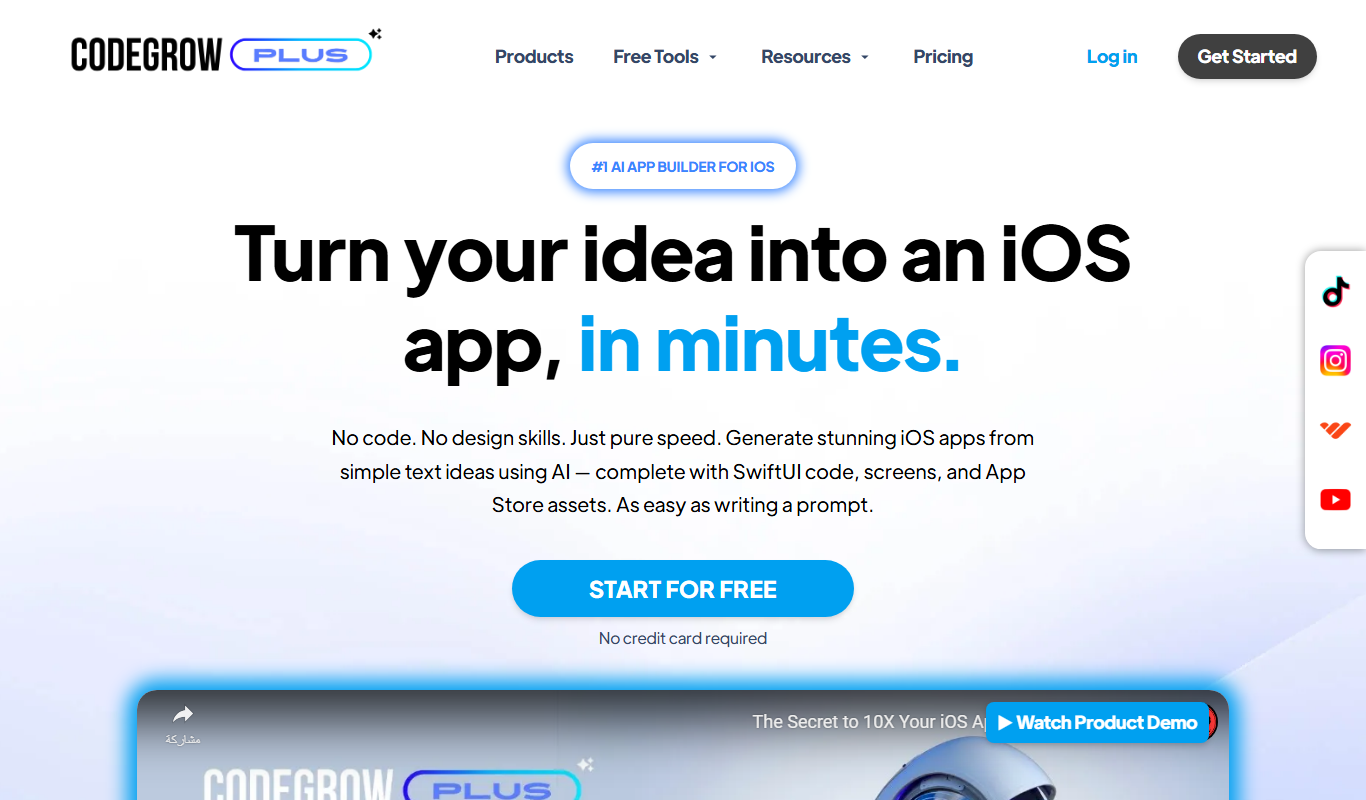
CodeGrow
CodeGrow turns a text idea into an iOS app with AI, generating SwiftUI code, screens and App Store assets that you export as an Xcode project.

Zapier AI
Zapier AI is an AI-powered automation tool that connects apps and automates workflows using natural language processing and intelligent triggers to improve productivity.

Visily AI
Visily AI is a web-based no-code design tool that uses AI to help users quickly create UI wireframes and interactive prototypes without coding skills.

Wix AI
Wix AI is an AI-powered website builder that automates website design and content creation, enabling users to build professional websites quickly without coding.

10Web AI
10Web AI is an AI-powered platform that automates WordPress website creation, SEO optimization, and performance management, enabling users to build and maintain websites efficiently without coding skills.

Cursor AI
Cursor AI is an AI-powered code assistant that enhances developer productivity by providing context-aware code completions, explanations, and debugging help integrated into popular code editors.