
Free
Swift Playgrounds
Swift Playgrounds is a free Apple app designed to teach Swift programming interactively on iPad and Mac, ideal for beginners and educators.


Every AI tool we track, with pricing, platform and category on each entry. Filter down to a shortlist, then open the ones worth a closer look.
Filter 14,702 AI tools by pricing, category, platform and language.
Swift Playgrounds is a free Apple app designed to teach Swift programming interactively on iPad and Mac, ideal for beginners and educators.
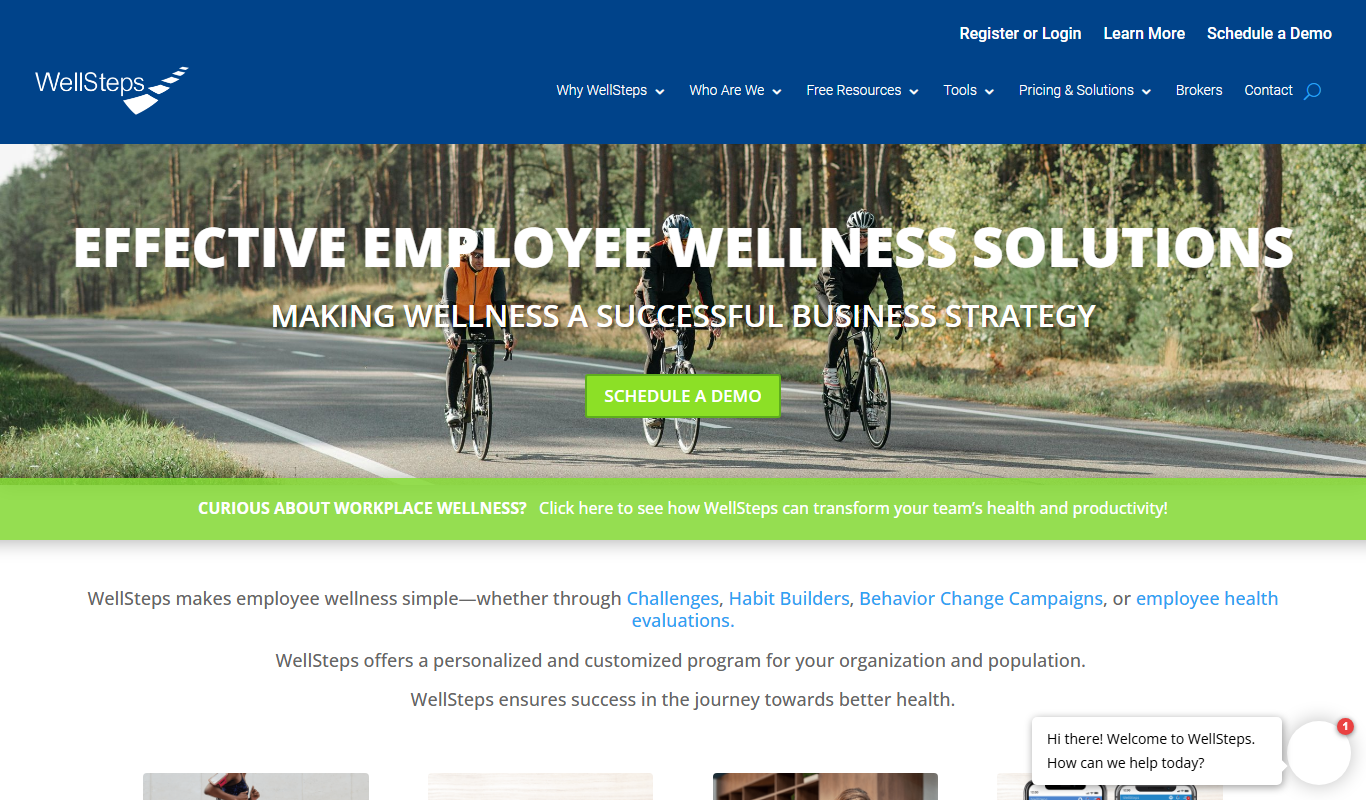
WellSteps is an employee wellness platform that helps organizations manage health programs with assessments, coaching, incentives, and analytics.

Beckett Grading Services is a professional company that authenticates and grades sports trading cards to determine their condition and value, providing encapsulation and online verification for collectors.

TCGplayer is an online marketplace where users can buy, sell, and track prices of trading cards from popular games like Magic: The Gathering and Pokémon.
Cardbase is a web platform for creating customizable digital business cards that can be shared via QR codes and links, allowing real-time updates and easy networking.
DigitalGenius is an AI-driven customer service platform that automates and enhances support by integrating conversational AI across multiple channels, improving response times and agent productivity.

PushEngage is a web push notification platform that enables businesses to send targeted, automated notifications to website visitors to increase engagement, conversions, and retention.

Braze is a customer engagement platform that enables brands to deliver personalized, multi-channel marketing campaigns with automation and real-time analytics.

OneSignal is a push notification platform that enables businesses to send targeted, automated messages to users on mobile apps and websites to boost engagement and retention.

Horos is a free, open source medical image viewer for MacOS that supports DICOM images, advanced 3D visualization, and PACS integration, widely used by radiologists and medical professionals.
OsiriX is a specialized medical image viewer for MacOS and iOS that supports DICOM images, providing advanced 2D, 3D, and 4D visualization and analysis tools for radiology and medical imaging professionals.

RadiAnt DICOM Viewer is a Windows application designed for fast and efficient viewing, analysis, and 3D reconstruction of medical images in DICOM format, widely used by radiologists and medical professionals.
Page 205 of 1,226
Ten tools per shortlist, ranked, for when a category is still too many results.
Still deciding
Pricing, supported platforms and what each one is actually good at, laid out in one table. 764 comparisons are written and ready.
Browse comparisonsComparable tools for the products people already use.
Every one of the 14,702 entries here carries the same fields: what the tool does, what it costs, which platforms it runs on, and which categories it belongs to. That is what makes filtering across the whole catalogue possible rather than decorative.
The catalogue is not the point on its own; competitors list the same tools. What is worth your time is what sits on top of it: comparisons that commit to a recommendation, alternative sets that are genuinely comparable, and entries that get corrected when a vendor changes its pricing.
Start from a category rather than the full list: the category index above jumps straight into the twelve largest ones. From there, use the pricing shortcuts to drop anything outside your budget, then open the three or four entries that look closest and compare them side by side.
Free means there is a usable tier at no cost with no time limit. Freemium means a free tier exists but the useful features sit behind a paid plan. Free trial means paid-only after a fixed evaluation window. Subscription means recurring billing with no free tier. Labels come from the vendor and are re-checked when a listing is updated.
Yes. Category, pricing, tech stack, language and platform stack together, and every combination has its own URL, so a filtered view can be bookmarked or shared. Active filters appear above the results and can be removed one at a time.
Around 8% of entries have no captured screenshot, usually because the tool sits behind a login or the site blocks automated capture. Those entries show the tool's initial instead. It is not a signal about the tool's quality.
Newest first, so the front of the directory reflects what has recently shipped. Switch the sort to Top Rated for the highest-scoring entries, or Most Popular to order by real visitor interest across views and outbound clicks.
An alternatives page answers "what else does this job?" and lists comparable tools for one product. A comparison page takes two named tools and works through pricing, capability and fit to reach a recommendation. Both are linked from every tool entry.