

PushEngage Web Push Notifications Platform for Marketing & Customer Engagement
PushEngage is a multichannel notification platform covering web push, app push and WhatsApp.
- Best for
- Customer Retargeting
- Key capability
- Automated Drip Campaigns
Save PushEngage, follow its updates and vote on it — everything stays in your account.
Sign in or create a free account
What is PushEngage?
PushEngage is a multichannel notification platform covering web push, app push and WhatsApp.
Key features of PushEngage
PushEngage offers features such as automated drip campaigns, audience segmentation, real-time analytics, A/B testing, and integration with popular ecommerce and CMS platforms. It supports multi-device notifications and GDPR compliance, making it a versatile solution for marketers aiming to increase user retention and sales.
Automated Drip Campaigns
Set up sequences of push notifications triggered by user actions or time intervals.
Audience Segmentation
Target notifications to specific groups based on demographics, behavior, or custom tags.
Real-Time Analytics
Monitor delivery, open, and click-through rates to optimize campaign performance.
A/B Testing
Test different notification messages and timings to identify the most effective approach.
Multi-Device Support
Reach users on desktop and mobile browsers across multiple platforms.
Integration with Ecommerce Platforms
Connect with Shopify, WooCommerce, Magento, and others for seamless marketing workflows.
Pros and cons of PushEngage
Pros
- Easy integration with popular CMS and ecommerce platforms
- Robust segmentation and automation features
- Free plan available for small websites
- Real-time analytics for campaign optimization
- Supports multi-device push notifications
Cons
- Limited language support (primarily English)
- Advanced features require paid plans
- Mobile app push notifications require additional setup
Key use cases for PushEngage
Customer Retargeting
Re-engage website visitors with targeted push notifications to increase conversions and sales.
Abandoned Cart Recovery
Send timely reminders to users who left items in their shopping cart to boost ecommerce revenue.
Content Promotion
Notify subscribers instantly about new blog posts, articles, or updates to drive traffic.
Personalized Marketing Campaigns
Segment audiences and deliver personalized messages based on behavior and preferences.
Real-time Alerts and Notifications
Provide instant updates such as flash sales, breaking news, or event reminders.
How PushEngage works
- 1
Sign Up and Install
Create a PushEngage account and integrate the JavaScript snippet into your website to enable push notifications.
- 2
Create Subscriber Segments
Segment your audience based on behavior, location, or custom attributes to target messages effectively.
- 3
Design Notification Campaigns
Set up automated or manual push notification campaigns with personalized content and scheduling.
- 4
Launch and Monitor
Send notifications and track performance metrics such as open rates, clicks, and conversions via the dashboard.
Who is using PushEngage
PushEngage pricing
Free
$0/month
Up to 200 subscribers.
Business
Starting at $8 to $14/month
1 website or app, payment only for active subscribers and unlimited multi-channel campaigns. Aimed at growing businesses.
Enterprise
Custom pricing
Tailored solutions for large businesses with dedicated account management and SLAs.
Premium
Starting at $15 to $29/month
2 websites or apps, payment only for active subscribers and unlimited multi-channel campaigns. Aimed at businesses with multiple apps and websites.
Plans and prices are as published by the vendor and can change. Check the official site before you buy. Open the pricing page (opens in a new tab)
Frequently asked questions about PushEngage
PushEngage supports all major desktop and mobile browsers that allow web push notifications, including Chrome, Firefox, Edge, and Safari.
Yes, PushEngage provides tools to help businesses comply with GDPR, including user consent management and data privacy controls.
PushEngage covers web push, app push and WhatsApp.
Yes, it provides real-time analytics on notification delivery, open rates, clicks, and conversions.
It depends on your specific needs and how you plan to use the tool. The official website and documentation are the best sources for the latest details.
Some tools offer a free plan or trial with limited features. Availability can vary, so confirm on the official website.
Yes, it can help with that use case depending on how you configure it and what features are available. You’ll get the best results with clear inputs and a defined goal.
Integration support depends on the tool and its available connectors or API. Check the official documentation or integrations page to confirm what is supported.
Conclusion
Setup centers on a JavaScript snippet added to the website, which enables push notifications for its visitors. Audiences are then segmented by behavior, location or custom attributes, and campaigns run automated or manually with scheduling. Drip sequences can be triggered by user actions or time intervals, and A/B tests compare different messages and timings. Beyond web push, the platform now also covers app push and WhatsApp.
Ecommerce businesses and content publishers are its most specific audiences, with reminders about items left in a shopping cart among the listed use cases. Integrations cover Shopify, WooCommerce and Magento, among others. A free plan covers up to 200 subscribers, while paid plans start at $8 to $14/month for Business and $15 to $29/month for Premium.
Sources
Sign in to review this tool.
Sign In to ReviewNo reviews yet
Be the first to share how this tool worked for you.
Ask about pricing, limits, or how it compares — or answer someone else.
Sign In to AskNo questions yet
Have a question about using or paying for this tool? Be the first to ask.
Featured on TiorAI



Alternative Tools
Explore similar AI tools that might fit your needs

OneSignal
OneSignal is a push notification platform that enables businesses to send targeted, automated messages to users on mobile apps and websites to boost engagement and retention.
More AI Analytics Assistant tools
Other tools in the same category, for when this one is not quite the fit.
DashThis
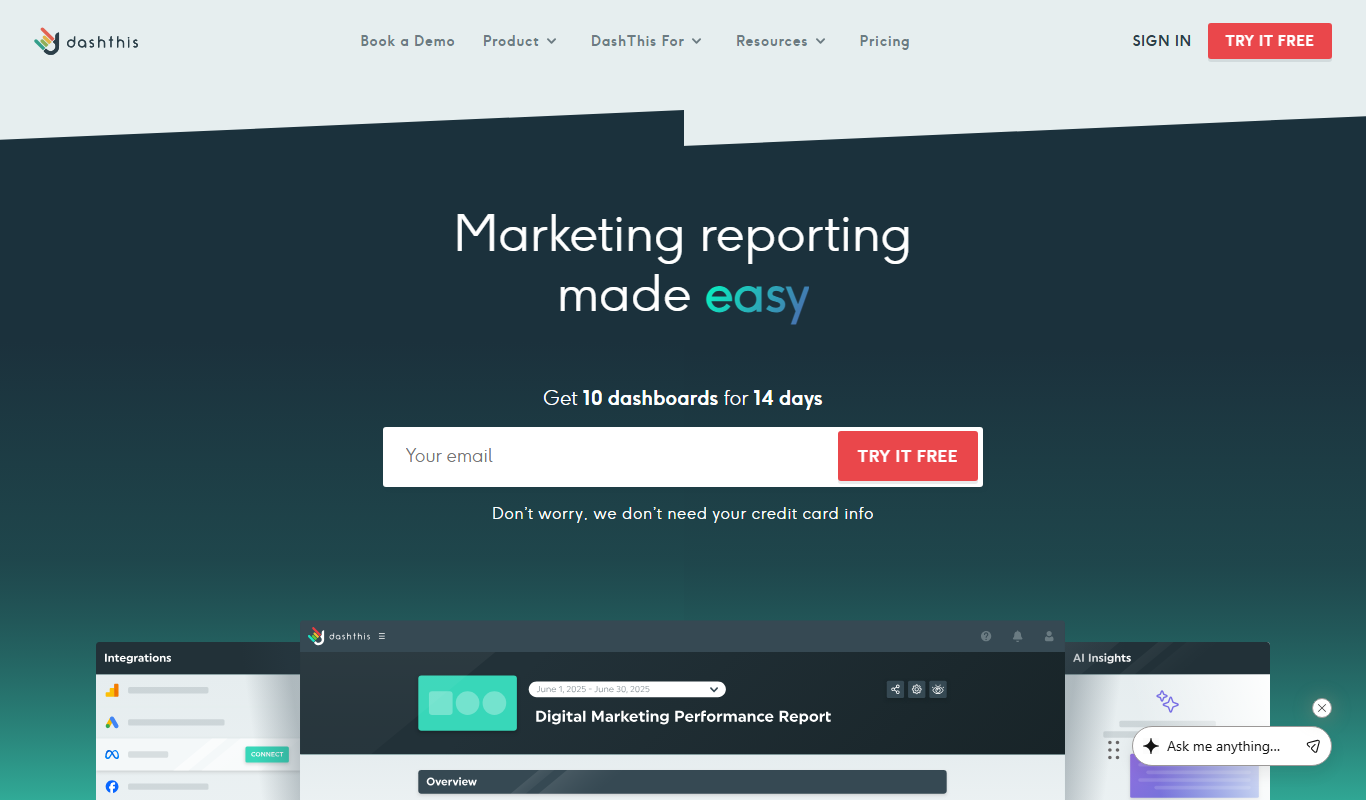
DashThis is a marketing dashboard software that automates data aggregation and reporting from multiple marketing platforms, offering customizable, white-label dashboards for agencies and marketers.

Maltego
Maltego is a data mining and link analysis tool that helps cybersecurity professionals and investigators visualize relationships between entities using graph-based visualizations and OSINT data.

MarketMan
MarketMan is a cloud-based inventory and supply chain management platform designed for restaurants and foodservice businesses to track inventory, manage suppliers, control food costs, and reduce waste.

MeasureUp
MeasureUp is an online platform providing realistic practice exams and detailed explanations to help individuals prepare for professional certification tests, primarily in IT and business domains.
Pollfish
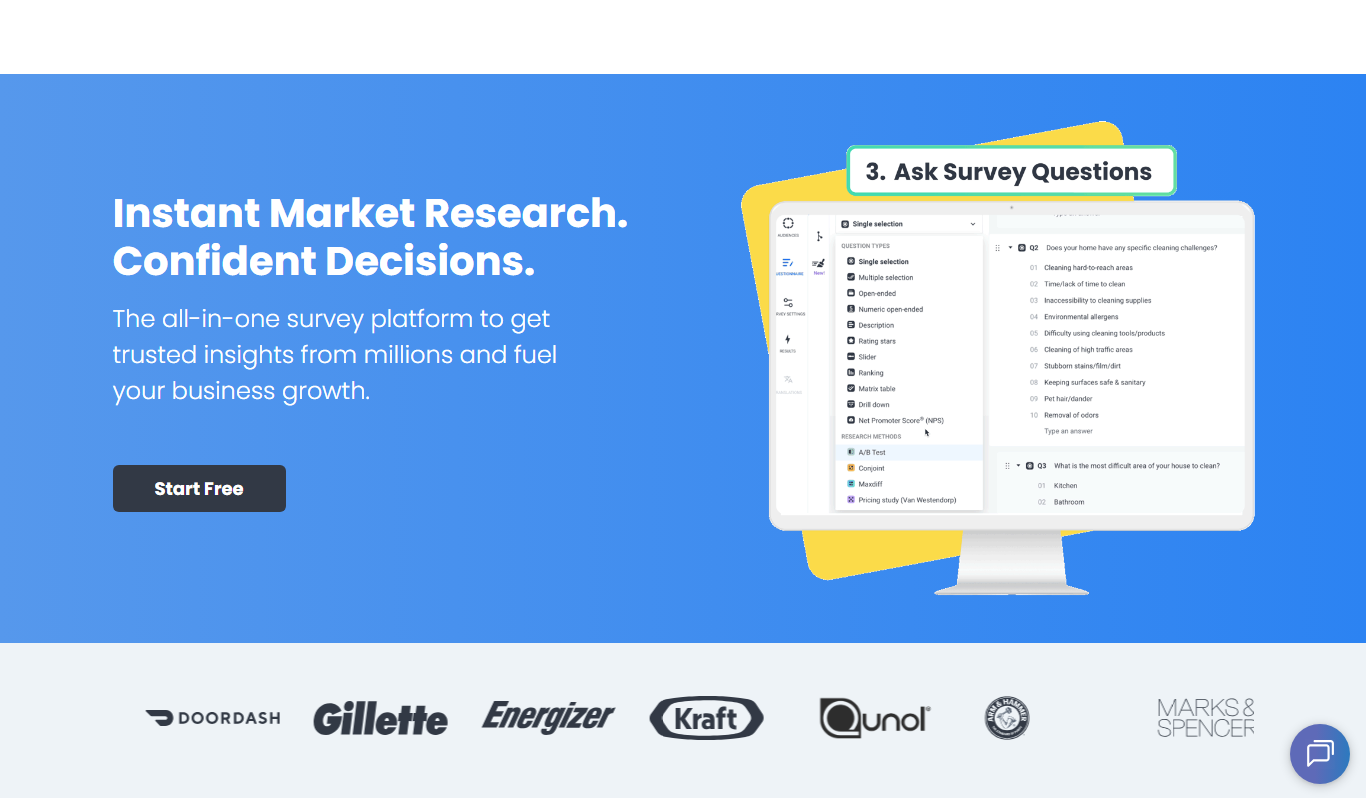
Pollfish is an online survey platform that enables businesses to collect targeted consumer insights quickly through mobile sampling and real-time data analytics.

MarketResearch.com
MarketResearch.com is an online platform offering extensive market research reports and industry analysis from multiple publishers, helping businesses and investors make informed decisions.

Geofencing.com
Geofencing.com is a location-based marketing platform that enables businesses to target customers with digital ads when they enter specific geographic areas, improving ad relevance and measuring offline conversions.

Percepto Autonomous Inspection
Percepto Autonomous Inspection is an AI-powered autonomous drone platform that automates industrial site inspections, providing real-time anomaly detection, 3D mapping, and remote asset monitoring to enhance safety and operational efficiency.