

From my experience with OneSignal, I found it excels at simplifying the delivery of targeted push notifications across multiple platforms with robust segmentation and automation features. After spending time with the platform, I can say it’s particularly well-suited for mobile app developers and marketing teams looking to increase user engagement and retention. However, there’s a trade-off: advanced features and higher subscriber limits require paid plans, which can become costly as your user base grows. Overall, if you need a reliable and scalable push notification service with comprehensive analytics, OneSignal delivers solid results.
OneSignal Push Notifications Platform for Mobile & Web Engagement
OneSignal is a push notification platform that enables businesses to send targeted, automated messages to users on mobile apps and websites to boost engagement and retention.
- Best for
- User Engagement
- Key capability
- Multi-Channel Messaging
Your actions
Save OneSignal, follow its updates and vote on it — everything stays in your account.
Sign in or create a free account
What is OneSignal?
OneSignal is a comprehensive push notification service that enables businesses to send timely and personalized messages to their users across web and mobile platforms. It helps increase user engagement, retention, and conversion by delivering targeted notifications, in-app messages, and email campaigns. The platform supports segmentation, automation, and real-time analytics to optimize communication strategies.
Key features of OneSignal
OneSignal offers features such as multi-channel messaging (push, in-app, email), audience segmentation, A/B testing, real-time analytics, and easy integration via SDKs and APIs. It supports a wide range of platforms and provides tools for personalized and automated messaging campaigns.
Multi-Channel Messaging
Supports push notifications, in-app messaging, and email campaigns from a single platform.
Segmentation and Targeting
Advanced audience segmentation allows precise targeting based on user attributes and behavior.
Automation and Triggers
Automate notifications triggered by user events, such as app opens or purchases.
A/B Testing
Test different notification variants to optimize message effectiveness.
Real-Time Analytics
Detailed reports on notification delivery, engagement, and conversion metrics.
Cross-Platform Support
Compatible with iOS, Android, web browsers, and supports integration via REST API.
Pros and cons of OneSignal
Pros
- Easy integration with multiple platforms
- Robust segmentation and targeting options
- Free plan suitable for small projects
- Comprehensive analytics and reporting
- Supports multiple messaging channels
Cons
- Advanced features require paid plans
- Customization options can be complex for beginners
- Pricing can scale quickly with large subscriber bases
Key use cases for OneSignal
User Engagement
Send targeted push notifications to increase user interaction and retention on mobile apps and websites.
Marketing Campaigns
Create and automate personalized marketing campaigns with segmentation and A/B testing.
Transactional Notifications
Deliver real-time transactional alerts such as order updates, reminders, and confirmations.
Analytics and Reporting
Track notification delivery, open rates, and user behavior to optimize messaging strategies.
Cross-Platform Messaging
Reach users across multiple devices and platforms including web browsers and mobile operating systems.
How OneSignal works
- 1
Integrate SDK
Add OneSignal SDK to your mobile app or website to enable push notification capabilities.
- 2
Create Audience Segments
Define user segments based on behavior, location, or custom data for targeted messaging.
- 3
Design Notifications
Compose personalized push notifications, in-app messages, or emails using the dashboard.
- 4
Schedule or Automate
Send notifications immediately, schedule for later, or automate based on user actions.
- 5
Analyze Performance
Monitor delivery rates, open rates, and user engagement metrics to refine campaigns.
Who is using OneSignal
Mobile app developers
E-commerce businesses
Marketing teams
SaaS companies
Content publishers
OneSignal pricing
Free
$0/month
Basic push notifications with up to 30,000 subscribers and core features.
Growth
Custom pricing
Advanced features including priority support, higher subscriber limits, and additional messaging channels.
Professional
Custom pricing
Full platform access with enterprise-grade features, dedicated support, and SLAs.
Plans and prices are as published by the vendor and can change. Check the official site before you buy. Open the pricing page (opens in a new tab)
Frequently asked questions about OneSignal
OneSignal supports iOS, Android, web browsers, and offers REST API for custom integrations.
Yes, OneSignal offers a free plan with up to 30,000 subscribers and basic features.
Yes, OneSignal supports automation and triggers based on user actions and events.
Yes, the platform includes real-time analytics and reporting for notification campaigns.
It depends on your specific needs and how you plan to use the tool. The official website and documentation are the best sources for the latest details.
Some tools offer a free plan or trial with limited features. Availability can vary, so confirm on the official website.
Yes, it can help with that use case depending on how you configure it and what features are available. You’ll get the best results with clear inputs and a defined goal.
Sign in to review this tool.
Sign In to ReviewNo reviews yet
Be the first to share how this tool worked for you.
Ask about pricing, limits, or how it compares — or answer someone else.
Sign In to AskNo questions yet
Have a question about using or paying for this tool? Be the first to ask.
Featured on TiorAI



Alternative Tools
Explore similar AI tools that might fit your needs

Custom Pricing
Airship
Airship is a customer engagement platform that enables businesses to send personalized push notifications, in-app messages, SMS, and emails to mobile and web users, helping improve retention and conversions through automation and segmentation.
More AI Analytics Assistant tools
Other tools in the same category, for when this one is not quite the fit.
Enterprise
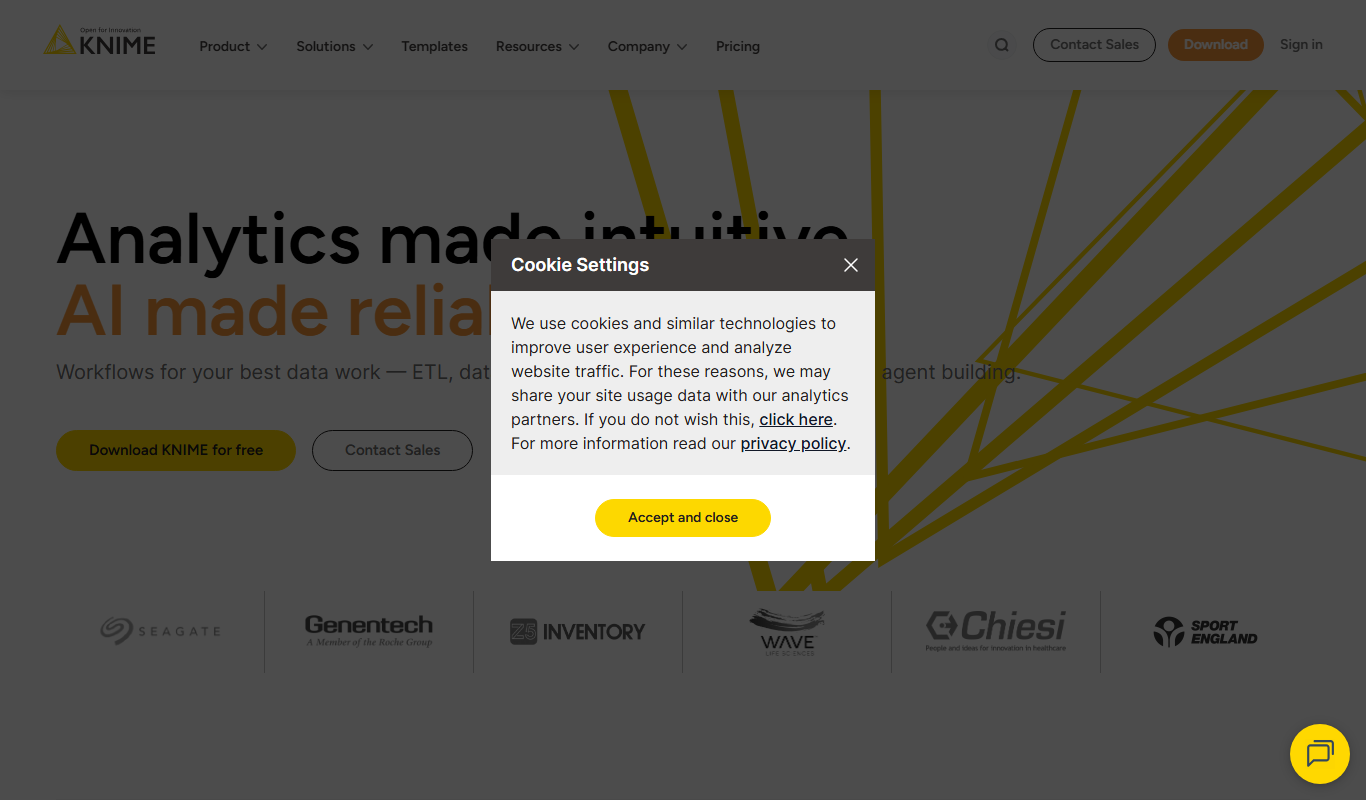
KNIME Analytics Platform
KNIME Analytics Platform is an open-source data analytics tool that enables users to build visual workflows for data processing, machine learning, and automation without extensive coding.
Custom Pricing
Optum
Optum is a healthcare technology company providing data analytics, population health management, and care coordination solutions to improve healthcare outcomes and operational efficiency.

Custom Pricing
Health Catalyst
Health Catalyst is a healthcare data analytics platform that integrates clinical and operational data to provide AI-driven insights for improving patient outcomes and operational efficiency.
Free
Comet.ml
Comet offers Opik, a GenAI observability and evaluation platform, and MLOps tools for experiment tracking, dataset management, model versioning and model production monitoring.

Custom Pricing
Brandwatch
Brandwatch is a social media analytics platform that provides real-time brand monitoring, sentiment analysis, and consumer insights to help businesses make data-driven marketing decisions.

Free
Mode Analytics
Mode Analytics is a collaborative business intelligence platform that enables data analysts and teams to query, analyze, and visualize data using SQL, Python, and R, with features for sharing and automating reports.
Free Trial
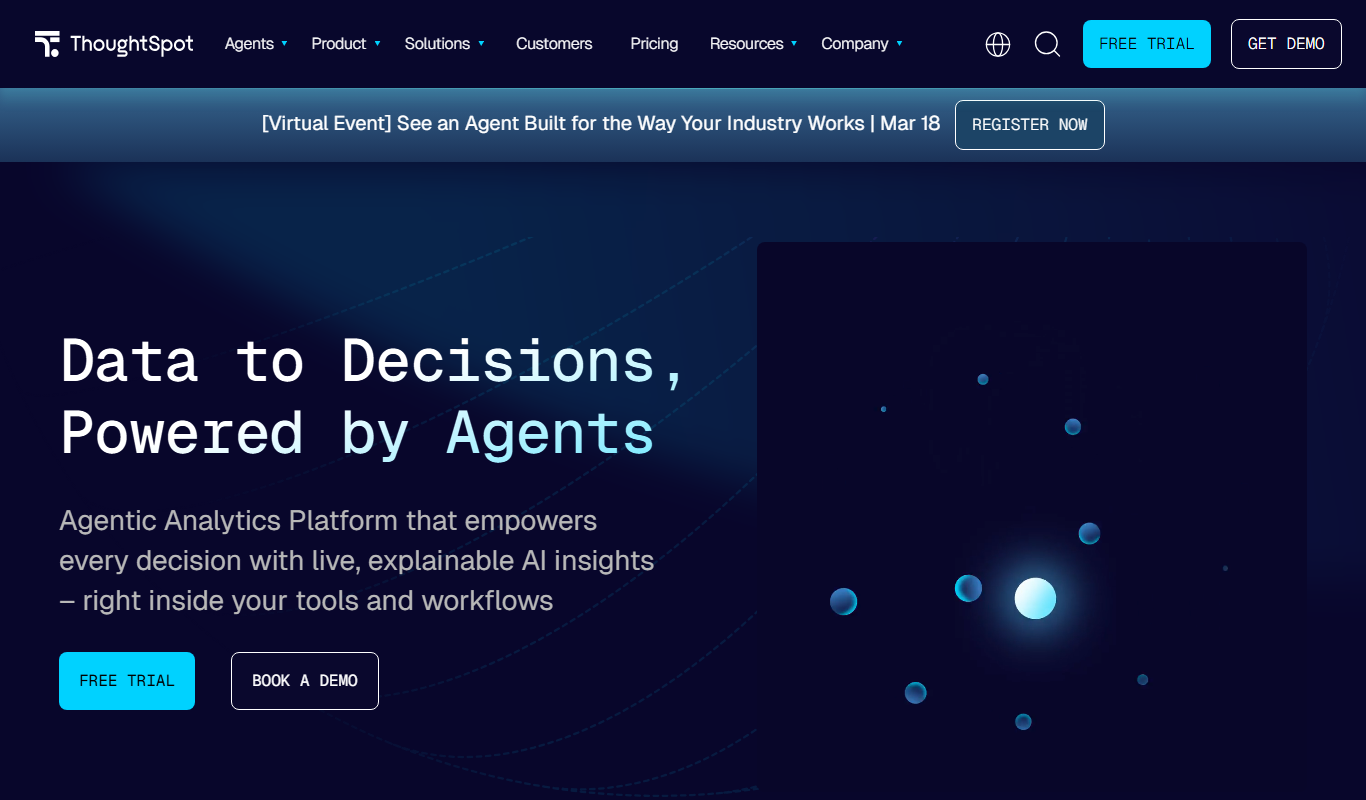
ThoughtSpot
ThoughtSpot is an AI-powered analytics platform that allows users to perform natural language searches on data to generate instant business insights and interactive dashboards without needing technical skills.

Free
Heap Analytics
Heap Analytics is a platform that automatically captures and analyzes user interactions on websites and apps, enabling businesses to understand user behavior and optimize product and marketing strategies without manual event tagging.