

From my experience with Octoparse AI, I found it excels at simplifying complex web scraping tasks through its no-code interface combined with AI-powered pattern recognition. This makes it accessible for users without programming skills while still handling dynamic and challenging websites effectively. After spending time with the platform, I can say it’s particularly well-suited for market researchers, e-commerce analysts, and content marketers who need scalable and automated data extraction. However, the pricing for advanced features may be a barrier for smaller businesses, and some features require using the desktop app. Overall, if you need reliable, AI-enhanced web scraping with cloud scalability, Octoparse AI delivers solid results.
Octoparse AI Web Scraping Tool for Data Extraction and Automation
Octoparse AI is a no-code web scraping tool that uses artificial intelligence to automate data extraction from websites, supporting dynamic content and offering cloud-based scraping and API integration.
- Best for
- Market Research
- Key capability
- AI-Powered Data Extraction
Your actions
Save Octoparse AI, follow its updates and vote on it — everything stays in your account.
Sign in or create a free account
What is Octoparse AI?
Octoparse AI is a no-code web scraping and data extraction platform that leverages artificial intelligence to simplify the process of collecting structured data from websites. It enables users to automate data gathering tasks without programming skills, supporting complex scraping scenarios with AI-powered pattern recognition and anti-blocking technologies.
Key features of Octoparse AI
Octoparse AI offers an intuitive visual interface for building scraping workflows, AI-assisted data extraction to handle dynamic and complex web pages, cloud-based scraping for scalability, API access for integration, and built-in data cleaning and export options.
AI-Powered Data Extraction
Automatically detect data patterns and extract information from complex and dynamic web pages.
No-Code Visual Workflow Builder
Create scraping tasks with a drag-and-drop interface without writing code.
Cloud-Based Scraping
Run large-scale scraping jobs on Octoparse’s cloud servers for faster and scalable data collection.
Anti-Blocking and Proxy Support
Bypass website restrictions and avoid IP blocking with built-in proxy rotation and anti-blocking techniques.
API Access
Integrate scraped data directly into your applications or workflows via RESTful API.
Data Cleaning and Export
Clean and format extracted data, then export it in CSV, Excel, JSON, or database formats.
Pros and cons of Octoparse AI
Pros
- User-friendly no-code interface suitable for beginners
- AI-assisted scraping improves accuracy on complex sites
- Cloud scraping enables large-scale data extraction
- Supports proxy rotation and anti-blocking features
- Flexible data export options and API integration
Cons
- Pricing can be high for small businesses on advanced plans
- Limited language support (English only)
- Desktop app required for some advanced features
Key use cases for Octoparse AI
Market Research
Extract competitor pricing, product details, and market trends from multiple websites automatically.
Lead Generation
Collect contact information and business data from online directories and social media platforms.
E-commerce Data Aggregation
Gather product listings, reviews, and ratings from e-commerce sites for analysis and comparison.
Academic Research
Automate collection of data from academic journals, news sites, and public databases.
Content Aggregation
Scrape news, blogs, and social media content for content curation and monitoring.
How Octoparse AI works
- 1
Create an Account
Sign up on the Octoparse AI platform to access the web scraping tools.
- 2
Design Your Scraper
Use the visual editor or AI-assisted mode to select data elements and define extraction rules.
- 3
Run Scraping Tasks
Execute scraping jobs locally or in the cloud to collect data efficiently.
- 4
Export and Use Data
Download extracted data in various formats or connect via API for seamless integration.
Who is using Octoparse AI
Market researchers
E-commerce analysts
Lead generation teams
Academic researchers
Content marketers
Octoparse AI pricing
Free
$0/month
Basic scraping features with limited cloud runs and data volume.
Standard
$75/month
Increased cloud runs, API access, and priority support.
Professional
$209/month
Advanced features including unlimited cloud runs, premium proxies, and team collaboration.
Enterprise
Custom pricing
Tailored solutions with dedicated support, SLA, and on-premise deployment options.
Plans and prices are as published by the vendor and can change. Check the official site before you buy. Open the pricing page (opens in a new tab)
Frequently asked questions about Octoparse AI
No, Octoparse AI is designed with a no-code visual interface and AI assistance, so you can build scraping tasks without coding.
Yes, it supports scraping dynamic websites using AI-powered pattern recognition and can handle JavaScript-rendered pages.
Limits depend on your subscription plan; higher-tier plans offer more cloud runs and data volume.
Yes, API access is available starting from the Standard plan for integrating scraped data into your systems.
It depends on your specific needs and how you plan to use the tool. The official website and documentation are the best sources for the latest details.
It depends on your specific needs and how you plan to use the tool. The official website and documentation are the best sources for the latest details.
Yes, it can help with that use case depending on how you configure it and what features are available. You’ll get the best results with clear inputs and a defined goal.
Integration support depends on the tool and its available connectors or API. Check the official documentation or integrations page to confirm what is supported.
Sign in to review this tool.
Sign In to ReviewNo reviews yet
Be the first to share how this tool worked for you.
Ask about pricing, limits, or how it compares — or answer someone else.
Sign In to AskNo questions yet
Have a question about using or paying for this tool? Be the first to ask.
Featured on TiorAI



Alternative Tools
Explore similar AI tools that might fit your needs

Free
ParseHub
ParseHub is a no-code web scraping tool that allows users to extract data from websites including dynamic content, automate scraping tasks, and access data via API.

Freemium
Diffbot
Diffbot is an AI-driven platform that automatically extracts structured data from web pages using machine learning and computer vision, providing APIs for developers to access clean, organized data for various applications.
More AI Automation & Workflow Tools tools
Other tools in the same category, for when this one is not quite the fit.

Freemium
BulkGPT.ai
BulkGPT.ai is a no-code AI workflow platform for web scraping, search enrichment, SEO operations, research and batch content generation.

Free Trial
Upreach
Upreach is an AI-driven outreach platform that automates personalized cold email campaigns and follow-ups to help sales teams generate and qualify leads efficiently.
Custom Pricing
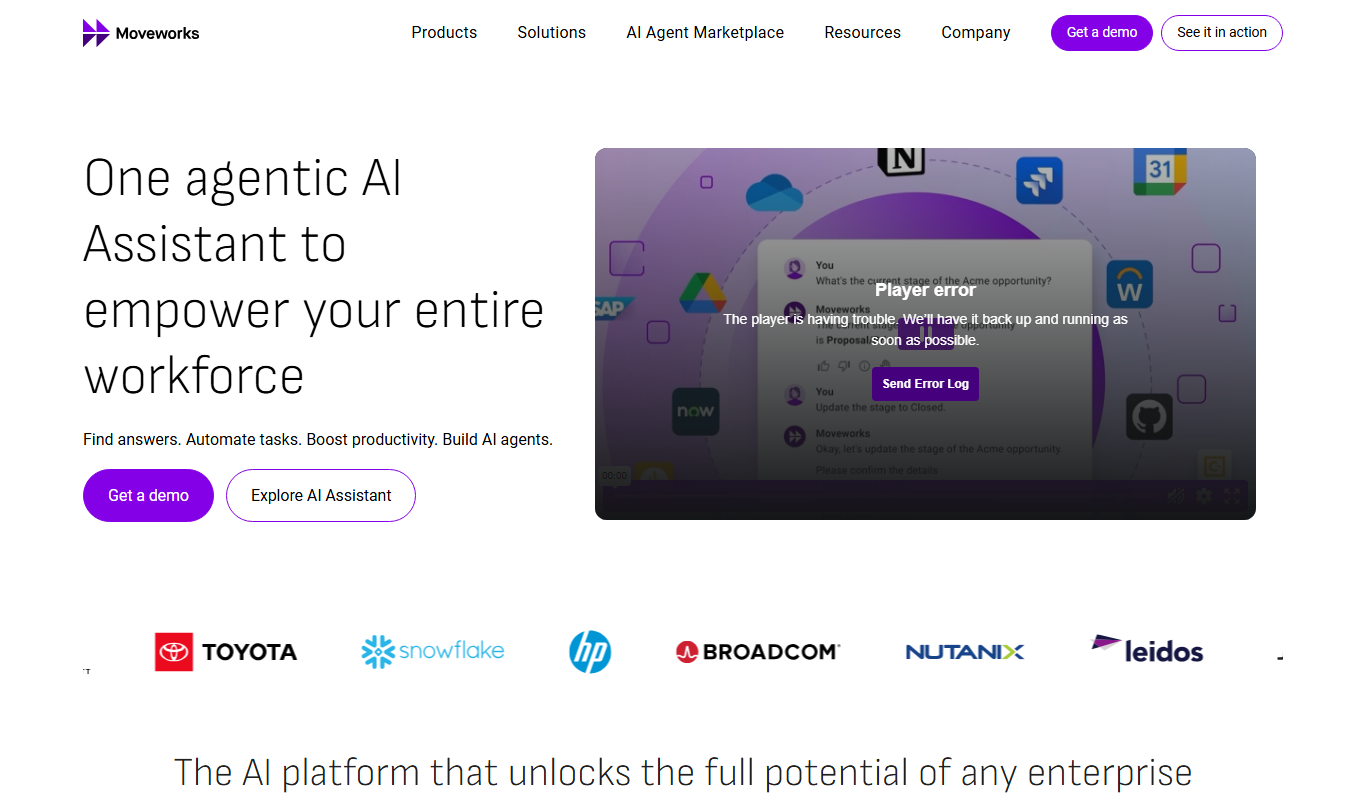
Moveworks
Moveworks is an AI-driven platform that automates IT support by understanding employee requests via chat and resolving issues instantly, reducing helpdesk tickets and improving efficiency.

Custom Pricing
cinnamon.ai
cinnamon.ai is an AI-driven automation platform specializing in enterprise document processing and workflow automation using OCR and NLP technologies.
Freemium
Inflyx
Inflyx is an influencer marketing platform that enables brands to discover influencers, manage campaigns, track performance, and handle payments all in one place.

Free Trial
RADAAR
RADAAR is a social media management tool that helps businesses schedule posts, collaborate with teams, manage messages, and analyze social media performance from one platform.

Free Trial
Webs-Automation Job Application Bots
AI Jobs Automation is a web-based tool that automates filling and submitting job applications across multiple portals, helping job seekers save time and increase efficiency.

Custom Pricing
ocrolus.com
Ocrolus is an AI-driven platform that automates the extraction and validation of data from financial documents like bank statements and pay stubs, combining OCR technology with human review to ensure accuracy and compliance.