

ParseHub Web Scraper Tool for Data Extraction and Automation
ParseHub is a no-code web scraping tool that allows users to extract data from websites including dynamic content, automate scraping tasks, and access data via API.
- Best for
- Web Data Extraction
- Key capability
- No-Code Visual Scraper
Save ParseHub, follow its updates and vote on it — everything stays in your account.
Sign in or create a free account
What is ParseHub?
ParseHub is a powerful web scraping tool that enables users to extract data from websites using a visual, no-code interface. It allows both technical and non-technical users to collect structured data from complex websites including those with JavaScript, AJAX, and infinite scrolling. ParseHub supports automation of data extraction workflows and provides API access for integration with other applications.
Key features of ParseHub
ParseHub offers a user-friendly point-and-click interface to select data elements, supports dynamic websites, handles pagination and forms, and provides cloud-based data extraction with scheduling. It also includes an API for programmatic access and export options in multiple formats like CSV, JSON, and Excel.
No-Code Visual Scraper
Intuitive point-and-click interface for selecting data without programming.
Handles Dynamic Content
Supports JavaScript, AJAX, and infinite scrolling websites.
Cloud-Based Extraction
Runs scraping projects on ParseHub servers with scheduling and automation.
API Access
Programmatic access to extracted data for integration with other tools.
Multiple Export Formats
Export data as CSV, JSON, Excel, or integrate directly via API.
Pros and cons of ParseHub
Pros
- User-friendly no-code interface
- Supports complex dynamic websites
- Cloud-based with scheduling and automation
- API access for integration
- Multiple export options
Cons
- Pricing can be high for small businesses
- Learning curve for advanced features
- Limited language support (English only)
Key use cases for ParseHub
Web Data Extraction
Extract structured data from websites for research, analysis, or integration.
Market Research
Gather competitor pricing, product details, and market trends automatically.
Lead Generation
Collect contact information and business data from online directories and social media.
Content Aggregation
Aggregate news, reviews, or product information from multiple sources.
Automation of Repetitive Tasks
Automate data collection workflows without coding knowledge.
How ParseHub works
- 1
Create a Project
Start by entering the URL of the website you want to scrape.
- 2
Select Data
Use the visual selector to click on the data elements you want to extract.
- 3
Configure Extraction
Set up pagination, form submissions, or conditional logic if needed.
- 4
Run and Schedule
Run the extraction immediately or schedule it to run automatically.
- 5
Export Data
Download the extracted data in your preferred format or access it via API.
Who is using ParseHub
ParseHub pricing
Free
$0/month
Basic plan with limited projects and runs, suitable for small tasks.
Standard
$189 per month
Increased limits, faster run speeds, and priority support.
Professional
$599/month
Advanced features, highest limits, and dedicated support.
Plans and prices are as published by the vendor and can change. Check the official site before you buy. Open the pricing page (opens in a new tab)
Frequently asked questions about ParseHub
No, ParseHub is designed with a visual interface that requires no coding.
Yes, it supports dynamic websites that use JavaScript and AJAX.
Scheduling frequency depends on your plan, with options from hourly to monthly.
You can export data as CSV, JSON, Excel, or access it via API.
It depends on your specific needs and how you plan to use the tool. The official website and documentation are the best sources for the latest details.
Some tools offer a free plan or trial with limited features. Availability can vary, so confirm on the official website.
Yes, it can help with that use case depending on how you configure it and what features are available. You’ll get the best results with clear inputs and a defined goal.
Yes, it can help with that use case depending on how you configure it and what features are available. You’ll get the best results with clear inputs and a defined goal.
Conclusion
Scraping begins with entering the URL of the website to scrape, after which the visual selector is used to click on the data elements to extract. Pagination, form submissions or conditional logic are added when a site needs them, and pages built with JavaScript and AJAX are supported. Data can be exported as CSV, JSON or Excel, or accessed via API.
Market research and lead generation are the listed use cases, such as gathering competitor pricing or contact details from online directories. Both free and paid plans exist. The free plan allows up to 5 projects and limits pages per run, while paid plans add more workers, IP rotation, Dropbox and Amazon S3 integration and project scheduling.
Sources
Sign in to review this tool.
Sign In to ReviewNo reviews yet
Be the first to share how this tool worked for you.
Ask about pricing, limits, or how it compares — or answer someone else.
Sign In to AskNo questions yet
Have a question about using or paying for this tool? Be the first to ask.
Featured on TiorAI



Alternative Tools
Explore similar AI tools that might fit your needs

Import.io
Import.io is a no-code web data extraction tool that enables users to scrape and transform web content into structured data with automated crawling and API access.
WebHarvy
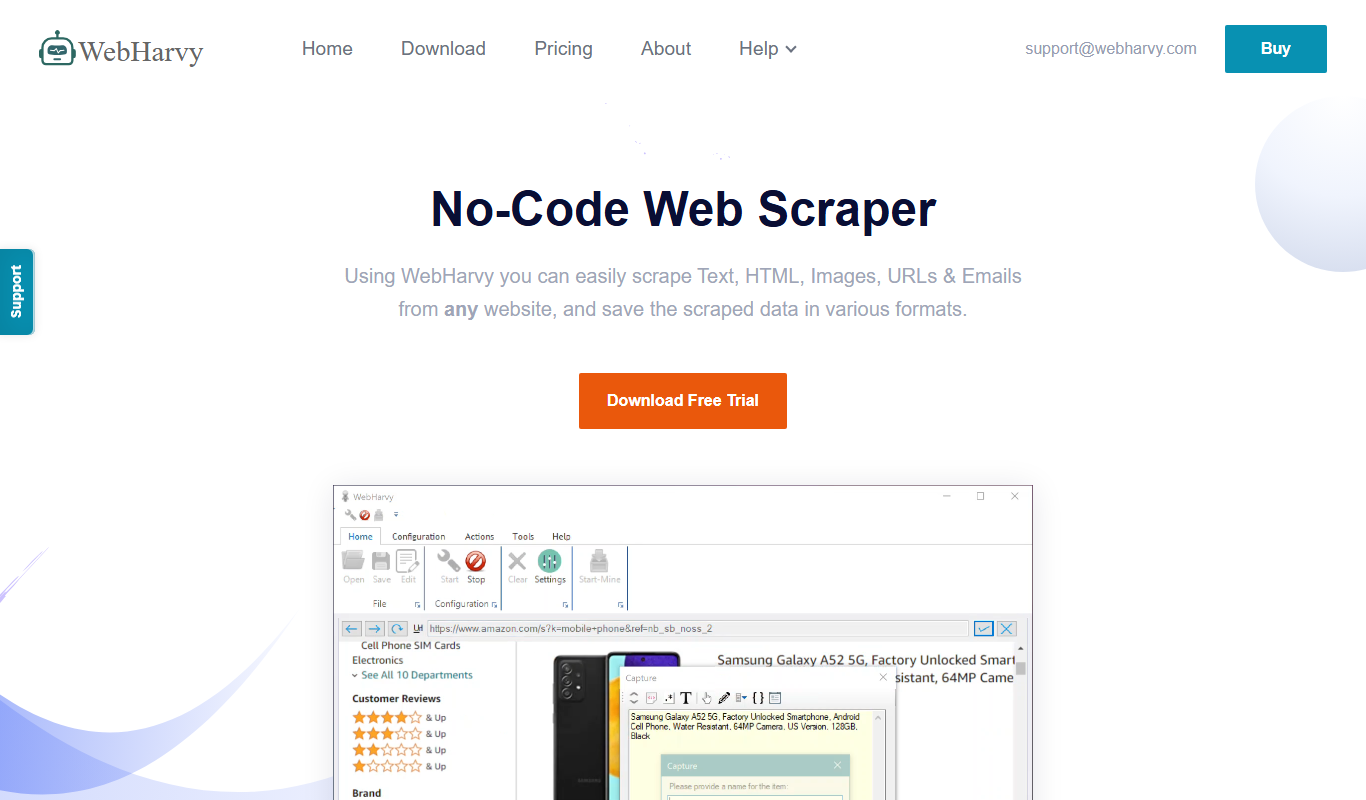
WebHarvy is a Windows-based visual web scraping tool that enables users to extract data from websites automatically using a point-and-click interface without programming skills.
More AI Developer Tools tools
Other tools in the same category, for when this one is not quite the fit.
reCAPTCHA
Google reCAPTCHA is a Google Cloud security service that protects websites from bots and spam; the first 10,000 assessments per month are free.
Infosys
Infosys is a global IT services and consulting company specializing in AI, cloud, automation, and digital transformation solutions for enterprises.

PlantUML
PlantUML is an open-source tool that creates UML diagrams from simple text descriptions, supporting various diagram types and integration with development tools.

Tailscale
Tailscale is a VPN service that creates a secure, private mesh network using WireGuard, enabling easy and encrypted remote access for teams and developers.

OpenZeppelin
OpenZeppelin is a platform offering open-source smart contract libraries, security auditing, and developer tools to build secure blockchain applications primarily on Ethereum.

OpenDaylight
OpenDaylight is an open source software-defined networking platform that provides a modular controller framework to enable network automation, programmability, and support for multiple protocols like OpenFlow and NETCONF.

ONAP
ONAP is an open-source platform that automates the orchestration and lifecycle management of telecom networks, supporting 5G, SDN, and NFV technologies.

Friendly Captcha
Friendly Captcha is a privacy-focused human verification tool that uses cryptographic proof-of-work challenges running in the browser to distinguish humans from bots without tracking or user friction.