

From my experience with NextUI Pro, it stands out as a robust React UI library that balances customization, accessibility, and performance. Its well-designed components and theming system make it a great choice for developers aiming to build consistent and responsive web applications. While the Pro plan adds valuable advanced features, the free tier is already quite functional for many projects. However, if you are working outside the React ecosystem or need multi-platform support, NextUI Pro may feel limited. Overall, for React developers focused on modern web UI, NextUI Pro offers a solid and developer-friendly solution.
NextUI Pro - Advanced React UI Library for Modern Web Development
NextUI Pro is a React UI library providing customizable, accessible components to build modern web apps efficiently.
- Best for
- Building Responsive Web Applications
- Key capability
- Rich Component Library

Do you recommend this tool?
What is NextUI Pro?
NextUI Pro is an advanced React UI component library designed to streamline the development of modern, responsive, and accessible web applications. It offers a rich set of customizable components that integrate seamlessly with React projects, enabling developers to build visually appealing and consistent user interfaces efficiently.
Key features of NextUI Pro
NextUI Pro features a wide range of pre-built React components, theming support, accessibility compliance, and performance optimizations. It emphasizes developer experience with easy-to-use APIs and comprehensive documentation.
Rich Component Library
Includes buttons, modals, forms, grids, and more, all designed for React.
Custom Theming
Easily customize colors, typography, and other design tokens to fit your brand.
Accessibility Focused
Components are built with accessibility best practices to ensure inclusive user experiences.
Performance Optimized
Lightweight components with optimized rendering for fast load times.
Developer Friendly API
Intuitive and well-documented APIs that simplify integration and customization.
Pros and cons of NextUI Pro
Pros
- Comprehensive and customizable React components
- Strong focus on accessibility and performance
- Easy theming and branding options
- Good documentation and developer experience
- Supports server-side rendering
Cons
- Pro plan pricing may be high for small projects
- Limited platform support beyond web React applications
Key use cases for NextUI Pro
Building Responsive Web Applications
NextUI Pro provides a comprehensive set of customizable React components that help developers build responsive and accessible web applications efficiently.
Design System Implementation
Teams can use NextUI Pro to create consistent design systems with reusable components, ensuring UI uniformity across projects.
Rapid Prototyping
Developers and designers can quickly prototype UI layouts and interactions using NextUI Pro’s ready-made components.
Custom Theming
NextUI Pro supports theming capabilities allowing developers to tailor the look and feel of applications to match brand guidelines.
How NextUI Pro works
- 1
Install NextUI Pro
Add NextUI Pro to your React project via npm or yarn package manager.
- 2
Import Components
Import the desired UI components into your React components.
- 3
Customize and Theming
Apply custom themes or use default styles to match your application’s branding.
- 4
Build and Deploy
Develop your application using NextUI Pro components and deploy it as usual.
Who is using NextUI Pro
Frontend developers
React developers
UI/UX designers
Development teams building web apps
Startups and enterprises needing scalable UI solutions
NextUI Pro pricing
Free
$0/month
Access to core components and basic theming features.
Pro
$49/month
Includes advanced components, priority support, and extended customization options.
Plans and prices are as published by the vendor and can change. Check the official site before you buy. Open the pricing page (opens in a new tab)
Frequently asked questions about NextUI Pro
NextUI Pro supports React 16.8 and above, leveraging hooks and modern React features.
Yes, NextUI Pro offers extensive theming capabilities to customize colors, typography, and layout.
Yes, NextUI Pro components are compatible with SSR frameworks like Next.js.
Yes, NextUI Pro offers a free trial period for the Pro plan to evaluate advanced features.
This tool is designed to help users accomplish its core tasks more efficiently. It is typically used by individuals or teams looking to improve productivity and workflow.
Some tools offer a free plan or trial with limited features. Availability can vary, so confirm on the official website.
Yes, it can help with that use case depending on how you configure it and what features are available. You’ll get the best results with clear inputs and a defined goal.
Yes, it can help with that use case depending on how you configure it and what features are available. You’ll get the best results with clear inputs and a defined goal.
Sign in to review this tool.
Sign In to ReviewNo reviews yet
Be the first to share how this tool worked for you.
Ask about pricing, limits, or how it compares — or answer someone else.
Sign In to AskNo questions yet
Have a question about using or paying for this tool? Be the first to ask.
Featured on TiorAI



Alternative Tools
Explore similar AI tools that might fit your needs

Free
Material-UI
Material-UI is an open-source React component library that implements Google's Material Design system, providing developers with customizable UI components to build modern, accessible web applications efficiently.

Free
Chakra UI
Chakra UI is a free, open-source React component library that provides accessible, themeable, and modular UI components to help developers build modern web applications efficiently.

Free
Ant Design
Ant Design is an open-source React UI framework providing a comprehensive set of reusable components and design guidelines to build enterprise-level web applications with consistent and customizable user interfaces.
More AI Website Designer Lite tools
Other tools in the same category, for when this one is not quite the fit.
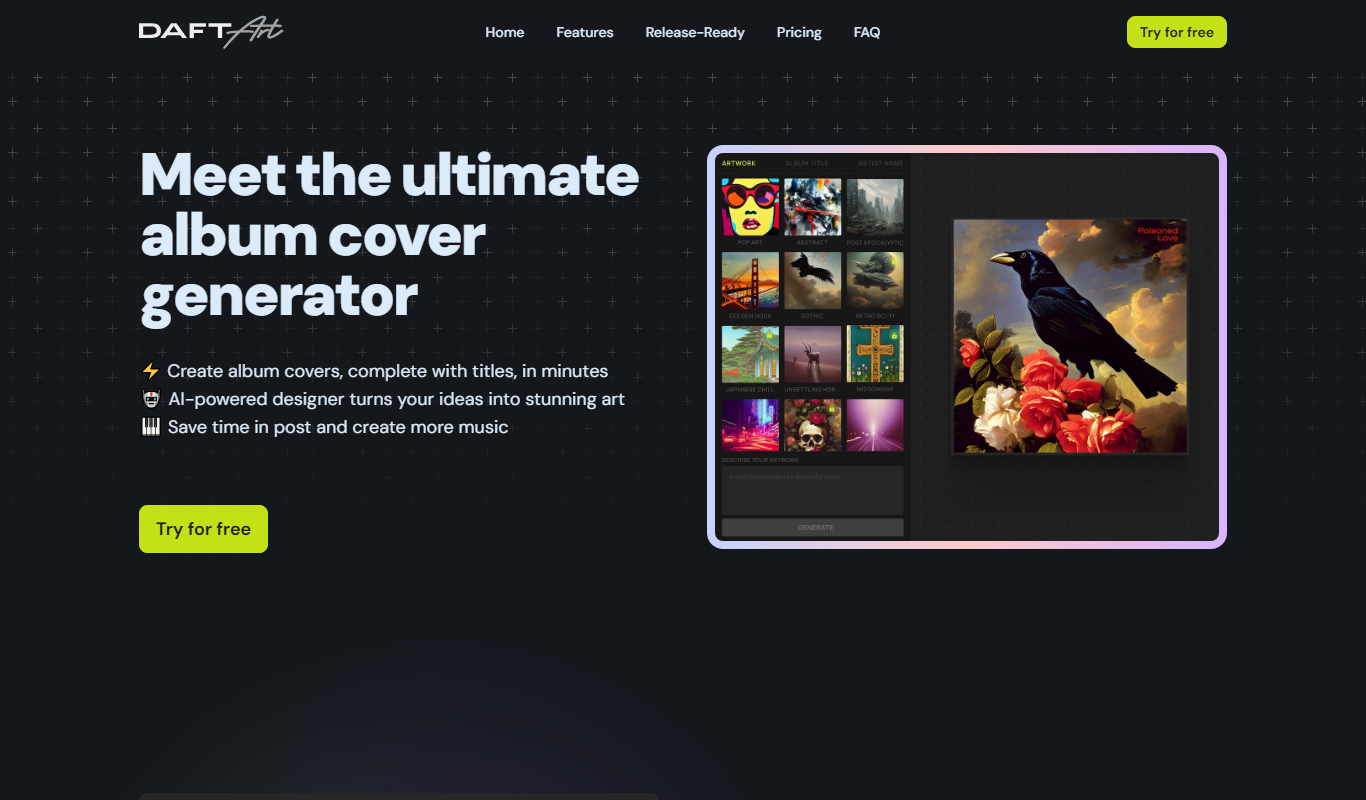
Free
Daft Art
Daft Art is a web-based AI art generator that creates unique digital images from text prompts, offering various artistic styles and easy downloads for creative projects.
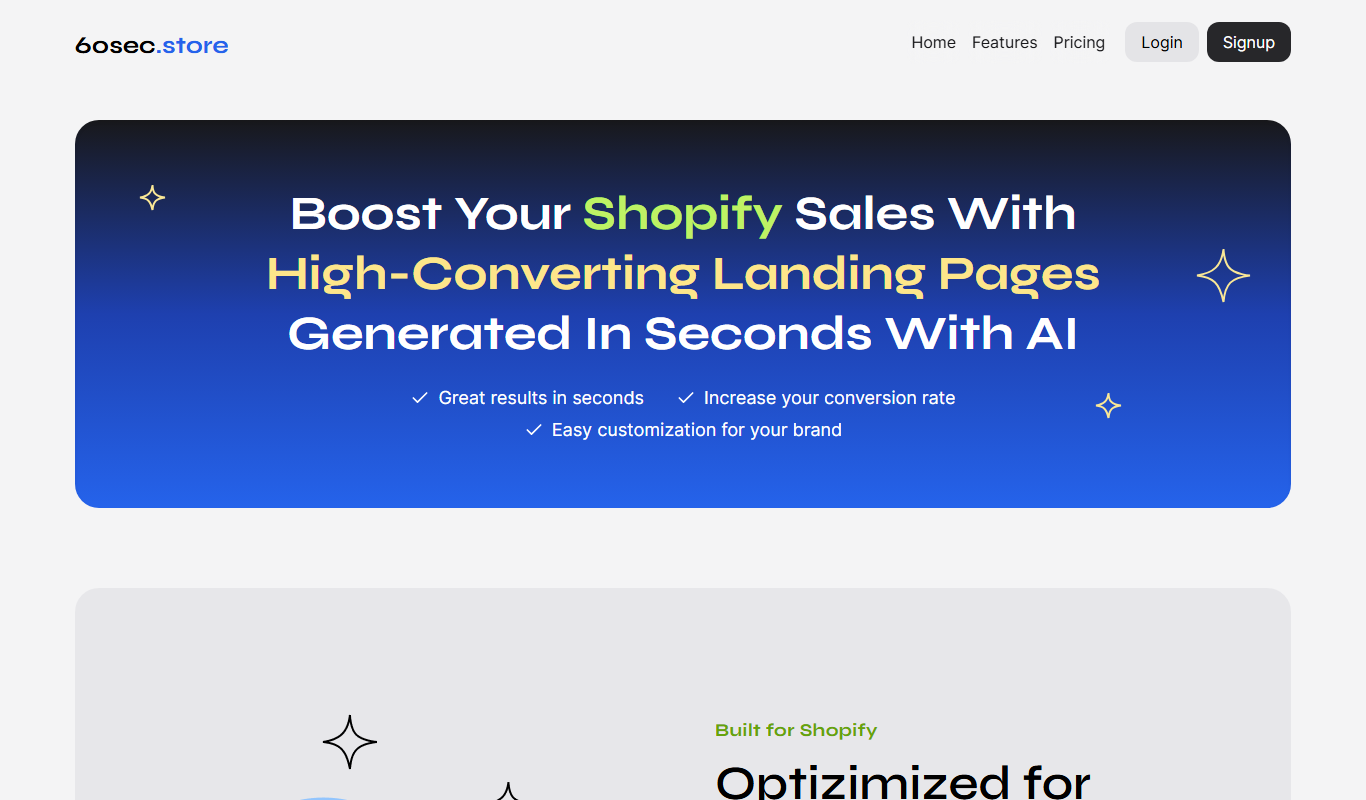
Free Trial
60sec.store: AI Landing Pages 4 Shopify
60sec.store is an AI-driven landing page builder that helps Shopify merchants create optimized landing pages quickly without coding, improving conversions and marketing efficiency.
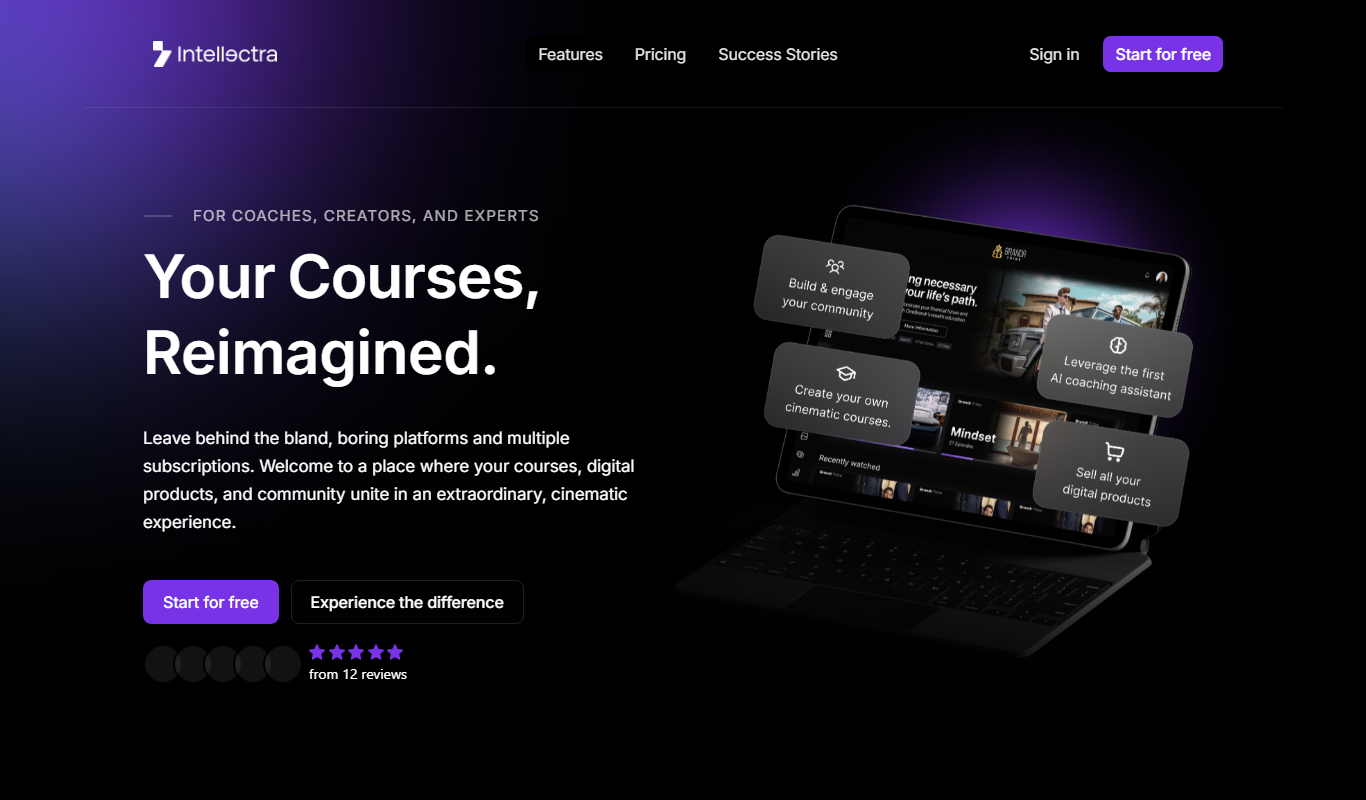
Freemium
Intellectra
Intellectra is an AI-driven platform that enables businesses to analyze data, automate workflows, and build custom AI models to improve decision-making and operational efficiency.
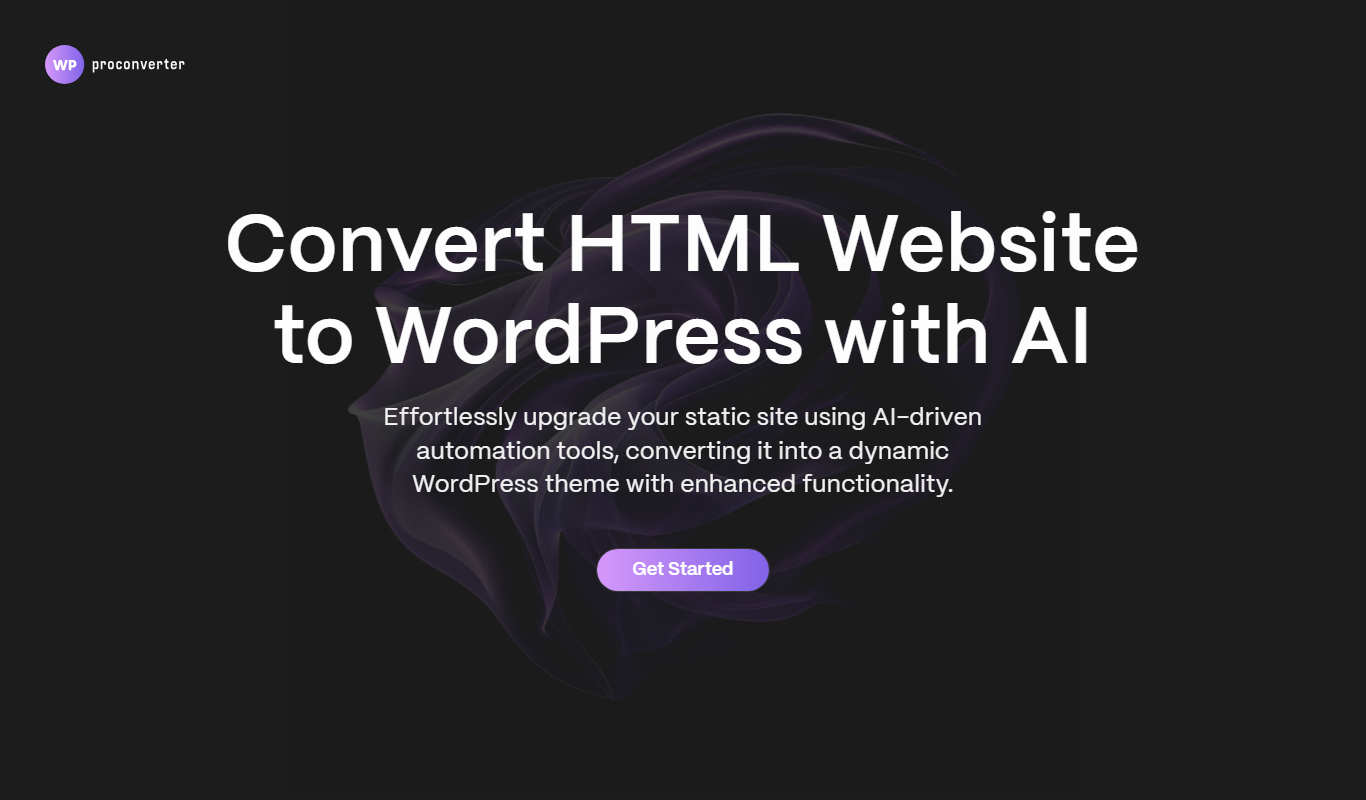
Free Trial
WordPress Pro Converter
WordPress Pro Converter is a WordPress plugin that enables easy migration, backup, and cloning of WordPress sites with automatic URL updates and minimal downtime.
Custom Pricing
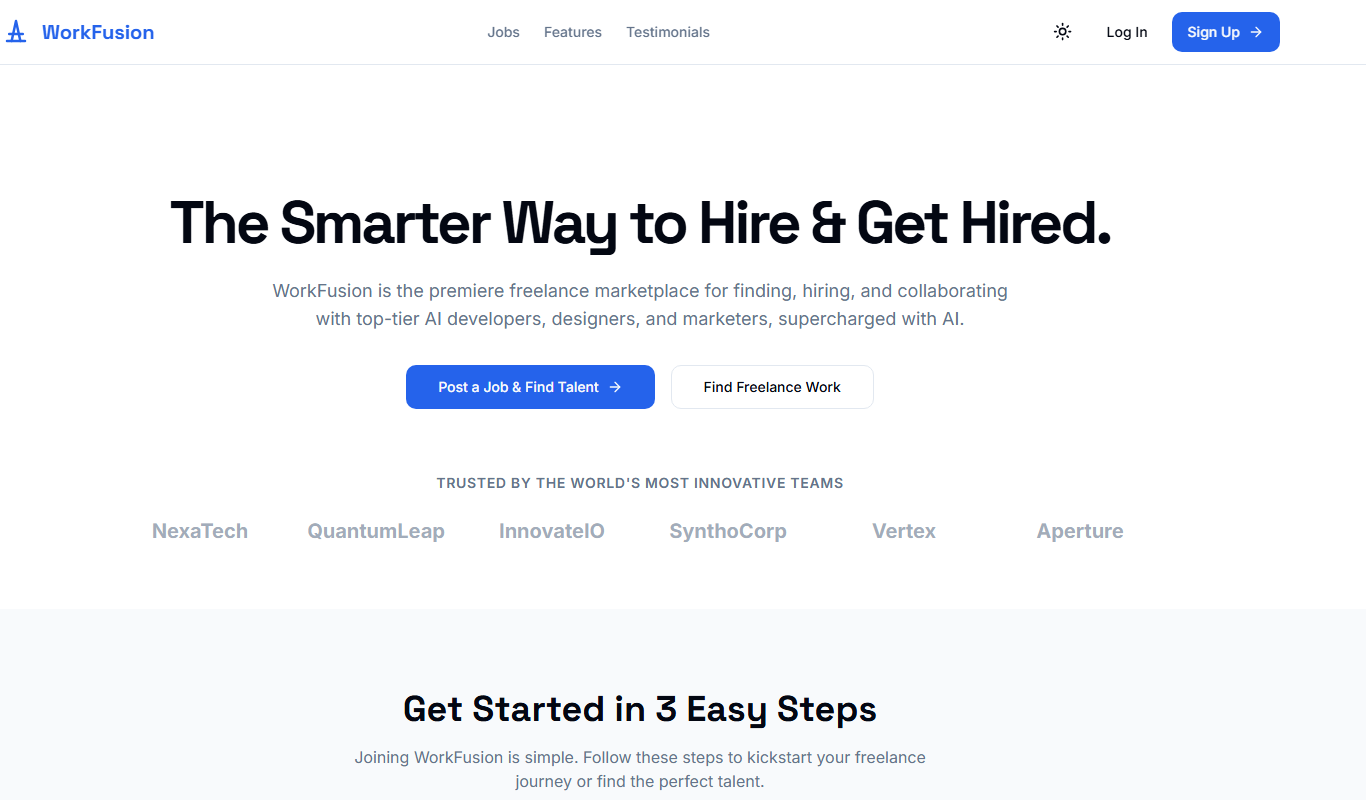
WorkFusion App
WorkFusion App is an AI-driven robotic process automation platform that helps enterprises automate complex business workflows by combining RPA with intelligent data capture and bot management.

Free Trial
ShipStation
ShipStation is a cloud-based shipping and order management software that helps e-commerce businesses automate shipping label creation, manage orders from multiple sales channels, and track shipments with multiple carriers.

Free Trial
Softgen
Softgen is an AI-driven software development platform that automates code generation and review, helping developers accelerate project delivery with natural language inputs and multi-language support.
Freemium
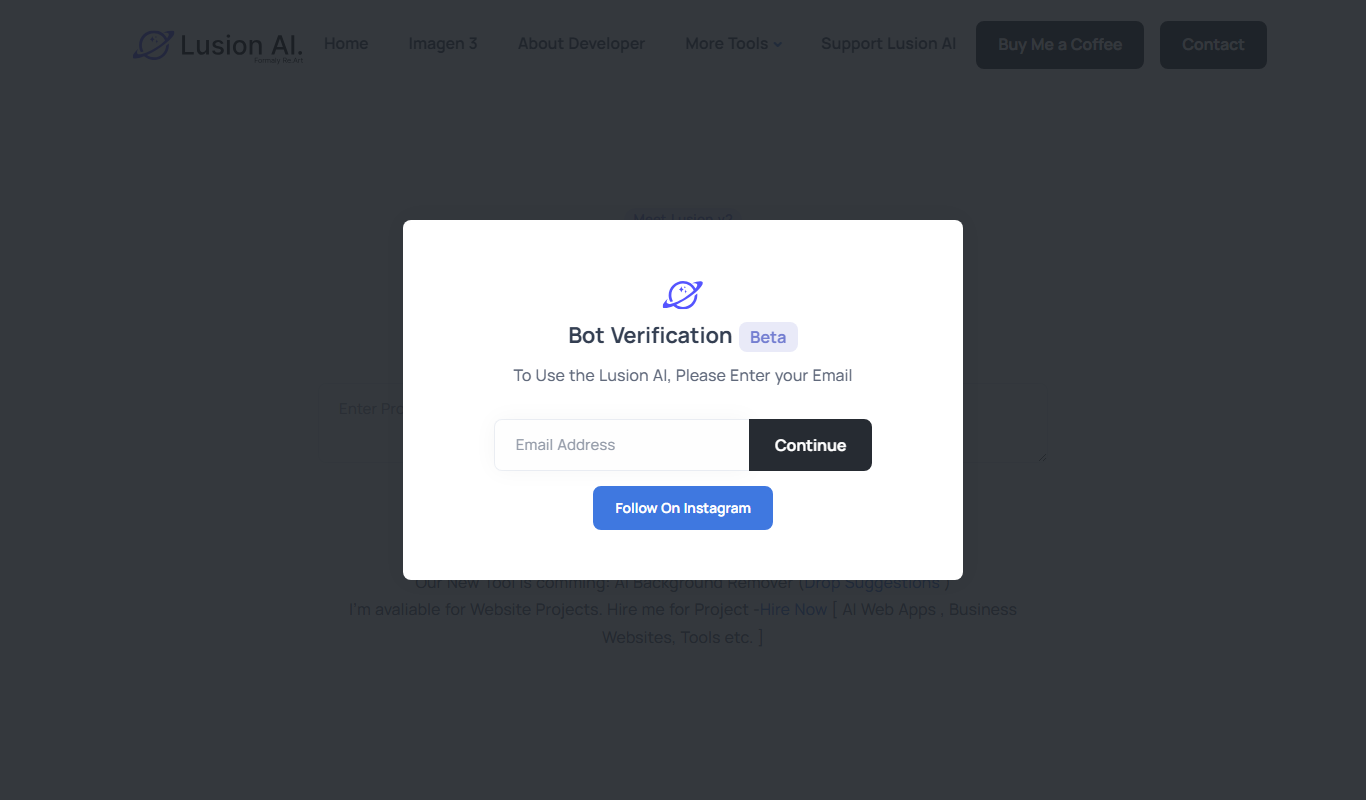
Lusion AI
Lusion AI is a web-based platform that uses artificial intelligence to generate and edit images from text prompts or existing photos, designed for artists and creators.