

From my experience with Narrated Guide, I found it excels at combining voice narration with interactive tutorials to create engaging onboarding experiences. The platform’s intuitive editor and analytics provide practical tools for improving user adoption and training efficiency. It’s particularly well-suited for SaaS companies and training teams looking to reduce support overhead. However, the current limitation to English narration and lack of mobile app support may restrict some users. Overall, if you want to deliver clear, narrated guidance within your web application, Narrated Guide offers a solid, user-friendly solution.
Narrated Guide Tutorial Software for Interactive User Onboarding and Training
Narrated Guide is a web-based platform that enables businesses to create interactive, voice-narrated tutorials to enhance user onboarding and training experiences.
- Best for
- User Onboarding
- Key capability
- Voice Narration
Your actions
Save Narrated Guide, follow its updates and vote on it — everything stays in your account.
Sign in or create a free account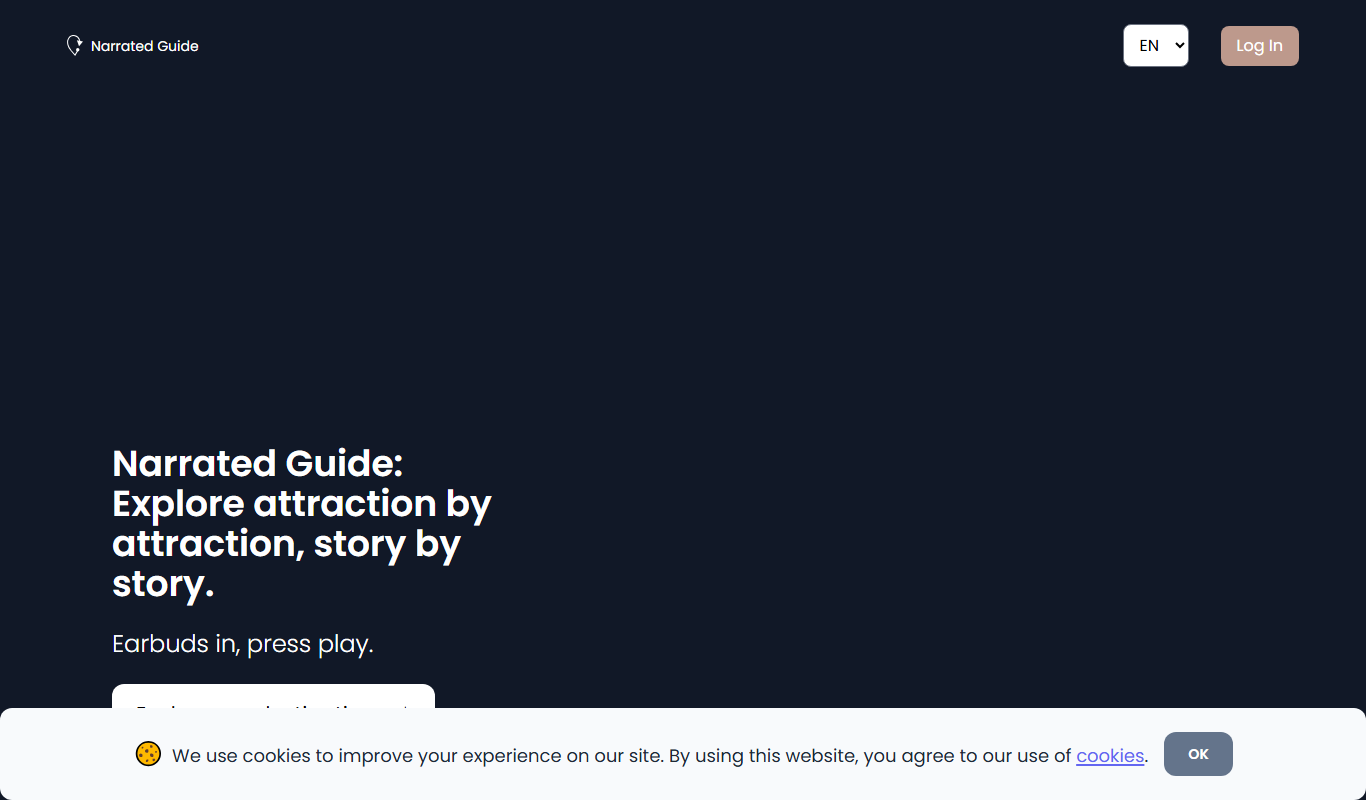
What is Narrated Guide?
Narrated Guide is a web-based interactive tutorial software designed to create narrated, step-by-step guides that help users learn and navigate software applications efficiently. It enables businesses to build engaging onboarding experiences and training materials that combine visual cues with voice narration, enhancing user comprehension and retention.
Key features of Narrated Guide
The platform offers features such as voice-over narration, interactive step highlights, customizable tutorial flows, analytics to track user engagement, and easy integration with web applications to deliver seamless in-app guidance.
Voice Narration
Add clear, professional voice-overs to guide users through each step.
Interactive Step Highlights
Highlight UI elements dynamically to focus user attention during tutorials.
Customizable Tutorial Paths
Design branching tutorials that adapt to different user roles or scenarios.
Analytics and Reporting
Gain insights into tutorial completion rates and user engagement.
Easy Integration
Embed tutorials seamlessly into web apps without disrupting user experience.
Pros and cons of Narrated Guide
Pros
- Intuitive editor for creating narrated tutorials
- Effective combination of voice and visual guidance
- Analytics help optimize user onboarding
- Flexible integration with web applications
Cons
- Limited language support currently
- No mobile app version available
- Pricing may be high for small businesses
Key use cases for Narrated Guide
User Onboarding
Create step-by-step interactive tutorials to help new users learn software features quickly and effectively.
Employee Training
Develop guided walkthroughs for internal training to improve employee proficiency and reduce support requests.
Software Adoption
Increase user adoption rates by providing clear, narrated guidance that reduces confusion and accelerates learning.
Customer Support
Offer self-service tutorials that empower customers to resolve common issues without contacting support.
How Narrated Guide works
- 1
Create Tutorial
Use the Narrated Guide editor to record voice narration and define interactive steps within your software interface.
- 2
Customize Flow
Arrange and customize the sequence of tutorial steps to match user workflows and learning objectives.
- 3
Publish and Embed
Publish the tutorial and embed it directly into your web application or share it via a link.
- 4
Track Engagement
Monitor how users interact with tutorials through analytics dashboards to optimize content.
Who is using Narrated Guide
SaaS companies
Customer support teams
HR and training departments
Product managers
Marketing agencies
Narrated Guide pricing
Free Trial
$0 for 14 days
Full feature access for two weeks to evaluate the platform.
Professional
$49/month
Access to core features with limits on tutorials and users.
Enterprise
Custom pricing
Advanced features, unlimited tutorials, dedicated support, and integrations.
Plans and prices are as published by the vendor and can change. Check the official site before you buy. Open the pricing page (opens in a new tab)
Frequently asked questions about Narrated Guide
Yes, Narrated Guide allows you to record or upload custom voice-overs for each tutorial step.
Yes, tutorials can be embedded via code snippets into most web-based software platforms.
Currently, the platform supports English narration; other languages may be supported in future updates.
Yes, the platform provides analytics to monitor user engagement and tutorial completion.
It depends on your specific needs and how you plan to use the tool. The official website and documentation are the best sources for the latest details.
Yes, it can help with that use case depending on how you configure it and what features are available. You’ll get the best results with clear inputs and a defined goal.
Yes, it can help with that use case depending on how you configure it and what features are available. You’ll get the best results with clear inputs and a defined goal.
Sign in to review this tool.
Sign In to ReviewNo reviews yet
Be the first to share how this tool worked for you.
Ask about pricing, limits, or how it compares — or answer someone else.
Sign In to AskNo questions yet
Have a question about using or paying for this tool? Be the first to ask.
Featured on TiorAI



Alternative Tools
Explore similar AI tools that might fit your needs

Free Trial
Userpilot
Userpilot is a no-code SaaS platform that enables companies to create personalized user onboarding experiences, feature adoption flows, and in-app messaging to boost engagement and retention.
Custom Pricing
WalkMe
WalkMe is a digital adoption platform that provides interactive walkthroughs, task automation, and analytics to help organizations improve software adoption and user engagement.
Custom Pricing
Whatfix
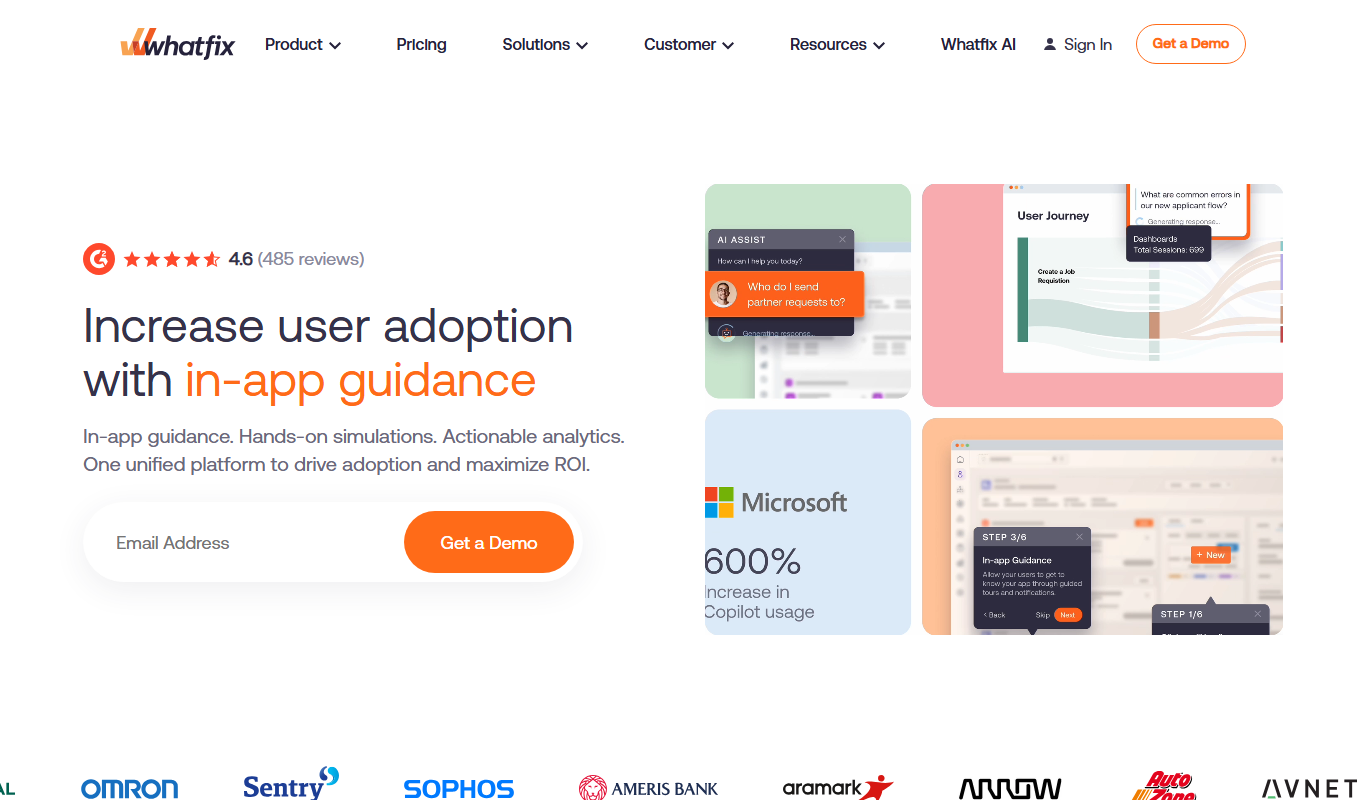
Whatfix is a digital adoption platform that helps businesses create interactive in-app guidance and walkthroughs to improve user onboarding, training, and software adoption.
More AI Trip Planner Lite tools
Other tools in the same category, for when this one is not quite the fit.

Free
Travellergram
Travellergram is a travel app that combines photo sharing with comparing and booking hotels and flights, with rewards on bookings.
Free
Avionero
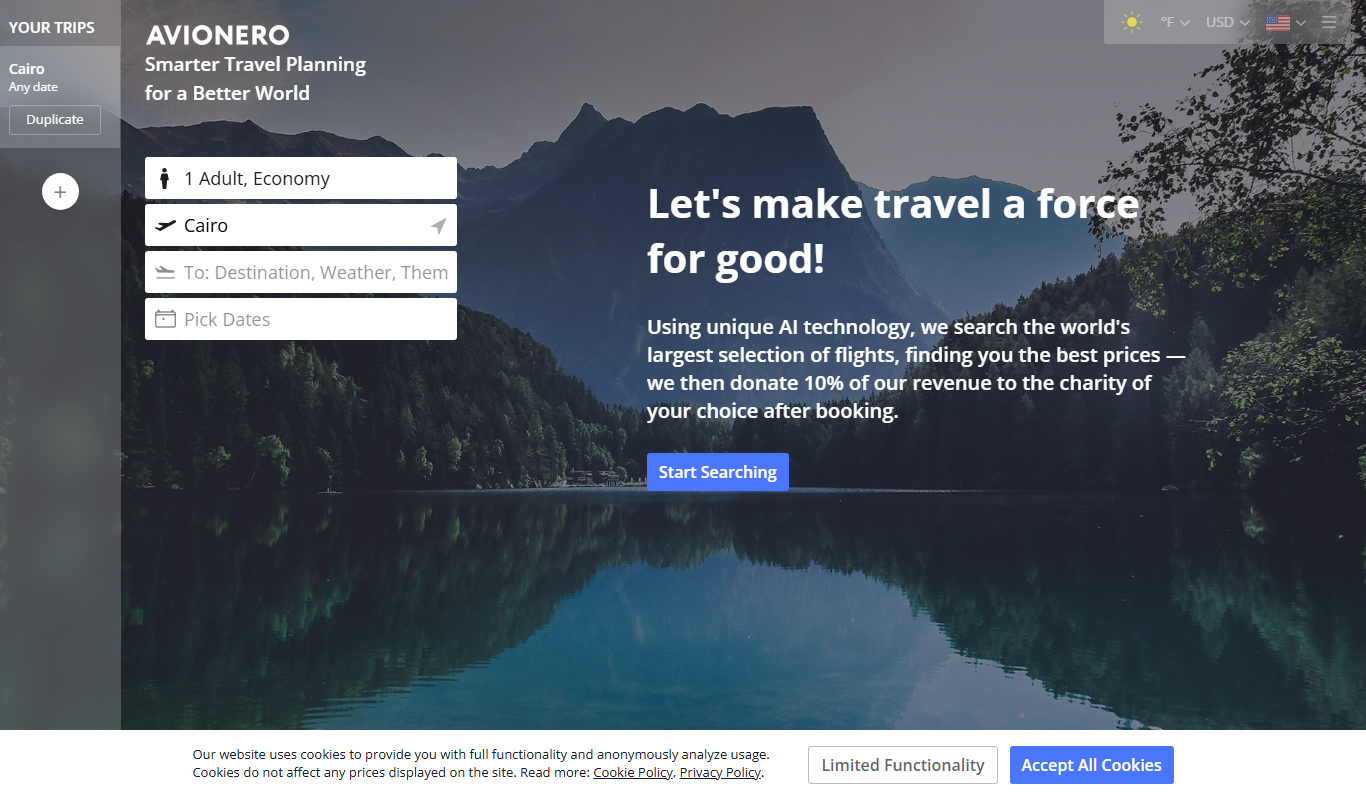
Avionero is a German-based online flight booking platform that helps users search, compare, and book cheap airline tickets with transparent pricing and no hidden fees.

Free
Wanderboat AI
Wanderboat AI is an AI-driven travel planning tool that generates personalized itineraries based on your preferences, helping you optimize your trip with local recommendations and budget considerations.

Freemium
EasyTrip AI
EasyTrip AI is an AI-driven travel planner that generates customized trip itineraries based on your travel dates, destinations, and preferences, helping you organize your trip efficiently.

Freemium
Wanderlust Browser Extension V2
Wanderlust Browser Extension V2 is a travel planning tool that integrates with Chrome and Firefox browsers, enabling users to save travel ideas, build itineraries, and collaborate on trip plans directly from their browsing experience.

Free Trial
Journeai
Journeai is an AI-powered software that automatically maps customer journeys across multiple marketing channels, providing real-time analytics and insights to optimize marketing strategies.

Freemium
Meoweler
Meoweler is an AI chatbot platform that helps businesses automate customer support and engagement through no-code chatbot creation and natural language processing.
Freemium
Mindtrip
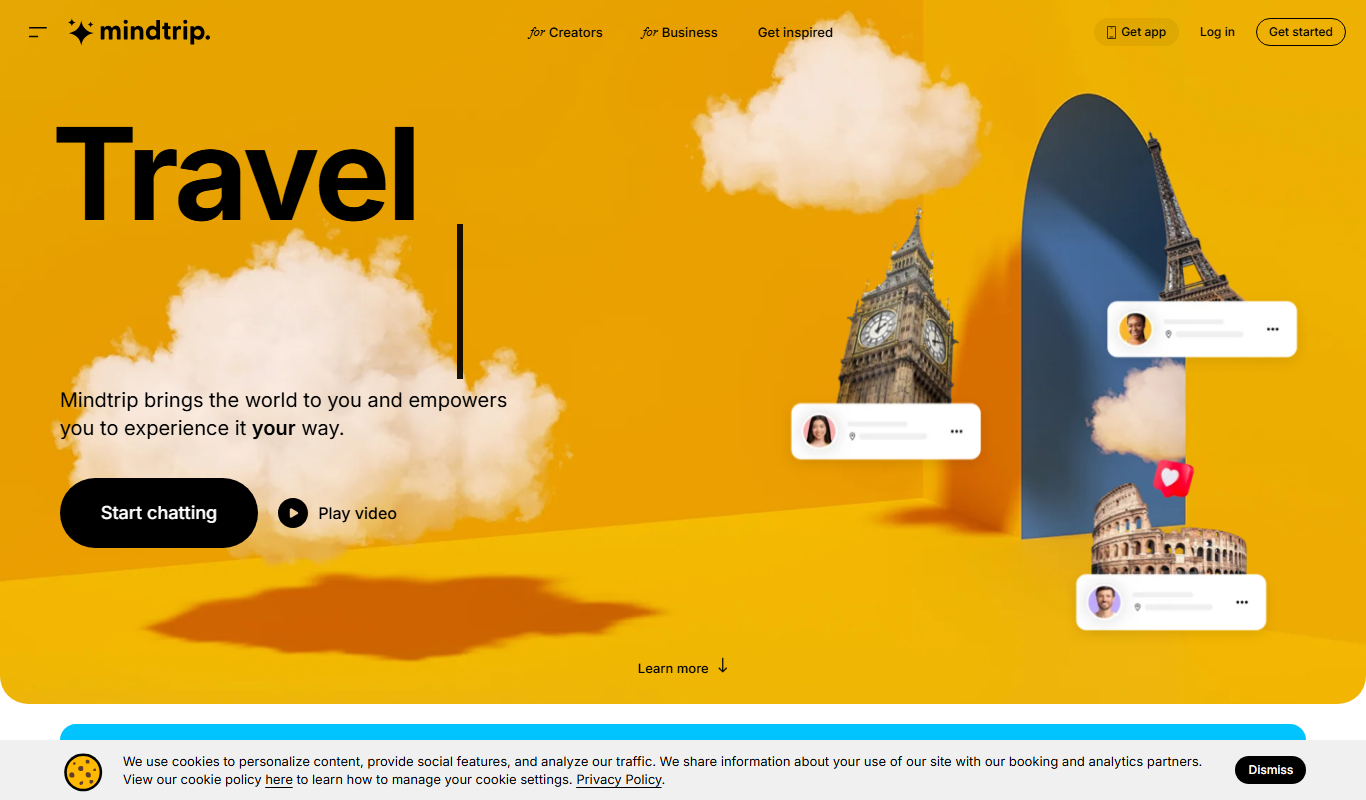
Mindtrip is an AI-powered writing assistant designed to help users generate creative stories, content ideas, and improve writing flow through AI-driven prompts and text generation.