

From my experience with Avionero, I found it excels at providing a straightforward and transparent flight booking experience. The platform’s strength lies in aggregating multiple airline options to help travelers find affordable tickets without hidden fees. After spending time exploring Avionero, I can say it’s particularly well-suited for budget-conscious travelers and those who want a simple, no-frills way to compare flight prices. However, the lack of a mobile app and absence of additional travel services like hotels or car rentals may limit its appeal for users seeking an all-in-one travel solution. Overall, if your primary need is to find cheap flights quickly and clearly, Avionero delivers solid results.
Avionero Flight Booking Platform for Cheap Airline Tickets and Travel Deals
Avionero is a German-based online flight booking platform that helps users search, compare, and book cheap airline tickets with transparent pricing and no hidden fees.
- Best for
- Flight Ticket Search
- Key capability
- Comprehensive Flight Search
Your actions
Save Avionero and vote on it — everything stays in your account.
Sign in or create a free account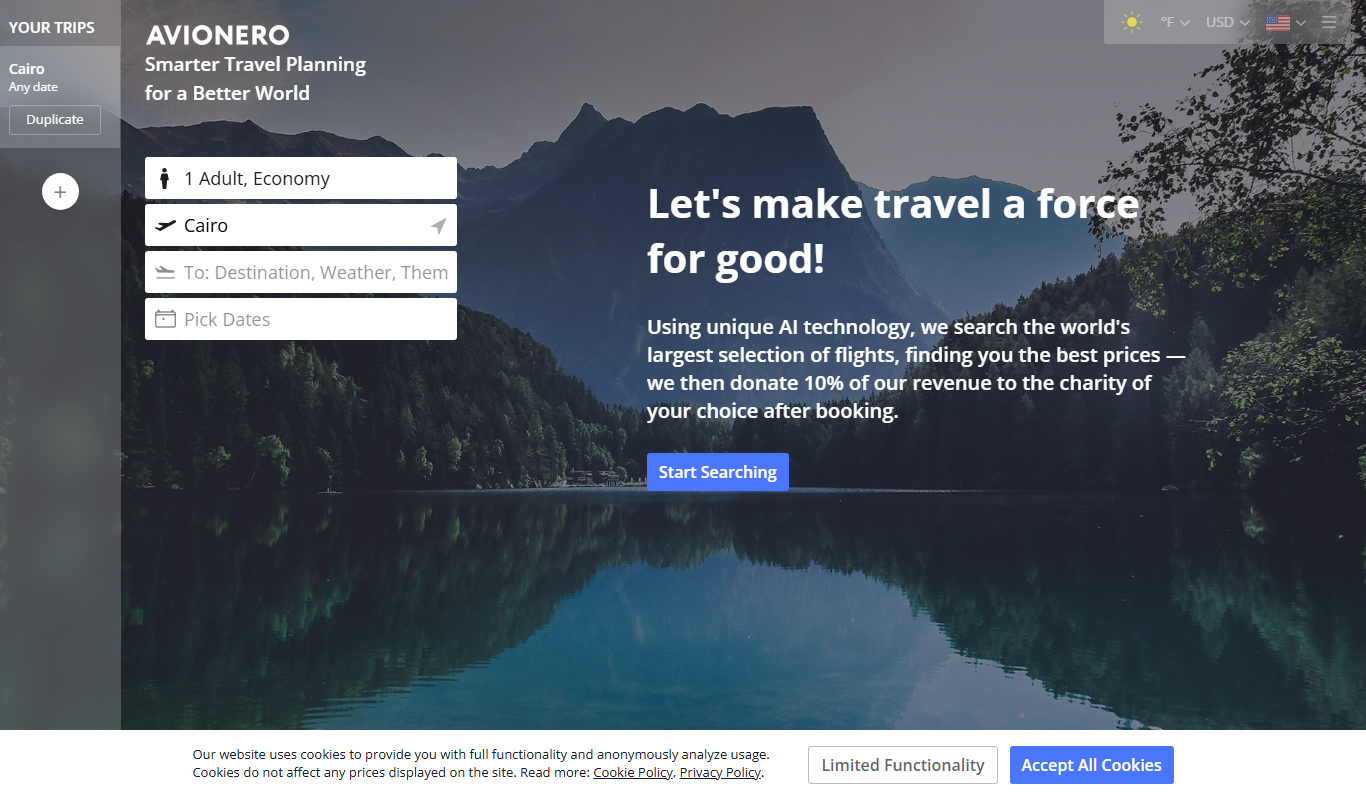
What is Avionero?
Avionero is an online flight booking platform that helps users find and book cheap airline tickets. It aggregates flight data from various airlines and travel agencies, enabling travelers to compare prices and select flights that best fit their schedules and budgets.
Key features of Avionero
Avionero offers a user-friendly interface for searching flights, comparing prices across multiple airlines, and booking tickets directly. It focuses on providing affordable travel options and transparent pricing without hidden fees.
Comprehensive Flight Search
Access a wide range of flights from multiple airlines and travel providers.
Price Transparency
Clear pricing with no hidden fees to help users make informed decisions.
User-Friendly Interface
Simple and intuitive design for easy flight search and booking.
Pros and cons of Avionero
Pros
- Easy to use flight search and booking interface
- Aggregates multiple airlines for price comparison
- No hidden fees or extra charges
- Supports multiple languages including English and German
Cons
- Limited to flight bookings; no hotel or car rental options
- No dedicated mobile app, only web platform
Key use cases for Avionero
Flight Ticket Search
Users can search for and compare airline tickets from multiple carriers to find the best prices.
Travel Planning
Travelers can plan trips by exploring various flight options and booking tickets directly through the platform.
Price Comparison
The platform aggregates flight prices to help users identify the most affordable travel options.
How Avionero works
- 1
Search Flights
Enter your travel details such as departure and destination cities, dates, and passenger count.
- 2
Compare Options
Review a list of available flights sorted by price, duration, or airline.
- 3
Select and Book
Choose the preferred flight and complete the booking process through the platform.
Who is using Avionero
Budget travelers seeking cheap flights
Frequent flyers comparing airline prices
Travel planners looking for transparent pricing
Avionero pricing
Free
$0
Free to use flight search and booking platform; prices depend on airline fares.
Plans and prices are as published by the vendor and can change. Check the official site before you buy. Open the pricing page (opens in a new tab)
Frequently asked questions about Avionero
Avionero does not charge additional booking fees; the price you see is the price you pay.
Yes, Avionero supports booking both one-way and round-trip flights.
Customer support is available to assist with booking-related questions and issues.
It depends on your specific needs and how you plan to use the tool. The official website and documentation are the best sources for the latest details.
It depends on your specific needs and how you plan to use the tool. The official website and documentation are the best sources for the latest details.
It depends on your specific needs and how you plan to use the tool. The official website and documentation are the best sources for the latest details.
Sign in to review this tool.
Sign In to ReviewNo reviews yet
Be the first to share how this tool worked for you.
Ask about pricing, limits, or how it compares — or answer someone else.
Sign In to AskNo questions yet
Have a question about using or paying for this tool? Be the first to ask.
Featured on TiorAI



Alternative Tools
Explore similar AI tools that might fit your needs

Free
Skyscanner
Skyscanner is a free travel search engine that helps users find and compare flights, hotels, and car rentals from multiple providers to book the best travel deals.
Free
Kayak
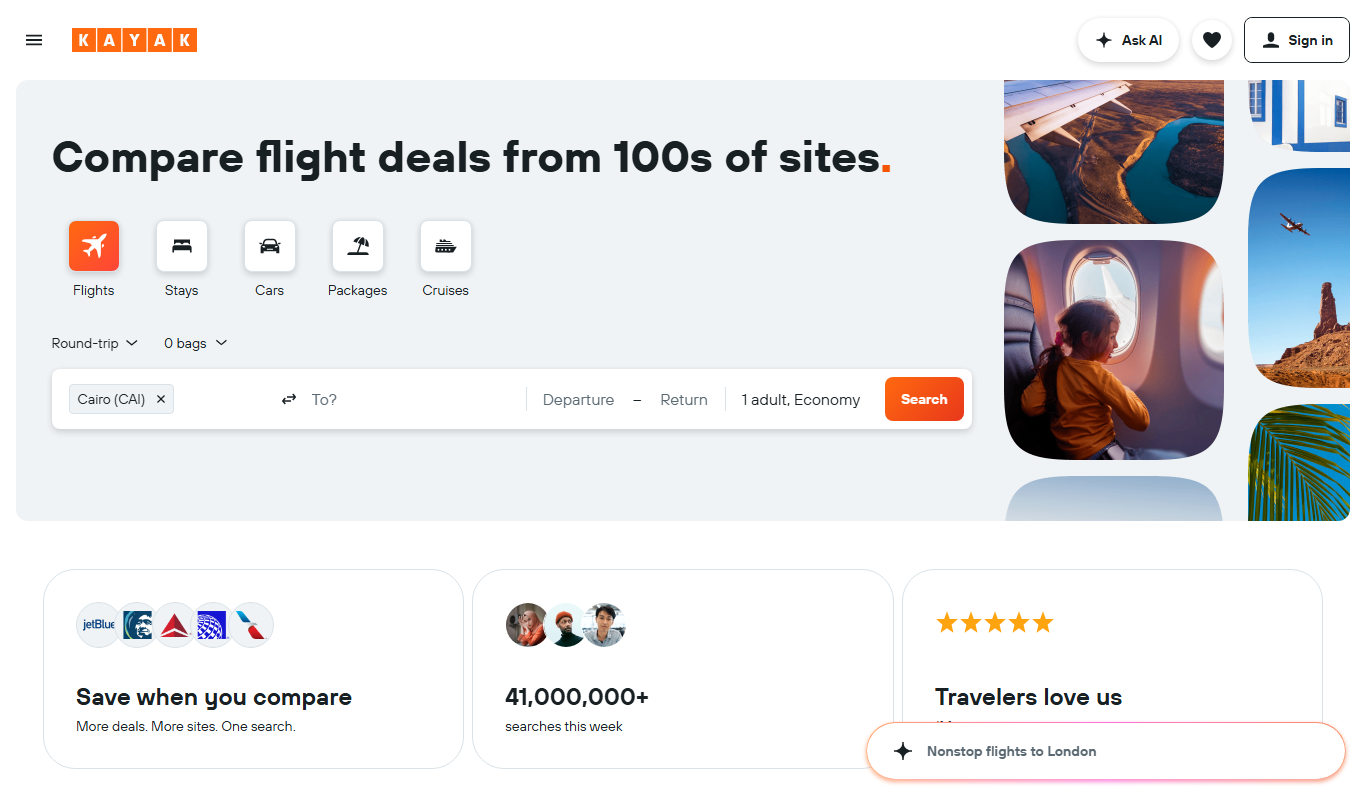
Kayak is a free travel search engine that aggregates flights, hotels, and car rentals from multiple providers to help users find and book travel deals efficiently.

Free
Momondo
Momondo is a free travel metasearch engine that compares prices for flights, hotels, and car rentals from multiple providers to help users find the best travel deals.
More AI Trip Planner Lite tools
Other tools in the same category, for when this one is not quite the fit.

Freemium
EasyTrip AI
EasyTrip AI is an AI-driven travel planner that generates customized trip itineraries based on your travel dates, destinations, and preferences, helping you organize your trip efficiently.

Freemium
Wanderlust Browser Extension V2
Wanderlust Browser Extension V2 is a travel planning tool that integrates with Chrome and Firefox browsers, enabling users to save travel ideas, build itineraries, and collaborate on trip plans directly from their browsing experience.

Free Trial
Journeai
Journeai is an AI-powered software that automatically maps customer journeys across multiple marketing channels, providing real-time analytics and insights to optimize marketing strategies.

Freemium
Meoweler
Meoweler is an AI chatbot platform that helps businesses automate customer support and engagement through no-code chatbot creation and natural language processing.

Free
CraftUI
CraftUI Studio is a no-code UI design tool that lets you visually create responsive web and mobile app interfaces with drag-and-drop components and export clean code for development.
Free
Tripio
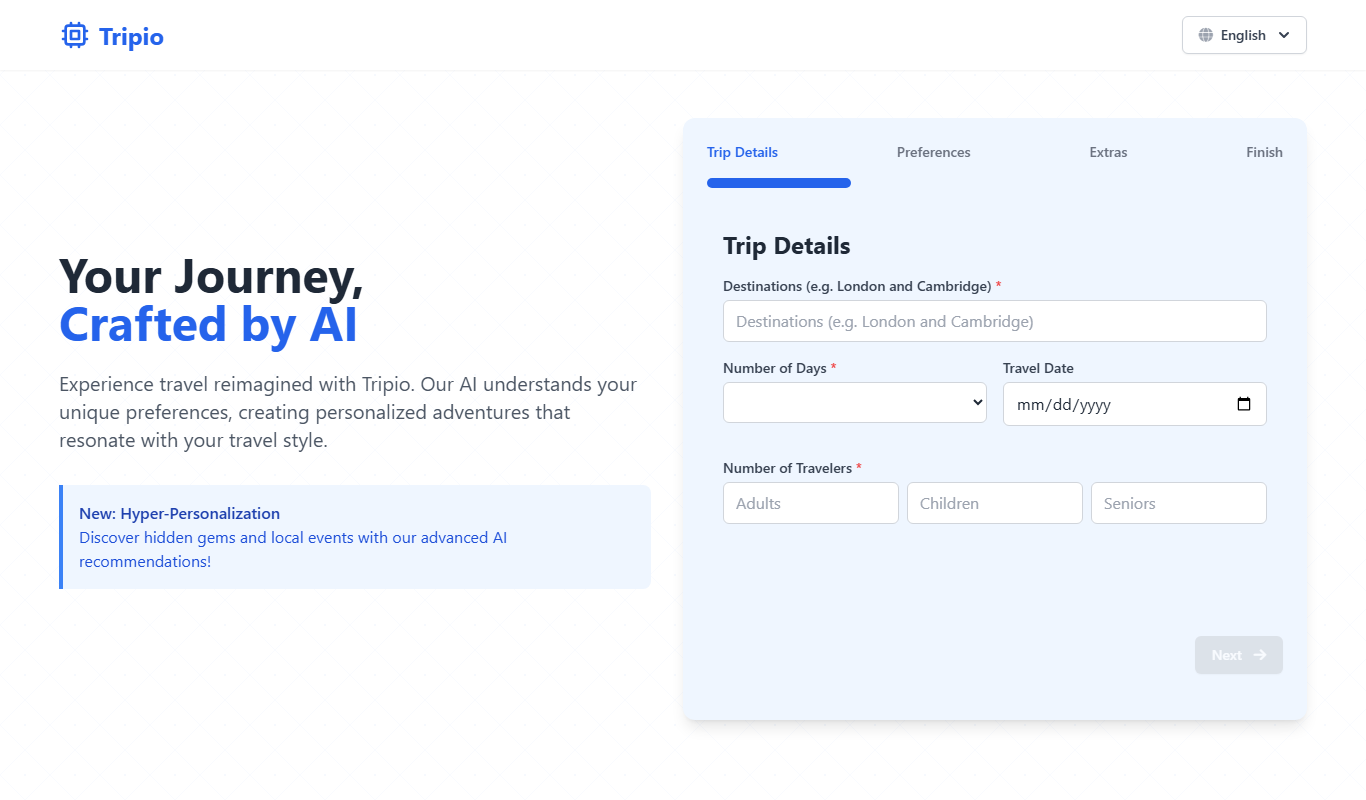
Tripio is an online travel booking platform that allows users to search and book flights, hotels, and car rentals worldwide with competitive prices and a user-friendly interface.
Freemium
TrailMate
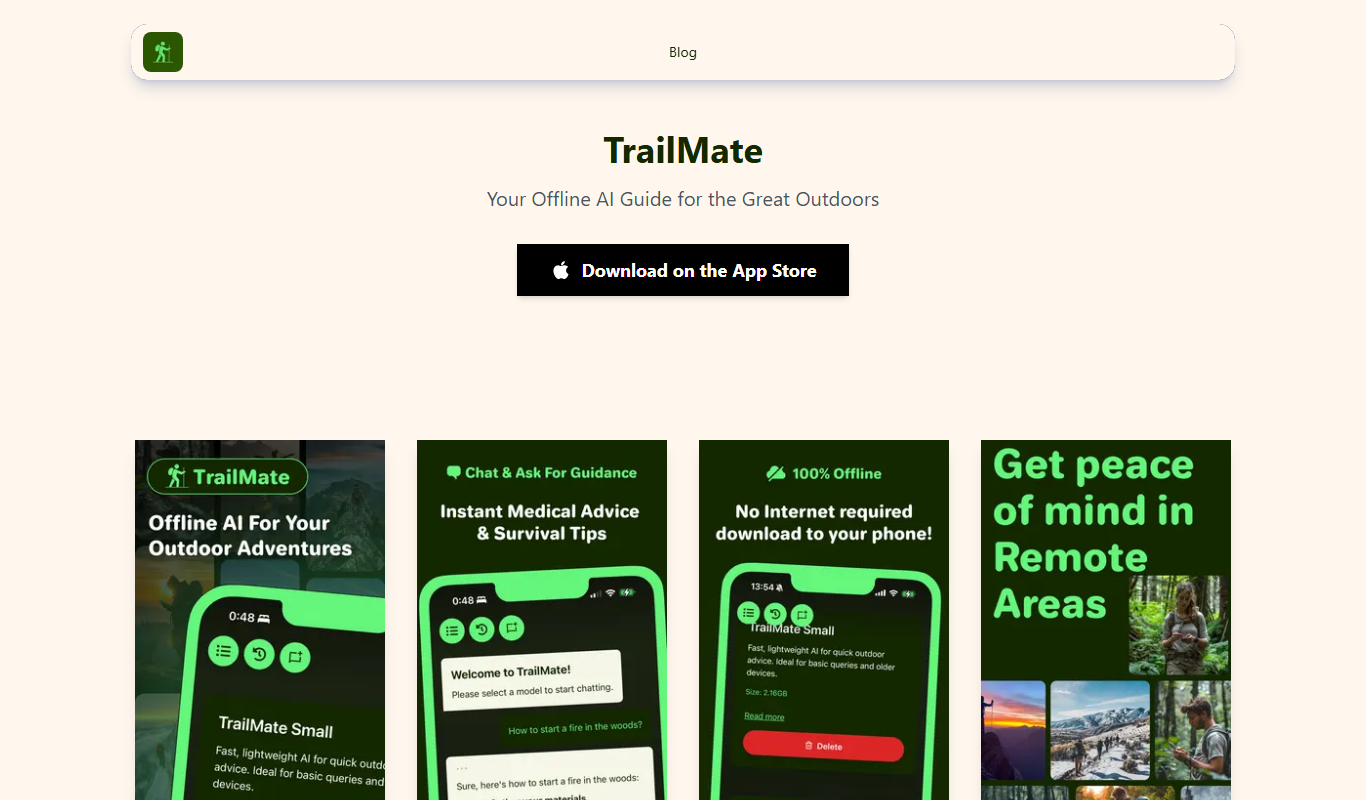
TrailMate AI is a hiking planner and navigation app that uses AI to recommend personalized trails, offers offline maps for navigation, and includes safety features like real-time GPS tracking and location sharing.

Freemium
Mindtrip
Mindtrip is an AI-powered writing assistant designed to help users generate creative stories, content ideas, and improve writing flow through AI-driven prompts and text generation.