

Skyscanner Flight Search and Travel Booking Platform for Cheap Flights
Skyscanner is a free travel search engine that helps users find and compare flights, hotels, and car rentals from multiple providers to book the best travel deals.
- Best for
- Flight Search and Comparison
- Key capability
- Comprehensive Flight Search
Save Skyscanner, follow its updates and vote on it — everything stays in your account.
Sign in or create a free account
What is Skyscanner?
Skyscanner is a global travel search engine that helps users find and compare flights, hotels, and car rentals. It aggregates travel options from numerous providers, enabling travelers to discover the best deals and plan their trips efficiently. The platform is accessible via web and mobile apps, offering a user-friendly interface and flexible search features.
Key features of Skyscanner
Skyscanner’s main features include comprehensive flight search and comparison, hotel and car rental booking, flexible date and multi-city search options, and customizable price alerts. It integrates with many travel providers to offer a wide range of travel options in one place.
Comprehensive Flight Search
Aggregates flight options from hundreds of airlines and travel agents worldwide.
Flexible Date Search
Allows users to search for the cheapest flights across a range of dates.
Multi-City and One-Way Options
Supports complex itineraries including multi-city trips and one-way flights.
Price Alerts
Users can receive notifications when prices drop for their selected routes.
Hotel and Car Rental Booking
Offers integrated search and booking for hotels and car rentals alongside flights.
Pros and cons of Skyscanner
Pros
- Extensive coverage of airlines and travel providers
- User-friendly interface with flexible search options
- Free to use with no hidden fees
- Price alerts help users save money
- Available on multiple platforms including mobile apps
Cons
- Does not handle bookings directly, only redirects
- Prices may vary from provider websites due to dynamic pricing
- Limited customer support as bookings are handled by providers
Key use cases for Skyscanner
Flight Search and Comparison
Users can search and compare flights from hundreds of airlines and travel agents to find the best prices and options.
Hotel Booking
Skyscanner allows users to find and book hotels worldwide with price comparisons and user reviews.
Car Rental
Users can search for car rental deals from multiple providers to find convenient and affordable options.
Travel Planning
Skyscanner provides tools and filters to help users plan their trips efficiently, including flexible date searches and multi-city itineraries.
Price Alerts
Users can set up price alerts to monitor flight or hotel prices and receive notifications when prices drop.
How Skyscanner works
- 1
Search for Travel Options
Enter your travel details such as origin, destination, and dates to search flights, hotels, or car rentals.
- 2
Compare Results
Review and compare prices, providers, and travel times to find the best option.
- 3
Set Price Alerts
Optionally set alerts to track price changes for your selected routes or accommodations.
- 4
Book Through Provider
Complete your booking directly with the airline, hotel, or car rental company through Skyscanner’s referral links.
Who is using Skyscanner
Skyscanner pricing
Free
$0
Skyscanner is free to use for all users; revenue is generated through referral commissions.
Plans and prices are as published by the vendor and can change. Check the official site before you buy. Open the pricing page (opens in a new tab)
Frequently asked questions about Skyscanner
Yes, Skyscanner is completely free to use for searching and comparing travel options.
Skyscanner redirects you to the airline or travel provider’s website to complete your booking.
Yes, you can set up price alerts to get notified of changes in flight or hotel prices.
Skyscanner is available on web browsers, iOS, and Android mobile apps.
Yes, it can help with that use case depending on how you configure it and what features are available. You’ll get the best results with clear inputs and a defined goal.
Yes, it can help with that use case depending on how you configure it and what features are available. You’ll get the best results with clear inputs and a defined goal.
Pricing depends on the plan and included features. For the most accurate and up-to-date details, check the official pricing page.
Yes, it can help with that use case depending on how you configure it and what features are available. You’ll get the best results with clear inputs and a defined goal.
Conclusion
Skyscanner handles multi-city itineraries and one-way flights, and a flexible date search looks for the cheapest flights across a range of dates. Results come from hundreds of airlines and travel agents, with hotels and car rentals searchable alongside flights. Travelers review prices, providers and travel times, then book directly with the airline, hotel or car rental company through referral links. Optional alerts track price changes on a selected route or accommodation.
Searching is completely free, with revenue generated through referral commissions. Business travelers needing flexible itinerary options and frequent travelers looking for flight deals are served alongside vacation planners seeking hotels and car rentals. It runs in web browsers and on iOS and Android. Because providers handle the bookings, customer support is limited, and prices may vary from provider websites due to dynamic pricing.
Sources
Sign in to review this tool.
Sign In to ReviewNo reviews yet
Be the first to share how this tool worked for you.
Ask about pricing, limits, or how it compares — or answer someone else.
Sign In to AskNo questions yet
Have a question about using or paying for this tool? Be the first to ask.
Featured on TiorAI



Alternative Tools
Explore similar AI tools that might fit your needs
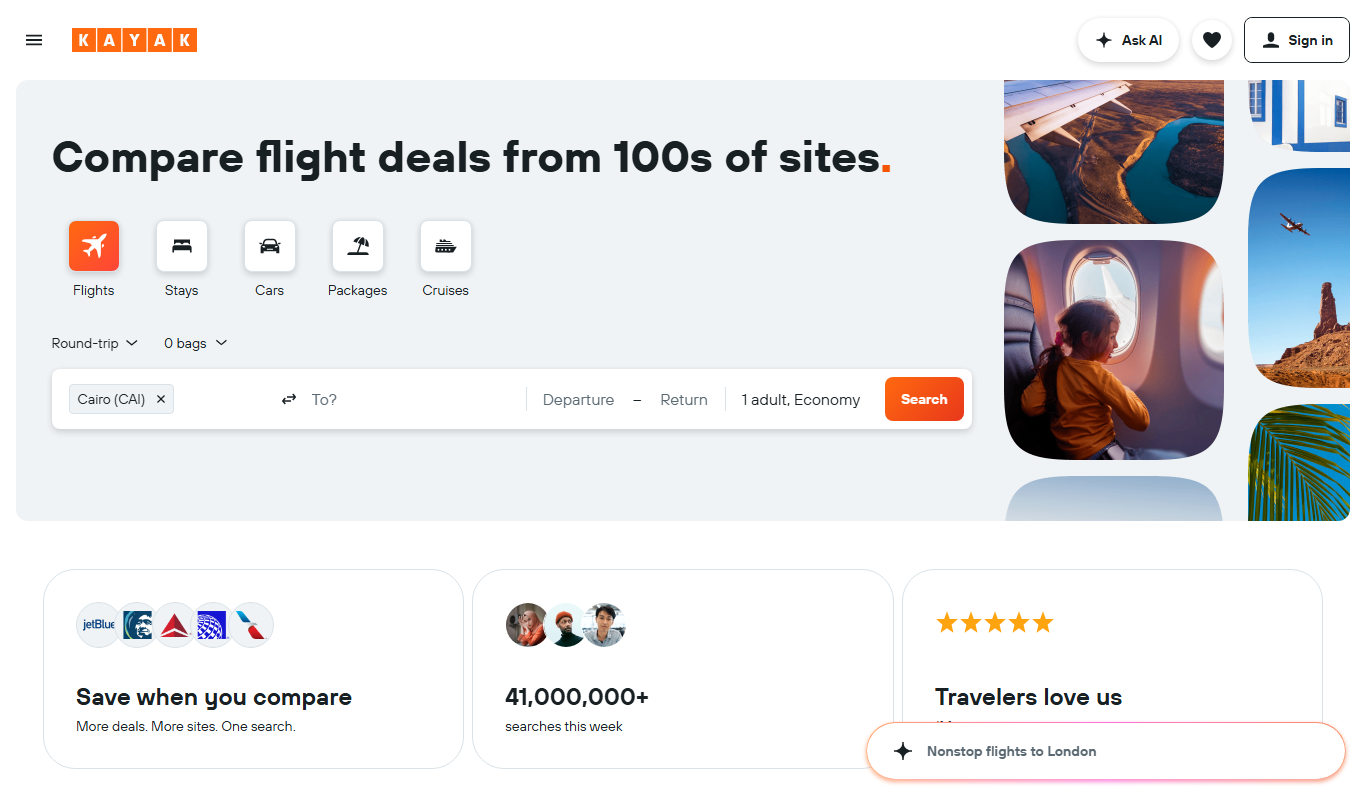
Kayak
Kayak is a free travel search engine that aggregates flights, hotels, and car rentals from multiple providers to help users find and book travel deals efficiently.
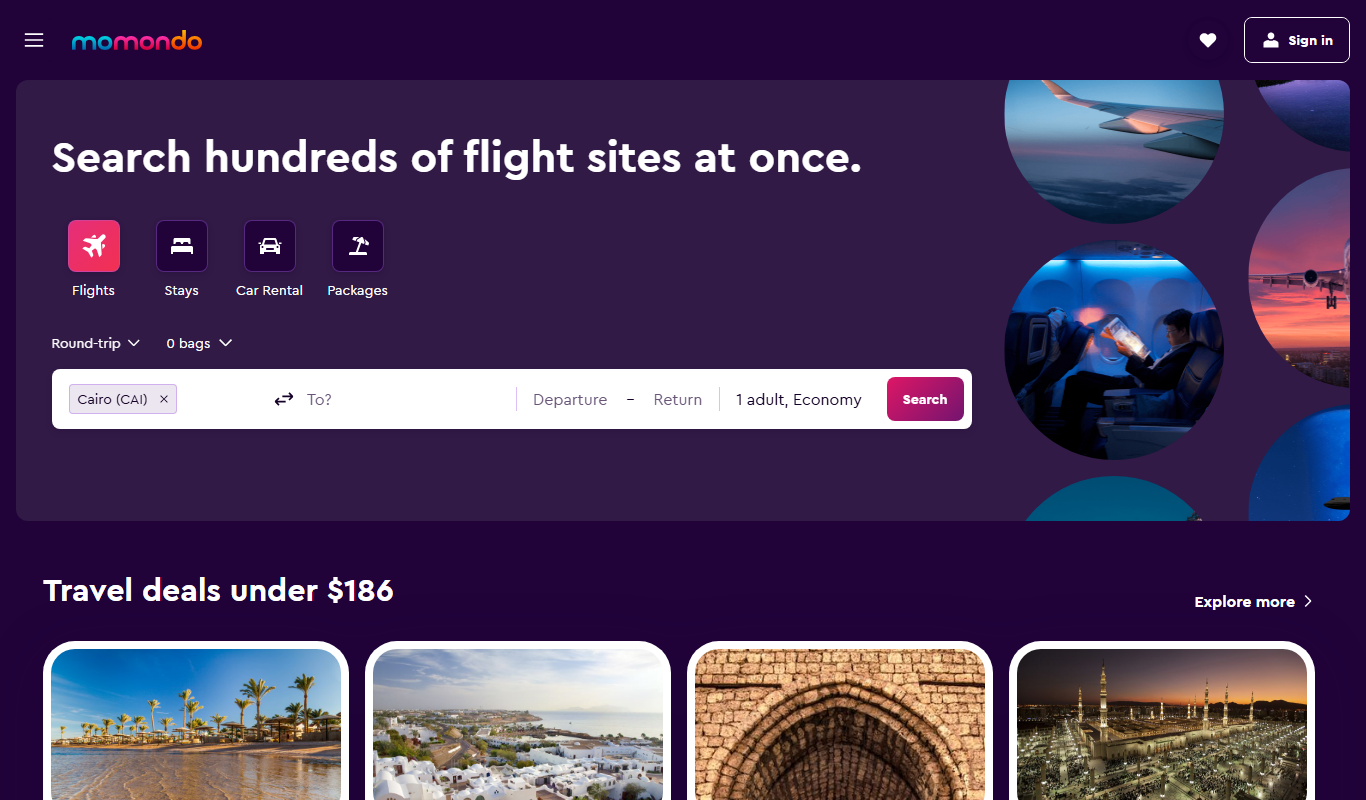
Momondo
Momondo is a free travel metasearch engine that compares prices for flights, hotels, and car rentals from multiple providers to help users find the best travel deals.
More Business Management tools
Other tools in the same category, for when this one is not quite the fit.

Vanna AI
Vanna is an open source SQL agent that answers natural language questions about your data with AI-powered SQL generation, self-hosted or in the cloud.

hiroscope.ai
Hiroscope.ai is an AI-powered platform that analyzes video interviews to provide behavioral and sentiment insights, helping recruiters make data-driven hiring decisions.

Cognitiev
Cognitiev offers Cognitiev Studio, which builds voice AI agents from your website and runs prospecting, calls and email outreach, and Cognitiev CRM, which keeps the pipeline up to date.

Adaapt
Adaapt.AI is an enterprise AI super assistant platform for workflow automation, voice AI, predictive analytics and enterprise integrations, available by demo.

NextBrain AI
NextBrain AI is a no-code machine learning and AI workflow automation platform with AutoML, a Knowledge Repository (RAG), Document Extraction and Document Comparison.

dbnix.ai
dbnix.ai is an AI-powered IT support automation platform that resolves L1 and L2 issues instantly, available 24/7.

Athenic AI
Athenic is an agentic AI data analyst: connect your business data, ask questions in plain English and build live dashboards and automated reports with no SQL required.

Wisent
Wisent uses representation engineering to give control over AI models, reducing hallucinations and malicious content, through an API with SDK.