

Mux Video Platform for Developers with API and Live Streaming Features
Mux is a developer-focused video platform providing APIs for live and on-demand video streaming, encoding, and analytics with scalable global delivery.
- Best for
- Video Hosting and Streaming
- Key capability
- Video API
Save Mux, follow its updates and vote on it — everything stays in your account.
Sign in or create a free account
What is Mux?
Mux is a developer-focused video platform that provides APIs and infrastructure for video streaming, encoding, hosting, and analytics. It enables businesses and developers to build custom video experiences with scalable live and on-demand video delivery.
Key features of Mux
Mux offers video APIs for uploading, encoding, and streaming video content, live streaming capabilities with low latency, real-time video analytics, and global content delivery optimized for performance and scalability.
Video API
Comprehensive API for video upload, encoding, playback, and management.
Live Streaming
Low latency live streaming with real-time monitoring and DVR support.
Real-Time Analytics
Detailed viewer metrics and performance data to optimize video content.
Adaptive Bitrate Streaming
Automatically adjusts video quality based on viewer bandwidth.
Global Content Delivery
Fast and reliable video delivery through a worldwide CDN.
Pros and cons of Mux
Pros
- Developer-friendly APIs with comprehensive documentation
- Scalable infrastructure for live and on-demand video
- Real-time video analytics for performance insights
- Global CDN ensures fast video delivery
- Flexible pay-as-you-go pricing
Cons
- Pricing can become expensive at high scale
- Primarily focused on developers, less suited for non-technical users
- Limited language support beyond English
Key use cases for Mux
Video Hosting and Streaming
Host and stream on-demand and live videos with scalable infrastructure.
Developer Video API Integration
Integrate video playback, encoding, and live streaming into applications via APIs.
Live Streaming Events
Broadcast live events with low latency and real-time analytics.
Video Analytics and Insights
Track viewer engagement and performance metrics to optimize video content.
Monetization and Video Delivery
Deliver high-quality video experiences globally with adaptive bitrate streaming.
How Mux works
- 1
Create an Account
Sign up on Mux to access the developer dashboard and API keys.
- 2
Integrate Video API
Use Mux’s RESTful APIs or SDKs to upload, encode, and manage video content.
- 3
Configure Streaming
Set up live streaming channels or on-demand video playback with adaptive bitrate.
- 4
Monitor Analytics
Access real-time analytics to track viewer engagement and video performance.
- 5
Scale Delivery
Leverage Mux’s global CDN for reliable and scalable video delivery.
Who is using Mux
Mux pricing
Free
$0/month
Includes 100K delivery minutes and up to 10 videos.
Pay-as-you-go
Variable
Charges based on video streaming minutes, encoding, and storage usage.
Launch
$20/month
Pre-pay plan.
Scale
$500/month
Pre-pay plan.
Plans and prices are as published by the vendor and can change. Check the official site before you buy. Open the pricing page (opens in a new tab)
Frequently asked questions about Mux
Yes, Mux provides low latency live streaming with real-time analytics.
Absolutely, Mux supports on-demand video upload, encoding, and playback.
Mux offers REST APIs and SDKs compatible with JavaScript, Python, and other languages.
Yes, Mux offers a free tier with limited usage to get started.
This tool is designed to help users accomplish its core tasks more efficiently. It is typically used by individuals or teams looking to improve productivity and workflow.
Pricing depends on the plan and included features. For the most accurate and up-to-date details, check the official pricing page.
Integration support depends on the tool and its available connectors or API. Check the official documentation or integrations page to confirm what is supported.
Conclusion
Everything runs through APIs: developers upload, encode and manage video content with RESTful APIs or SDKs. Live streaming channels and on-demand playback are configured with adaptive bitrate, and a global CDN handles delivery. Low latency live streaming includes real-time monitoring and DVR support, while real-time analytics track viewer engagement and video performance.
SDKs are compatible with JavaScript, Python and other languages. The page describes it as primarily focused on developers and less suited for non-technical users.
The Free plan includes 100K delivery minutes and up to 10 videos, and pay-as-you-go charges are based on streaming minutes, encoding and storage. Pre-pay plans are also offered: Launch at $20 per month and Scale at $500 per month.
Sources
Sign in to review this tool.
Sign In to ReviewNo reviews yet
Be the first to share how this tool worked for you.
Ask about pricing, limits, or how it compares — or answer someone else.
Sign In to AskNo questions yet
Have a question about using or paying for this tool? Be the first to ask.
Featured on TiorAI



Alternative Tools
Explore similar AI tools that might fit your needs

Vimeo
Vimeo is a professional video hosting and streaming platform offering high-quality video uploads, live streaming, editing tools, privacy controls, and marketing integrations for creators and businesses.

Brightcove
Brightcove is a cloud-based video platform that enables enterprises to host, stream, monetize, and analyze video content across devices with scalable and customizable solutions.
More AI Video Generator tools
Other tools in the same category, for when this one is not quite the fit.

Youku
Youku is a Chinese online video streaming platform owned by Alibaba Group, offering a vast library of movies, TV shows, and original content primarily for Chinese audiences.

ManyVids
ManyVids is an adult content platform that allows creators to monetize videos, photos, live streams, and subscriptions directly with fans through a secure marketplace.
Flowframes
Flowframes is a free Windows desktop software that uses AI to interpolate video frames, creating smooth slow motion and enhancing video frame rates without internet connection.
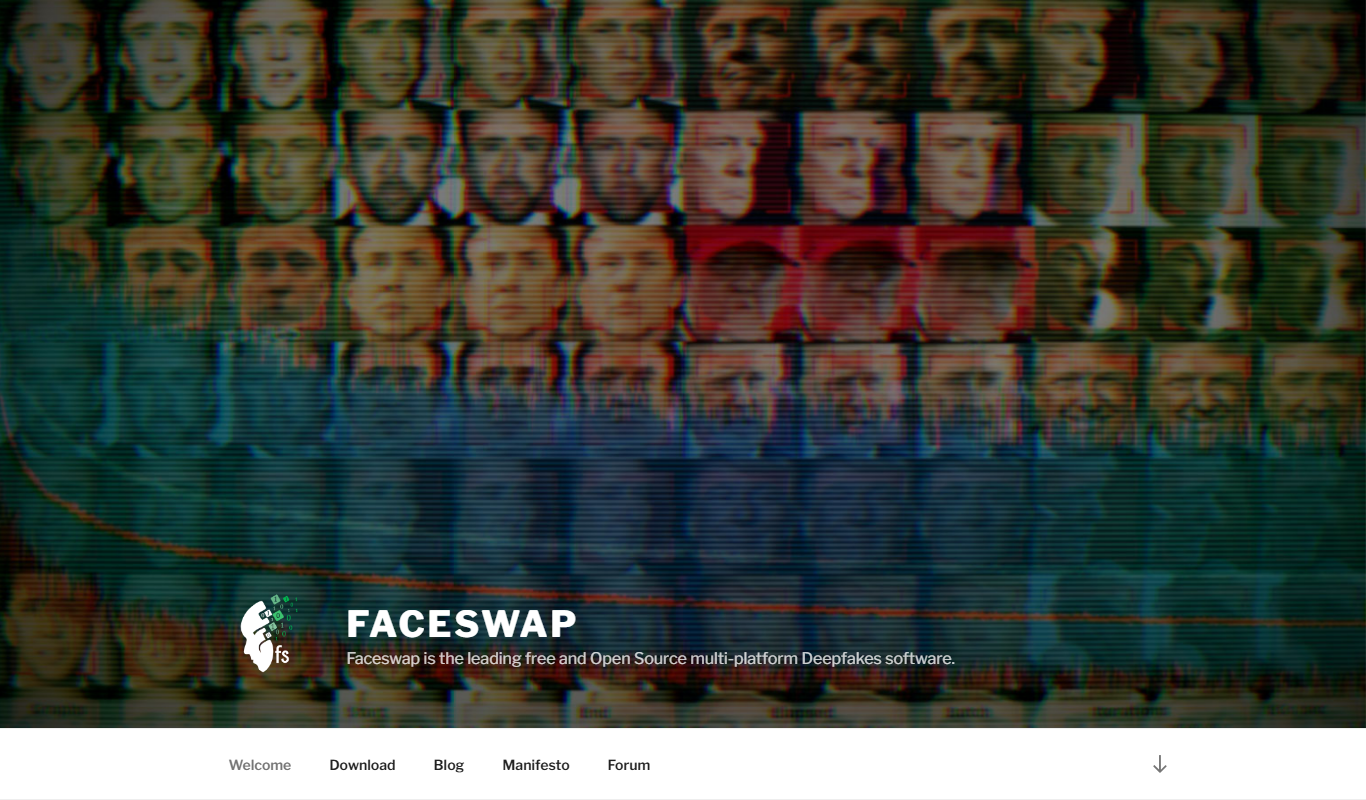
FaceSwap
FaceSwap is a free, open-source AI software that enables realistic face swapping in images and videos using deep learning techniques.

OpenShot
OpenShot is a free, open-source video editing software that supports Windows, macOS, and Linux. It offers features like unlimited tracks, video transitions, 3D animated titles, and a drag-and-drop interface, making it ideal for beginners and intermediate users.

Clideo
Clideo is a web-based video editing platform that allows users to cut, merge, compress, convert, and create videos online without installing software.
Subly
Subly is an AI-driven web platform that automatically transcribes video audio into subtitles, allows editing and styling of captions, and supports multi-language translation to make videos accessible and shareable worldwide.

Viddo-Al Video
Viddo AI is an all-in-one AI video and image generator.