

From my experience with MobiRest POS, I found it excels at providing a straightforward and flexible solution for both restaurant and retail businesses. The platform’s multi-device accessibility and integrated inventory and employee management make daily operations smoother. After spending time with the system, I can say it’s particularly well-suited for small to medium-sized businesses looking for cloud-based POS without overwhelming complexity. However, there’s a trade-off: offline capabilities are somewhat limited, and integrations with accounting software require manual workarounds. Overall, if you need an easy-to-use POS with solid core features, MobiRest POS delivers reliable performance.
MobiRest POS System for Restaurants and Retail Businesses
MobiRest POS is a cloud-based point of sale system tailored for restaurants and retail businesses, offering order management, inventory control, employee management, and detailed reporting accessible via web and mobile apps.
- Best for
- Restaurant Order Management
- Key capability
- Multi-Platform Access
Your actions
Save MobiRest POS, follow its updates and vote on it — everything stays in your account.
Sign in or create a free account
What is MobiRest POS?
MobiRest POS is a cloud-based point of sale system designed specifically for restaurants and retail businesses. It streamlines order taking, billing, inventory management, and staff coordination through an intuitive interface accessible on web and mobile devices.
Key features of MobiRest POS
The platform offers comprehensive features including order management, multi-channel sales processing, inventory tracking, employee management, and detailed reporting to optimize daily operations and improve customer service.
Multi-Platform Access
Use MobiRest POS on web browsers, Android, and iOS devices for flexible operation.
Order and Table Management
Efficiently handle dine-in, takeout, and delivery orders with table mapping and kitchen display integration.
Inventory Control
Automated stock tracking with alerts for low inventory and purchase order management.
Employee Role Management
Assign permissions and monitor employee activities to maintain operational control.
Detailed Reporting
Access sales, inventory, and customer analytics to support data-driven decisions.
Pros and cons of MobiRest POS
Pros
- User-friendly interface suitable for non-technical staff
- Supports both restaurant and retail business needs
- Multi-platform availability for flexibility
- Comprehensive inventory and employee management
- Detailed reporting to aid decision-making
Cons
- Limited offline capabilities compared to some competitors
- No direct integrations with major accounting platforms yet
- Pricing details for enterprise plans require direct contact
Key use cases for MobiRest POS
Restaurant Order Management
Manage dine-in, takeout, and delivery orders efficiently with real-time updates and kitchen display integration.
Retail Sales Processing
Process sales transactions quickly with barcode scanning, multiple payment options, and receipt printing.
Inventory Tracking
Keep track of stock levels, receive alerts for low inventory, and manage suppliers and purchase orders.
Employee Management
Monitor staff attendance, assign roles and permissions, and track sales performance.
Reporting and Analytics
Generate detailed sales, inventory, and customer reports to make informed business decisions.
How MobiRest POS works
- 1
Sign Up and Setup
Create an account on the MobiRest website and configure your business profile, menus, or product catalog.
- 2
Install and Access
Download the mobile app or use the web interface to access the POS system from any device.
- 3
Process Orders and Sales
Use the system to take orders, process payments, and print receipts seamlessly.
- 4
Manage Inventory and Staff
Track stock levels, manage suppliers, and assign employee roles within the platform.
- 5
Analyze Reports
Review sales and inventory reports to optimize operations and plan for growth.
Who is using MobiRest POS
Small to medium-sized restaurants
Retail stores and boutiques
Cafes and quick-service outlets
Food trucks and pop-up shops
Business owners seeking cloud-based POS solutions
MobiRest POS pricing
Starter
$29/month
Basic POS features suitable for small businesses with limited transactions.
Professional
$59/month
Advanced features including inventory management and multi-user support.
Enterprise
Custom pricing
Tailored solutions with dedicated support and integrations for large businesses.
Plans and prices are as published by the vendor and can change. Check the official site before you buy. Open the pricing page (opens in a new tab)
Frequently asked questions about MobiRest POS
Yes, MobiRest POS allows limited offline functionality to continue processing orders when internet connectivity is lost.
Currently, MobiRest POS offers export options for reports which can be imported into popular accounting software.
Yes, MobiRest POS provides a free trial period to test the platform before committing to a subscription.
Yes, it can help with that use case depending on how you configure it and what features are available. You’ll get the best results with clear inputs and a defined goal.
Yes, it can help with that use case depending on how you configure it and what features are available. You’ll get the best results with clear inputs and a defined goal.
Some tools offer a free plan or trial with limited features. Availability can vary, so confirm on the official website.
Sign in to review this tool.
Sign In to ReviewNo reviews yet
Be the first to share how this tool worked for you.
Ask about pricing, limits, or how it compares — or answer someone else.
Sign In to AskNo questions yet
Have a question about using or paying for this tool? Be the first to ask.
Featured on TiorAI



Alternative Tools
Explore similar AI tools that might fit your needs

Subscription
Lightspeed POS
Lightspeed POS is a cloud-based point of sale system designed for retail and restaurant businesses, offering inventory management, ecommerce integration, and customer relationship tools.
More AI Image & Visual Tools tools
Other tools in the same category, for when this one is not quite the fit.

Free
A1 Art
A1 Art is a web-based AI image generator that creates digital artwork from text prompts, offering free and subscription plans for users.

Enterprise Licensing
Getty Images
Getty Images is a leading stock photography platform offering millions of high-quality images, videos, and music with flexible licensing for commercial and editorial use.

Free
Spectre Camera
Spectre Camera is an iOS app that uses AI to create long exposure photos by stabilizing shots and combining multiple frames, enabling effects like light trails and motion blur without professional equipment.

Free
PicWish
PicWish is an AI-driven photo editing tool that automatically removes backgrounds, enhances images, and supports batch processing on web and mobile platforms.

Free
PhotoGrid | Collage Maker
PhotoGrid is a mobile and web app that allows users to create photo collages, edit images with filters and stickers, and export high-quality designs for social media or printing.

Free
Create a Meme
Create a Meme is a free web-based tool that allows users to create custom memes easily by selecting templates or uploading images, adding text, and downloading or sharing the final meme.
Freemium
Fine Pixel
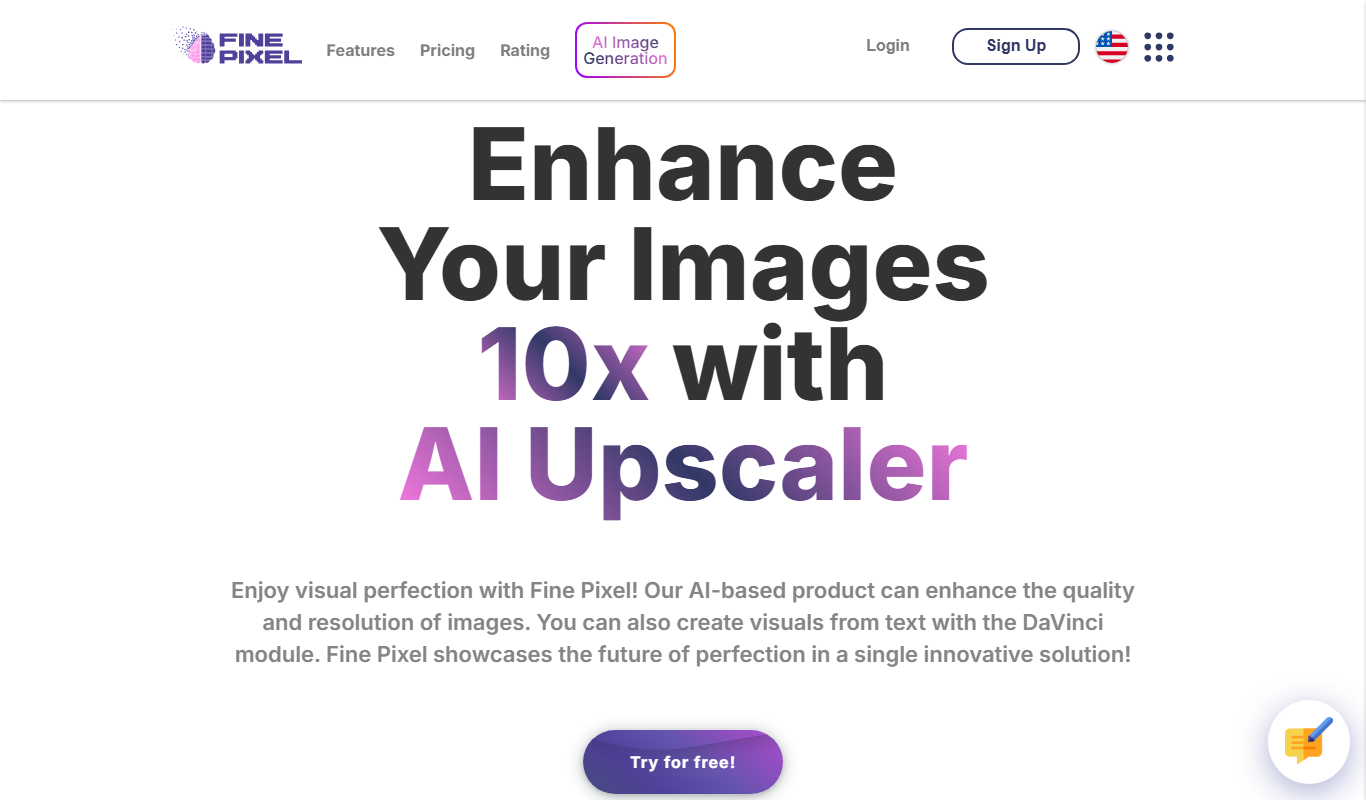
Fine Pixel is an AI-based image upscaling tool that enlarges photos while enhancing details and reducing noise, ideal for photographers and designers.

Freemium
Neural.love Art Generator
Neural.love Art Generator is an AI-powered web tool that creates unique digital artworks from text prompts or images using neural networks, offering features like style transfer and image upscaling.