

From my experience with Mixus, I found it excels at producing highly realistic voice clones using only a few minutes of audio input. The platform’s intuitive web interface makes it accessible even for users without technical expertise, and the voice customization options add valuable flexibility. It’s particularly well-suited for content creators, game developers, and businesses needing personalized voice applications. However, the tool currently supports only English and lacks dedicated desktop or mobile apps, which may limit some users. Overall, if you need efficient and affordable AI voice cloning, Mixus delivers solid, natural-sounding results.
Mixus AI Voice Cloning Software for Realistic Speech Synthesis
Mixus is an AI voice cloning tool that creates realistic synthetic voices from minimal audio samples, ideal for content creators and developers needing custom speech synthesis.
- Best for
- Content Creation
- Key capability
- High-Quality Voice Cloning

Do you recommend this tool?
What is Mixus?
Mixus is an AI-powered voice cloning platform that enables users to create realistic synthetic voices from audio samples. It leverages advanced machine learning models to replicate a person’s voice, allowing for natural text-to-speech conversion with personalized voice characteristics.
Key features of Mixus
Mixus offers high-quality voice cloning with minimal training data, supports multiple voice styles, and provides an easy-to-use web interface for generating speech. It also includes options for voice customization and integration capabilities.
High-Quality Voice Cloning
Produces natural and expressive synthetic voices closely matching the original.
Minimal Training Data Required
Creates voice models from a small amount of audio input.
Custom Voice Styles
Allows adjustment of tone, pitch, and speaking style.
User-Friendly Web Interface
Easy-to-navigate platform for voice cloning and speech generation.
API Access
Enables integration of voice cloning capabilities into third-party applications.
Pros and cons of Mixus
Pros
- Produces highly realistic voice clones with minimal data
- Simple and intuitive web interface
- Flexible voice customization options
- API available for integration
- Affordable pricing tiers including a free plan
Cons
- Limited language support focused on English
- No dedicated desktop or mobile apps
- Advanced features require paid subscription
Key use cases for Mixus
Content Creation
Create realistic voiceovers for videos, podcasts, and audiobooks using AI-generated voices.
Personalized Voice Applications
Develop custom voice assistants or interactive voice response systems with cloned voices.
Entertainment and Media
Produce character voices for games, animations, and virtual reality experiences.
Accessibility
Generate natural-sounding speech for assistive technologies to aid users with disabilities.
How Mixus works
- 1
Upload Voice Samples
Provide audio recordings of the target voice to train the AI model.
- 2
AI Voice Training
The platform processes the samples to create a digital voice clone.
- 3
Generate Speech
Input text to synthesize speech using the cloned voice.
- 4
Download or Integrate
Export the generated audio or integrate it into applications via API.
Who is using Mixus
Content creators and marketers
Game and animation developers
Accessibility technology providers
Businesses needing custom voice assistants
Podcasters and audiobook producers
Mixus pricing
Free
$0/month
Limited voice cloning and speech generation with usage caps.
Pro
$29/month
Extended features, higher usage limits, and priority support.
Enterprise
Custom pricing
Tailored solutions with dedicated support and API access.
Plans and prices are as published by the vendor and can change. Check the official site before you buy. Open the pricing page (opens in a new tab)
Frequently asked questions about Mixus
Mixus requires only a few minutes of clear audio recordings to generate a high-quality voice clone.
Yes, Mixus offers licenses that allow commercial use of the generated voices depending on the subscription plan.
Yes, the platform provides options to adjust pitch, speed, and emotional tone for more natural results.
Currently, Mixus primarily supports English voice cloning.
It depends on your specific needs and how you plan to use the tool. The official website and documentation are the best sources for the latest details.
Pricing depends on the plan and included features. For the most accurate and up-to-date details, check the official pricing page.
Yes, it can help with that use case depending on how you configure it and what features are available. You’ll get the best results with clear inputs and a defined goal.
Pricing depends on the plan and included features. For the most accurate and up-to-date details, check the official pricing page.
Sign in to review this tool.
Sign In to ReviewNo reviews yet
Be the first to share how this tool worked for you.
Ask about pricing, limits, or how it compares — or answer someone else.
Sign In to AskNo questions yet
Have a question about using or paying for this tool? Be the first to ask.
Featured on TiorAI



More AI Knowledge Base Tools tools
Other tools in the same category, for when this one is not quite the fit.

Free Trial
KBaseBot
KBaseBot is an AI chatbot that automates customer support by leveraging your knowledge base to provide instant, accurate answers and reduce support workload.

Free
Aardvark
Aardvark is an AI assistant that helps teams quickly search and access internal knowledge by integrating with multiple data sources and providing natural language answers.

Free
Penseum
Penseum is a knowledge management platform that helps individuals and teams organize, share, and collaborate on notes and documents through a hierarchical structure and powerful search, accessible via web and API.

Free
Skim AI
Skim AI is an AI-driven tool that summarizes long documents and web pages by extracting key points and insights, helping users save time and improve comprehension.
Free
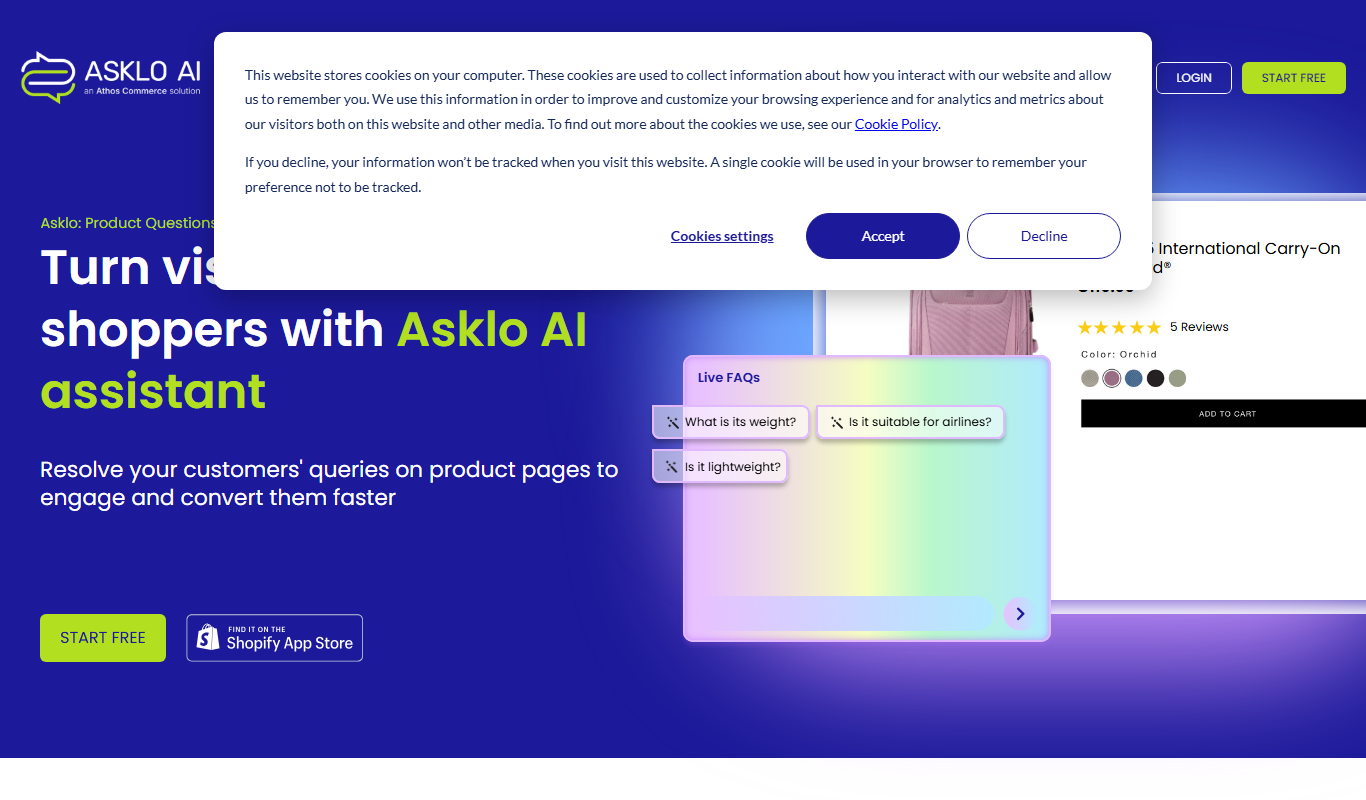
Asklo AI
Asklo AI is an AI-powered conversational search platform that enables users to query internal documents and data sources using natural language, providing context-aware answers and seamless integration via API.

Custom Pricing
Glean
Glean is an AI-powered enterprise knowledge management platform that integrates multiple data sources to provide unified search, expert identification, and collaboration tools for organizations.

Free Trial
Biliki AI
Biliki AI is an AI-driven knowledge management platform that integrates with multiple data sources to provide teams with instant, accurate answers via a natural language chat interface, enhancing productivity and collaboration.

Free Trial
RAGFlow
RAGFlow is a no-code AI platform that enables users to build and automate retrieval-augmented generation workflows by integrating document retrieval with generative AI to provide accurate, context-aware responses.