

Custom Photo Books and Cards Maker with Easy Online Design Tools
Mixbook is an online platform for creating custom photo books, cards, and other printed photo products using an intuitive drag-and-drop editor and professional printing.
- Best for
- Personalized Photo Books
- Key capability
- Drag-and-Drop Editor
Save Mixbook, follow its updates and vote on it — everything stays in your account.
Sign in or create a free account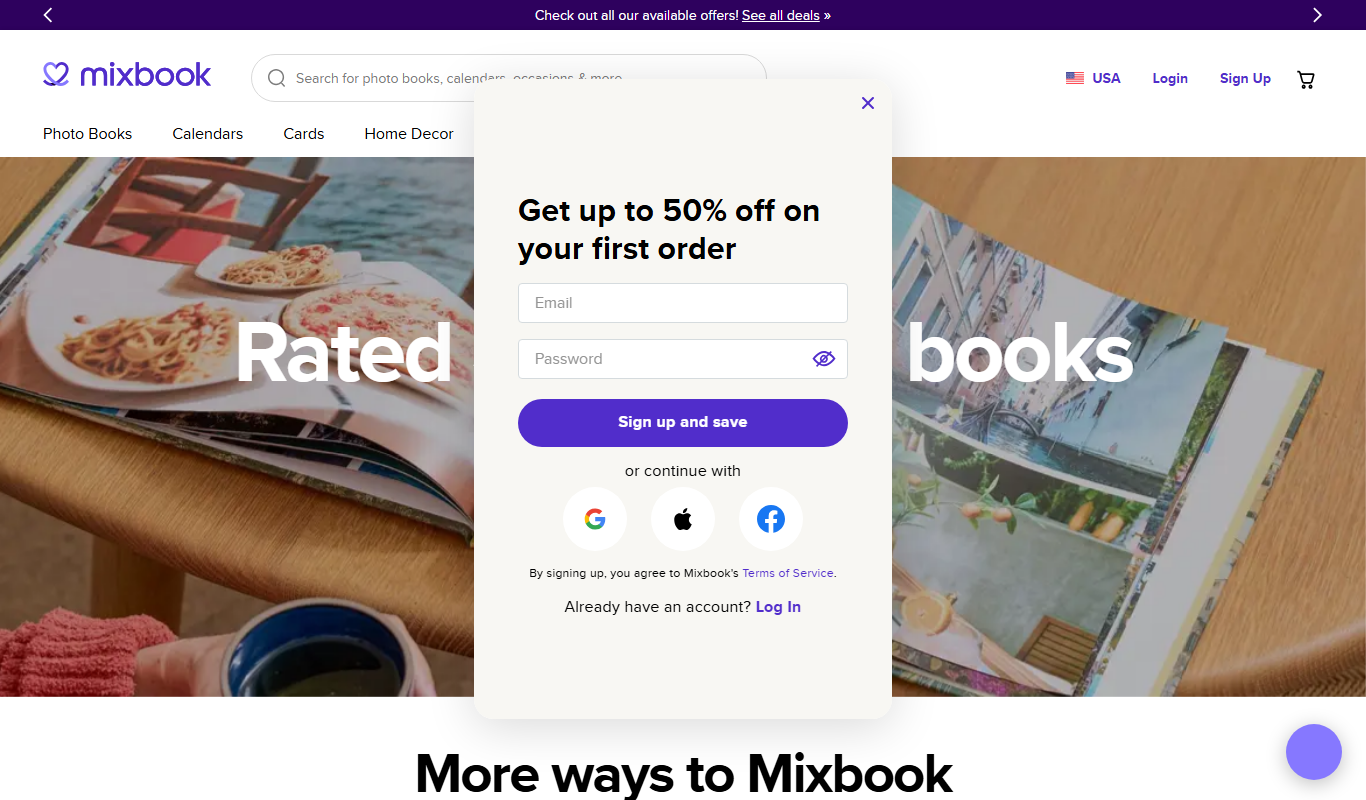
What is Mixbook?
Mixbook is an online platform that allows users to create personalized photo books, cards, calendars, and other printed photo products. It offers a user-friendly design interface with customizable templates and drag-and-drop features, enabling individuals and businesses to produce high-quality, custom photo products for personal use or marketing purposes.
Key features of Mixbook
Mixbook provides an intuitive online editor, a wide variety of templates, extensive customization options, and professional printing services. Users can upload photos, add text, and personalize layouts to create unique photo books, cards, and gifts.
Drag-and-Drop Editor
Easily add and arrange photos and text with a simple interface.
Wide Template Selection
Access hundreds of professionally designed templates for various occasions.
High-Quality Printing
Products are printed on premium materials with attention to detail.
Flexible Customization
Modify layouts, backgrounds, fonts, and colors to fit your style.
Multiple Product Types
Create photo books, cards, calendars, posters, and more.
Pros and cons of Mixbook
Pros
- User-friendly drag-and-drop design interface
- Extensive template library for various occasions
- High-quality print products
- No subscription fees, pay only for what you order
- Good customer support and satisfaction
Cons
- No dedicated mobile app limits on-the-go editing
- Pricing can be higher compared to some competitors
- Limited language support (English only)
Key use cases for Mixbook
Personalized Photo Books
Create custom photo books for personal memories, gifts, or special occasions using easy drag-and-drop tools.
Custom Greeting Cards
Design and print personalized greeting cards for holidays, birthdays, weddings, and other events.
Marketing Materials
Small businesses and marketers can create branded photo books and cards for promotional purposes.
Event Invitations
Design unique invitations for weddings, parties, and corporate events with customizable templates.
Photo Gifts
Produce personalized photo gifts such as calendars, posters, and prints.
How Mixbook works
- 1
Choose a Product
Select from photo books, cards, calendars, or other print products.
- 2
Customize Design
Use the online editor to add photos, text, and personalize layouts with templates or from scratch.
- 3
Preview and Order
Review your design, make any final adjustments, and place your order for printing and delivery.
Who is using Mixbook
Mixbook pricing
Pay per product
Varies by product and options
No subscription; pay only for the items you order.
Plans and prices are as published by the vendor and can change. Check the official site before you buy. Open the pricing page (opens in a new tab)
Frequently asked questions about Mixbook
Yes, you can upload photos from your computer or social media accounts.
Printing and shipping typically take 5-7 business days, depending on your location.
Currently, Mixbook is available as a web platform; there is no dedicated mobile app.
Yes, you can save your designs and return to edit them anytime before ordering.
It depends on your specific needs and how you plan to use the tool. The official website and documentation are the best sources for the latest details.
Yes, it can help with that use case depending on how you configure it and what features are available. You’ll get the best results with clear inputs and a defined goal.
Yes, it can help with that use case depending on how you configure it and what features are available. You’ll get the best results with clear inputs and a defined goal.
Some tools offer a free plan or trial with limited features. Availability can vary, so confirm on the official website.
Conclusion
Mixbook projects start by selecting a product: photo books, cards, calendars or other print products. Photos are uploaded from a computer or social media accounts and arranged with text in a drag-and-drop editor. Layouts can start from hundreds of professionally designed templates or from scratch. Users can save designs and return to edit them before ordering, then review the design and place an order for printing and delivery.
There is no subscription; customers pay only for the items they order, with prices varying by product and options. Besides individuals making personal photo books and cards, small businesses use it for branded marketing materials and event planners for invitations. Printing and shipping typically take 5-7 business days, depending on location.
Sources
Sign in to review this tool.
Sign In to ReviewNo reviews yet
Be the first to share how this tool worked for you.
Ask about pricing, limits, or how it compares — or answer someone else.
Sign In to AskNo questions yet
Have a question about using or paying for this tool? Be the first to ask.
Featured on TiorAI



Alternative Tools
Explore similar AI tools that might fit your needs

Shutterfly
Shutterfly is an online platform for creating personalized photo products such as prints, photo books, gifts, and cards, offering secure photo storage and easy design tools accessible via web and mobile apps.

Snapfish
Snapfish is an online service for printing photos and creating personalized photo gifts such as photo books, cards, and calendars with easy-to-use design tools and social media integration.
More Art & Creative Design tools
Other tools in the same category, for when this one is not quite the fit.

EasyNoteAI
EasyNoteAI is an AI-driven tool that automates note taking and summarization, helping users quickly capture and organize information from meetings, lectures, and content.

Low-Code Development and AI
Amoga's Low-Code Development and AI platform enables rapid application building with drag-and-drop tools and AI automation, suitable for users with minimal coding skills.

AI Art Weekly
AI Art Weekly is a free weekly newsletter delivering curated news, tools, and creative projects related to AI-generated art.
AI World Today
AI World Today is a free online platform providing daily news, expert analysis, and research updates on artificial intelligence.
Bannersnack
Bannersnack is a web-based banner maker that allows users to create static and animated banners for digital marketing campaigns with customizable templates and collaboration features.

Neural Network Tutorial
Neural Network Tutorial by LeapAI is a free web-based platform offering interactive lessons and practical exercises to learn neural networks and deep learning concepts.

IDEO
IDEO is a global design and innovation consultancy specializing in human-centered design to help organizations develop innovative products, services, and strategies.

PuLID for FLUX
PuLID for FLUX is available free on 8PixLabs and generates images that keep facial features from a single photo.