

Mattermost Open Source Team Collaboration Platform for Secure Messaging
Mattermost is an open source, self-hosted team collaboration platform that provides secure messaging, file sharing, and integrations designed for DevOps and enterprise teams.
- Best for
- Team Communication
- Key capability
- Open Source and Self-Hosted
Save Mattermost, follow its updates and vote on it — everything stays in your account.
Sign in or create a free accountWhat is Mattermost?
Mattermost is an open source, self-hosted team collaboration platform designed for secure messaging and workflow automation. It offers real-time chat, file sharing, and integrations tailored for DevOps and enterprise teams seeking control over their communication infrastructure.
Key features of Mattermost
Mattermost provides persistent chat channels, direct messaging, file sharing, searchable message history, and robust security features including compliance and encryption. It supports integrations with popular tools and offers flexible deployment options including on-premises and cloud.
Open Source and Self-Hosted
Full control over data and customization with open source code and on-premises deployment.
Real-Time Messaging
Persistent chat channels, direct messages, and group conversations with searchable history.
Security and Compliance
Supports end-to-end encryption, multi-factor authentication, and compliance with industry standards.
Integrations and Automation
Extensive API support and integrations with DevOps tools like Jenkins, GitLab, and Jira.
Cross-Platform Availability
Accessible via web browsers, desktop apps (Windows, Mac, Linux), and mobile apps (iOS, Android).
Pros and cons of Mattermost
Pros
- Open source with full data control
- Robust security and compliance features
- Flexible deployment options including on-premises
- Strong integrations with DevOps and productivity tools
- Cross-platform availability with native apps
Cons
- Self-hosting requires technical expertise
- User interface can be complex for new users
- Advanced features require paid plans
Key use cases for Mattermost
Team Communication
Facilitates real-time messaging and collaboration among team members with channels, direct messages, and group chats.
DevOps Collaboration
Integrates with CI/CD tools and supports automation workflows to streamline software development and operations.
Secure Messaging
Provides end-to-end encryption and self-hosting options to ensure data privacy and compliance for sensitive communications.
Project Management
Enables teams to organize conversations around projects, share files, and track progress within a centralized platform.
Custom Integrations
Supports extensive API and webhook integrations to connect with third-party tools and customize workflows.
How Mattermost works
- 1
Deploy Mattermost
Install Mattermost on your server or use a cloud-hosted option to set up your team workspace.
- 2
Create Teams and Channels
Organize communication by creating teams and channels for different projects or departments.
- 3
Invite Team Members
Add users to your workspace to start collaborating through chat, file sharing, and integrations.
- 4
Integrate Tools
Connect Mattermost with CI/CD, monitoring, and other third-party services to automate workflows.
- 5
Communicate Securely
Use encrypted messaging and compliance features to protect sensitive information.
Who is using Mattermost
Mattermost pricing
Mattermost Entry
Free
Free version limited to evaluation.
Professional
Contact sales
Up to 250 users.
Enterprise
Contact sales
Everything in Professional plus real-time and federated communications and critical infrastructure hardening. Aimed at secure collaborative workflows.
Enterprise Advanced
Contact sales
Everything in Enterprise plus security-optimized mobility and air-gapped and DDIL environments. Aimed at multi-domain secure operations.
Plans and prices are as published by the vendor and can change. Check the official site before you buy. Open the pricing page (opens in a new tab)
Frequently asked questions about Mattermost
Yes, Mattermost’s core platform is open source and available for self-hosted deployment.
Yes, it supports integrations with popular DevOps tools like Jenkins, GitLab, and Jira.
Yes, Mattermost offers mobile apps for both iOS and Android platforms.
It includes end-to-end encryption, multi-factor authentication, and compliance with industry standards.
This tool is designed to help users accomplish its core tasks more efficiently. It is typically used by individuals or teams looking to improve productivity and workflow.
Some tools offer a free plan or trial with limited features. Availability can vary, so confirm on the official website.
Data handling and security practices vary by provider. Review the official privacy policy to understand how your data is stored and used.
Yes, it can help with that use case depending on how you configure it and what features are available. You’ll get the best results with clear inputs and a defined goal.
Conclusion
Deployment happens on an organization’s own server or through a cloud-hosted option, after which teams and channels are created for different projects or departments. Chat channels, direct messages and group conversations keep a persistent, searchable history. Integrations with DevOps tools such as Jenkins, GitLab and Jira connect CI/CD and monitoring services so workflows can be automated.
The open source core targets DevOps and software development teams, enterprise IT departments and security-conscious organizations seeking control over their communication infrastructure. The listed drawbacks include the technical expertise that self-hosting demands. Professional, which covers up to 250 users, is sold through sales along with Enterprise and Enterprise Advanced, while a free Mattermost Entry edition is limited to evaluation.
Sources
Sign in to review this tool.
Sign In to ReviewNo reviews yet
Be the first to share how this tool worked for you.
Ask about pricing, limits, or how it compares — or answer someone else.
Sign In to AskNo questions yet
Have a question about using or paying for this tool? Be the first to ask.
Featured on TiorAI



Alternative Tools
Explore similar AI tools that might fit your needs
Rocket.Chat
Rocket.Chat is an open source communication platform that enables teams to collaborate via chat, video calls, and file sharing with strong security and customization options.
More AI Customer Service tools
Other tools in the same category, for when this one is not quite the fit.

Prose Haircare
Prose Haircare offers personalized haircare products formulated using AI-driven analysis of your hair type, scalp condition, and lifestyle, delivering natural ingredient-based custom shampoos, conditioners, and treatments via subscription or one-time purchase.

Isabel Symptom Checker
Isabel Symptom Checker is an AI-driven clinical decision support tool that helps healthcare professionals generate differential diagnoses by analyzing patient symptoms against a comprehensive medical database.

Honorlock
Honorlock is an AI-driven online proctoring solution that secures remote exams by monitoring test takers through webcam, microphone, and screen recording, with identity verification and cheating detection features.

Lytx
Lytx provides AI-driven video telematics and fleet management solutions that improve driver safety by detecting risky behaviors, enabling real-time alerts, and supporting driver coaching to reduce accidents and operational costs.

Motion
Motion is an AI-driven scheduling and productivity tool that automates meeting scheduling, task prioritization, and calendar management to help users optimize their time and workflows.

Authy
Authy is a two-factor authentication app that provides an extra security layer by generating time-based codes and push notifications to verify user identities across multiple devices.

InclusionHub
InclusionHub is a free online platform that provides resources, vendor directories, and educational content to help organizations improve digital accessibility and comply with standards like ADA and WCAG.
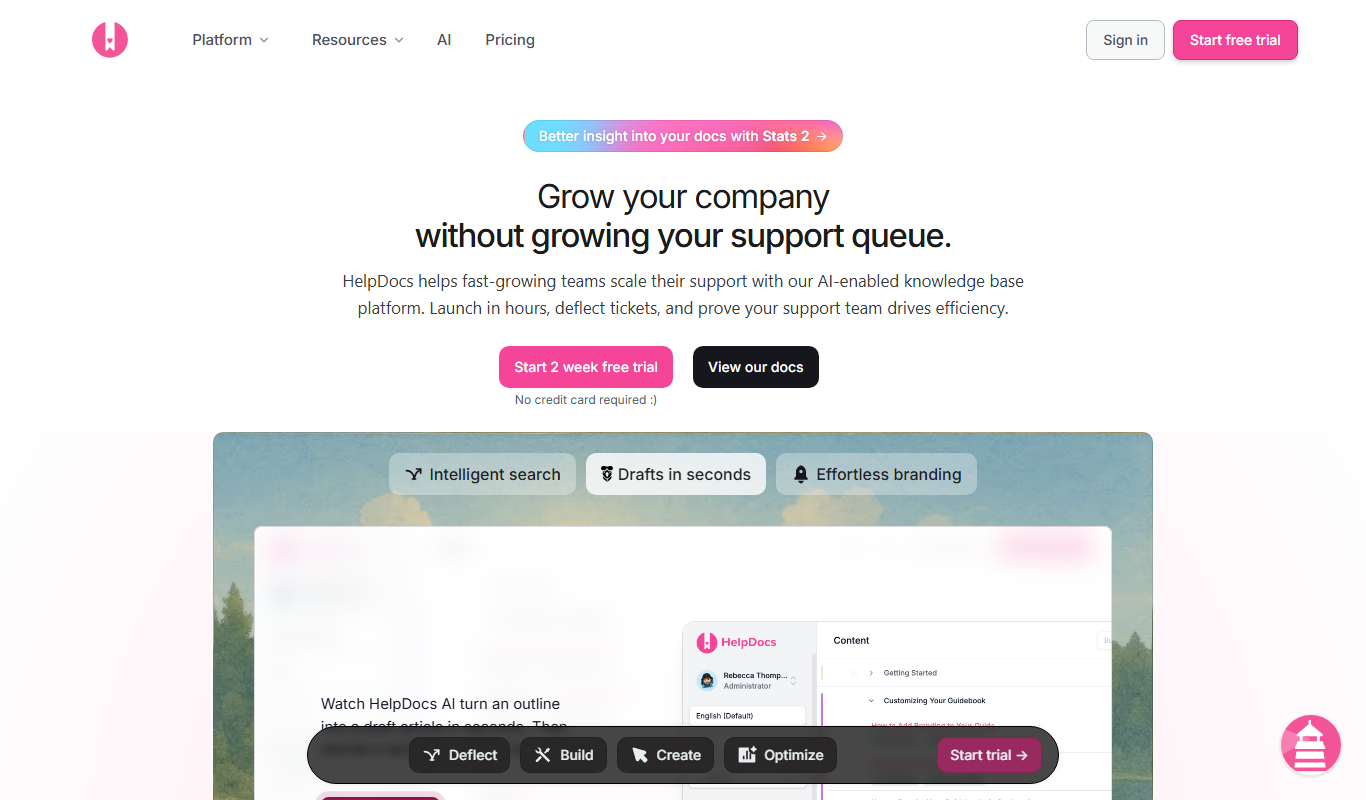
HelpDocs
HelpDocs is a cloud-based knowledge base software that enables businesses to create, customize, and manage self-service help centers to improve customer support and reduce support tickets.