

Rocket.Chat Open Source Team Chat Platform for Secure Collaboration
Rocket.Chat is an open source communication platform that enables teams to collaborate via chat, video calls, and file sharing with strong security and customization options.
- Best for
- Team Communication
- Key capability
- Open Source Platform
Save Rocket.Chat, follow its updates and vote on it — everything stays in your account.
Sign in or create a free accountWhat is Rocket.Chat?
Rocket.Chat is an open source communication platform designed for team collaboration and customer engagement. It provides real-time chat, video conferencing, file sharing, and chatbot integration, all within a secure and customizable environment. Organizations can self-host Rocket.Chat or use their cloud service to maintain control over data privacy and security.
Key features of Rocket.Chat
Rocket.Chat’s main features include multi-channel messaging, video and audio calls, screen sharing, chatbot support, extensive integrations, and robust security options like end-to-end encryption and compliance controls.
Open Source Platform
Full access to source code allows customization and self-hosting for maximum control.
Multi-Channel Messaging
Supports public, private, and direct message channels with threaded conversations.
Video and Audio Conferencing
Built-in support for video calls, screen sharing, and conferencing without third-party tools.
Chatbot and Integration Support
Easily integrate bots and connect with external services like CRM, helpdesk, and automation tools.
Security and Compliance
End-to-end encryption, two-factor authentication, and compliance with data protection standards.
Pros and cons of Rocket.Chat
Pros
- Open source with full customization options
- Supports multiple communication channels and formats
- Strong security and privacy controls
- Flexible deployment: cloud or self-hosted
- Rich integration ecosystem
Cons
- Self-hosting requires technical expertise
- Cloud plans can become costly for large teams
- User interface can be complex for new users
Key use cases for Rocket.Chat
Team Communication
Facilitates real-time messaging, file sharing, and video calls for teams to collaborate efficiently.
Customer Support
Integrates chatbots and live chat to provide customer service and support directly within the platform.
Remote Work Collaboration
Supports distributed teams with channels, threads, and integrations to maintain productivity from anywhere.
Community Engagement
Hosts public or private communities with moderation tools and customizable permissions.
Secure Messaging
Offers end-to-end encryption and compliance features for sensitive communications.
How Rocket.Chat works
- 1
Sign Up or Self-Host
Create an account on Rocket.Chat Cloud or download the open source software to self-host on your servers.
- 2
Set Up Channels and Users
Organize communication by creating public or private channels and inviting team members.
- 3
Customize and Integrate
Add integrations, bots, and customize the interface to fit your organization’s workflow.
- 4
Start Collaborating
Use chat, video calls, and file sharing to communicate and collaborate in real time.
Who is using Rocket.Chat
Rocket.Chat pricing
Starter
$0/month
Free plan for up to 50 users.
Commercial
Get pricing
Secure collaboration for commercial enterprises with deployment flexibility and compliance across regulatory frameworks.
Government
Get pricing
Sovereign communications for public sector agencies with data sovereignty, jurisdictional control and comprehensive audit capabilities.
Defense
Get pricing
Mission-grade communications for defense and intelligence, with deployment paths for air-gapped environments and a Zero Trust framework.
Plans and prices are as published by the vendor and can change. Check the official site before you buy. Open the pricing page (opens in a new tab)
Frequently asked questions about Rocket.Chat
Yes, the Starter plan is free for up to 50 users; the Commercial, Government and Defense plans are priced through sales.
Yes, Rocket.Chat supports numerous integrations including CRM, helpdesk, and chatbot platforms.
Yes, it includes built-in video and audio conferencing with screen sharing capabilities.
Rocket.Chat offers end-to-end encryption and compliance features suitable for secure messaging.
This tool is designed to help users accomplish its core tasks more efficiently. It is typically used by individuals or teams looking to improve productivity and workflow.
Some tools offer a free plan or trial with limited features. Availability can vary, so confirm on the official website.
Yes, it can help with that use case depending on how you configure it and what features are available. You’ll get the best results with clear inputs and a defined goal.
Yes, it can help with that use case depending on how you configure it and what features are available. You’ll get the best results with clear inputs and a defined goal.
Conclusion
Deployment comes in two forms, an account on Rocket.Chat Cloud or the open source software installed on an organization’s own servers. Teams then organize conversations into public or private channels and add bots, integrations and interface customizations to fit their workflow. Video calls with screen sharing are built in, so conferencing does not depend on third-party tools.
Beyond internal chat, live chat and chatbots can handle customer support inside the platform. Self-hosting does call for technical expertise. The free Starter plan covers up to 50 users, while the Commercial, Government and Defense plans are priced through sales.
Sources
Sign in to review this tool.
Sign In to ReviewNo reviews yet
Be the first to share how this tool worked for you.
Ask about pricing, limits, or how it compares — or answer someone else.
Sign In to AskNo questions yet
Have a question about using or paying for this tool? Be the first to ask.
Featured on TiorAI



Alternative Tools
Explore similar AI tools that might fit your needs
Mattermost
Mattermost is an open source, self-hosted team collaboration platform that provides secure messaging, file sharing, and integrations designed for DevOps and enterprise teams.
More AI Chat Generator tools
Other tools in the same category, for when this one is not quite the fit.

Mayo Clinic Symptom Checker
The Mayo Clinic Symptom Checker is a free online tool that helps users assess their symptoms and provides medically reviewed suggestions on possible causes and recommended next steps.

WebMD Symptom Checker
WebMD Symptom Checker is a free online tool that helps users identify possible medical conditions based on their symptoms and provides educational health information.
Jailbroken ChatGPT
Jailbroken ChatGPT is a web chatbot from AE Studio that bypasses ChatGPT content restrictions and requires the user's own OpenAI API key.

IvyQuantum
IvyQuantum is an AI chatbot platform by Ivy.ai that automates customer support and engagement using natural language understanding, primarily serving higher education and enterprise sectors.
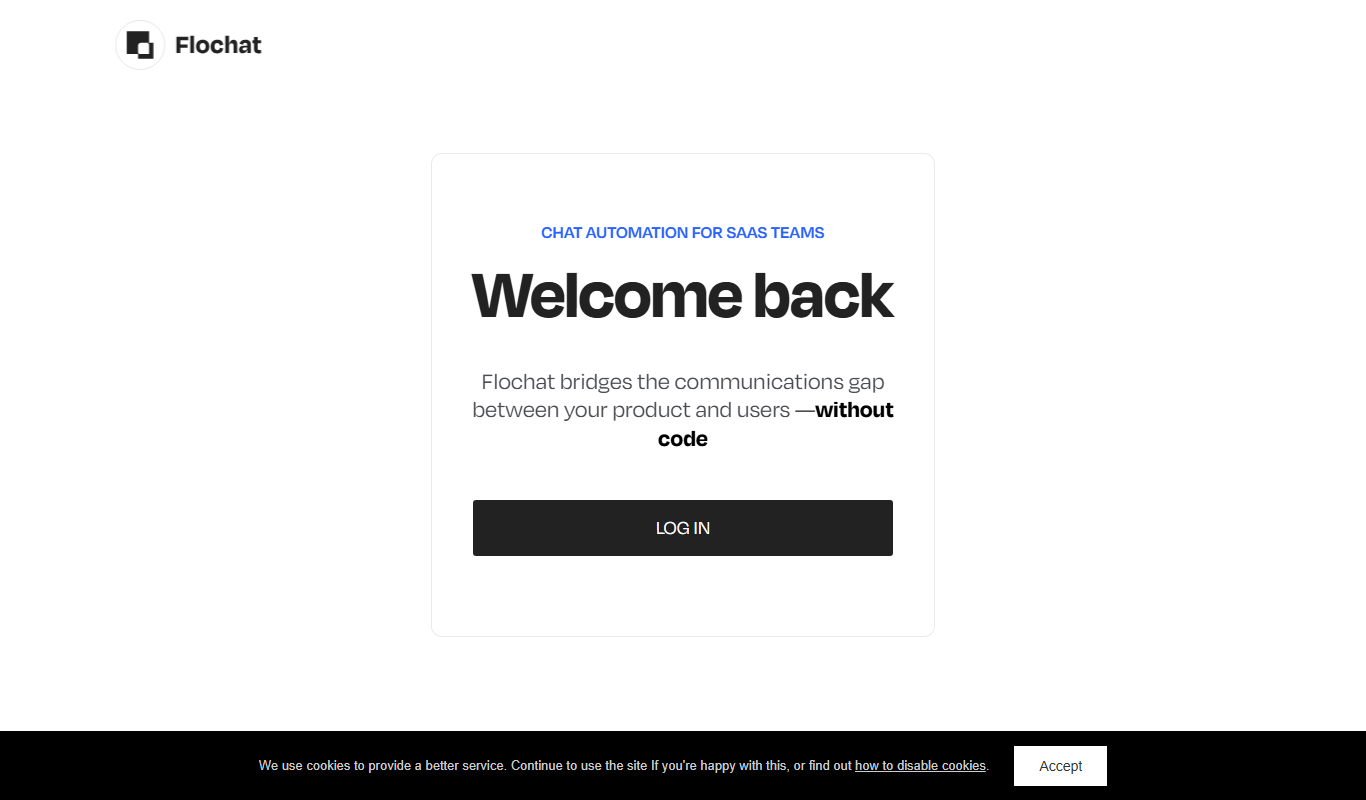
Flochat
Flochat automates conversations and user journeys for SaaS teams, with an omnichannel inbox.

Ask AI questions
Ask AI Questions is a free web-based AI tool that generates instant answers to user-submitted questions without requiring registration or payment.

The Ultimate ChatGPT Tools Directory
The Ultimate ChatGPT Tools Directory is a free, regularly updated online platform that lists and categorizes ChatGPT-powered tools, helping users discover and compare AI applications across various industries.

ChatGPT Français (French)
ChatGPT Français is a free web-based AI chatbot designed specifically for French language users to practice conversations, generate content, and support French communication needs.