

From my experience with Mailforge, I found it excels at rapidly generating personalized sales and marketing emails that save significant time for outreach teams. The platform’s intuitive interface and tone customization options make it accessible even for users without technical expertise. However, the tool currently supports only English and lacks a mobile app, which might limit flexibility for some users. Overall, if you need to streamline email creation for sales or marketing campaigns, Mailforge offers a practical and efficient solution.
AI-Powered Email Generator for Marketing and Sales Teams – Mailforge
Mailforge is an AI-driven email generation tool designed to help sales and marketing professionals quickly create personalized and effective emails for outreach, follow-ups, and campaigns.
- Best for
- Sales Email Generation
- Key capability
- AI-Powered Email Generation
Your actions
Save Mailforge, follow its updates and vote on it — everything stays in your account.
Sign in or create a free account
What is Mailforge?
Mailforge is an AI-powered email generation platform designed to help sales and marketing professionals create effective, personalized emails quickly. By leveraging advanced language models, Mailforge automates the writing process, enabling users to generate tailored outreach, follow-up, and marketing emails that resonate with recipients and improve engagement.
Key features of Mailforge
Mailforge offers AI-driven email generation with customization options, templates for various email types, tone adjustment, and integration capabilities to streamline email marketing and sales outreach workflows.
AI-Powered Email Generation
Automatically create personalized emails using advanced AI language models.
Multiple Email Templates
Access templates for sales outreach, follow-ups, cold emails, and marketing campaigns.
Tone and Style Customization
Adjust the tone of emails to be formal, casual, or persuasive based on your audience.
User-Friendly Interface
Simple and intuitive platform for quick email creation without technical skills.
Export and Integration Options
Easily export emails or connect with other tools to streamline your workflow.
Pros and cons of Mailforge
Pros
- Quickly generates personalized emails saving time
- Easy to use with minimal setup
- Offers multiple templates for different email types
- Allows tone customization for better audience targeting
- Free plan available to test features
Cons
- Limited language support (English only)
- No native mobile app currently
- Some advanced features require paid subscription
Key use cases for Mailforge
Sales Email Generation
Create personalized and persuasive sales outreach emails quickly to improve response rates.
Marketing Campaign Emails
Generate engaging marketing emails tailored to specific audiences for campaigns and promotions.
Follow-up Emails
Automate follow-up email creation to maintain communication and nurture leads effectively.
Cold Email Outreach
Craft cold emails that are customized and optimized to increase open and reply rates.
Email Content Improvement
Enhance existing email drafts with AI suggestions for clarity, tone, and impact.
How Mailforge works
- 1
Sign Up
Create an account on Mailforge’s website to access the email generation platform.
- 2
Input Email Details
Provide key information such as recipient details, purpose, and tone preferences.
- 3
Generate Email
Use the AI engine to produce a tailored email draft based on the inputs.
- 4
Customize and Edit
Review the generated email and make any desired adjustments before sending.
- 5
Export or Integrate
Copy the email or integrate with your CRM/email platform to send directly.
Who is using Mailforge
Sales teams
Marketing professionals
Small business owners
Freelancers and consultants
Customer success teams
Mailforge pricing
Free
$0/month
Limited email generations per month with basic features.
Pro
$29/month
Unlimited email generations, advanced templates, and priority support.
Plans and prices are as published by the vendor and can change. Check the official site before you buy. Open the pricing page (opens in a new tab)
Frequently asked questions about Mailforge
Yes, after the AI generates an email, you can edit and tailor it to your specific needs.
Currently, Mailforge primarily supports English for email generation.
Mailforge offers a free plan with limited usage so you can try the tool before upgrading.
Mailforge allows exporting emails easily, and integration options may be available depending on your tools.
It depends on your specific needs and how you plan to use the tool. The official website and documentation are the best sources for the latest details.
Some tools offer a free plan or trial with limited features. Availability can vary, so confirm on the official website.
Yes, it can help with that use case depending on how you configure it and what features are available. You’ll get the best results with clear inputs and a defined goal.
Yes, it can help with that use case depending on how you configure it and what features are available. You’ll get the best results with clear inputs and a defined goal.
Sign in to review this tool.
Sign In to ReviewNo reviews yet
Be the first to share how this tool worked for you.
Ask about pricing, limits, or how it compares — or answer someone else.
Sign In to AskNo questions yet
Have a question about using or paying for this tool? Be the first to ask.
Featured on TiorAI



More AI Ad Generator tools
Other tools in the same category, for when this one is not quite the fit.

Freemium
HypeAuditor
HypeAuditor is an influencer marketing analytics platform that helps brands find authentic influencers, analyze audience demographics, detect fake followers, and track campaign performance across social media platforms.
Freemium
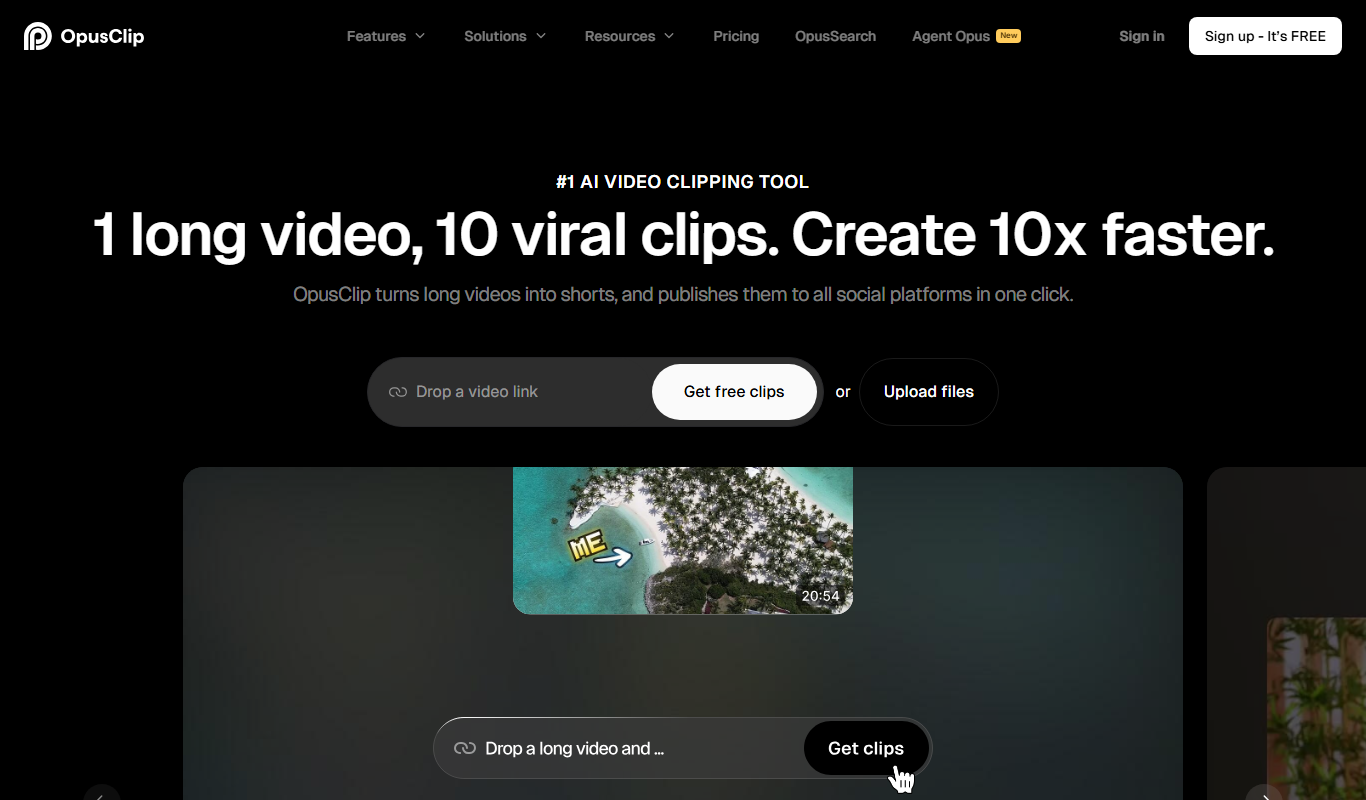
Opus Clip AI
Opus Clip AI is an AI-driven video editing tool that automatically generates short highlight clips from longer videos, simplifying content repurposing for social media.

Subscription
Sell The Trend
Sell The Trend is a dropshipping product research and automation platform that helps e-commerce entrepreneurs find trending products, analyze market trends, and automate store management, primarily integrating with Shopify.

Free Trial
DataSky AI Box
DataSky AI Box is an AI-powered platform by OpenDataSky that provides businesses with advanced data analytics, interactive visualizations, and automated reporting to simplify data-driven decision-making.

Free
Fakeface
Fakeface is a free online AI tool that instantly generates realistic human faces using GAN technology, providing diverse, high-resolution synthetic portraits for various uses without requiring sign-up.

Freemium
AutoReels.Ai
AutoReels.Ai is an AI-driven video editing platform that automatically creates short social media reels from longer videos, helping users save time and optimize content for platforms like Instagram and TikTok.

Freemium
newormedia.com
Newormedia is an AI-powered platform that generates marketing and SEO content in English and Chinese, offering templates and SEO optimization tools to streamline content creation.

Freemium
Spikes Studio
Spikes Studio is an AI-driven video editing tool that automates the creation of social media optimized videos by clipping, captioning, and formatting content efficiently.