

From my experience with Lumio Pro, it stands out for its intuitive approach to transforming traditional presentations into interactive, engaging experiences. The platform’s real-time collaboration features and multimedia support make it particularly effective for educators and trainers aiming to boost audience participation. While the free plan has some limitations, the Pro subscription unlocks a robust set of tools that justify the cost. If you’re looking for a versatile solution to enhance remote teaching or collaborative workshops, Lumio Pro delivers practical and user-friendly functionality.
Lumio Pro Interactive Presentation Software for Engaging Visual Storytelling
Lumio Pro is an interactive presentation software that enables educators and professionals to create engaging, multimedia-rich presentations with real-time collaboration and audience interaction.
- Best for
- Interactive Teaching
- Key capability
- Interactive Slides
Your actions


Do you recommend this tool?
What is Lumio Pro?
Lumio Pro is an interactive presentation and digital whiteboard platform designed to transform traditional presentations into engaging, collaborative experiences. It enables educators, trainers, and professionals to create dynamic lessons and workshops that incorporate multimedia, quizzes, and real-time audience interaction.
Key features of Lumio Pro
Lumio Pro offers features such as interactive slides, live collaboration, multimedia embedding, real-time feedback tools, and seamless integration with popular learning management systems. Its intuitive interface supports both synchronous and asynchronous engagement.
Interactive Slides
Transform static slides into engaging experiences with embedded questions, polls, and multimedia.
Real-Time Collaboration
Allow multiple users to interact simultaneously on shared whiteboards and presentations.
Multimedia Support
Embed videos, images, and audio to enrich content and maintain audience interest.
Analytics and Feedback
Track participant responses and engagement metrics to assess understanding and improve content.
Cross-Platform Accessibility
Access Lumio Pro on web browsers and mobile devices for flexible presentation delivery.
Pros and cons of Lumio Pro
Pros
- User-friendly interface for creating interactive content
- Supports real-time collaboration and engagement
- Cross-platform accessibility enhances flexibility
Cons
- Limited advanced features in the free plan
- Currently supports only English language
Key use cases for Lumio Pro
Interactive Teaching
Create engaging lessons with interactive activities and multimedia to enhance student participation.
Collaborative Workshops
Facilitate real-time collaboration and brainstorming sessions with teams using shared digital whiteboards.
Visual Storytelling
Design dynamic presentations that combine visuals, text, and interactive elements to communicate ideas effectively.
Remote Learning
Support distance education by delivering interactive content accessible on multiple devices.
How Lumio Pro works
- 1
Sign Up
Create a Lumio account via the website or mobile app to access the platform.
- 2
Create or Import Content
Start a new interactive presentation or import existing slide decks to enhance with interactive elements.
- 3
Add Interactive Elements
Incorporate quizzes, polls, videos, and collaborative whiteboard activities to engage your audience.
- 4
Share and Collaborate
Distribute your presentation link to participants for live interaction or self-paced learning.
Who is using Lumio Pro
Educators and teachers
Corporate trainers
Workshop facilitators
Remote learning coordinators
Content creators
Lumio Pro pricing
Free
$0/month
Basic access with limited interactive features and presentation storage.
Pro
$12/month
Full feature access including advanced interactivity, analytics, and unlimited presentations.
Plans and prices are as published by the vendor and can change. Check the official site before you buy. Open the pricing page (opens in a new tab)
Frequently asked questions about Lumio Pro
Yes, Lumio Pro allows you to import PowerPoint files to convert them into interactive presentations.
Absolutely, Lumio Pro supports remote learning with real-time interaction and self-paced content options.
Lumio Pro is accessible via web browsers and has dedicated apps for iOS and Android devices.
It depends on your specific needs and how you plan to use the tool. The official website and documentation are the best sources for the latest details.
Yes, it can help with that use case depending on how you configure it and what features are available. You’ll get the best results with clear inputs and a defined goal.
Sign in to review this tool.
Sign In to ReviewNo reviews yet
Be the first to share how this tool worked for you.
Ask about pricing, limits, or how it compares — or answer someone else.
Sign In to AskNo questions yet
Have a question about using or paying for this tool? Be the first to ask.
Featured on TiorAI



Alternative Tools
Explore similar AI tools that might fit your needs

Free
Mentimeter
Mentimeter is an interactive presentation platform that allows users to create live polls, quizzes, and Q&A sessions to engage audiences in real-time during meetings, webinars, and events.

Free
Nearpod
Nearpod is an interactive educational platform that allows teachers to create and deliver engaging lessons with real-time assessments, multimedia content, and virtual reality experiences for both in-person and remote learning.

Free
Pear Deck
Pear Deck is an interactive presentation tool that helps educators engage students through real-time questions and activities integrated into Google Slides and PowerPoint.
More AI Collaboration & Team Tools tools
Other tools in the same category, for when this one is not quite the fit.

Free
Aardvark
Aardvark is an AI assistant that helps teams quickly search and access internal knowledge by integrating with multiple data sources and providing natural language answers.
Free
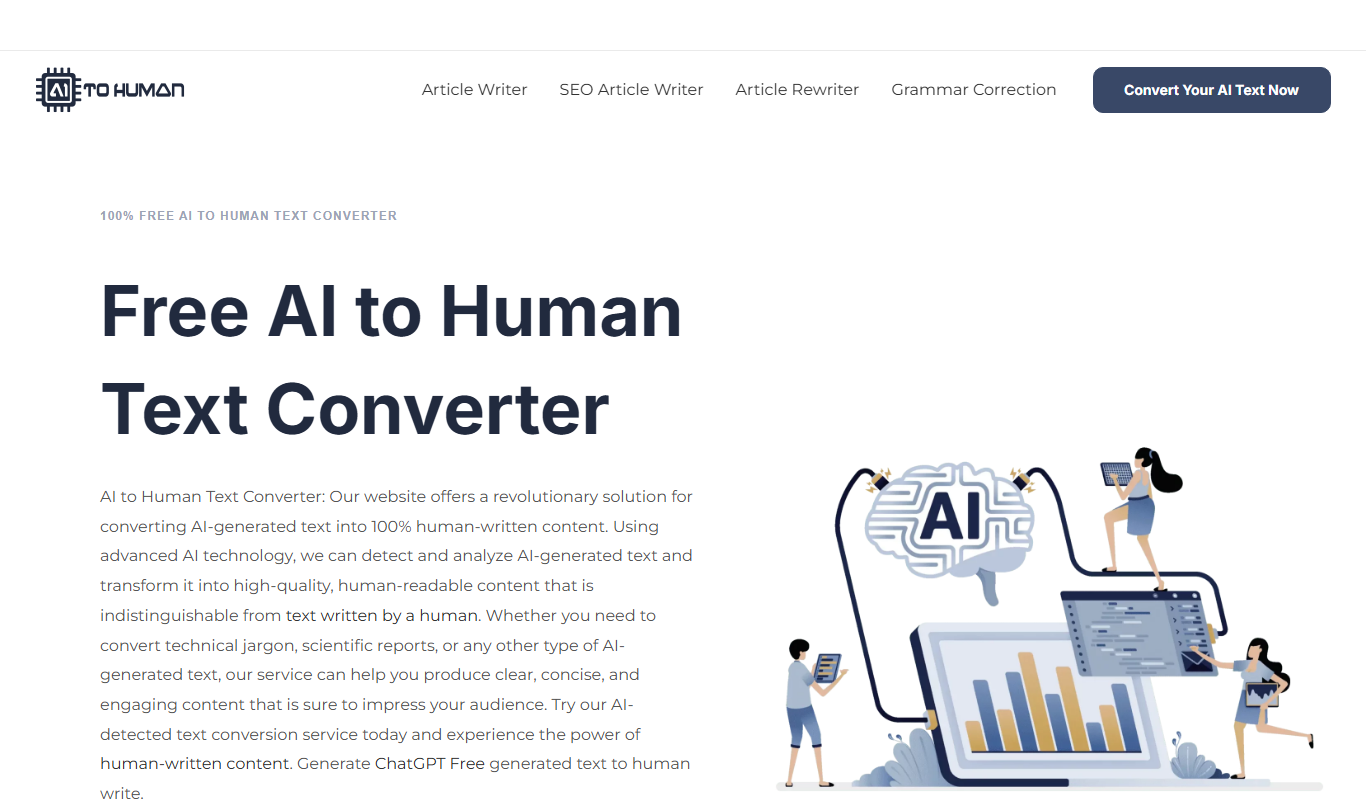
AI to Human
AI to Human is a free web platform that promotes ethical collaboration among AI developers, policymakers, and communities to ensure responsible AI innovation.

Pay Per Service
Hauservice
Hauservice is a German online platform that connects homeowners with vetted local professionals for home maintenance and repair services, offering transparent pricing and easy booking.
Freemium
IntelliOptima
IntelliOptima is an AI optimization platform that automates workflows, analyzes business data, and provides predictive insights to improve operational efficiency.

Freemium
Klart AI
Klart AI is an AI-powered writing assistant that helps users improve clarity, grammar, and tone in their writing through real-time suggestions on a web platform.

Free
GptPanda
GptPanda is a no-code AI chatbot platform that enables users to create customized GPT-powered chatbots for automation, customer support, and content generation.

Freemium
Langtail
Langtail is an AI-driven translation platform that automates multilingual content management through machine learning, API integration, and collaborative editing features.

Free
Plot
Plot is a web-based platform that allows teams to collaboratively design, prototype, and share interactive user interfaces in real-time without installing software.