

From my experience with LucidPix, I found it excels at making 3D photo creation accessible to everyday users without requiring special equipment. The AI-powered depth mapping produces impressive 3D effects from simple 2D images, which is great for social media content creators and casual photographers. However, the free version includes watermarks and some advanced features are locked behind a subscription, which might be a limitation for budget-conscious users. Overall, if you want to easily create and share eye-catching 3D photos on mobile devices, LucidPix delivers a straightforward and enjoyable experience.
LucidPix 3D Photo App for AI-Powered 3D Image Creation and Sharing
LucidPix is an AI-driven app that converts 2D photos into 3D images using depth mapping technology, enabling easy creation and sharing of 3D photos on mobile and web platforms.
- Best for
- 3D Photo Creation
- Key capability
- AI Depth Mapping
Your actions

Do you recommend this tool?
What is LucidPix?
LucidPix is an AI-powered mobile and web application that transforms ordinary 2D photos into immersive 3D images. Using advanced depth mapping and AI algorithms, it enables users to create, view, and share 3D photos without requiring specialized cameras or equipment.
Key features of LucidPix
LucidPix offers AI-driven 3D photo creation, easy sharing options, compatibility with popular social media platforms, and tools for customizing 3D effects. It supports both iOS and Android devices, making 3D photography accessible to a wide audience.
AI Depth Mapping
Automatically generates depth information from 2D photos to create realistic 3D effects.
3D Photo Sharing
Supports sharing 3D photos on Facebook, Instagram, and other social media channels.
User-Friendly Interface
Intuitive app design allows users of all skill levels to create 3D photos easily.
Cross-Platform Support
Available on iOS, Android, and web browsers for broad accessibility.
Customization Tools
Adjust depth intensity, lighting, and perspective to personalize 3D images.
Pros and cons of LucidPix
Pros
- Easy to use for beginners
- No special hardware needed
- Supports popular social media sharing
- Cross-platform availability
Cons
- Free version includes watermark
- Advanced features require subscription
- Limited customization compared to professional 3D software
Key use cases for LucidPix
3D Photo Creation
Create stunning 3D photos from regular 2D images using AI-powered depth mapping technology.
Social Media Sharing
Easily share 3D photos on social media platforms to engage followers with unique visual content.
Mobile Photography Enhancement
Enhance mobile photography by transforming ordinary photos into immersive 3D images.
Creative Content Generation
Generate creative and eye-catching 3D images for marketing, personal projects, or artistic expression.
How LucidPix works
- 1
Upload or Take a Photo
Users start by uploading an existing 2D photo or capturing a new one directly within the app.
- 2
AI Processes Image
The AI analyzes the photo to generate a depth map and converts it into a 3D image.
- 3
Customize 3D Effects
Users can adjust depth, lighting, and other effects to enhance the 3D appearance.
- 4
Save and Share
The final 3D photo can be saved locally or shared on social media platforms.
Who is using LucidPix
Mobile photographers
Social media content creators
Marketing professionals
Casual users interested in 3D photos
Artists and designers
LucidPix pricing
Free
$0/month
Basic 3D photo creation with watermark and limited features.
Premium
$4.99/month
Removes watermark, unlocks full 3D effects, and provides higher resolution exports.
Pro
$9.99/month
Includes all Premium features plus priority support and commercial use rights.
Plans and prices are as published by the vendor and can change. Check the official site before you buy. Open the pricing page (opens in a new tab)
Frequently asked questions about LucidPix
No, LucidPix uses AI to convert regular 2D photos into 3D images, so no special camera is required.
Yes, LucidPix supports sharing 3D photos directly to platforms like Facebook and Instagram.
Yes, the free plan includes a watermark on exported 3D photos.
LucidPix is available on iOS and Android devices, as well as through a web interface.
It depends on your specific needs and how you plan to use the tool. The official website and documentation are the best sources for the latest details.
Some tools offer a free plan or trial with limited features. Availability can vary, so confirm on the official website.
Yes, it can help with that use case depending on how you configure it and what features are available. You’ll get the best results with clear inputs and a defined goal.
Yes, it can help with that use case depending on how you configure it and what features are available. You’ll get the best results with clear inputs and a defined goal.
Sign in to review this tool.
Sign In to ReviewNo reviews yet
Be the first to share how this tool worked for you.
Ask about pricing, limits, or how it compares — or answer someone else.
Sign In to AskNo questions yet
Have a question about using or paying for this tool? Be the first to ask.
Featured on TiorAI



Alternative Tools
Explore similar AI tools that might fit your needs
Free
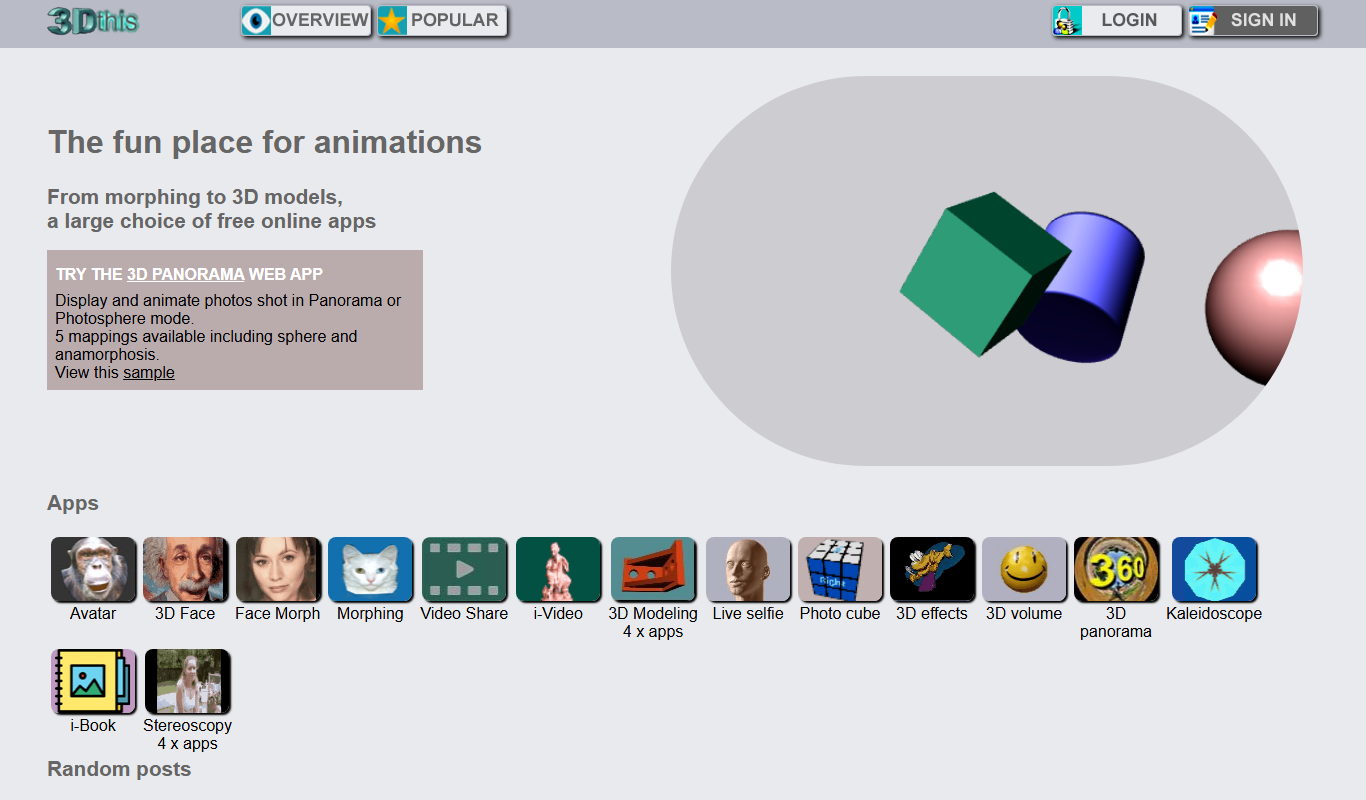
3Dthis
3Dthis is a web-based platform that allows users to create, animate, and customize 3D avatars and models from photos or templates without software installation.
More AI Photography tools
Other tools in the same category, for when this one is not quite the fit.

Freemium
3DF Zephyr
3DF Zephyr is a Windows-based photogrammetry software that automatically reconstructs 3D models from photos, supporting drone mapping and detailed 3D mesh creation.
Paid
MyPetPortrait
MyPetPortrait is an online service that creates personalized pet portraits from your photos, offering various artistic styles and options for digital or printed artwork.
Freemium
HeadshotsPro
HeadshotsPro is an AI-based online tool that converts selfies into professional-quality headshots with customizable backgrounds and styles, ideal for business and social media profiles.

Freemium
Portrait AI
Portrait AI is a web-based AI avatar generator that creates realistic and artistic digital portraits from user photos using advanced AI technology.

Package Pricing
Headshots by The Headshot Truck
The Headshot Truck offers mobile professional headshot photography by traveling to your location with a fully equipped studio, providing convenient, high-quality portraits for individuals and organizations.

Free
Reincubate Camo
Reincubate Camo is a webcam app that lets you use your smartphone as a high-quality webcam for computers, enhancing video calls and streaming with HD video and manual controls.

Free
BrickIt
BrickIt is an AI-powered mobile app that scans LEGO bricks from photos, identifies them, and generates building instructions for models you can build with those bricks.

Custom Pricing
VHT Studios
VHT Studios provides professional virtual photography, 3D tours, and video marketing services designed to enhance real estate listings and accelerate property sales.