

Lawcus Legal Practice Management Software for Law Firms and Attorneys
Lawcus is a cloud-based legal practice management software designed to help law firms manage cases, automate workflows, handle billing, and communicate with clients efficiently.
- Best for
- Case Management
- Key capability
- Case and Matter Management
Save Lawcus, follow its updates and vote on it — everything stays in your account.
Sign in or create a free account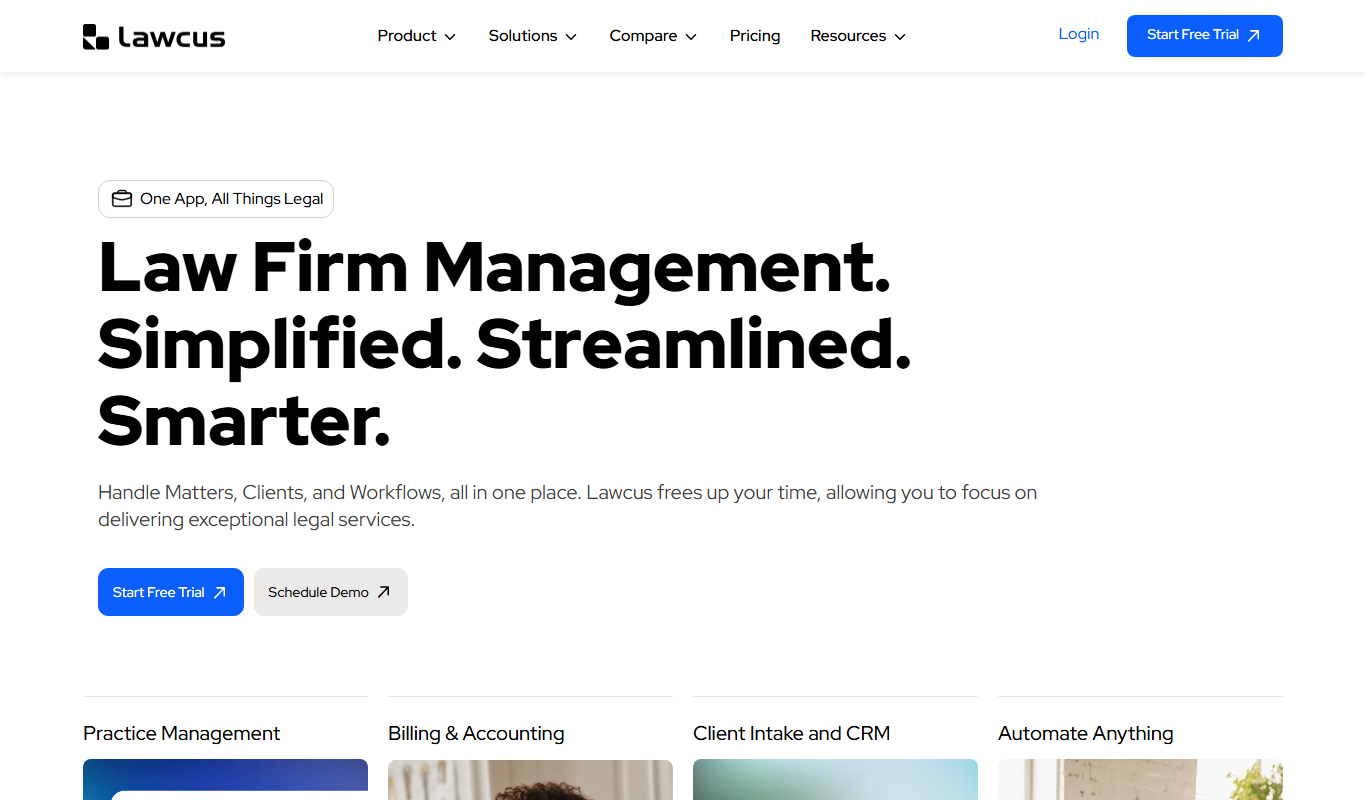
What is Lawcus?
Lawcus is a cloud-based legal practice management software designed to help law firms and attorneys streamline their case management, automate workflows, manage clients, and handle billing efficiently. It provides an intuitive interface that integrates task management, document storage, and communication tools tailored specifically for legal professionals.
Key features of Lawcus
Lawcus offers comprehensive features including case and client management, workflow automation, document handling, billing and invoicing, and real-time collaboration tools, all accessible via web and mobile apps.
Case and Matter Management
Track case progress, deadlines, and related tasks in a centralized dashboard.
Workflow Automation
Automate routine legal processes to save time and reduce errors.
Client Portal
Secure portal for clients to view case updates and communicate with their attorneys.
Document Management
Organize, store, and share legal documents securely.
Billing and Invoicing
Create customized invoices and manage payments with integrated billing tools.
Pros and cons of Lawcus
Pros
- User-friendly interface tailored for legal professionals
- Comprehensive workflow automation capabilities
- Integrated billing and invoicing tools
- Mobile apps for on-the-go access
- Secure client portal for communication
- Integrations with QuickBooks and Xero
Cons
- Limited integrations with third-party accounting software
- Pricing may be high for solo practitioners after trial
Key use cases for Lawcus
Case Management
Organize and track legal cases with timelines, tasks, and notes to streamline law firm operations.
Workflow Automation
Automate repetitive legal workflows and processes to improve efficiency and reduce manual errors.
Client Management
Manage client information, communications, and billing in a centralized platform.
Document Management
Store, organize, and collaborate on legal documents securely within the platform.
Billing and Invoicing
Generate invoices, track payments, and manage billing cycles tailored for legal services.
How Lawcus works
- 1
Sign Up
Create an account on Lawcus via the website or mobile app to start managing your legal practice.
- 2
Set Up Cases and Clients
Add your clients and cases, input relevant details, and organize them within the platform.
- 3
Customize Workflows
Define and automate your legal workflows to streamline repetitive tasks and processes.
- 4
Manage Documents and Communications
Upload and collaborate on legal documents, and communicate with clients directly through the platform.
- 5
Handle Billing and Payments
Generate invoices, track billable hours, and manage payments efficiently.
Who is using Lawcus
Lawcus pricing
Essential
$39 per user/month billed annually, $49 billed monthly
Core case management: case and matter management, billing and invoicing, and trust accounting. Aimed at growing and very small firms.
Growth
$59 per user/month billed annually, $69 billed monthly
Essential plus QuickBooks and Xero integration, Google and Office365 integration, Nova AI and custom fields. Aimed at small firms.
Elite
$79 per user/month billed annually, $89 billed monthly
Includes Growth plus workflow automation, marketing automation, advanced dashboards and a custom report builder. Aimed at firms scaling operations.
Enterprise
Includes Elite plus dedicated onboarding and account manager, custom features and private cloud; minimum 10 users. Aimed at firms with complex needs.
Plans and prices are as published by the vendor and can change. Check the official site before you buy. Open the pricing page (opens in a new tab)
Frequently asked questions about Lawcus
Yes, Lawcus is designed to scale from solo practitioners to larger law firms with customizable workflows.
Yes, Lawcus provides mobile applications for both iOS and Android devices.
Yes, Lawcus includes workflow automation features to streamline repetitive tasks.
Lawcus uses industry-standard security measures to protect client and case data.
It depends on your specific needs and how you plan to use the tool. The official website and documentation are the best sources for the latest details.
It depends on your specific needs and how you plan to use the tool. The official website and documentation are the best sources for the latest details.
It depends on your specific needs and how you plan to use the tool. The official website and documentation are the best sources for the latest details.
It depends on your specific needs and how you plan to use the tool. The official website and documentation are the best sources for the latest details.
Conclusion
Case progress, deadlines and related tasks are tracked in a centralized dashboard. Repetitive legal processes can be defined as automated workflows, and legal documents are organized, stored and shared securely in the same place. Clients get a secure portal to view case updates and communicate with their attorneys.
Invoices, billable hours and payments are managed inside the platform, and integrations with QuickBooks and Xero link it to accounting software. It is designed to scale from solo practitioners to larger law firms. Pricing is per user across the Essential, Growth, Elite and Enterprise plans, starting at $39 per user each month on annual billing or $49 billed monthly.
Sources
Sign in to review this tool.
Sign In to ReviewNo reviews yet
Be the first to share how this tool worked for you.
Ask about pricing, limits, or how it compares — or answer someone else.
Sign In to AskNo questions yet
Have a question about using or paying for this tool? Be the first to ask.
Featured on TiorAI



Alternative Tools
Explore similar AI tools that might fit your needs

PracticePanther
PracticePanther is a cloud-based legal case management software designed to help law firms manage cases, track time, automate billing, and communicate with clients efficiently.

MyCase
MyCase is a cloud-based legal practice management software that helps law firms manage cases, client communication, billing, and documents in one platform accessible via web and mobile apps.
More AI Workflow tools
Other tools in the same category, for when this one is not quite the fit.

Lens Protocol
Lens Protocol is a blockchain stack built for SocialFi, made up of Lens Chain, the Social Protocol and Storage Nodes, where one Lens account works across many apps.

Botkeeper
Botkeeper is an AI accounting solution purpose-built for accounting firms that automates the most manual and time-consuming bookkeeping work.

Furkot
Furkot is a web-based trip planner that helps users create multi-stop routes, optimize travel paths, schedule accommodations and activities, and share itineraries for efficient road trip planning.

Trials.ai
Trials.ai is an AI-driven platform that helps medical researchers design optimized clinical trial protocols, improve patient recruitment, and ensure regulatory compliance to accelerate trial success.

ZipBooks
ZipBooks is a cloud-based accounting software designed for small businesses and freelancers to manage invoicing, expenses, payments, and financial reporting with ease.

Lookeen
Lookeen is a Windows desktop search software that enables fast and comprehensive searching of emails, files, and documents, integrating deeply with Microsoft Outlook and supporting network drives.
Ataccama
Ataccama is an AI-driven data management platform that integrates data governance, master data management, and data quality automation to help enterprises manage and improve their data assets efficiently.

FloQast
FloQast is a cloud software designed to streamline and automate the accounting month-end close process, improving accuracy and collaboration for finance teams.