

From my experience with LampBuilder, I found it excels at enabling users without coding skills to quickly build functional web applications through an intuitive drag-and-drop interface. The platform is particularly well-suited for entrepreneurs, small businesses, and teams needing custom internal tools without relying on developers. However, the trade-off is that it offers less customization flexibility compared to traditional coding, and pricing can become a consideration after the free trial. Overall, if you want to prototype or deploy web apps fast without technical barriers, LampBuilder delivers a practical and efficient solution.
LampBuilder No-Code Platform for Building Web Apps Without Coding
LampBuilder is a no-code platform that enables users to create custom web applications visually without programming, featuring drag-and-drop design, workflow automation, and integrations.
- Best for
- Build Custom Web Applications
- Key capability
- Visual Drag-and-Drop Editor

Do you recommend this tool?
What is LampBuilder?
LampBuilder is a no-code platform that enables users to build web applications visually without any programming knowledge. It provides a drag-and-drop interface to design app components, workflows, and data models, allowing businesses and individuals to create custom software solutions quickly and efficiently.
Key features of LampBuilder
LampBuilder offers visual app building, workflow automation, database management, and integrations with external services. Its intuitive interface supports rapid development and deployment of web applications tailored to specific business needs.
Visual Drag-and-Drop Editor
Build app interfaces and workflows visually without coding.
Workflow Automation
Automate business logic and processes within your applications.
Database Management
Create and manage data models to store and manipulate app data.
Integrations
Connect with external services and APIs to extend app functionality.
Responsive Design
Apps built with LampBuilder are optimized for desktop and mobile devices.
Pros and cons of LampBuilder
Pros
- No coding required, suitable for beginners
- Fast app prototyping and deployment
- Supports workflow automation and integrations
- Responsive design for multiple devices
Cons
- Limited customization compared to traditional coding
- Pricing may be high for small projects after trial
Key use cases for LampBuilder
Build Custom Web Applications
Create fully functional web applications without writing code, using drag-and-drop components.
Automate Business Processes
Design workflows and automate repetitive tasks within your web apps to improve efficiency.
Prototype and Validate Ideas
Quickly build prototypes to test and validate business ideas or software concepts.
Create Internal Tools
Develop internal dashboards and tools tailored to your organization's needs without developer resources.
How LampBuilder works
- 1
Sign Up
Create an account on LampBuilder’s website to access the platform.
- 2
Design Your App
Use the drag-and-drop editor to add UI components, define data models, and set up workflows.
- 3
Configure Automation
Set up automated processes and logic to handle user interactions and backend tasks.
- 4
Test and Deploy
Preview your app, make adjustments, and deploy it to production when ready.
Who is using LampBuilder
Entrepreneurs and startups
Small to medium businesses
Non-technical professionals
Product managers and marketers
Internal IT teams building custom tools
LampBuilder pricing
Free Trial
$0 for 14 days
Access full features for two weeks to evaluate the platform.
Starter
$29/month
Basic plan for individual users with limited app complexity.
Professional
$79/month
Advanced features and higher limits for growing businesses.
Enterprise
Custom pricing
Tailored solutions with dedicated support and custom features.
Plans and prices are as published by the vendor and can change. Check the official site before you buy. Open the pricing page (opens in a new tab)
Frequently asked questions about LampBuilder
No, LampBuilder is designed for users without programming experience using a visual interface.
Yes, the platform supports integrations with various external services and APIs.
Yes, LampBuilder offers a 14-day free trial with access to all features.
Yes, apps created with LampBuilder are responsive and work well on mobile devices.
This tool is designed to help users accomplish its core tasks more efficiently. It is typically used by individuals or teams looking to improve productivity and workflow.
Yes, it can help with that use case depending on how you configure it and what features are available. You’ll get the best results with clear inputs and a defined goal.
It depends on your specific needs and how you plan to use the tool. The official website and documentation are the best sources for the latest details.
Pricing depends on the plan and included features. For the most accurate and up-to-date details, check the official pricing page.
Sign in to review this tool.
Sign In to ReviewNo reviews yet
Be the first to share how this tool worked for you.
Ask about pricing, limits, or how it compares — or answer someone else.
Sign In to AskNo questions yet
Have a question about using or paying for this tool? Be the first to ask.
Featured on TiorAI



Alternative Tools
Explore similar AI tools that might fit your needs

Free
Bubble
Bubble is a no-code platform that enables users to create complex web applications visually without writing code, using drag-and-drop design, workflows, and database management.

Free
Adalo
Adalo is a no-code platform that lets you create mobile and web applications visually without programming, supporting native app publishing and database integration.

Free Trial
OutSystems
OutSystems is a low-code platform that accelerates enterprise application development through visual tools, AI assistance, and seamless integration, enabling rapid deployment across web and mobile.
More AI App Builder tools
Other tools in the same category, for when this one is not quite the fit.

Pay As You Go
RenderStreet
RenderStreet is a cloud rendering service that accelerates 3D animation and image rendering by providing scalable GPU and CPU resources accessible via a web platform, primarily supporting Blender projects.

Free
Heroku
Heroku is a cloud platform as a service (PaaS) that enables developers to deploy, manage, and scale applications easily without managing infrastructure.

Free
8thWall
8thWall is a WebAR development platform that allows users to create augmented reality experiences accessible directly through mobile web browsers without app downloads.

Free
UI Bakery
UI Bakery is a no-code platform that lets you visually build web applications and internal tools by dragging and dropping UI components, connecting data sources, and deploying apps without coding.

Freemium
Wikitude
Wikitude is an augmented reality SDK that enables developers to create AR apps with image recognition, 3D object tracking, and location-based AR for iOS, Android, Unity, and Unreal Engine.

Enterprise
Streamlit
Streamlit is an open-source Python framework that enables data scientists and developers to quickly create and share interactive web applications for data visualization and machine learning without needing frontend development skills.

Free
Gradio
Gradio is an open-source tool that lets you quickly create interactive web interfaces for machine learning models using Python, enabling easy sharing and testing without front-end development.
Free
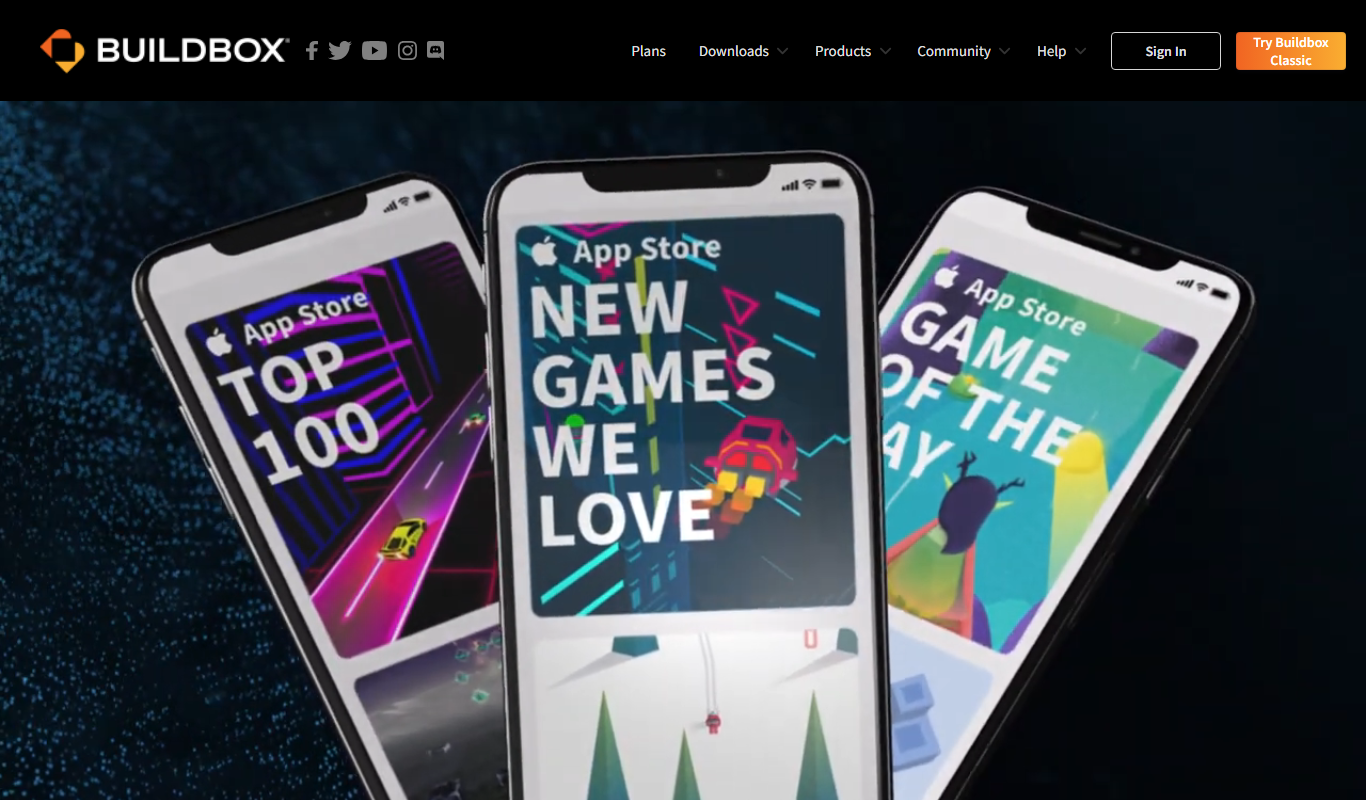
Buildbox
Buildbox is a no-code game development platform that enables users to create and publish 2D and 3D mobile games without programming by using drag-and-drop tools and pre-built assets.