

Kubera Personal Finance Tracker and Wealth Management Platform Review
Kubera is a personal finance platform that aggregates your bank accounts, investments, cryptocurrencies, and other assets into one dashboard to track your net worth and manage wealth securely.
- Best for
- Net Worth Tracking
- Key capability
- Comprehensive Asset Tracking
Save Kubera, follow its updates and vote on it — everything stays in your account.
Sign in or create a free account
What is Kubera?
Kubera is a personal finance and wealth management platform designed to help individuals track their net worth and manage diverse assets in one unified dashboard. It aggregates data from bank accounts, investment portfolios, cryptocurrencies, real estate, and other asset classes to provide a holistic financial overview. Kubera aims to simplify wealth tracking with real-time updates and multi-currency support.
Key features of Kubera
Kubera offers features such as automatic account aggregation, real-time portfolio tracking, multi-currency and cryptocurrency support, customizable financial dashboards, and secure data sharing options. It is built for users who want a comprehensive and private way to monitor their financial health.
Comprehensive Asset Tracking
Supports bank accounts, stocks, bonds, crypto, real estate, and private investments.
Multi-Currency and Crypto Support
Track assets in various currencies and cryptocurrencies seamlessly.
Real-Time Data Aggregation
Automatic syncing with financial institutions for up-to-date portfolio values.
Customizable Dashboard
Personalize views and organize assets for clarity and ease of use.
Secure Data Sharing
Share your financial information safely with family or financial advisors.
Pros and cons of Kubera
Pros
- Aggregates diverse asset types in one platform
- Supports multiple currencies and cryptocurrencies
- User-friendly and customizable dashboard
- Strong security and privacy focus
- Allows secure sharing with trusted parties
Cons
- No free plan available
- Primarily web-based with limited mobile app functionality
- Subscription cost may be high for casual users
Key use cases for Kubera
Net Worth Tracking
Track and visualize your net worth across multiple asset types including bank accounts, investments, cryptocurrencies, and real estate.
Investment Portfolio Management
Monitor diverse investment portfolios with real-time data aggregation from various financial institutions.
Financial Dashboard
Use a consolidated dashboard to get a comprehensive overview of all your financial accounts and assets in one place.
Currency and Asset Support
Manage assets in multiple currencies and track cryptocurrencies alongside traditional investments.
Estate Planning and Sharing
Share your financial data securely with family members or advisors for estate planning or collaborative wealth management.
How Kubera works
- 1
Create an Account
Sign up on Kubera’s website to start your personal finance journey.
- 2
Connect Financial Accounts
Link your bank accounts, investment platforms, crypto wallets, and other assets securely.
- 3
Customize Your Dashboard
Organize and categorize your assets to get a clear view of your net worth and portfolio.
- 4
Monitor and Update
Kubera automatically updates your financial data in real-time for accurate tracking.
- 5
Share and Collaborate
Optionally share your financial dashboard with trusted family members or advisors.
Who is using Kubera
Kubera pricing
Essentials
$250 /year
Everything except what is listed under Black.
Kubera Black
$2500 /year
For complex multi-entity wealth: Essentials plus ownership tags, nested portfolios, guided onboarding and VIP support with priority email support and 1:1 Zoom calls.
Plans and prices are as published by the vendor and can change. Check the official site before you buy. Open the pricing page (opens in a new tab)
Frequently asked questions about Kubera
Kubera uses bank-level security and encryption to protect your data and does not store your login credentials.
Yes, Kubera supports tracking of multiple cryptocurrencies alongside traditional assets.
Kubera operates on a subscription model and does not currently offer a free tier.
Yes, Kubera allows secure sharing of your dashboard with family members or advisors.
It depends on your specific needs and how you plan to use the tool. The official website and documentation are the best sources for the latest details.
It depends on your specific needs and how you plan to use the tool. The official website and documentation are the best sources for the latest details.
Conclusion
Everything a person owns and owes ends up on one balance sheet, with bank and brokerage accounts connected through multiple aggregators and Web Sync reading the numbers from institutions that do not connect. Crypto wallets and exchanges, private investments and assets such as real estate, gold or vehicles are tracked as well, with live price feeds and an AI appraiser keeping values current. Portfolios can be shared with family, advisors or accountants under granular access control, and a Dead Man’s Switch securely delivers the portfolio to chosen beneficiaries if the owner goes silent for too long.
High net worth individuals, families managing shared wealth and financial advisors are the intended users. Pricing depends on complexity rather than wealth: Essentials covers everything except the Black features, and Kubera Black adds ownership tags, nested portfolios and VIP support for complex multi-entity wealth. No free tier is offered, although a 14-day trial runs on the fully loaded version before a plan is chosen.
Sources
Sign in to review this tool.
Sign In to ReviewNo reviews yet
Be the first to share how this tool worked for you.
Ask about pricing, limits, or how it compares — or answer someone else.
Sign In to AskNo questions yet
Have a question about using or paying for this tool? Be the first to ask.
Featured on TiorAI


Alternative Tools
Explore similar AI tools that might fit your needs

YNAB
YNAB is a personal budgeting tool that uses zero-based budgeting to help users assign every dollar a job, track expenses, and achieve financial goals with real-time bank syncing and mobile apps.
More Business Management tools
Other tools in the same category, for when this one is not quite the fit.

ManageArtworks
ManageArtworks is packaging and labeling artwork management software for FMCG and pharma: approval workflows, AI proofing, DAM and pack copy management.

LetzAI
LetzAI, made in Europe, is a generative AI platform for creative professionals: generate images and video with leading AI models, edit on a timeline and collect feedback.

AppFlowy: open-source Notion alternative
AppFlowy is an AI collaborative workspace for projects, wikis and teams that can be self-hosted, with a free plan and paid plans for teams.

Appflows
AppFlows by Pocketworks is a free online tool to scope, estimate and visualise app ideas: type your app features to create visual app specifications, growth plans and mobile strategies.

GPT Builder Tools by Top Road
Top Road GPT Tools helps builders turn custom GPTs into a business: add subscriptions, capture leads and track analytics in the OpenAI GPT Store without coding.

Fibery
Fibery is an all-in-one customizable work management platform that integrates project management, knowledge management, and team collaboration into a single workspace.
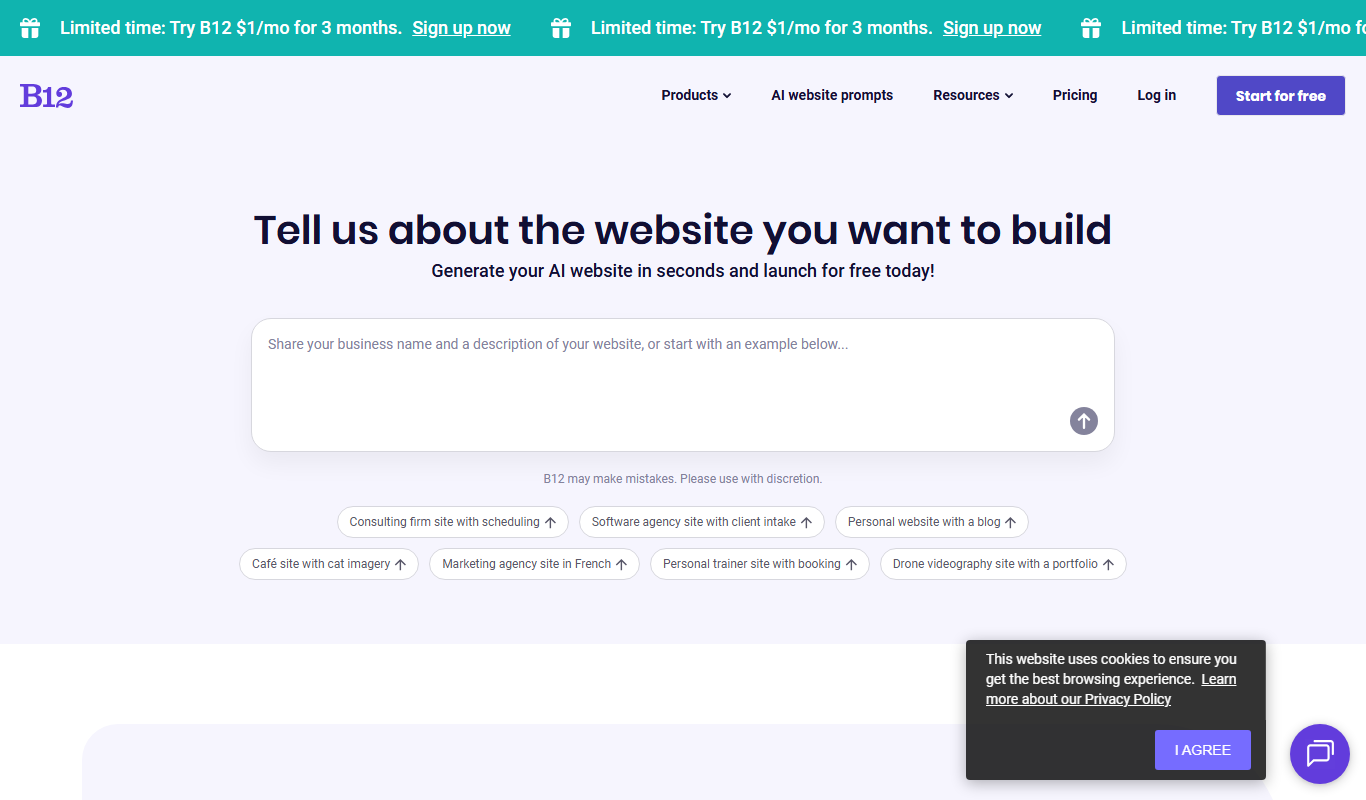
B12.io
B12 is an AI website builder that turns a description into a website, store or web app, with a free plan and optional expert setup.

Reetail
Reetail is a Stripe app that turns a Stripe account into an online store for small businesses, with a custom domain, local pickup and 0% transaction fees.