

From my experience with KickRender, I found it excels at dramatically reducing 3D animation rendering times by leveraging AI and cloud infrastructure. This makes it particularly well-suited for animators and video producers who need fast turnaround without investing in expensive hardware. The web-based interface is straightforward, allowing users to upload projects and get results quickly. However, the pricing details are somewhat opaque without direct inquiry, and the platform currently supports only English, which may limit accessibility for some users. Overall, if you require efficient cloud rendering for 3D video projects, KickRender offers a compelling solution.
KickRender AI Video Rendering Platform for Fast 3D Animation Creation
KickRender is a cloud-based AI video rendering platform that enables fast, high-quality 3D animation rendering without the need for powerful local hardware.
- Best for
- 3D Animation Rendering
- Key capability
- AI-Powered Cloud Rendering
Your actions
Save KickRender, follow its updates and vote on it — everything stays in your account.
Sign in or create a free account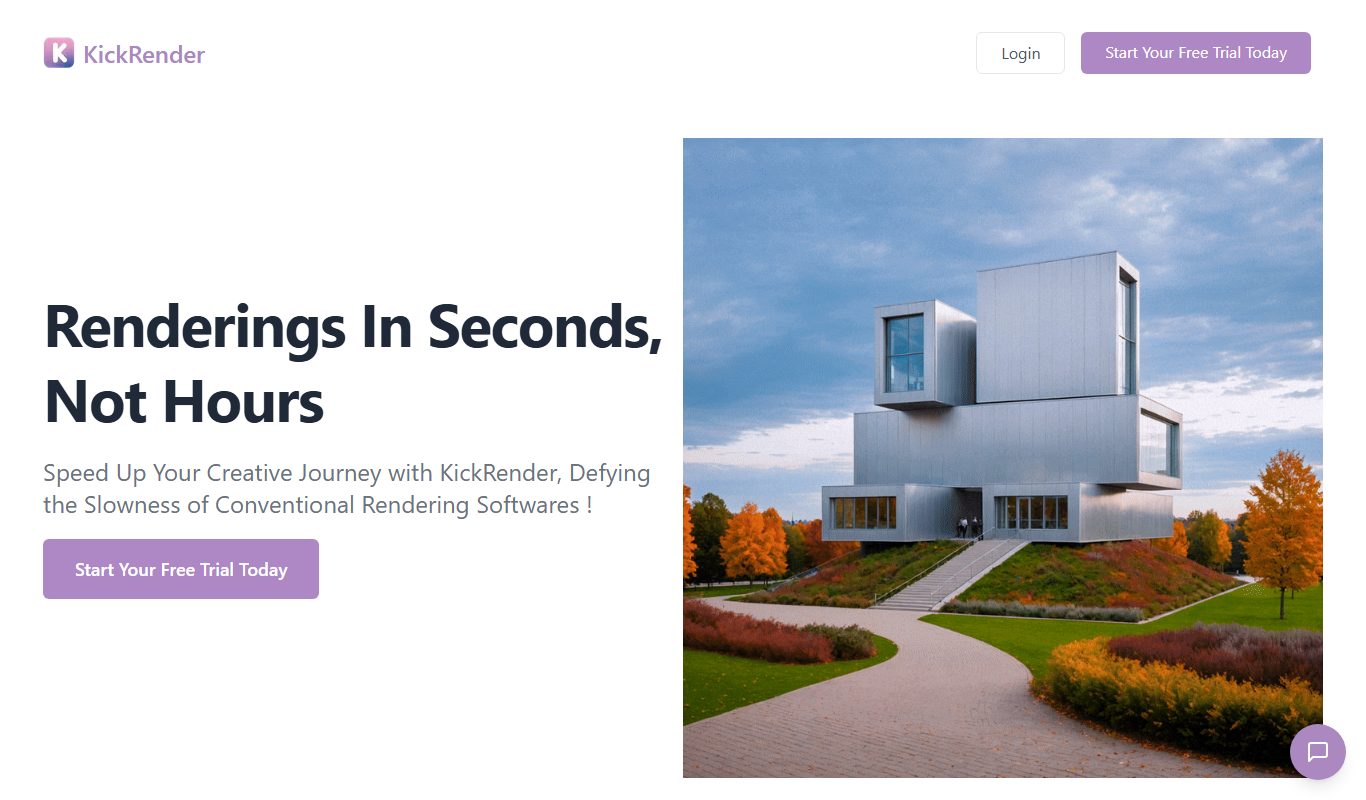
What is KickRender?
KickRender is an AI-powered cloud rendering platform designed to accelerate the production of 3D animations and videos. It enables users to upload their 3D projects and leverage powerful cloud servers to render high-quality videos quickly without the need for expensive local hardware. The platform focuses on simplifying and speeding up the rendering process for creators, marketers, and video producers.
Key features of KickRender
KickRender offers fast cloud rendering, AI optimization for rendering tasks, support for various 3D formats, and an easy-to-use web interface. It provides scalable rendering power to handle complex animations efficiently and delivers outputs suitable for professional video production.
AI-Powered Cloud Rendering
Utilizes AI to optimize rendering tasks and speed up video production in the cloud.
Support for Multiple 3D Formats
Compatible with common 3D animation file types to ensure broad usability.
User-Friendly Web Interface
Simple and intuitive platform accessible via web browser without software installation.
Scalable Rendering Resources
Cloud infrastructure scales to handle projects of varying complexity efficiently.
Fast Turnaround Times
Significantly reduces rendering time compared to traditional local rendering.
Pros and cons of KickRender
Pros
- Speeds up 3D animation rendering with AI and cloud technology
- No need for expensive local hardware
- User-friendly web interface
- Scalable resources for different project sizes
Cons
- Pricing details are not fully transparent without contacting sales
- Limited information on supported 3D file formats publicly available
- Currently only available in English
Key use cases for KickRender
3D Animation Rendering
Create and render high-quality 3D animations quickly using AI-powered cloud rendering.
Video Production
Produce professional videos with fast turnaround times for marketing, presentations, and social media.
Cloud Rendering Services
Leverage cloud infrastructure to offload heavy rendering tasks without needing powerful local hardware.
Creative Content Development
Enable artists and creators to experiment and iterate rapidly on 3D video projects.
How KickRender works
- 1
Sign Up
Create an account on KickRender’s website to access the platform.
- 2
Upload 3D Project
Upload your 3D animation files or projects to the cloud platform.
- 3
Configure Rendering Settings
Select desired output formats, resolution, and rendering parameters.
- 4
Start Rendering
KickRender processes your project using AI-enhanced cloud servers for fast rendering.
- 5
Download Output
Once rendering is complete, download the final video or animation files.
Who is using KickRender
3D animators and artists
Video production professionals
Marketing teams creating video content
Small studios without powerful rendering hardware
Content creators needing fast video turnaround
KickRender pricing
Free Trial
$0
Limited access to test rendering capabilities with usage restrictions.
Subscription
Varies
Paid plans offering higher rendering quotas, priority processing, and advanced features.
Plans and prices are as published by the vendor and can change. Check the official site before you buy. Open the pricing page (opens in a new tab)
Frequently asked questions about KickRender
KickRender supports common 3D animation file formats, including those from popular 3D software, though specific supported formats should be confirmed on their website.
No, KickRender uses cloud servers for rendering, so you only need an internet connection and a web browser.
Rendering speed depends on project complexity and selected plan, but KickRender uses AI and cloud resources to significantly reduce rendering times.
Yes, KickRender offers a free trial with limited usage to test the platform.
It depends on your specific needs and how you plan to use the tool. The official website and documentation are the best sources for the latest details.
It depends on your specific needs and how you plan to use the tool. The official website and documentation are the best sources for the latest details.
It depends on your specific needs and how you plan to use the tool. The official website and documentation are the best sources for the latest details.
Sign in to review this tool.
Sign In to ReviewNo reviews yet
Be the first to share how this tool worked for you.
Ask about pricing, limits, or how it compares — or answer someone else.
Sign In to AskNo questions yet
Have a question about using or paying for this tool? Be the first to ask.
Featured on TiorAI



More AI Animation & Motion Tools tools
Other tools in the same category, for when this one is not quite the fit.

Free
LivePortrait
LivePortrait is an AI-driven web tool that animates static portrait photos into realistic videos by applying facial movements and expressions using deep learning.

Subscription
Virbo AI Talking Photo
Virbo AI Talking Photo is an app that uses AI to animate static photos by syncing facial movements with voice recordings or text-to-speech audio, enabling users to create talking pictures and videos easily on web and mobile platforms.
Free Trial
Boords
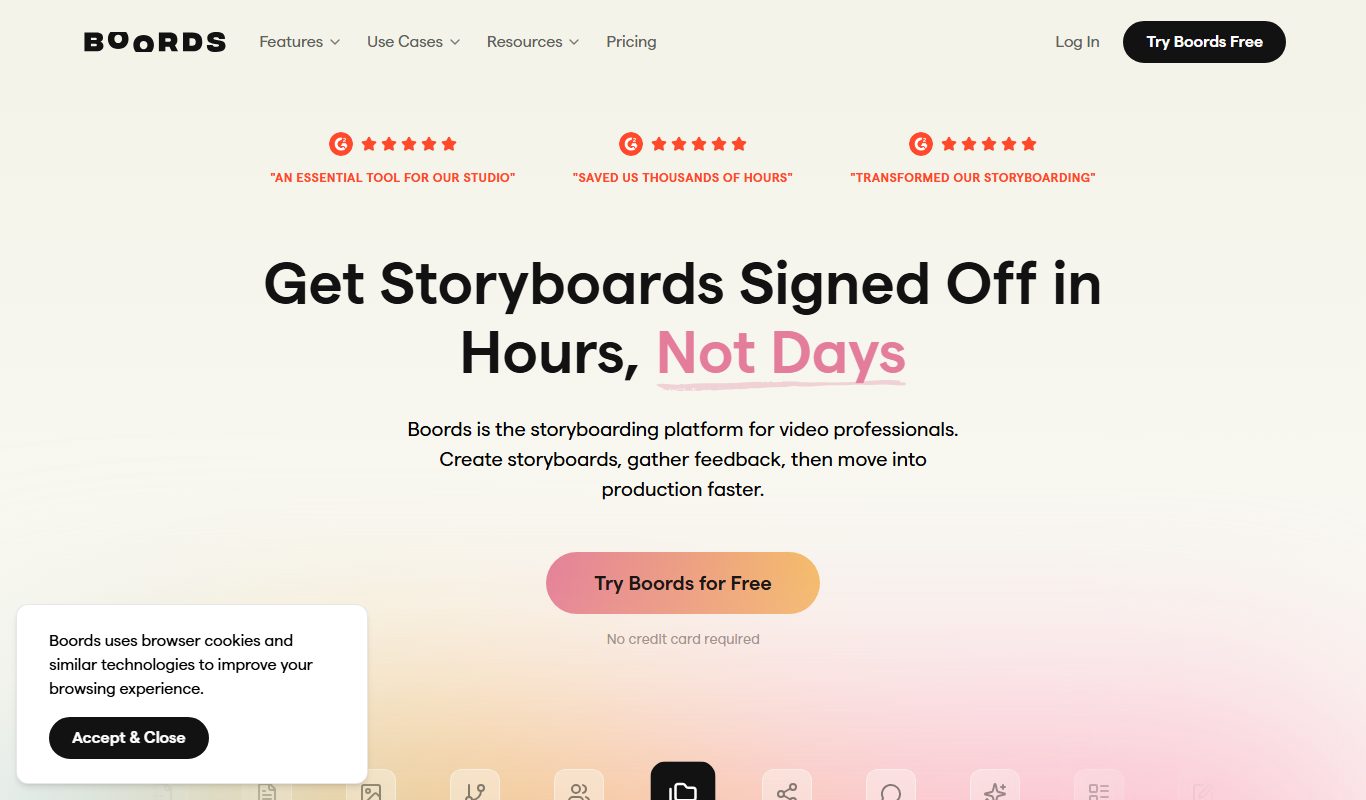
Boords is an online storyboarding software that helps video and animation teams create, collaborate on, and export detailed storyboards to streamline pre-production workflows.

Free
Plask
Plask is a web-based AI motion capture platform that turns any video into 3D animation, with no suits or sensors required, and exports it to 3D tools and game engines.

Freemium
Artflow ai
Artflow is an AI identity platform where Artflow Actors generate photos and videos that actually look like the user.
Custom Pricing
move.ai
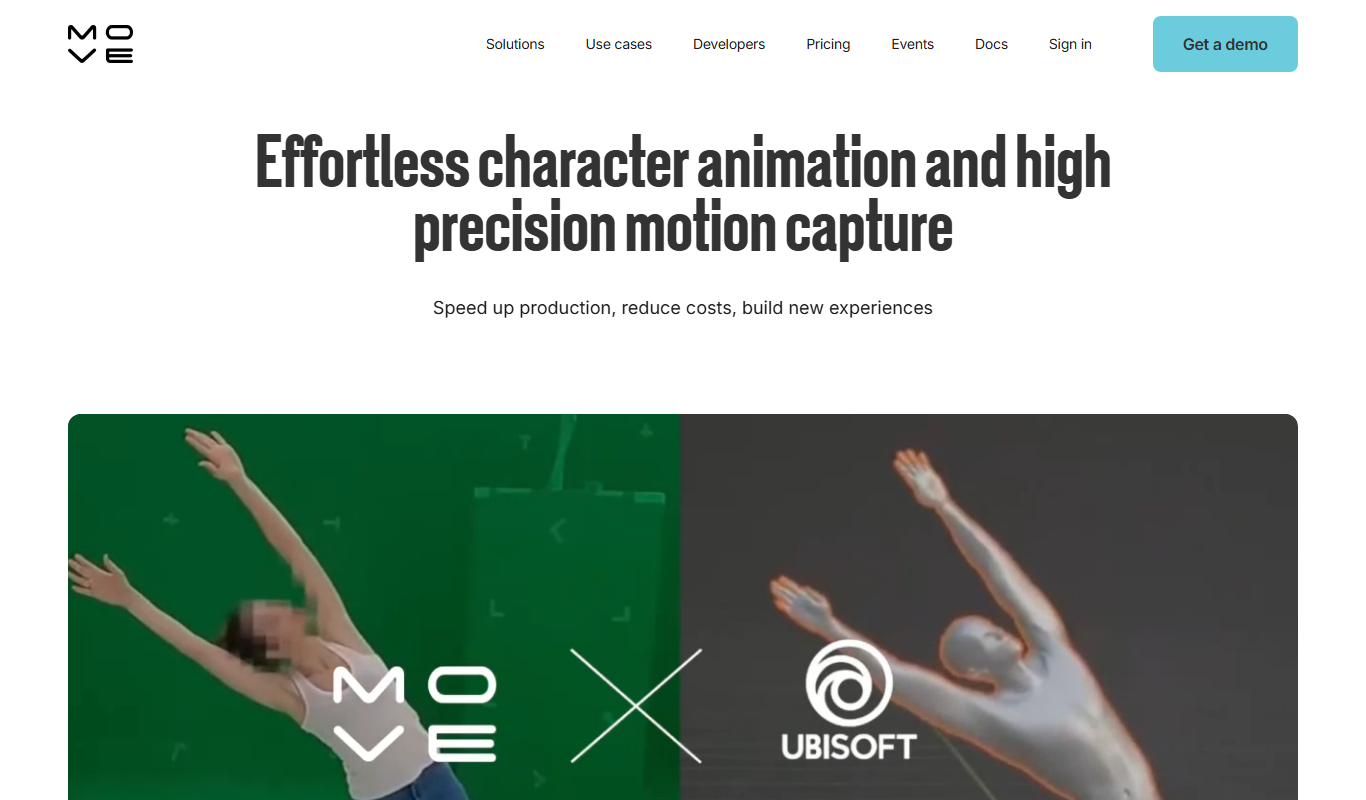
Move.ai is an AI-driven markerless motion capture software that converts standard video footage into 3D animation data, streamlining animation and visual effects production without specialized hardware.

Free
AI CSS Animations
AI CSS Animations is a free online tool that helps web designers and developers generate customizable CSS animation code quickly without manual coding.

Free Trial
Drawings Alive
Drawings Alive is an interactive animation software that allows users to animate drawings and images with interactive hotspots and synchronized audio, ideal for educational and marketing content creation.