

KardsAI Instant Flashcards App for Efficient Mobile Learning and Study
KardsAI is an AI flashcard maker that turns PDFs, notes, images and prompts into flashcards for study with spaced repetition, on iOS, Android and the web.
- Best for
- Language Learning
- Key capability
- AI-Powered Flashcard Generation
Save KardsAI – Instant Flashcards Mobile App, follow its updates and vote on it — everything stays in your account.
Sign in or create a free account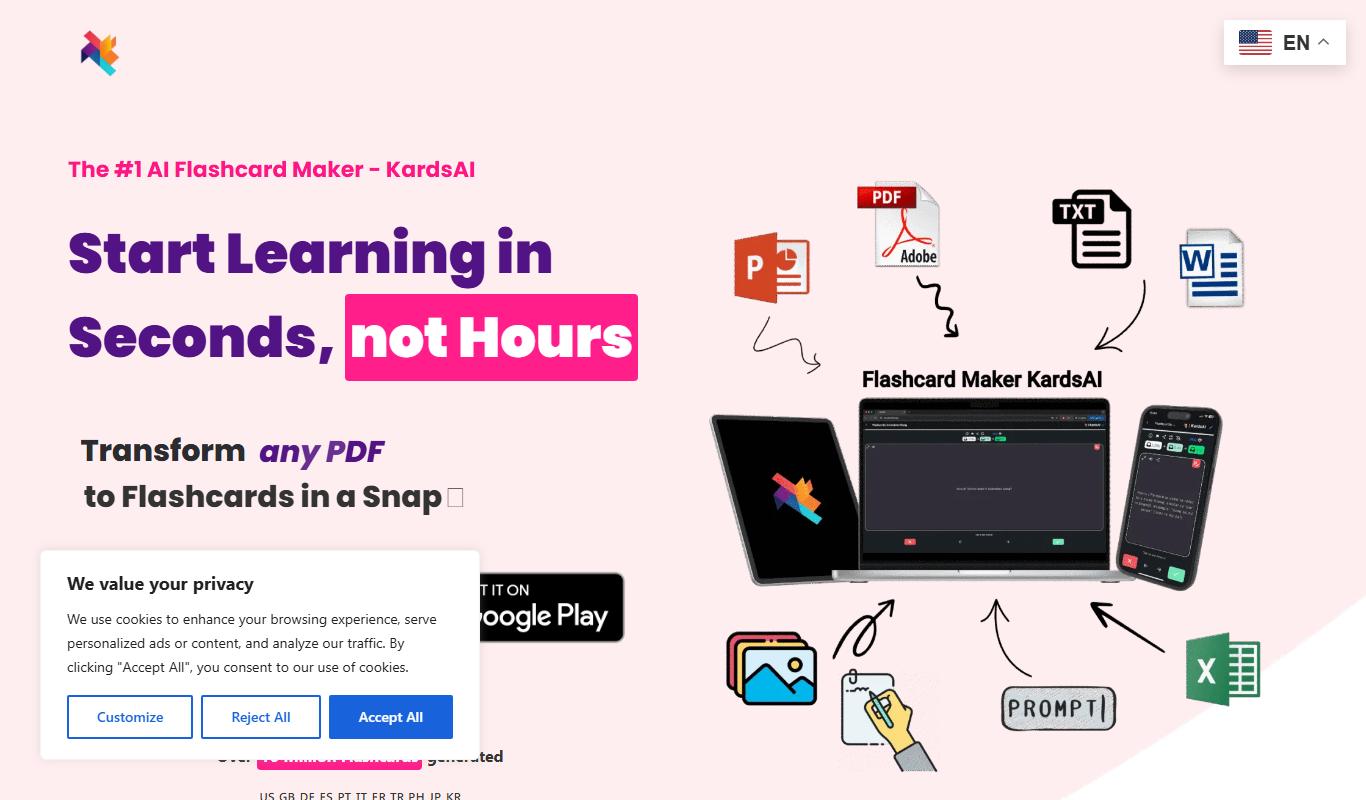
What is KardsAI – Instant Flashcards Mobile App?
KardsAI is an AI flashcard maker that turns PDFs, notes, images and prompts into flashcards, quizzes and AI tutor sessions, with spaced repetition for review. It is available on iOS, Android and the web.
Key features of KardsAI – Instant Flashcards Mobile App
KardsAI offers instant flashcard creation, AI-assisted content generation, customizable decks, spaced repetition scheduling, and a user-friendly mobile interface to facilitate effective learning and memorization.
AI-Powered Flashcard Generation
Automatically generate flashcards from text input to save time and improve study efficiency.
Spaced Repetition Scheduling
Optimize memorization by reviewing flashcards at scientifically proven intervals.
Customizable Decks and Cards
Personalize flashcards with images, text, and formatting to suit individual learning styles.
Mobile-Optimized Interface
Study conveniently on smartphones with an intuitive and responsive design.
Progress Tracking
Monitor your learning progress and retention rates through built-in analytics.
Pros and cons of KardsAI – Instant Flashcards Mobile App
Pros
- Quick AI-assisted flashcard creation saves time
- Effective spaced repetition improves retention
- User-friendly mobile interface for studying anywhere
- Affordable premium plan with useful extras
Cons
- Limited offline functionality in free version
- No desktop or web app currently available
- Import options could be expanded
Key use cases for KardsAI – Instant Flashcards Mobile App
Language Learning
Use KardsAI to create and review flashcards for vocabulary and grammar practice on the go.
Exam Preparation
Prepare for exams by organizing study materials into flashcards for efficient memorization.
Professional Development
Enhance knowledge retention for certifications or job-related skills using personalized flashcards.
General Knowledge Building
Build and maintain knowledge in various subjects through quick and easy flashcard reviews.
How KardsAI – Instant Flashcards Mobile App works
- 1
Download and Install
Get the KardsAI app from the iOS App Store or Google Play Store and install it on your mobile device.
- 2
Create or Import Flashcards
Instantly create new flashcards using AI assistance or import existing study materials.
- 3
Organize into Decks
Group flashcards into customizable decks based on subjects or topics.
- 4
Study and Review
Use the app’s spaced repetition system to review flashcards effectively and track progress.
Who is using KardsAI – Instant Flashcards Mobile App
KardsAI – Instant Flashcards Mobile App pricing
Free
$0
PDF to Flashcards (3 Pages), Text to Flashcards (2000 Words) and Prompt to Flashcards (25 Kards).
Pro Subscription
$5.99 monthly
PDF to Flashcards (50 Pages), Text to Flashcards (20.000 Words), Prompt to Flashcards (100 Kards), a read out loud feature and no ads.
Plans and prices are as published by the vendor and can change. Check the official site before you buy. Open the pricing page (opens in a new tab)
Frequently asked questions about KardsAI – Instant Flashcards Mobile App
Yes, KardsAI is available for download on both the iOS App Store and Google Play Store.
Yes, KardsAI lets you study online or offline.
Currently, KardsAI supports importing flashcards via text input and common file formats.
The AI analyzes your input text and automatically generates relevant question-answer flashcards to speed up study preparation.
Yes, it can help with that use case depending on how you configure it and what features are available. You’ll get the best results with clear inputs and a defined goal.
Some tools offer a free plan or trial with limited features. Availability can vary, so confirm on the official website.
Yes, it can help with that use case depending on how you configure it and what features are available. You’ll get the best results with clear inputs and a defined goal.
Conclusion
Material can be a document such as a PDF or PowerPoint file, pasted or photographed notes, or simply a prompt, and it becomes a deck of editable cards. Practice then moves between cards, multiple choice, true or false, matching games and an AI Tutor that runs an interactive voice session on the user’s own deck. Spaced repetition and progress tracking keep weak cards in focus.
Students preparing for exams and language learners are its main audience, alongside lifelong learners. It is available on iOS, Android and the web. Nearly all features can be used for free, though the free plan limits PDF to Flashcards to 3 pages and Text to Flashcards to 2000 words, while the monthly or yearly Pro Subscription raises those limits and removes all ads.
Sources
Sign in to review this tool.
Sign In to ReviewNo reviews yet
Be the first to share how this tool worked for you.
Ask about pricing, limits, or how it compares — or answer someone else.
Sign In to AskNo questions yet
Have a question about using or paying for this tool? Be the first to ask.
Featured on TiorAI



Alternative Tools
Explore similar AI tools that might fit your needs

Anki
Anki is an open-source spaced repetition flashcard program that helps users memorize information efficiently by scheduling reviews at optimal intervals to enhance long-term retention.

Brainscape
Brainscape is a flashcard-based study app that uses spaced repetition to help users learn and retain information efficiently across various subjects.
More AI Education & Learning Tools tools
Other tools in the same category, for when this one is not quite the fit.
SuperQuiz
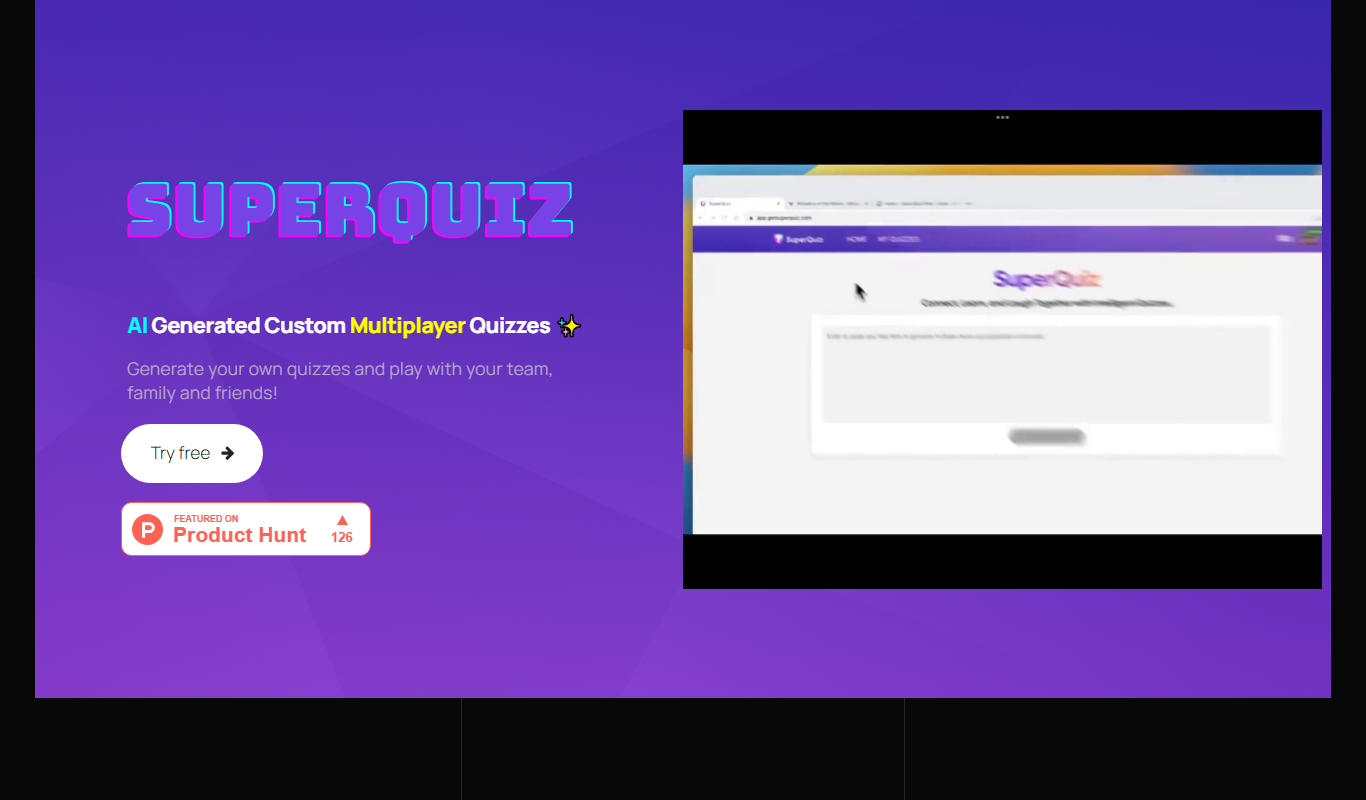
SuperQuiz generates custom multiplayer quizzes with AI so you can play with your team, family and friends, with answers given by scanning a QR code.

Planit Teachers
Planit Teachers generates lesson plans, slide decks, worksheets and marking feedback for primary and secondary teachers, aligned to the National Curriculum.

PIXTA AI – AI/ML Training data service
PIXTA AI is a service that provides custom annotated datasets and data labeling solutions to help train AI and machine learning models effectively.

QuizRise
QuizRise is an AI quiz generator that creates quizzes from content; the free plan allows 3 quizzes per month with 20 questions.

Create my test
Create My Test converts a document to a test with AI, and the site offers free registration.
whizz.com
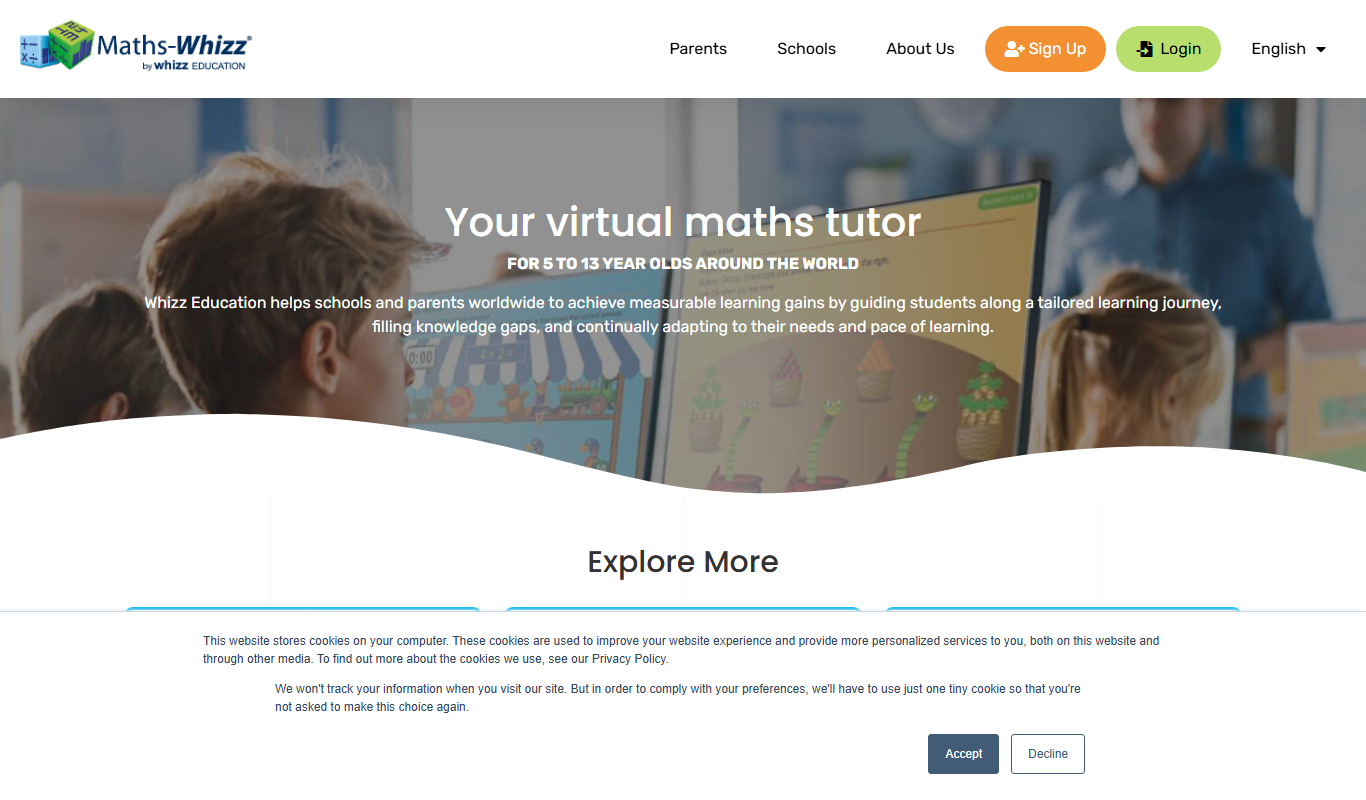
Whizz.com is an adaptive online math tutoring platform for children aged 5-13 that personalizes lessons based on student ability and provides progress tracking for parents and teachers.
alevels.ai
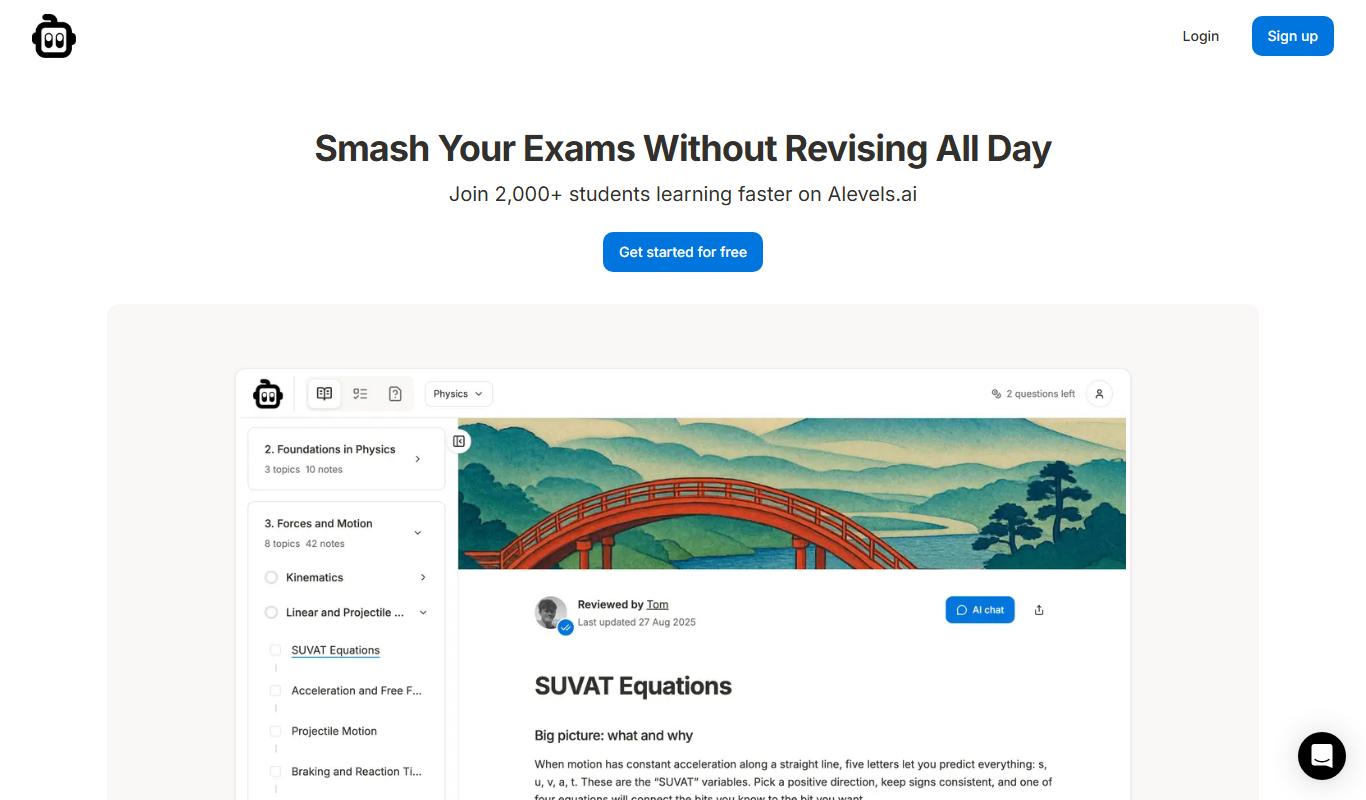
alevels.ai is an AI-driven platform that helps A-Level students prepare for exams through personalized study plans, AI-generated practice questions, and instant doubt resolution.

Yeti Confetti Kids by Lirvana Labs
Yeti Confetti Kids by Lirvana Labs is an educational app with a curriculum of English, Math and Social Emotional Learning generated by AI.