

From my experience with Brainscape, I found it excels at applying spaced repetition to make study sessions more efficient and effective. The platform’s clean interface and availability of expert-created flashcard decks make it easy to get started quickly. It’s particularly well-suited for students, language learners, and professionals preparing for exams who need to retain large amounts of information over time. However, offline access and some advanced features require a paid subscription, which may be a limitation for casual users. Overall, if you want a scientifically backed flashcard tool that syncs across devices, Brainscape delivers solid results.
Brainscape Flashcards App for Efficient Learning and Study Retention
Brainscape is a flashcard-based study app that uses spaced repetition to help users learn and retain information efficiently across various subjects.
- Best for
- Efficient Study Sessions
- Key capability
- Spaced Repetition Algorithm

Do you recommend this tool?
What is Brainscape?
Brainscape is a web and mobile flashcard platform that uses cognitive science principles, specifically spaced repetition, to help learners study more effectively. It allows users to create, share, and study flashcards across various subjects, improving knowledge retention by repeating information at scientifically optimized intervals.
Key features of Brainscape
Brainscape offers customizable flashcards, expert-created decks, progress tracking, and a spaced repetition algorithm that adapts to the learner’s pace. It supports syncing across devices and collaborative study features.
Spaced Repetition Algorithm
Optimizes review timing to enhance long-term memory retention.
Custom Flashcard Creation
Allows users to build personalized flashcards with text, images, and audio.
Expert-Created Decks
Access a wide range of professionally designed flashcard sets across subjects.
Cross-Platform Syncing
Seamlessly sync your progress across web, iOS, and Android devices.
Progress Tracking and Analytics
Visualize your learning trends and identify areas needing improvement.
Pros and cons of Brainscape
Pros
- Effective spaced repetition system
- Large library of expert flashcard decks
- Cross-device syncing
- User-friendly interface
- Customizable flashcards with multimedia
Cons
- Limited offline access without subscription
- Some advanced features require Pro plan
Key use cases for Brainscape
Efficient Study Sessions
Use Brainscape's flashcards with spaced repetition to optimize study time and improve retention.
Exam Preparation
Prepare for standardized tests and exams by accessing expert-created flashcard decks or creating your own.
Language Learning
Enhance vocabulary and grammar skills in new languages through interactive flashcards.
Professional Training
Use Brainscape for ongoing professional development and certification study.
Classroom Support
Teachers can create and share flashcard decks to support classroom learning and homework.
How Brainscape works
- 1
Create or Choose Flashcards
Users can create their own flashcards or select from thousands of expert-made decks.
- 2
Study with Spaced Repetition
Brainscape schedules flashcard reviews based on your confidence level to maximize retention.
- 3
Track Progress
Monitor your learning progress and adjust study focus based on performance analytics.
Who is using Brainscape
Students preparing for exams
Language learners
Teachers and educators
Professionals studying certifications
Lifelong learners
Brainscape pricing
Free
$0/month
Access to basic flashcards and limited decks with ads.
Pro
$9.99/month
Unlimited access to all decks, offline study, and ad-free experience.
Plans and prices are as published by the vendor and can change. Check the official site before you buy. Open the pricing page (opens in a new tab)
Frequently asked questions about Brainscape
Brainscape is a flashcard-based learning platform that uses spaced repetition to help users study more efficiently.
Offline study is available with the Pro subscription on mobile apps.
Yes, Brainscape supports flashcards for a wide range of subjects and topics.
It schedules flashcard reviews at increasing intervals based on your confidence to improve memory retention.
It depends on your specific needs and how you plan to use the tool. The official website and documentation are the best sources for the latest details.
Some tools offer a free plan or trial with limited features. Availability can vary, so confirm on the official website.
Yes, it can help with that use case depending on how you configure it and what features are available. You’ll get the best results with clear inputs and a defined goal.
Yes, it can help with that use case depending on how you configure it and what features are available. You’ll get the best results with clear inputs and a defined goal.
Sign in to review this tool.
Sign In to ReviewNo reviews yet
Be the first to share how this tool worked for you.
Ask about pricing, limits, or how it compares — or answer someone else.
Sign In to AskNo questions yet
Have a question about using or paying for this tool? Be the first to ask.
Featured on TiorAI



Alternative Tools
Explore similar AI tools that might fit your needs

Free
Anki
Anki is an open-source spaced repetition flashcard program that helps users memorize information efficiently by scheduling reviews at optimal intervals to enhance long-term retention.
More AI Education tools
Other tools in the same category, for when this one is not quite the fit.

Freemium
Khanmigo
Khanmigo is Khan Academy’s AI chat-based tutor that provides personalized educational support in subjects like math, coding, and writing through interactive conversations.

Freemium
Simpleclub
Simpleclub is an educational platform providing interactive video lessons and personalized learning tools primarily for secondary school students, helping them understand school subjects and prepare for exams.
Free Trial
Makeblock
Makeblock is an educational robotics platform offering modular kits and programming software to teach coding and STEAM concepts to learners of all ages.

Subscription
Achieve3000
Achieve3000 is an adaptive online literacy platform that personalizes nonfiction reading content for K-12 students to improve reading comprehension and supports educators with progress monitoring tools.

Paid
Endless Alphabet
Endless Alphabet is an interactive educational app designed for children aged 3-6 to learn the alphabet, phonics, and vocabulary through engaging puzzles and animations.
Free
AnkiWeb
AnkiWeb is a free web-based platform that enables users to create, study, and sync flashcards using spaced repetition to improve memory retention.
Free Trial
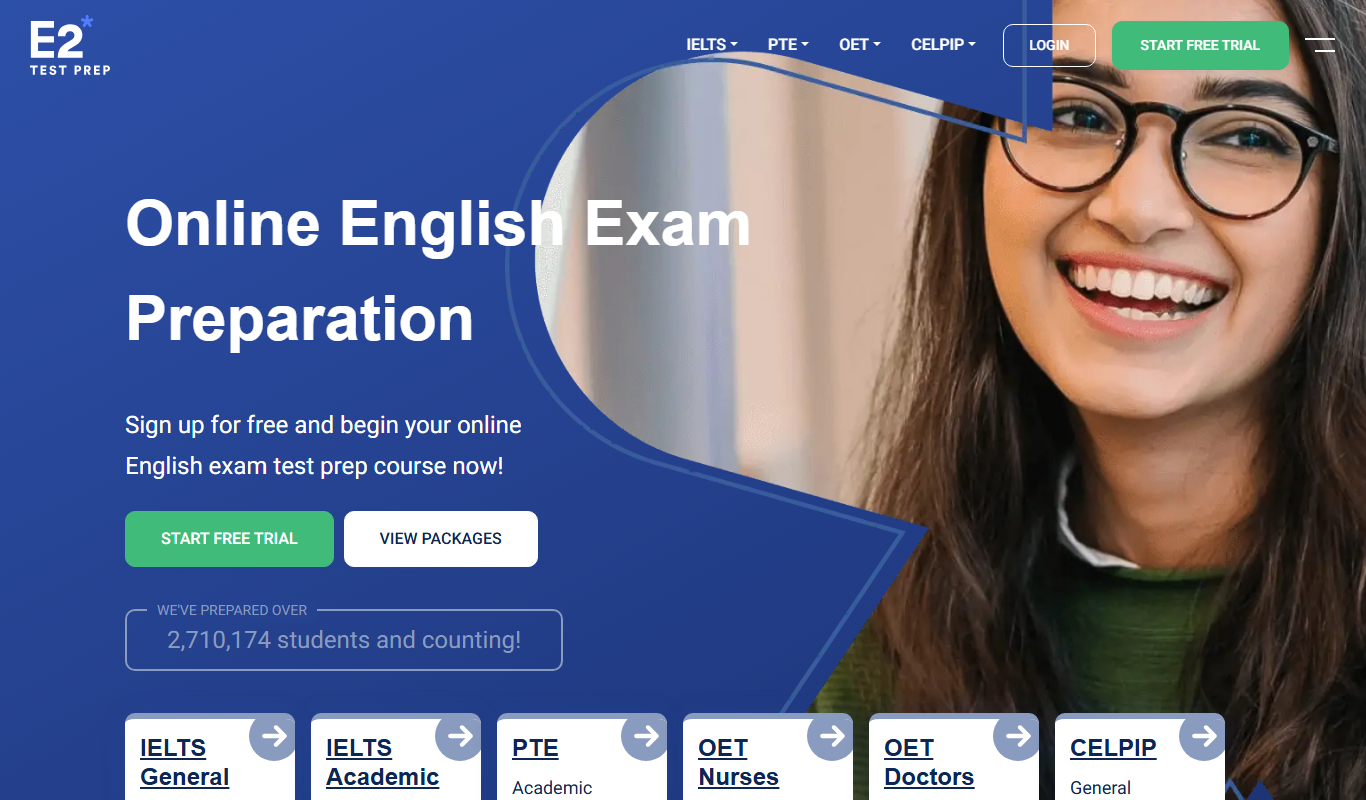
E2Language
E2Language is an online platform offering comprehensive preparation courses for IELTS, PTE, and TOEFL exams, featuring AI-powered speaking practice and personalized writing correction.

Free
Seneca Learning
Seneca Learning is an AI-powered online platform that helps students revise school subjects through interactive quizzes, summaries, and personalized learning paths aligned with UK curricula.