

Itsimple AI Bookmark Manager, Note Taking App and Link in Bio
Itsimple AI is an AI powered bookmark manager, note taking app and link in bio that automatically organizes your links, notes, photos and texts.
- Best for
- Bookmarking
- Key capability
- Automatic tagging
Save Itsimple AI, follow its updates and vote on it — everything stays in your account.
Sign in or create a free account

What is Itsimple AI?
Itsimple AI is an AI powered bookmark manager, note taking app and link in bio. You store thoughts, notes, photos, texts and links, and Itsimple automatically categorises and tags them so you can find them later or share them as collections.
Key features of Itsimple AI
Itsimple AI saves links, notes, images and texts, tags and categorises them automatically, organises cards into collections, finds them by associated words and shares collections at a permanent address.
Automatic tagging
Natural language processing and image recognition apply the right categories and tags to what you save.
One-click browser extension
Save a page with a single click using the browser extension.
Collections
Organise your cards into collections.
Search
Find an item even if you don't remember it exactly by typing associated words.
Shareable collections
Share a collection and get a permanent address to link it anywhere.
Pros and cons of Itsimple AI
Pros
- No ads, and your data is not sold to 3rd parties
- Free Starter plan
- Extensions for Chrome, Safari and Edge
- AI suggested tags and AI image tagging
Cons
- Starter is limited to 150 cards (up to 350 with invites) and 5 collections
- No mobile app available, web-only platform
Key use cases for Itsimple AI
Bookmarking
Save web pages with a single click and have them tagged automatically.
Note taking
Store thoughts, notes, photos and texts.
Link in bio
Share extra content in your link in bio.
Trip lists
Share a list of places to visit on your next trip.
Image collections
Save images and let AI image tagging organise them.
How Itsimple AI works
- 1
Sign up free
Start on the free Starter plan.
- 2
Install the extension
Download the extension for Chrome, Safari or Edge.
- 3
Save something
Save a link, a note, an image or a text.
- 4
Let it organise
Itsimple automatically categorises and tags it for you.
- 5
Find and share
Find items by typing associated words and share collections.
Who is using Itsimple AI
Itsimple AI pricing
Starter
Free
150 cards (up to 350 with invites), 5 collections, AI suggested tags, AI image tagging and 10 Itsimple Mate prompts a month.
Unlimited
$9.99 per month (save 40% on the yearly plan)
Unlimited cards, collections and Itsimple Mate prompts, plus AI suggested tags and AI image tagging.
Plans and prices are as published by the vendor and can change. Check the official site before you buy. Open the pricing page (opens in a new tab)
Frequently asked questions about Itsimple AI
An AI powered bookmark manager, note taking app and link in bio that automatically organizes your thoughts, notes, photos, texts and links.
It applies natural language processing, image recognition and other tools to apply the right categories and tags.
Chrome, Safari and Edge, through the browser extension.
Yes. The Starter plan is free with 150 cards (up to 350 with invites) and 5 collections.
Collecting, organising and sharing links, notes, images and texts.
Yes. Share a collection and get a permanent address to link it anywhere.
No. There are no ads, and your data is not sold to 3rd parties.
Conclusion
Saving is a single action: a link, note, image or text goes in, and natural language processing and image recognition apply categories and tags automatically. Pages can be saved with one click from the browser extension for Chrome, Safari or Edge. Finding something later works by typing associated words, even when the item is not remembered exactly.
Cards can be grouped into collections, and a shared collection gets a permanent address that can go in a link in bio. There are no ads, and data is not sold to 3rd parties. The free Starter plan holds 150 cards (up to 350 with invites) and 5 collections, while the paid Unlimited plan removes those limits.
Sources
Sign in to review this tool.
Sign In to ReviewNo reviews yet
Be the first to share how this tool worked for you.
Ask about pricing, limits, or how it compares — or answer someone else.
Sign In to AskNo questions yet
Have a question about using or paying for this tool? Be the first to ask.
Featured on TiorAI



More AI Productivity Tools tools
Other tools in the same category, for when this one is not quite the fit.
Mapify
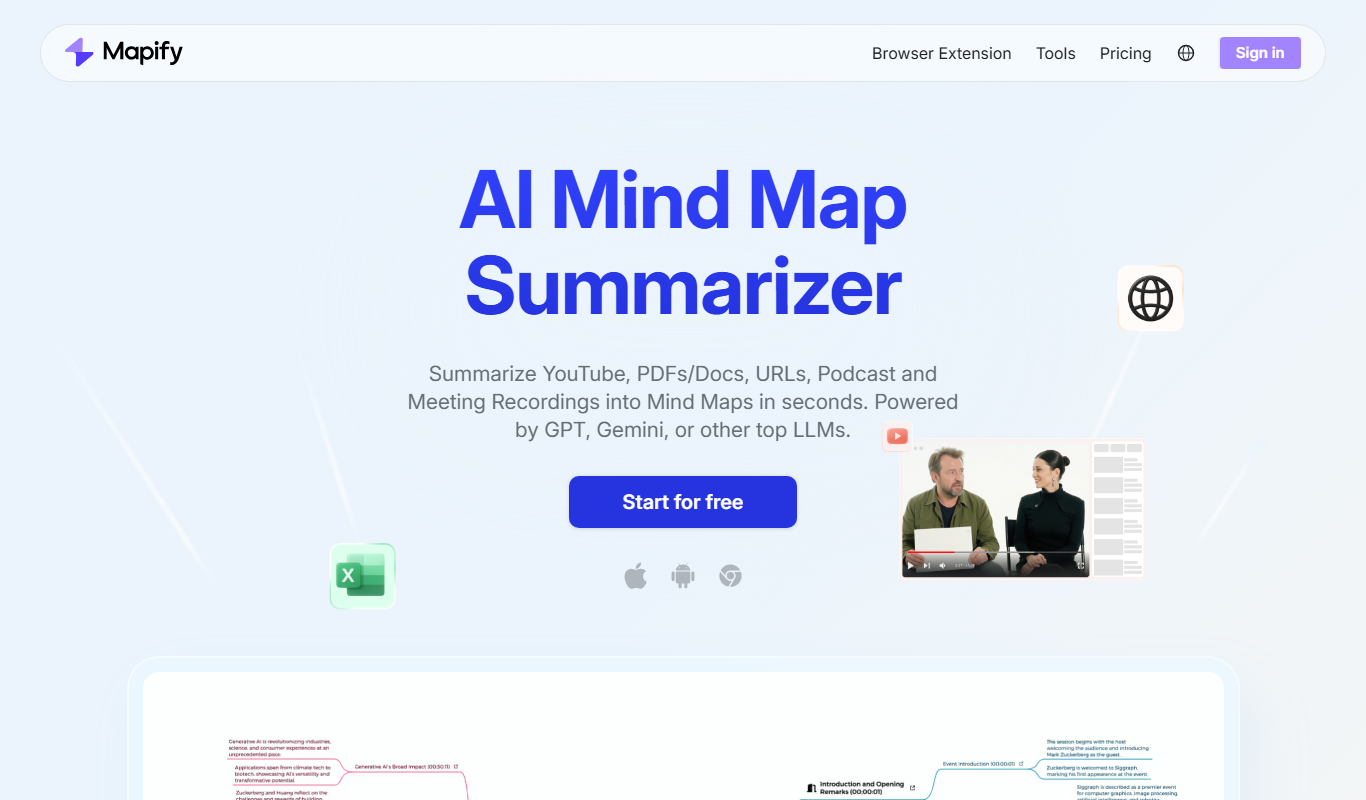
Mapify is an AI mind map summarizer that turns PDFs, YouTube videos, webpages and recordings into structured mind maps.

ConceptMap AI
ConceptMap AI turns a PDF, lecture notes or a long ChatGPT chat into a mindmap that can be walked through node by node in Present mode.

Parcae: AI Mind Map Creator
Parcae is an AI-powered mobile mind mapping app that instantly transforms typed, pasted or dictated text into a mind map.

shutu.cn
TreeMind on shutu.cn is an AI mind mapping tool that turns a sentence, an image or a document into an editable mind map, with apps for desktop and mobile.

WiseMap.ai
WiseMap.ai is an AI-driven mind mapping tool that helps users generate, organize, and collaborate on ideas visually, enhancing creativity and productivity.

Live Minder
Live Minder shows your Apple Reminders and to-do lists on the Lock Screen, Always On Display and Dynamic Island, and can generate lists with ChatGPT.

smudge.ai
Smudge.ai is a Chrome extension that gives you ChatGPT-powered shortcuts in your right-click menu to summarize, correct, refine or translate text on any web page.

Rhythmic
Rhythmic is an AI copilot for product managers that turns briefs, epics and user stories into prioritized plans, estimates work and syncs with Jira and Azure DevOps.