

Intelswift AI customer service platform for contact centers
Intelswift is AI customer service software with AI agents, a chatbot, a multichannel shared inbox, ticketing and an AI voice bot.
- Best for
- Automated customer support
- Key capability
- AI agents
Save Intelswift, follow its updates and vote on it — everything stays in your account.
Sign in or create a free account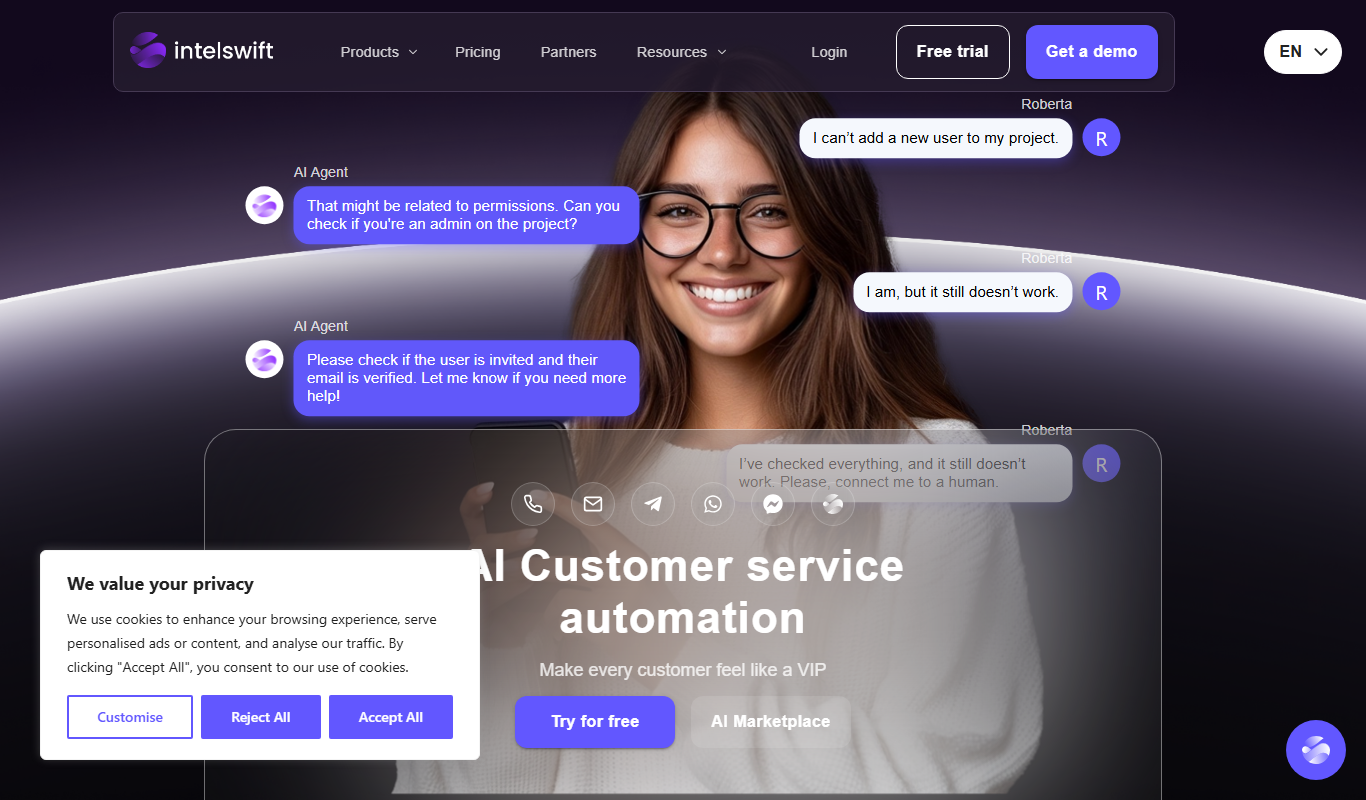

What is Intelswift?
Intelswift is AI-powered customer service software for contact centers. Its AI agents and chatbot answer customers, transfer them to a human agent and take actions such as checking product availability or processing orders, while a shared inbox brings requests from email, Telegram, WhatsApp, Messenger, Viber and voice into one place, alongside ticketing, a knowledge base, an AI assistant for agents and an AI voice bot.
Key features of Intelswift
AI agents and an AI chatbot trained on company data, a shared inbox for email, Telegram, WhatsApp, Messenger, Viber and calls, a ticket system, a knowledge base, an AI assistant for operators, an AI voice bot, analytics and over 140 integrations.
AI agents
AI agents answer customers, transfer them to a human agent and check product availability or process orders on the website.
Shared inbox
One inbox for email, Telegram, WhatsApp, Messenger, Viber and voice calls.
AI assistant (Copilot)
Drafts standard replies, refines tone and structures information for operators.
AI voice bot
Answers calls, consults customers and routes calls to the appropriate specialist.
Pros and cons of Intelswift
Pros
- Over 140 integrations
- AI agents trained on your own instructions, PDF files or website
- Supports 30+ languages
Cons
- Pricing details are not publicly available, requiring direct contact
- Limited information on standalone user interface or self-service tools
Key use cases for Intelswift
Automated customer support
Automate routine tasks and handle more inquiries with AI agents and a chatbot.
Multichannel inbox
Bring requests from Viber, Telegram, email and website live chat into one system.
Ticket routing
The chatbot analyzes each request and forwards it to the specialist with the right expertise.
Phone support
An AI voice bot answers calls and routes them to the appropriate specialist.
How Intelswift works
- 1
Create an AI agent
Create the agent in the dashboard and choose its name, avatar and communication style.
- 2
Train it on your data
Upload instructions or PDF files, or provide a link to your website.
- 3
Set languages and channels
Specify the languages the agent should speak and select the channels to connect.
- 4
Configure actions
Decide when the AI can act independently and when it should involve a human.
Who is using Intelswift
Intelswift pricing
Custom Pricing
Contact for pricing
Pricing tailored based on business requirements and scale of automation.
Plans and prices are as published by the vendor and can change. Check the official site before you buy. Open the pricing page (opens in a new tab)
Frequently asked questions about Intelswift
Email, Telegram, WhatsApp, Messenger, Viber and voice calls, plus live chat on your website.
Yes, Intelswift provides API integrations to connect with various enterprise systems.
Yes. The shared inbox can be tried for free for 14 days.
Automating customer support: AI agents and a chatbot handle routine inquiries while operators work in a shared inbox.
Yes. The AI agent transfers customers to a human agent, and you configure when that happens.
Upload instructions or PDF files, or provide a link to your website.
Conclusion
Support conversations are the core of Intelswift: AI agents answer customers, hand them to a human agent when needed and can check product availability or process orders on the website. Teams train an agent by uploading instructions or PDF files or by pointing it at their website, then decide when it may act alone and when it needs to involve a human.
A shared inbox gathers email, Telegram, WhatsApp, Messenger, Viber and calls in one place. The chatbot also routes each ticket to the specialist with the right expertise, and the Copilot assistant drafts standard replies and refines tone. An AI voice bot extends this to phone support, and the platform supports 30+ languages and popular CRMs and telephony systems. The shared inbox can be tried for free for 14 days.
Sources
Sign in to review this tool.
Sign In to ReviewNo reviews yet
Be the first to share how this tool worked for you.
Ask about pricing, limits, or how it compares — or answer someone else.
Sign In to AskNo questions yet
Have a question about using or paying for this tool? Be the first to ask.
Featured on TiorAI



Alternative Tools
Explore similar AI tools that might fit your needs

UiPath
UiPath is a robotic process automation platform that enables businesses to automate repetitive tasks and complex workflows using a visual drag-and-drop interface and AI integration.
Automation Anywhere
Automation Anywhere is a comprehensive RPA platform that uses AI and machine learning to automate business processes, enabling organizations to improve efficiency and reduce operational costs.

Blue Prism
Blue Prism is an enterprise-grade Robotic Process Automation platform that enables organizations to automate repetitive tasks using software robots, improving efficiency and compliance.