

From my experience with Inkflow.io, I found it excels at providing a natural and fluid handwriting experience combined with a flexible zoomable canvas that encourages creative visual thinking. After spending time with the app, I can say it’s particularly well-suited for students, educators, and creative professionals who prefer sketching and handwriting over typing. However, there’s a trade-off: Inkflow is limited to iOS devices and lacks collaboration features or text typing capabilities, which may be a drawback for some users. Overall, if you need a straightforward, visually oriented digital notebook without subscription fees, Inkflow delivers solid results.
Inkflow.io Digital Notebook App for Visual Note Taking and Sketching
Inkflow.io is a digital notebook app for iOS that enables users to take visual notes, sketch, and organize ideas on a zoomable canvas with natural handwriting tools.
- Best for
- Visual Note Taking
- Key capability
- Fluid Handwriting and Sketching
Your actions
Save inkflow.io, follow its updates and vote on it — everything stays in your account.
Sign in or create a free account
What is inkflow.io?
Inkflow.io is a digital notebook app designed for iOS and iPadOS that enables users to capture ideas visually through handwriting, sketches, and diagrams. It combines the flexibility of paper with the power of digital tools, allowing users to organize, zoom, and rearrange their notes fluidly. Inkflow is ideal for creative professionals, students, and anyone who thinks visually.
Key features of inkflow.io
Inkflow offers fluid handwriting and drawing tools, zoomable pages for infinite canvas space, easy organization of notes, and the ability to import images. Its intuitive interface supports freeform note-taking and sketching, making it a versatile tool for brainstorming, education, and creative work.
Fluid Handwriting and Sketching
Natural-feeling pen tools that respond smoothly to touch for writing and drawing.
Zoomable Infinite Canvas
Allows users to zoom in and out seamlessly, providing unlimited space for notes.
Easy Organization
Pages and notebooks can be organized intuitively for quick access and review.
Image Import
Users can import photos or images to annotate or incorporate into their notes.
Export Options
Export notebooks as PDF or image files for sharing or printing.
Pros and cons of inkflow.io
Pros
- Intuitive and natural handwriting experience
- Flexible zoomable canvas for creative freedom
- One-time purchase pricing without subscriptions
- Supports image import for richer notes
Cons
- Limited to iOS and iPadOS platforms
- No built-in text typing or OCR features
- Lacks collaboration or cloud syncing features
Key use cases for inkflow.io
Visual Note Taking
Capture ideas, diagrams, and notes visually using handwriting and sketches.
Brainstorming and Mind Mapping
Organize thoughts and concepts spatially to enhance creativity and problem solving.
Educational Use
Students and teachers can use Inkflow for interactive lessons, annotations, and study notes.
Creative Sketching
Artists and designers can quickly sketch concepts and iterate visually.
Project Planning
Plan projects by combining text, drawings, and images in a flexible digital notebook.
How inkflow.io works
- 1
Download and Install
Get Inkflow from the Apple App Store and install it on your iPhone or iPad.
- 2
Create a New Notebook
Start a new notebook to begin capturing your ideas with handwriting and sketches.
- 3
Use Drawing and Writing Tools
Select pens, colors, and erasers to write or draw freely on the canvas.
- 4
Organize and Zoom
Zoom in to add details or zoom out to see the big picture; rearrange notes as needed.
- 5
Export and Share
Export your notebooks as PDFs or images to share with others or for backup.
Who is using inkflow.io
Students and educators
Creative professionals and designers
Visual thinkers and brainstormers
Project planners and organizers
Anyone who prefers handwriting over typing
inkflow.io pricing
Free
$0
Basic features with limited notebooks and pages.
Pro
One-time purchase $14.99
Unlocks unlimited notebooks, pages, and advanced features.
Plans and prices are as published by the vendor and can change. Check the official site before you buy. Open the pricing page (opens in a new tab)
Frequently asked questions about inkflow.io
No, Inkflow is currently only available for iOS and iPadOS devices.
Yes, you can export your notebooks as PDFs or images for sharing or backup.
Inkflow focuses on handwriting and sketching; it does not have a dedicated typing feature.
No, Inkflow uses a one-time purchase model for its Pro version.
Yes, it can help with that use case depending on how you configure it and what features are available. You’ll get the best results with clear inputs and a defined goal.
Some tools offer a free plan or trial with limited features. Availability can vary, so confirm on the official website.
Yes, it can help with that use case depending on how you configure it and what features are available. You’ll get the best results with clear inputs and a defined goal.
It depends on your specific needs and how you plan to use the tool. The official website and documentation are the best sources for the latest details.
Sign in to review this tool.
Sign In to ReviewNo reviews yet
Be the first to share how this tool worked for you.
Ask about pricing, limits, or how it compares — or answer someone else.
Sign In to AskNo questions yet
Have a question about using or paying for this tool? Be the first to ask.
Featured on TiorAI



More AI Book Writing tools
Other tools in the same category, for when this one is not quite the fit.

Freemium
LitCharts
LitCharts is an online platform providing detailed literature summaries, analyses, and educational resources to help students and educators understand and teach literary works effectively.

Subscription
Sumizeit
Sumizeit is an AI-powered platform that generates concise summaries of nonfiction books to help users quickly understand key concepts without reading the full text.

One-time payment
Sqribble
Sqribble is a web-based AI ebook generator that enables users to create professional ebooks quickly using customizable templates, drag-and-drop editing, and content import features, exporting in multiple formats like PDF and Kindle.

Free
Campfire
Campfire is writing and worldbuilding software for authors, with modules such as Manuscript, Characters, Timeline, Maps, Calendar and Encyclopedia.

Free
KidsAIStory
KidsAIStory is a tool for parents to create personalized illustrated children's books, not a platform where children write their own stories.
Free
PromptToComicAI
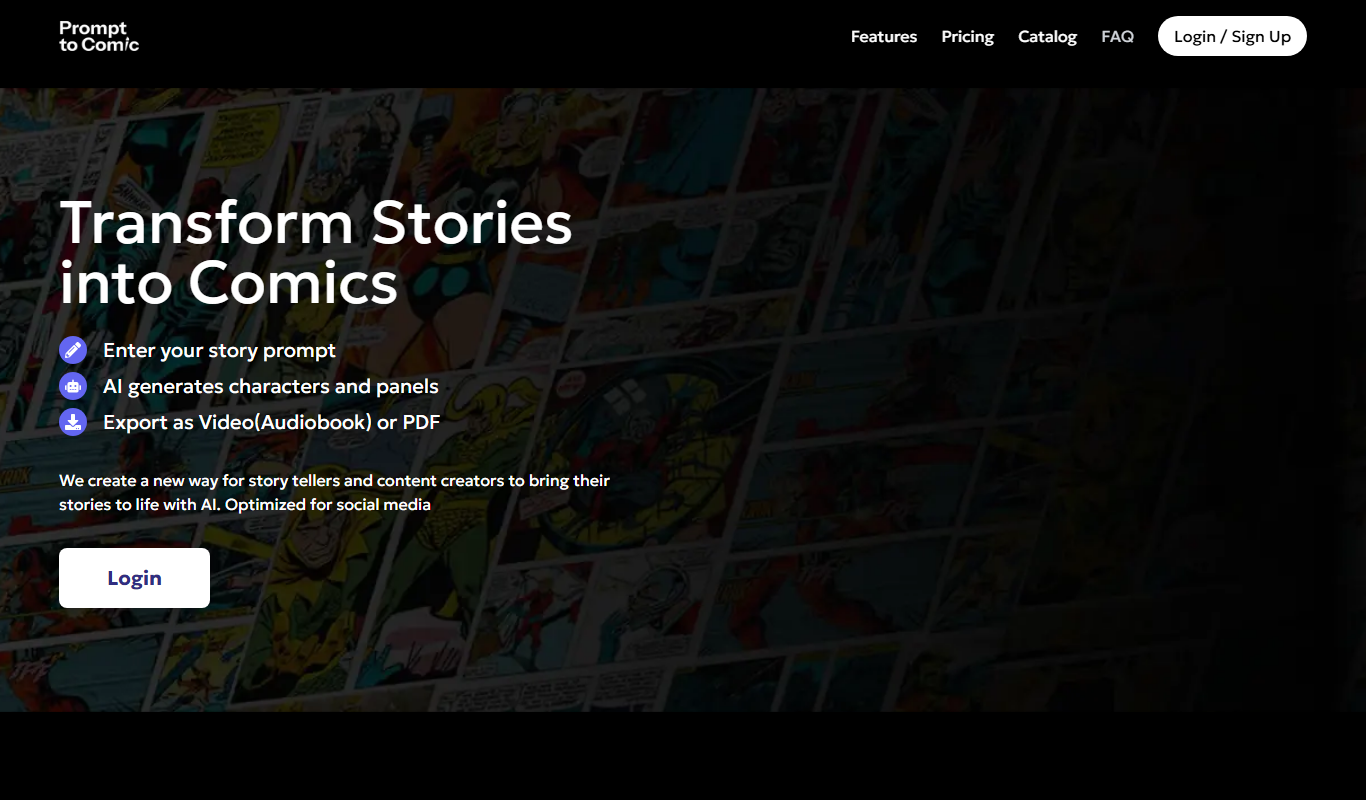
PromptToComicAI is an AI-powered web tool that converts text prompts into comic-style images, enabling users to create visual stories without drawing skills.

Free
InstaNovel AI
InstaNovel AI is a mini-novel generator that produces 4-6 chapters with illustrations, with a waiting queue for free users.

Free
Book AI
Book AI generates a complete book (10 thousand to 150 thousand words) in one request, intended for sale, rather than acting as a writing assistant that gives suggestions.