

From my experience with idict, I found it excels at providing clear, real-time grammar and style corrections across multiple languages, which is invaluable for multilingual users. The platform’s integration as a web tool and browser extension makes it convenient for daily writing and translation tasks. However, the free plan’s usage limits and the need for an internet connection can be restrictive for some users. Overall, if you require an AI assistant to improve your writing quality and translate efficiently in supported languages, idict offers a practical and user-friendly solution.
idict AI Language Assistant for Multilingual Writing and Translation
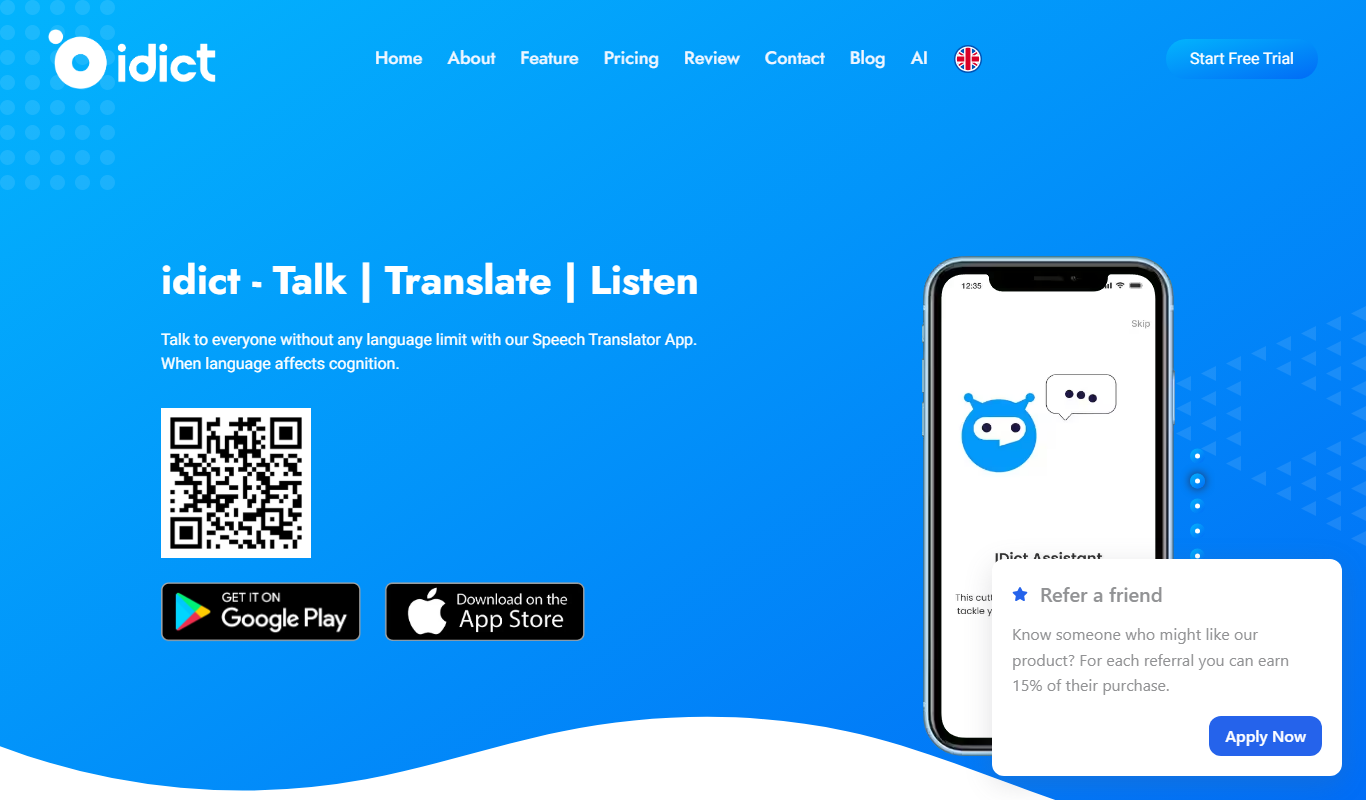
idict is an AI language assistant that provides multilingual grammar correction, style improvements, and instant translation to help users write and communicate more effectively across languages.
- Best for
- Multilingual Writing Assistance
- Key capability
- Multilingual Grammar and Style Correction
Do you recommend this tool?
What is idict?
idict is an AI-powered language assistant designed to support multilingual writing, translation, and communication. It leverages advanced natural language processing to provide grammar corrections, style improvements, and real-time translations across several major languages. The tool aims to help users write more clearly and accurately, whether for personal, educational, or professional purposes.
Key features of idict
idict offers real-time grammar and style correction, instant translation between multiple languages, contextual suggestions to improve writing clarity, and integration options such as browser extensions and mobile apps for seamless use across devices.
Multilingual Grammar and Style Correction
Automatically detects and corrects grammar and stylistic errors in multiple languages.
Instant Translation
Supports quick and accurate translation between supported languages within the interface.
Contextual Writing Suggestions
Offers context-aware recommendations to enhance clarity and tone.
Cross-platform Accessibility
Available via web, Chrome extension, and mobile app for convenient use.
Pros and cons of idict
Pros
- Supports multiple major languages for writing and translation
- Real-time grammar and style correction
- Cross-platform availability including browser extension
- User-friendly interface with contextual suggestions
Cons
- Limited offline functionality
- Free plan has daily usage limits
- Advanced features require subscription
Key use cases for idict
Multilingual Writing Assistance
Helps users write and edit texts in multiple languages with AI-powered grammar and style suggestions.
Real-time Translation
Provides instant translation between supported languages to facilitate communication and understanding.
Language Learning Support
Assists language learners by offering corrections and explanations to improve writing skills.
Content Localization
Enables businesses and individuals to adapt content accurately for different language audiences.
Cross-cultural Communication
Supports users in overcoming language barriers in professional and personal contexts.
How idict works
- 1
Create an Account
Sign up on the idict platform to access the AI language assistant features.
- 2
Input Text
Enter or paste your text in any supported language for correction or translation.
- 3
Receive Suggestions
The AI analyzes your text and provides grammar, style, and translation suggestions in real-time.
- 4
Apply Corrections
Review and apply the recommended changes to improve your writing or obtain a translated version.
Who is using idict
Language learners
Content creators
International business professionals
Students and educators
Multilingual communication users
idict pricing
Free
$0/month
Basic access with limited daily corrections and translations.
Premium
$9.99/month
Unlimited corrections, advanced features, and priority support.
Plans and prices are as published by the vendor and can change. Check the official site before you buy. Open the pricing page (opens in a new tab)
Frequently asked questions about idict
idict supports English, Chinese, Japanese, Korean, Spanish, and French.
Yes, idict offers a free plan with limited daily usage.
No, idict requires an internet connection to access AI-powered features.
Yes, idict is available as a mobile app for iOS and Android devices.
Yes, it can help with that use case depending on how you configure it and what features are available. You’ll get the best results with clear inputs and a defined goal.
Some tools offer a free plan or trial with limited features. Availability can vary, so confirm on the official website.
Yes, it can help with that use case depending on how you configure it and what features are available. You’ll get the best results with clear inputs and a defined goal.
It depends on your specific needs and how you plan to use the tool. The official website and documentation are the best sources for the latest details.
Sign in to review this tool.
Sign In to ReviewNo reviews yet
Be the first to share how this tool worked for you.
Ask about pricing, limits, or how it compares — or answer someone else.
Sign In to AskNo questions yet
Have a question about using or paying for this tool? Be the first to ask.
Featured on TiorAI



More AI Text To Speech Tools tools
Other tools in the same category, for when this one is not quite the fit.
Free Trial
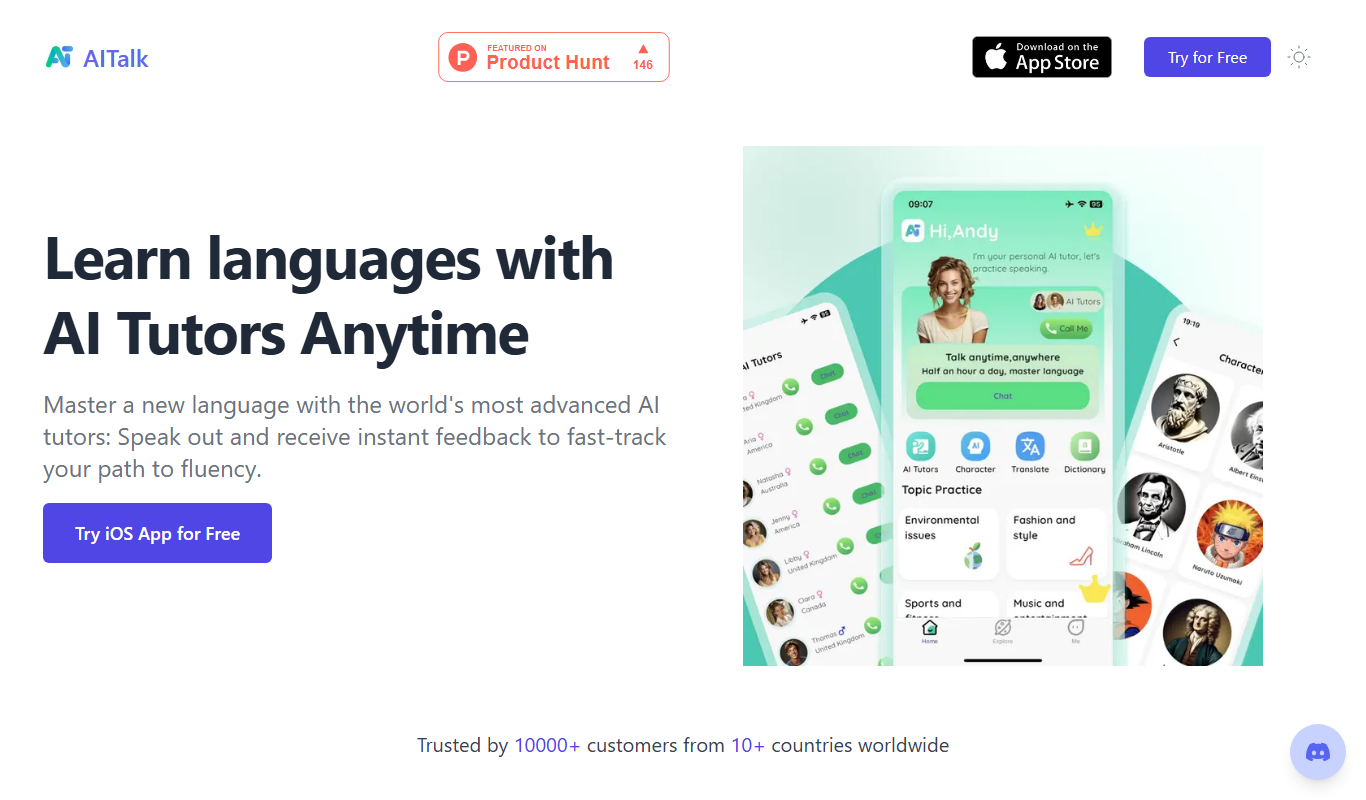
AITalk
AITalk is an AI-powered text-to-speech tool from Japan that converts text into natural, expressive speech with multiple voice options and API support.

Free
notevibes.com
Notevibes is an online text to speech platform offering over 200 natural AI voices across 25+ languages, customizable speech parameters, and high-quality audio downloads for content creation, education, and accessibility.

Free
GPT Reader: A Free AI Text-to-Speech
GPT Reader is a free online AI text-to-speech tool that converts English text into natural-sounding speech with multiple voice options and adjustable speed, requiring no signup.

Free
free text Into Speech
TTS4Free is a free online text-to-speech tool that converts typed text into natural-sounding speech audio in multiple languages without registration.

Free
Coqui
Coqui is an open-source AI platform providing high-quality text-to-speech and speech recognition technologies, enabling developers to build custom voice applications with flexible model training and API access.

Free
Soundify
Soundify is an online AI-powered text to speech tool that converts written text into natural, human-like audio with multiple voice options and easy downloads.
Free Trial
Rep.ai
Rep.ai is an AI voice cloning platform that creates realistic synthetic voices from short audio samples, enabling natural text-to-speech generation for various applications.
