

From my experience with Rep.ai, I found it excels at producing highly realistic synthetic voices from very short audio samples, which is impressive for voice cloning technology. After spending time with the platform, I can say it’s particularly well-suited for content creators and businesses needing custom voiceovers without hiring voice actors. However, there is a trade-off: the platform currently supports primarily English and lacks transparent pricing details upfront, which may require direct contact for enterprise use. Overall, if you need efficient, high-quality AI voice cloning for media or customer engagement, Rep.ai delivers solid results.
Rep.ai AI Voice Cloning Platform for Realistic Synthetic Speech
Rep.ai is an AI voice cloning platform that creates realistic synthetic voices from short audio samples, enabling natural text-to-speech generation for various applications.
- Best for
- Content Creation
- Key capability
- High-Fidelity Voice Cloning

Do you recommend this tool?
What is Rep.ai?
Rep.ai is an AI-powered voice cloning platform that enables users to create highly realistic synthetic voices. It leverages advanced deep learning models to clone voices from audio samples, allowing for natural text-to-speech generation that mimics the original speaker’s tone and style. The platform is designed for creators, businesses, and developers seeking to produce custom voice content efficiently and at scale.
Key features of Rep.ai
Rep.ai offers voice cloning from minimal audio input, customizable voice styles, high-quality text-to-speech synthesis, and an easy-to-use web interface. It supports voice generation for various applications including media production, customer service, and accessibility solutions.
High-Fidelity Voice Cloning
Creates natural-sounding synthetic voices that closely resemble the original speaker.
Minimal Audio Requirement
Requires only a few seconds of audio to generate a voice clone.
Custom Voice Styles
Adjust tone, pitch, and speaking style to suit different use cases.
Web-Based Platform
Accessible through a browser with no software installation needed.
API Access
Allows developers to integrate voice cloning capabilities into their own applications.
Pros and cons of Rep.ai
Pros
- Produces highly realistic synthetic voices
- Requires minimal audio input for cloning
- User-friendly web interface
- Offers API for integration
- Supports commercial use cases
Cons
- Limited language support (primarily English)
- Pricing details not fully transparent without contact
- No mobile app available
Key use cases for Rep.ai
Content Creation
Create realistic voiceovers for videos, podcasts, and audiobooks without needing professional voice actors.
Customer Support Automation
Generate natural-sounding synthetic voices for IVR systems and chatbots to improve customer interactions.
Entertainment and Media
Produce character voices for games, animations, and virtual assistants with personalized voice cloning.
Accessibility
Provide synthetic voices for assistive technologies to help people with speech impairments.
Marketing and Advertising
Develop branded voice content for ads and promotional materials with consistent voice identity.
How Rep.ai works
- 1
Upload Voice Sample
Provide a short audio clip of the voice you want to clone.
- 2
AI Voice Model Training
The platform processes the sample to create a digital voice model.
- 3
Generate Speech
Input text to synthesize speech using the cloned voice.
- 4
Download or Integrate
Download the audio or integrate the voice via API for your applications.
Who is using Rep.ai
Content creators and video producers
Customer support teams
Game developers and animators
Accessibility technology providers
Marketing and advertising agencies
Rep.ai pricing
Free Trial
$0
Limited voice cloning and synthesis to test the platform.
Subscription
Custom pricing
Full access to voice cloning features with higher usage limits and API integration.
Plans and prices are as published by the vendor and can change. Check the official site before you buy. Open the pricing page (opens in a new tab)
Frequently asked questions about Rep.ai
Rep.ai requires only a few seconds of clear audio to create a high-quality voice clone.
Yes, Rep.ai offers commercial licenses and API access for business applications.
Yes, you can adjust voice parameters such as pitch and style to better fit your needs.
Rep.ai follows industry-standard security practices to protect your data and voice models.
It depends on your specific needs and how you plan to use the tool. The official website and documentation are the best sources for the latest details.
It depends on your specific needs and how you plan to use the tool. The official website and documentation are the best sources for the latest details.
It depends on your specific needs and how you plan to use the tool. The official website and documentation are the best sources for the latest details.
Sign in to review this tool.
Sign In to ReviewNo reviews yet
Be the first to share how this tool worked for you.
Ask about pricing, limits, or how it compares — or answer someone else.
Sign In to AskNo questions yet
Have a question about using or paying for this tool? Be the first to ask.
Featured on TiorAI



More AI CRM & Sales Tools tools
Other tools in the same category, for when this one is not quite the fit.

Free
Whelp
Whelp is a customer support software that provides live chat and helpdesk ticketing to help businesses manage customer interactions efficiently.

Custom Pricing
Numa | AI for Dealerships
Numa is an AI-driven platform that helps automotive dealerships automate lead generation, customer engagement, and sales processes using conversational AI chatbots and marketing automation tools.
Free Trial
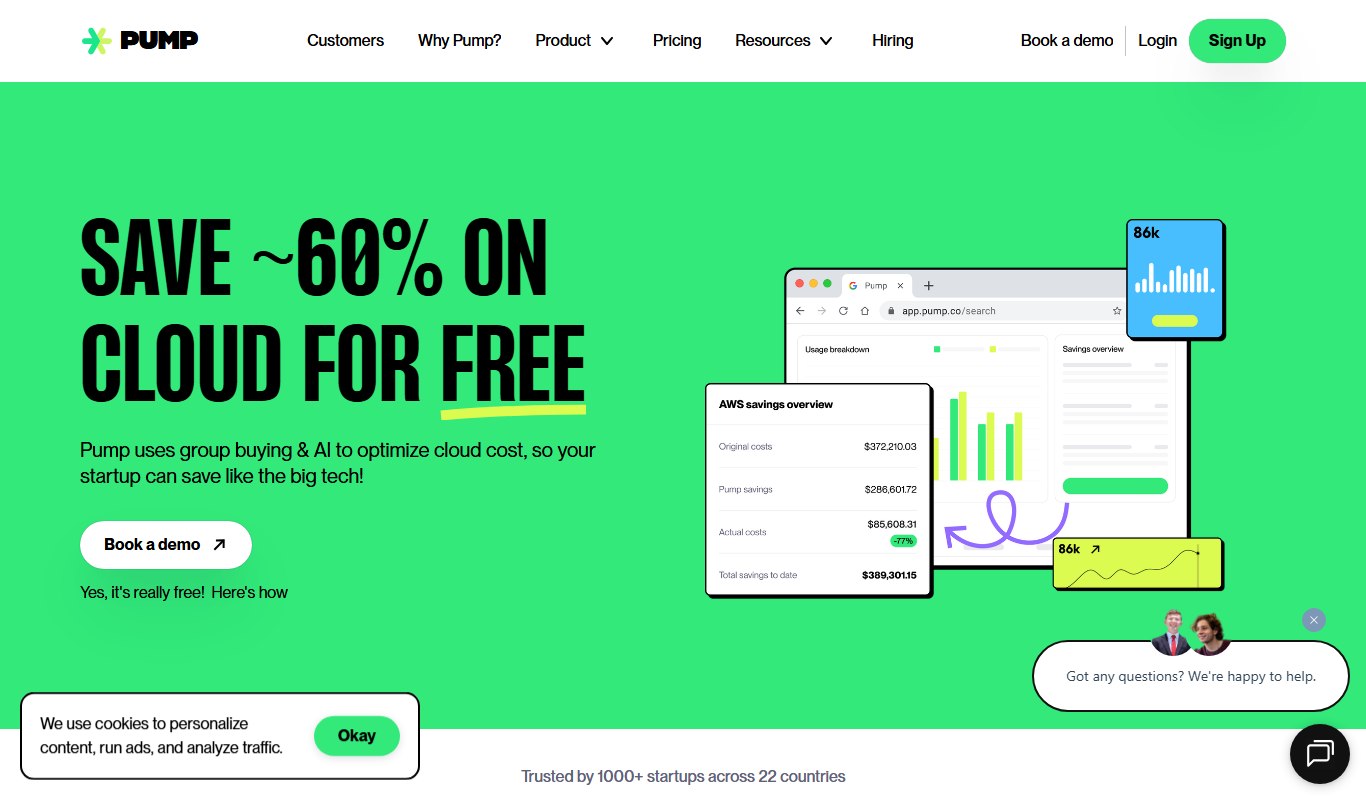
Pump
Pump is an AI-powered content generation platform that helps marketing teams and agencies quickly create customized marketing copy for ads, emails, social media, and SEO content.

Commission-based
CEOBuySell.com
CEOBuySell.com is an online business brokerage platform that helps business owners sell their companies and buyers find businesses to purchase, offering confidential listings and expert brokerage services.

Freemium
Coldreach (YC W23)
Coldreach is an AI-powered platform that automates personalized cold email campaigns and lead generation to help sales teams increase outreach efficiency and conversion rates.

Free Trial
AI Spend
AI Spend is an AI-driven platform that helps organizations monitor and optimize their cloud spending across multiple providers by providing real-time analytics, anomaly detection, and cost-saving recommendations.
Free Trial
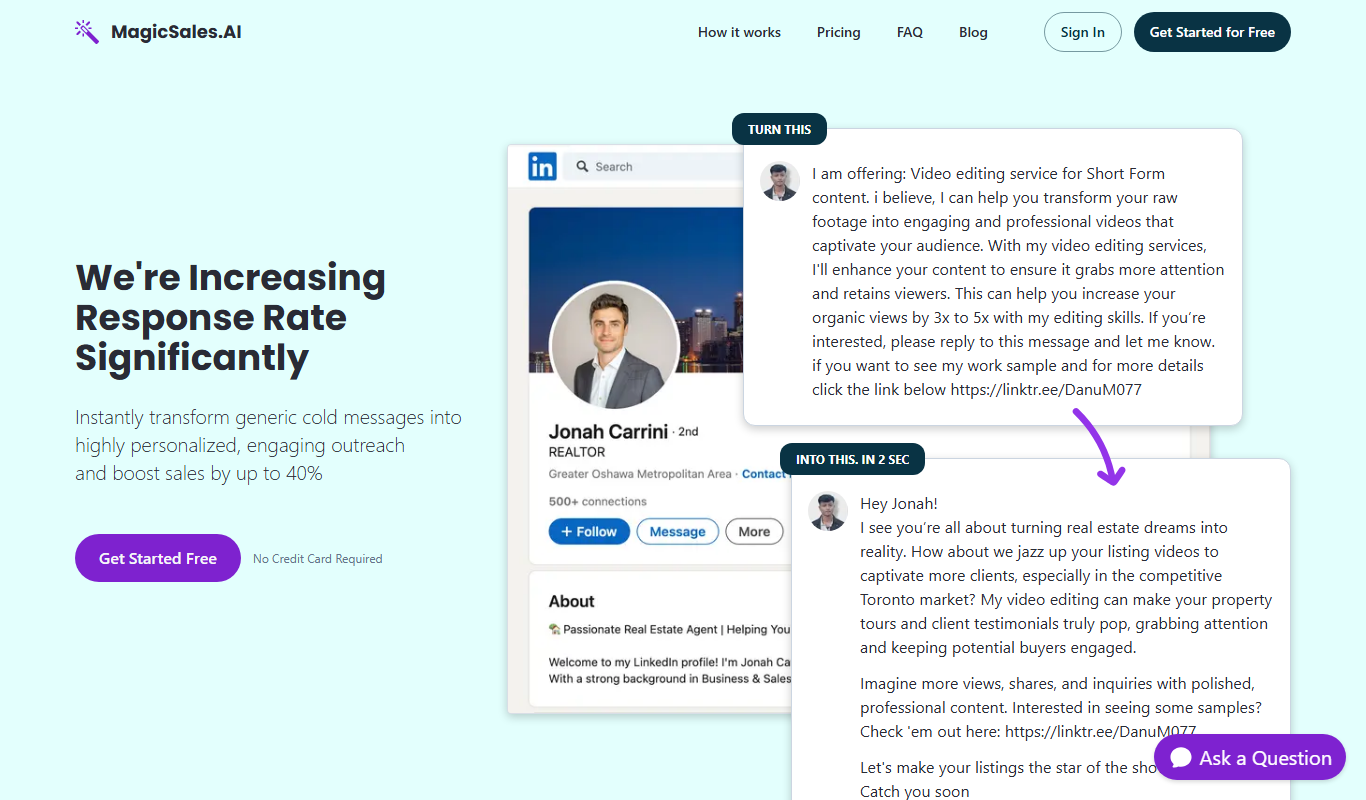
MagicSales.ai
MagicSales.ai is an AI-powered platform that automates lead generation and email outreach, integrating with CRMs to help sales teams increase efficiency and close deals faster.
Freemium
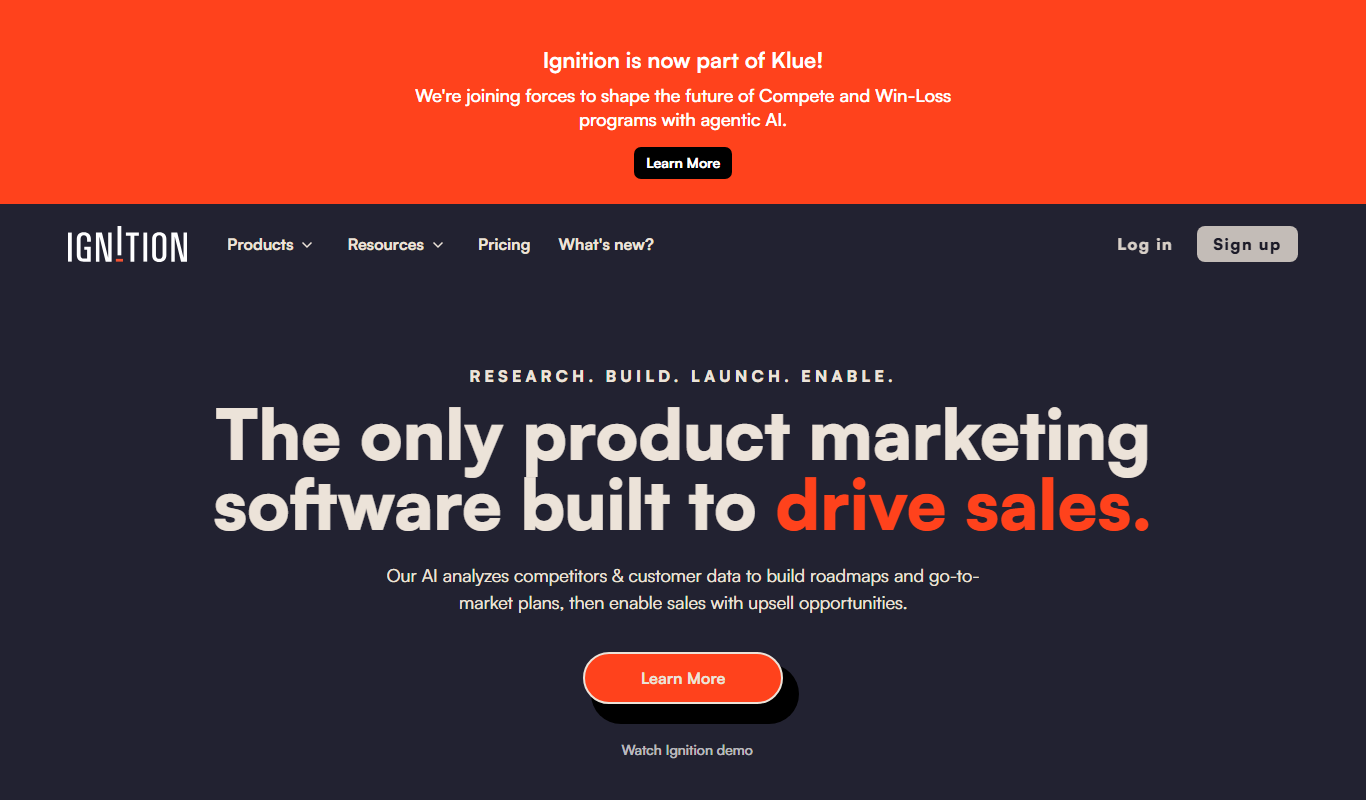
Ignition 1.0
Ignition 1.0 is an AI writing assistant that helps users generate, edit, and optimize content efficiently using advanced language models.